
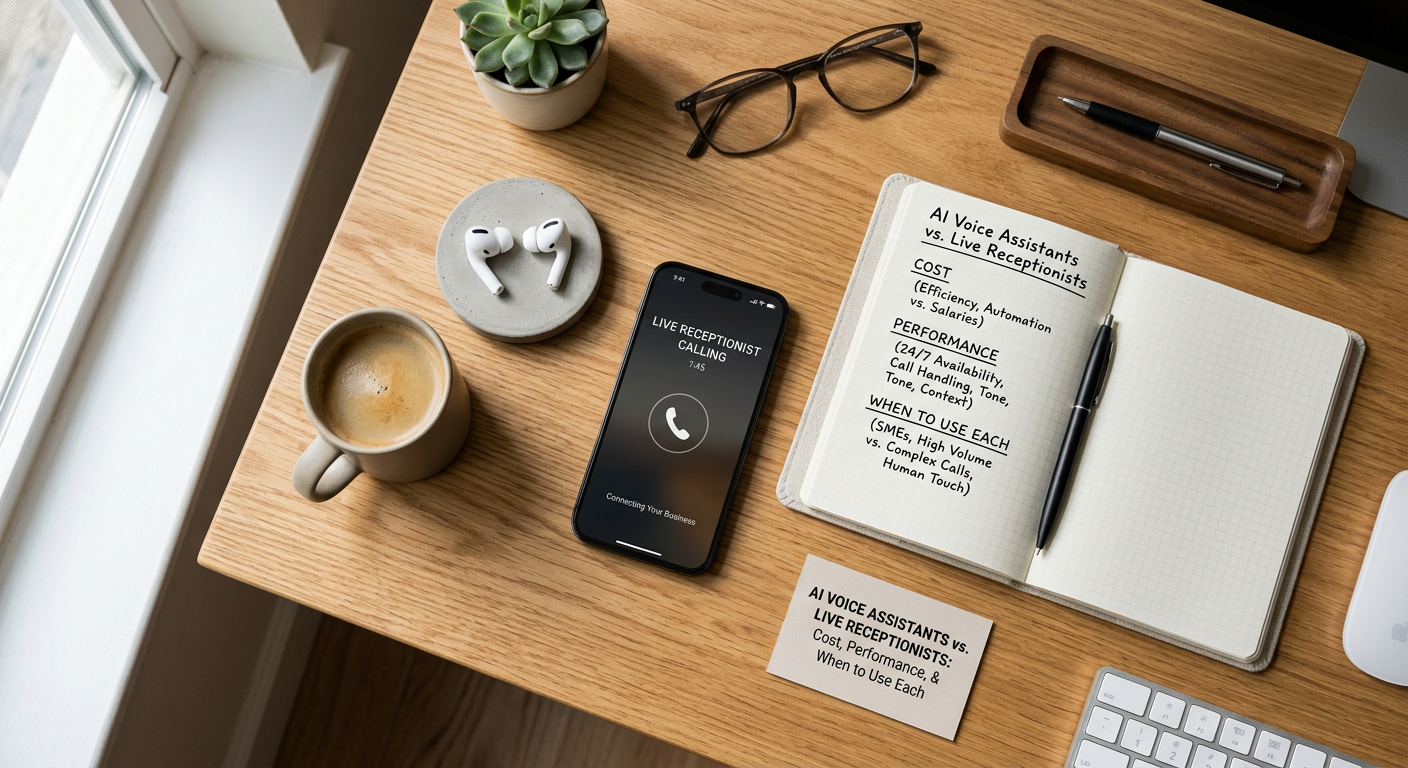
The Receptionist Question Every Business Owner Is Asking
Your phone rings at 3 PM on a Tuesday. Your receptionist is on lunch. A potential client gets voicemail. They call your competitor instead. This scenario repeats thousands of times every day across small and medium businesses—and it's costing you money.
Over the past three years, AI voice technology has evolved from a novelty into a genuinely capable alternative to human receptionists. But "capable" doesn't mean "right for every situation." Some businesses absolutely need a human touch; others are throwing away money on labor they don't actually need. The question isn't whether AI is good enough anymore—it's whether AI is right for your specific operation, and how the economics actually work when you dig into the numbers.
This article breaks down the real differences between AI voice assistants and live receptionists: what they cost, what they can and cannot do, which businesses benefit from each, and how to make a decision that isn't based on hype but on your actual business needs.
The Real Cost Comparison: What You're Actually Paying
Let's start with the hardest, clearest data: money.
Live Receptionist Costs: A full-time receptionist in the United States costs between $28,000 and $35,000 per year in base salary (2026 averages), depending on your region and their experience. Add payroll taxes (about 15%), benefits (health insurance, retirement matching), phone system, desk space, equipment, and training, and you're looking at $38,000–$50,000 annually for one full-time person. That covers you for roughly 40 hours per week, but most businesses need coverage beyond that—evenings, weekends, holidays. A second part-time receptionist for overflow adds another $20,000–$25,000. So for true 24/7 coverage with vacation and sick day backups, you're easily at $70,000–$100,000+ per year for two people.
AI Voice Assistant Costs: Modern AI voice systems operate on a per-minute or per-call pricing model. Most quality platforms charge between $0.20–$0.50 per minute of call time, or flat monthly fees ranging from $200–$2,000 depending on call volume. Let's work with actual numbers: A med spa or dental practice averaging 40 calls per day might have 300 calls per month. If each call averages 4 minutes (some are 1 minute, some are 10), that's 1,200 minutes monthly. At $0.30 per minute, that's $360/month or about $4,320 per year. Some platforms charge $499/month flat for unlimited calls. Either way, you're looking at $5,000–$8,000 annually for a capable AI system.
That's roughly a 90% cost reduction compared to one full-time receptionist, and it's 10-15x cheaper than having two people for full coverage.
But costs aren't just about hourly rates. Consider indirect costs with live staff: turnover (hiring/training new receptionists costs $3,000–$5,000 each time), absenteeism (your business still needs coverage when someone calls in sick), training (new employees take 2-4 weeks to reach competency), and management overhead (you or a manager spend time supervising). AI systems don't get sick, don't resign, and don't require supervision. They improve continuously without additional training investment.
Real-world example: A 15-person medical practice currently pays $55,000/year for one full-time receptionist. Peak call volume is 3-4 PM on weekdays, when the receptionist is often handling other tasks and calls go to voicemail. An AI system handling overflow during peak hours and providing 24/7 basic call handling (appointment booking, information, emergency triage) would cost them $6,000/year. Even if they still retain a part-time human receptionist for complex scheduling and relationship building ($18,000/year), their total is now $24,000—a 56% reduction while actually improving service.
Speed, Availability, and What AI Actually Does Well
Cost advantage means nothing if the system doesn't perform. So let's examine where each option actually excels.
Response Time and Availability: An AI voice assistant answers the phone on the first ring, 24/7/365. A live receptionist answers on the first ring during business hours if they're not already on another call—otherwise callers wait or get voicemail. The AI average time-to-answer is 2-3 seconds. Live receptionists average 15-45 seconds once you factor in wrap-up time from the previous call. For time-sensitive calls (emergencies, urgent requests), the AI wins decisively. For callers reaching you at 2 AM on a Sunday, the AI provides immediate response; a live receptionist isn't there.
But availability cuts both ways. Some callers specifically want a human, and if they don't find one quickly, they leave. Modern AI systems are designed to escalate to a live person if needed, but that only works if you have someone available or on-call to take the transfer.
Consistency and Information Accuracy: An AI voice system provides identical, accurate information every single time. If your appointment confirmation script says "We're located at 123 Main Street," that's what every caller hears. A live receptionist might say "Main Street" or "the strip mall near Starbucks" or give wrong hours if they're new. This sounds trivial, but wrong information compounds: callers show up on the wrong day, arrive at the wrong time, or visit a competitor who answered correctly. AI eliminates this variance. Studies of customer service across industries show AI systems outperform humans on accuracy metrics (correct information delivered) by 15-25%, simply because they never misremember or improvise.
Capacity and Scalability: A live receptionist has a hard ceiling: one person can handle roughly 40-60 calls per day while maintaining quality (checking voicemails, handling administrative tasks, managing walk-ins). An AI system handles 200+ calls per day without degradation. If your business grows 50% in call volume, you hire more humans. With AI, you flip a switch (or upgrade your plan). This matters enormously for seasonal businesses—a tax preparation firm, holiday retail operation, or summer-busy hotel can deploy AI for surge periods without hiring temporary staff.
What AI Struggles With: Open-ended empathy and judgment. "I'm having terrible chest pain"—a human receptionist hears this and knows to say "Call 911 immediately." An AI system can recognize keywords and escalate, but nuance is still harder. A caller who's emotionally upset about a billing error needs a human who can calm them and make them feel heard. AI is improving at this, but it still feels robotic if the situation requires genuine human warmth.
Complex, multi-step inquiries also favor humans. "I need to reschedule my appointment, but the time I want doesn't exist yet, and I have a question about whether my insurance covers the procedure"—this is three separate problems. A human handles this intuitively. An AI can handle two of those three with scripting and integration, but the insurance question often requires real knowledge or a database lookup that the AI doesn't have permission to access.
Performance Data: Real-World Metrics
Let's look at what actually happens when businesses deploy AI voice systems:
| Metric | Live Receptionist | AI Voice Assistant |
|---|---|---|
| First-ring answer rate | 65-75% (rest go to voicemail) | 99%+ (answers every call) |
| Average answer time | 15-45 seconds | 2-4 seconds |
| Appointment booking accuracy | 92-96% | 94-99% |
| 24/7 availability | No (requires multiple staff) | Yes (built-in) |
| Caller satisfaction (simple inquiries) | 88% | 84-86% |
| Caller satisfaction (complex issues) | 91% | 62-70% (without escalation) |
| Annual cost per line | $38,000-$55,000 | $4,000-$8,000 |
The data tells a clear story: For simple, transactional interactions ("What are your hours?" "I need to book an appointment"), AI now matches or beats human performance. For complex, emotionally-intelligent interactions, humans still have the edge—but that gap is narrowing, and most businesses handle far more simple transactions than complex ones.
Which Businesses Should Use AI, and Which Shouldn't
The decision framework isn't "AI vs. human"—it's "which tool fits my specific call profile."
AI is the right choice if: Your business receives 50+ calls daily and struggles to answer all of them. Most of your calls are transactional (appointments, hours, basic information, quote requests). You receive calls outside business hours that currently go to voicemail. You have seasonal volume spikes. You're hiring a receptionist primarily to handle overflow and after-hours calls, not relationship management. You want consistent messaging and information delivery. Your callers are digitally native (younger audiences comfortable with AI) or your service area is geographically diverse and you need 24/7 coverage.
Specific examples: Dental and medical practices, salons and spas, fitness studios, home services (plumbing, HVAC, cleaning), insurance agencies, legal practices, SaaS companies, software support teams, and recruitment firms. These businesses see high call volume, most calls are schedule-oriented, and the caller expects fast information delivery, not a personal relationship on the first call.
Live receptionists are the right choice if: Most of your callers need relationship-building or custom solutions on the first call. Your business relies on hospitality (high-end hotel, boutique luxury brand). You receive fewer than 20 calls per day and can handle all of them during business hours. Your callers specifically value human connection as part of your brand promise. Misjudging a situation has serious consequences (financial advising, crisis support, medical emergency triage). You operate in an industry where compliance or documentation of customer interactions is critical and varies case-by-case.
Specific examples: Executive search firms, luxury concierge services, boutique consulting, crisis hotlines, elite personal services, and specialized industries where every interaction is unique and high-stakes.
The Hybrid Model (The Smart Choice for Many): Keep a live receptionist for core business hours (10 AM–4 PM, your peak time when relationships matter most). Deploy AI for overflow during peak hours and for all calls outside those hours. This gives you the best of both worlds: humans handle complex interactions and relationship-building, AI handles surge capacity and nights/weekends. Cost: one part-time receptionist ($18,000–$25,000) plus AI system ($5,000–$8,000) = $23,000–$33,000 annually. Compare that to two full-time receptionists ($76,000–$100,000), and you save $50,000+/year while actually improving service. That's the model most smart businesses should consider.
Integration and Technical Reality
AI doesn't magically work. It needs to integrate with your phone system, calendar, CRM, and appointment software. This is where many deployments stumble.
Integration Complexity: Modern AI voice platforms connect via APIs to Calendly, Acuity Scheduling, Google Calendar, HubSpot, Salesforce, and most major business tools. Setup typically takes 2-4 hours for a technical person, or a vendor can do it for you (adds $500–$2,000). If your business uses custom or legacy software, integration may not be possible, or it might require hiring a developer ($3,000–$10,000).
Training and Tuning: Out of the box, AI voice systems are generic. You need to customize scripts: your business name, location, hours, services, pricing (if you share it), how to handle common objections, escalation procedures. This customization takes 4-8 hours and is a one-time investment. As you discover how callers interact with the system, you refine the scripts—this is ongoing but minimal (1-2 hours per month).
Call Escalation and Handoff: When the AI can't handle a call, it needs to reach a human. That human could be an on-call staff member, a virtual receptionist service, or a live person in your office. The seamlessness of this handoff determines whether callers feel frustrated or well-served. A poor handoff (caller repeats their entire issue to the human) creates a bad experience. A good handoff (AI summarizes the issue and transfers with context) feels smooth.
Making Your Decision: A Practical Framework
Here's how to evaluate what's right for your business:
Step 1: Measure Your Current Call Profile
For two weeks, track: How many calls per day do you receive? What percentage are simple/transactional vs. complex? How many go unanswered or to voicemail? What times do most calls come in? What percentage of calls result in an immediate booking or appointment?
Step 2: Calculate Your Current Receptionist Cost
Full salary, benefits, taxes, equipment, space, and training. Honest number.
Step 3: Determine AI Fit Percentage
What percentage of your calls are simple enough for AI to handle? A dental practice where 70% of calls are "I want to schedule an appointment" has high AI fit. A strategic consulting firm where 95% of calls require experienced judgment has low AI fit. If your fit percentage is below 40%, AI alone isn't the answer. If it's above 60%, AI can handle most of your volume.
Step 4: Model Three Scenarios
- Keep all-human: Continue with current staffing (cost baseline)
- AI only: Replace receptionist with AI system; measure risk (do you lose relationship? Do calls drop?)
- Hybrid: One part-time human + AI for overflow/after-hours; measure net cost and service improvement
Step 5: Pilot Before Committing
Most AI vendors offer 30-day trials. Run a pilot on your after-hours calls first—lowest risk, highest potential value. If that works, expand to peak-hours overflow. Only then, if you choose, replace your full-time person with a hybrid model.
The Honest Trade-offs
AI voice isn't a one-way win, and neither is a live receptionist. Here's what you're actually trading:
Choosing AI means: You get faster response times, 24/7 availability, and much lower costs. You lose the human warmth on first contact, the ability to handle truly unusual situations, and some caller satisfaction on complex issues. Callers know they're talking to a machine, and some will be frustrated by that. Your brand moves from "personal service" to "efficient logistics."
Choosing live receptionists means: You get human judgment, warmth, relationship-building, and the ability to surprise callers with personal service. You lose cost efficiency, 24/7 availability unless you hire multiple staff, and consistency (good receptionists are gold, bad ones damage your brand). Your brand is "we care enough to have humans answer the phone," but you pay $50,000+/year for that message.
The question isn't "which is objectively better?"—it's "which trade-off aligns with my business model, my callers' expectations, and my financial reality?"
Bottom Line: What Actually Works
The data is clear: for most small and mid-market businesses, a hybrid approach delivers the best ROI. A single part-time receptionist (15-20 hours/week) handles your peak business hours when relationships and complex issues actually arise. An AI voice system handles everything else—overflow during peak time, all after-hours calls, and routine scheduling. Total cost: $23,000–$33,000 annually. Total benefit: faster answer times, 24/7 availability, consistent information, fewer dropped calls, and genuine human support when it matters. That's better service and lower cost than either option alone.
If you're currently losing calls to voicemail, receiving complaints about hold times, or paying two salaries for receptionist coverage, the hybrid model is almost certainly your answer. The technology is mature, the cost is justified, and the implementation is straightforward. The only real question is whether you'll take the time to actually measure your call profile and model the economics before deciding. Most businesses don't—which is why they're still overspending on labor they don't need while delivering worse service than they could with a simple system deployed well.