
How to Use AI for Restaurant Operations: Save Money and Reduce Stress (2026)
To use AI for restaurant operations, deploy an AI phone agent for takeout orders and reservation management, automate reservation confirmations and waitlist updates, use AI for inventory tracking and order optimization, monitor and respond to online reviews automatically, and optimize staff scheduling based on historical data. Restaurants using AI can reduce phone-related labor pressure and capture takeout orders that would otherwise go unanswered during busy shifts.
Learn how to use AI for restaurant operations including phone ordering, reservation management, inventory tracking, review monitoring, and staff scheduling.
Epiphany Dynamics is an AI automation agency: we help businesses find and fix operational bottlenecks with AI receptionists, lead follow-up, and workflow automation.
Free 30-minute audit. We name at least 3 things you can automate, ranked by impact.
Book a free AI audit
Patrick Gibbs
To use AI for restaurant operations, deploy an AI phone agent for takeout orders and reservation management, automate reservation confirmations and waitlist updates, use AI for inventory tracking and order optimization, monitor and respond to online reviews automatically, and optimize staff scheduling based on historical data. Restaurants using AI can reduce phone-related labor pressure and capture takeout orders that would otherwise go unanswered during busy shifts.
Why Restaurants Need AI Operations
Restaurants operate on razor-thin margins, which means every efficiency improvement matters. Labor is the biggest expense, and phones are the biggest labor drain.
Think about what happens during dinner rush. The host is seating guests. Servers are running food. The manager is handling a problem table. And the phone keeps ringing with takeout orders, reservation changes, and questions about hours. Someone has to answer it, which means someone stops doing their primary job. This is where AI delivers immediate, measurable value.
Step 1: Deploy AI Phone Ordering and Reservation Management
The highest-impact AI deployment for most restaurants is an AI phone agent. Modern AI can handle the full complexity of restaurant phone calls: take complete takeout orders including modifications and special instructions, check with your POS system on item availability and pricing, book, modify, or cancel reservations directly in your reservation system, answer common questions about hours, menu items, dietary restrictions, and parking, and transfer callers to a human manager for complaints, large party bookings, or other complex requests.
Setup takes 2-3 days. You train the AI on your menu, pricing, hours, and common questions. The AI connects to your POS and reservation system through API or webhook.
Figures in this section are illustrative planning assumptions, not measured industry data. What this looks like in practice: a pizzeria deploying AI phone ordering during dinner rush can expect the AI to handle most incoming calls independently, takeout orders to climb because calls no longer roll to voicemail, and staff to feel noticeably less pressure during peak hours.
Step 2: Automate Reservation Confirmations and Waitlist Management
Manual reservation management creates gaps. Confirmations get missed. Waitlists get lost. Parties book and dont show up without any penalty.
Set up automated text confirmations immediately after a reservation is made. Send a reminder 4 hours before the reservation with a link to modify or cancel. For waitlisted parties, send automatic notifications when a table opens up, giving them 15 minutes to confirm. If a party no-shows, automatically add their contact to a follow-up sequence for rebooking.
Restaurants using automated waitlist management can reduce no-show risk and speed up table turnover because waitlisted guests are notified and seated more efficiently.
Step 3: Use AI for Inventory Management
AI inventory tools analyze your sales data to predict what ingredients you need, when to order them, and in what quantities. This reduces food waste risk and prevents stockouts of popular items.
Connect your POS data to an AI inventory platform. The AI learns your sales patterns by day of week, season, and promotional calendar. It generates automated purchase orders for your suppliers, flags items approaching expiration, and suggests menu adjustments based on ingredient availability and cost fluctuations.
For deeper guidance, see our AI inventory management guide.
Step 4: Monitor and Respond to Reviews Automatically
Restaurant reviews on Google, Yelp, and TripAdvisor directly impact your business. A single point drop in your rating can noticeably reduce revenue.
Set up AI review monitoring that: alerts you instantly when a new review is posted on any platform, categorizes reviews as positive, neutral, or negative, drafts response suggestions based on the review content, and flags negative reviews requiring immediate manager attention.
Respond to every review within 24 hours. Positive reviews get a thank-you that mentions something specific from their visit. Negative reviews get an acknowledgment of the issue and an invitation to make it right offline.
Step 5: Optimize Staff Scheduling with AI
Staff scheduling is one of the most time-consuming tasks for restaurant managers. AI scheduling tools analyze historical sales data, weather forecasts, local events, and staff availability to generate optimized schedules.
The AI: creates schedules that match projected customer volume, flags potential overtime based on hours worked, accommodates staff availability preferences and time-off requests, and adjusts schedules in real time when someone calls in sick.
Managers using AI scheduling save several hours per week on schedule creation and typically reduce labor costs by eliminating overstaffing.
Frequently Asked Questions
Can AI handle complicated takeout orders with modifications? Yes. Modern restaurant AI agents handle modifications, substitutions, and special instructions. You train the AI on your menu structure and common modifications. If the AI is unsure, it can transfer to a human.
Will my customers be annoyed by AI phone ordering? Most customers prefer AI for routine ordering because its faster. They dont wait on hold, they dont have to repeat their order, and the order is entered directly into your POS. For complex issues, the AI transfers to a human cleanly.
Does AI work with my existing POS system? Most AI phone ordering platforms integrate with major POS systems including Toast, Square, Clover, Aloha, Lightspeed, and Micros. Check with your vendor.
How much does restaurant AI cost? These are illustrative third-party software budgets. Compare current vendor quotes against peak call volume, ordering rules, and the systems you already use.
AI phone ordering runs $200-$500/month. Reservation management and waitlist automation runs $100-$200/month. Inventory AI is $100-$300/month. A full stack runs $500-$1,000/month for a busy restaurant.
How long does it take to deploy AI in a restaurant? AI phone ordering takes 2-3 days to configure and train. Reservation automation takes 1 day. Inventory AI takes 1-2 weeks to learn your sales patterns. Start with phone ordering and expand from there.
Automate Your Restaurant Operations
Restaurant margins are too thin to leave money on the table from missed calls, no-shows, and food waste. AI addresses all of these with measurable operating improvements that should be tracked against order capture, table utilization, and staff time saved.
Start with AI phone ordering. Its the highest-impact, fastest-setup automation for any restaurant. Our restaurant automation guide has vendor comparisons, setup instructions, and ROI calculators.
Book a free automation audit and discover how much revenue your restaurant is leaving on the table.
Patrick Gibbs
AI Automation Expert
Patrick Gibbs helps professional practices implement AI automation that captures more leads, books more appointments, and scales without adding overhead. He's the founder of Epiphany Dynamics and creator of the AI Front Desk system.
Related Solutions
Build this into a real workflow
Related Posts

What Two-Way Sync Between AI and ServiceTitan Looks Like in Practice
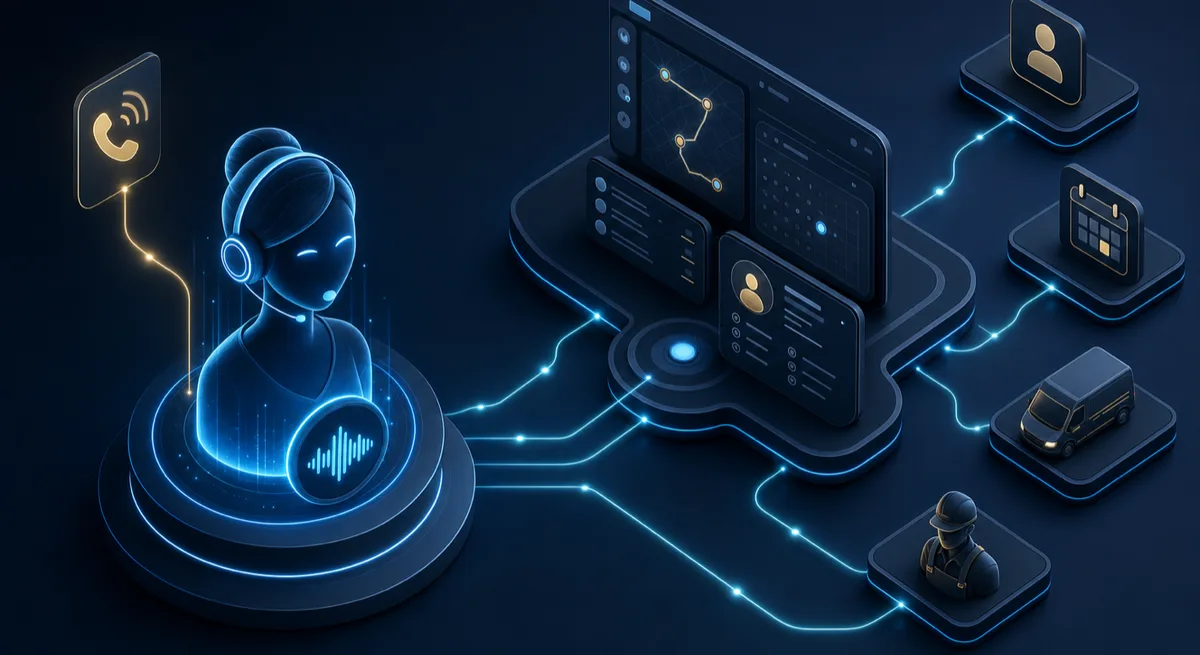
Two-way sync between AI and ServiceTitan means data flows both directions: the AI reads live job and customer data from ServiceTitan, and writes new bookings.
AI Answering Service for Restaurants: What to Compare in 2026
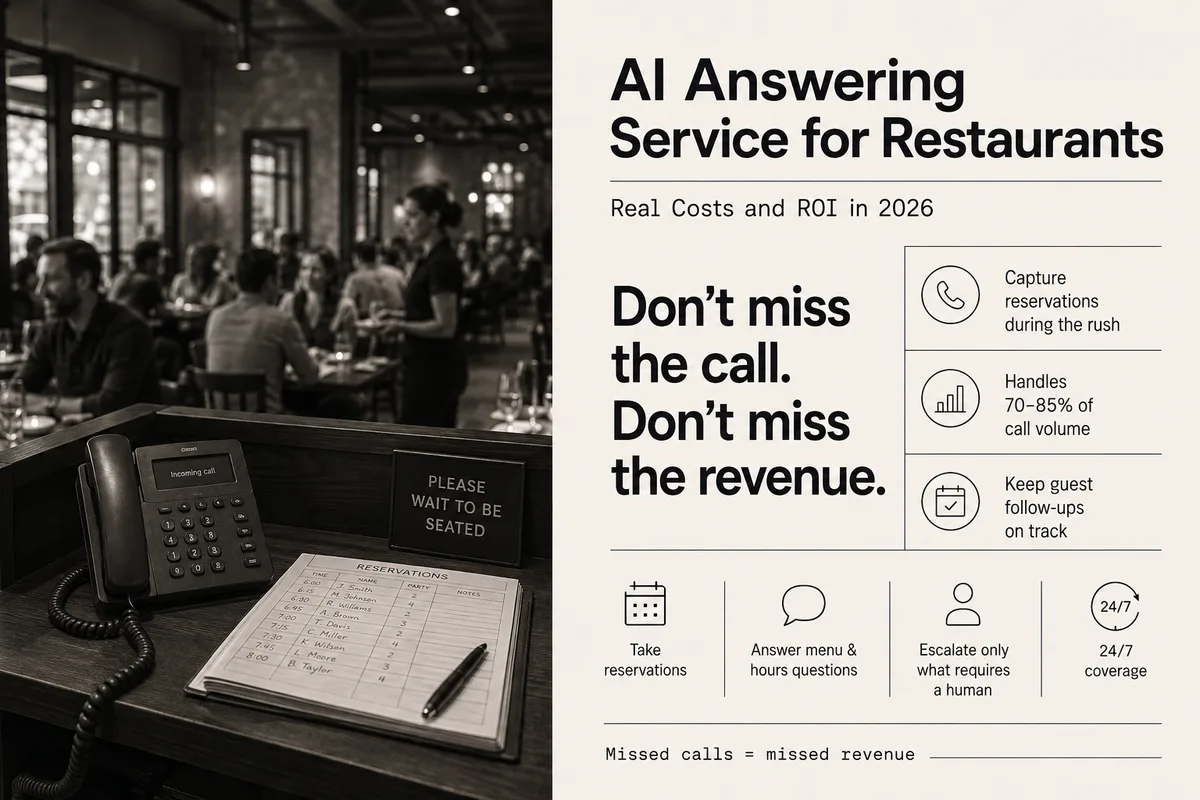
Restaurants miss calls during peak hours. An AI answering service can handle reservations, menu questions, and callbacks when staff are busy.
AI Receptionist for ServiceTitan: How the Integration Actually Works
A plain-English guide to connecting an AI receptionist to ServiceTitan through its API, what gets automated, and what your account needs first.