
How-To Guides
What Two-Way Sync Between AI and ServiceTitan Looks Like in Practice
Two-way sync between AI and ServiceTitan means data flows both directions: the AI reads live job and customer data from ServiceTitan, and writes new bookings.
The free 30-minute AI Operations Audit is a conversation about a normal week in your business and where the work piles up. We find the one change that would give you the most time back and send you a plain-English plan for it. No forms and no pitch.
Book a free AI audit
Patrick Gibbs
Two-way sync between AI and ServiceTitan means data moves in both directions through ServiceTitan’s API: the AI reads live customer and job data from ServiceTitan so it can answer and schedule accurately, and it writes new bookings, call notes, and status updates back into the same records, with clear rules about what it is allowed to change and what it can only read. One-way sync just copies data in a single direction and leaves the rest to manual work. Two-way sync is what makes a connected front desk feel like one system instead of two.
Most teams asking about two-way sync have already been burned by a tool that only pushed data one way. The AI booked a call, but nothing showed up in the dispatch board, so someone retyped it. Or the AI could read the schedule but could not write a booking, so it still handed off to a human for every job. This page explains what real two-way sync looks like, what flows each direction, and where the safe limits are.
What two-way sync actually means
A one-way integration moves data in a single direction. A read-only connection lets the AI see ServiceTitan data but never change it. A write-only connection pushes data into ServiceTitan but cannot check anything first. Both leave gaps that a person has to fill.
Two-way sync closes the loop. The AI reads what it needs to answer the customer correctly, then writes the result back so the rest of your team sees it without retyping. The connection runs through ServiceTitan’s API, authorized by your administrator, and access can be scoped and revoked through the authorization process your ServiceTitan account uses.
What the AI reads from ServiceTitan
To answer a caller accurately, the AI needs current data. On the read side, a connected workflow can pull:
- Existing customer records matched by phone number, so a returning caller is recognized.
- Job and appointment history for context on what was serviced and when.
- Technician availability, so the AI books a real open slot instead of promising a callback.
- Membership, warranty, and account status, so the conversation is accurate.
Reading this data is low risk, because the AI is only looking. The value is that the customer gets a correct answer on the first call.
What the AI writes back into ServiceTitan
On the write side, a connected workflow can create and update records so nobody retypes what the AI already captured:
- Create or update the customer record from a new caller’s details.
- Book or reschedule a job directly on the dispatch board.
- Attach the call summary and conversation notes to the customer record.
- Update a job status or trigger a follow-up, such as a review request on completion.
| Direction | Examples | Risk level |
|---|---|---|
| Read from ServiceTitan | Customer lookup, job history, technician availability, membership status | Low, the AI only looks |
| Write to ServiceTitan | New customer, booked job, call notes, status update | Controlled, scoped to agreed actions |
| Should stay read-only | Pricebook edits, billing and invoicing changes, permission changes | Reserved for your team |
What should stay read-only
Just because the AI can write does not mean it should write everything. The safe pattern is to let it create the records it captured firsthand, like a new booking or a call note, and to keep anything financial or structural under human control. Pricebook edits, invoicing and billing changes, refunds, and permission changes belong with your team. A good build draws that line on purpose and routes anything outside it to a person.
Further reading: AI Texting That Works With ServiceTitan: Two-Way SMS Without the Busywork.
Realistic constraints
Two-way sync is powerful, but it is honest work, not magic. A few constraints are worth setting expectations on:
- It depends on API access being enabled on your ServiceTitan account, authorized by an administrator.
- It is a custom automation built on ServiceTitan’s public API, not a certified ServiceTitan Marketplace app. Confirm your account’s current ServiceTitan API and Marketplace requirements before going live.
- What can be read or written depends on the permissions you grant. The connection is scoped to the actions you agree to, and nothing more.
- Edge cases still need people. The build defines what gets handed off, so an unusual or high-value situation reaches a human with full context instead of being forced through automation.
For the broader picture of how this connection is built, see our ServiceTitan AI integration explainer and the AI receptionist for ServiceTitan integration guide.
Map Your Two-Way ServiceTitan Sync. We will map what should read from ServiceTitan, what can safely write back, and where a person stays in control, then scope the connection to your account. Map Your Two-Way ServiceTitan Sync.
Frequently Asked Questions
What is two-way sync between AI and ServiceTitan?
It is a connection through ServiceTitan’s API where the AI both reads live data from ServiceTitan, like customer history and technician availability, and writes data back, like new bookings and call notes, so the same information lives in one place without manual re-entry.
What can the AI write back to ServiceTitan?
Typically the records it captures firsthand: new or updated customer details, booked or rescheduled jobs, call summaries, and status updates that trigger follow-ups. Financial and structural changes like pricebook edits and invoicing are kept under human control.
Does two-way sync require a certified ServiceTitan integration?
It is a custom automation built on ServiceTitan’s public API, authorized by your administrator, rather than a certified Marketplace app. Whether your account needs anything beyond API access can depend on ServiceTitan’s current terms, so confirm your account’s API and Marketplace requirements before going live.
Can I control what the AI is allowed to change?
Yes. The connection is scoped to the permissions you grant and the actions you agree to. You decide what stays read-only, and access can be scoped and revoked through the authorization process your ServiceTitan account uses.
How does this connect to the rest of my front desk?
The same connection powers calls, texting, booking, and reviews. An AI receptionist that works with ServiceTitan runs all of them on one connection, so a customer who calls and later texts is recognized as the same person.
Ready to see what two-way sync would look like for your account? We will map what should read from ServiceTitan, what can safely write back, and where a person stays in control. Map Your Two-Way ServiceTitan Sync.
Patrick Gibbs
AI Automation Expert
Patrick Gibbs helps professional practices implement AI automation that captures more leads, books more appointments, and scales without adding overhead. He's the founder of Epiphany Dynamics and creator of the AI Front Desk system.
Related Solutions
Build this into a real workflow
Related Posts
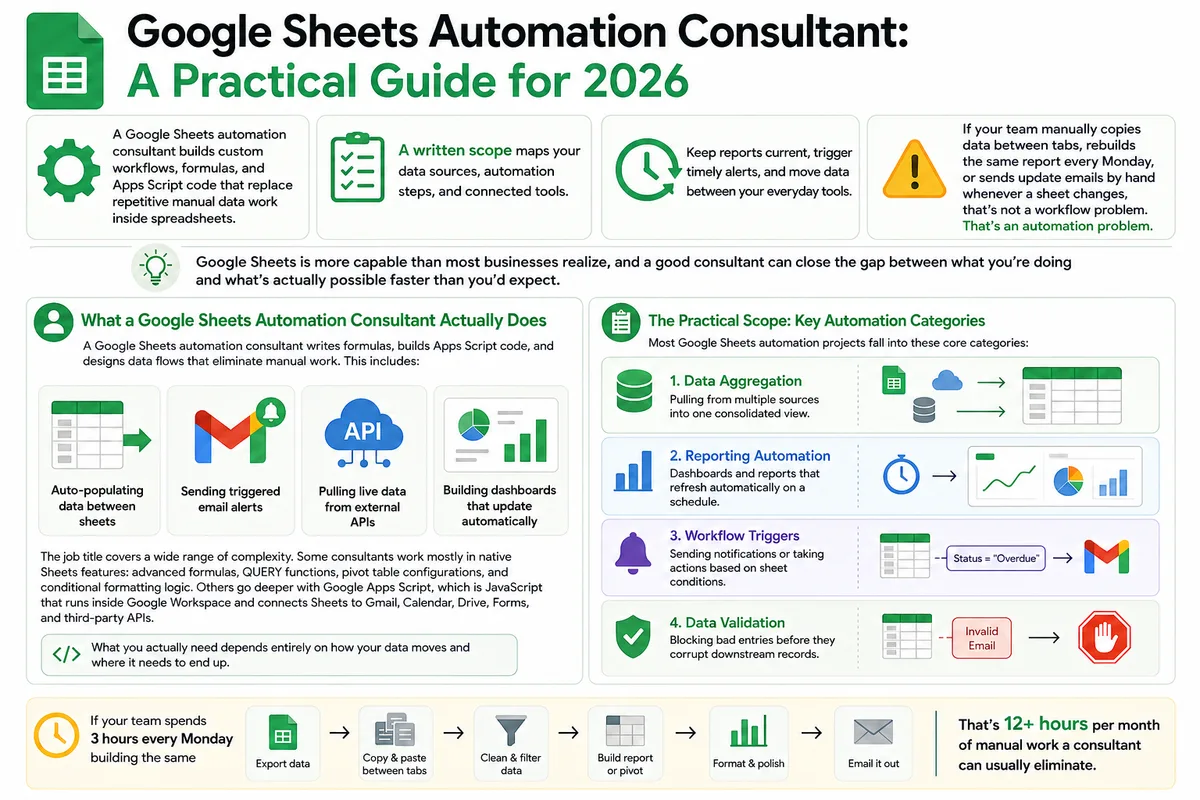
Google Sheets Automation Consultant: A Practical Guide for 2026
Most businesses don't track what spreadsheet work actually costs them. Here's what a Google Sheets automation consultant does in 2026, how to judge the value.
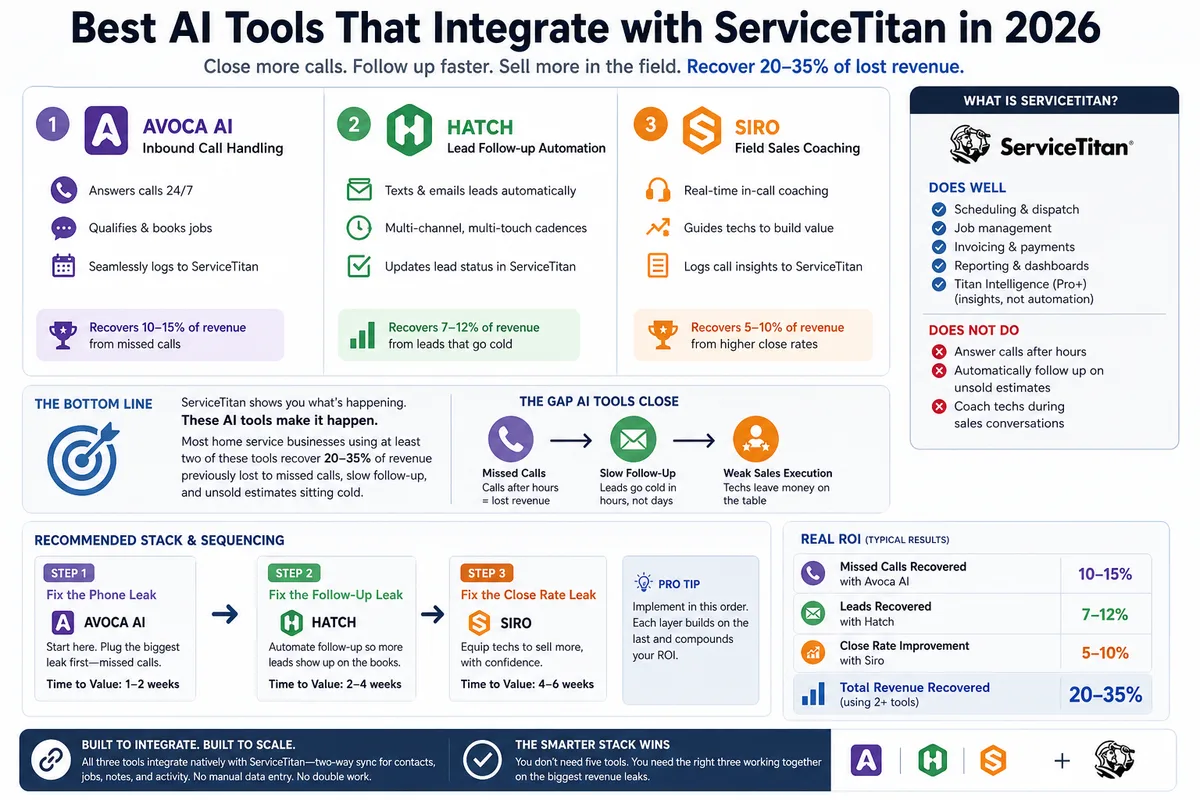
Best AI Tools That Integrate with ServiceTitan in 2026
Most ServiceTitan shops miss a meaningful share of inbound calls and leave most estimates unsold. These AI tools close those gaps inside ServiceTitan.
AI Receptionist for ServiceTitan: How the Integration Actually Works
A plain-English guide to connecting an AI receptionist to ServiceTitan through its API, what gets automated, and what your account needs first.