
Best AI Receptionist for Law Firms in 2026
An AI receptionist for law firms should be tested against the firm's own intake workflow: it follows approved scripts, collects only the required details, hands conflict-check names to staff, escalates sensitive calls to a human, and writes to calendars or practice systems only after verified handoffs.
Best AI receptionist for lawyers: 24/7 intake, conflict-safe handoffs, calendar booking, and human escalation. Compare options built for real law-firm workflows.
Epiphany Dynamics is an AI automation agency: we help businesses find and fix operational bottlenecks with AI receptionists, lead follow-up, and workflow automation.
Free 30-minute audit. We name at least 3 things you can automate, ranked by impact.
Book a free AI audit
Patrick Gibbs
An AI receptionist for law firms should be tested against the firm's own intake workflow: it follows approved scripts, collects only the required details, hands conflict-check names to staff, escalates sensitive calls to a human, and writes to calendars or practice systems only after verified handoffs.
For lawyer intake, the answer is not a brand name. The right fit depends on how the firm's first call flows: who screens the caller, what information may be collected, when a conversation must reach an attorney, and how a consultation request becomes a calendar or practice-management record. Most firms choose between packaged AI products, managed hybrid services, and custom workflow builds. This guide compares those models by buyer fit and gives firms a practical test checklist before selecting a receptionist.
Why Legal Intake Needs More Than Call Answering
A legal intake call can include prospective-client information, involved-party names, deadlines, emotionally difficult facts, and questions the receptionist should not answer. A useful system needs to know what it may collect, what it must not say, and when the conversation belongs with a lawyer or trained staff member.
The receptionist also sits inside a larger process. A consultation request may need to reach the correct calendar, a record may need to enter a practice management system, and a list of names may need to begin a conflict review. Those steps should be treated as controlled handoffs. The receptionist should not decide case merit, clear a conflict, promise representation, or provide legal advice.
Coverage is usually the first test. A large share of legal inquiries arrive after hours, and prospective clients in time-sensitive situations tend to call several firms and go with the one that answers first. A receptionist that only covers business hours misses that window. A 24/7 system captures the inquiry, collects the approved details, and routes it for staff review, while the firm decides which calls warrant immediate escalation.
If the desired workflow goes beyond phone reception into forms, follow-up, routing, and approved system handoffs, see the separate service page for an AI agent for law firms. This article stays focused on choosing an AI receptionist.
Compare AI Receptionist Options by Buyer Fit
Packaged AI Receptionist
A packaged product can fit a solo or small firm that needs common call handling, message capture, and consultation requests with limited customization. The main advantage is a defined product and a faster path to a trial. The trade-off is that scripts, data fields, escalation behavior, and integrations may be constrained by the product's standard configuration.
Before choosing this model, confirm whether the firm can edit intake questions, prevent the system from answering legal questions, control recording and transcript retention, and test every calendar or practice-management write. A feature name on a product page is not proof that the exact workflow will work in the firm's account.
Managed Hybrid Receptionist
A managed hybrid service combines automation with access to human receptionists. This can fit firms that expect nuanced or emotionally difficult conversations and want a person available when the script reaches its limit. It may also suit a firm that wants an outside team to operate the reception workflow rather than manage the software directly.
The firm should still review how the service identifies callers, handles prospective-client information, records or summarizes calls, and escalates to the right person. Human involvement does not remove the need for vendor review, written scripts, access controls, and retention decisions.
Custom Workflow Build
A custom workflow build fits when call handling must follow firm-specific branching, route across practice areas, support a defined conflict-check handoff, and connect with the firm's existing calendars or systems. This model can also support a deliberate human fallback rather than forcing every caller through the same path.
The trade-off is responsibility. A custom workflow requires the firm and builder to define allowed actions, field mappings, failure behavior, review access, and change control. It should not be selected merely because it is more configurable. It is appropriate when the added control solves a real workflow requirement.
How to Choose the Right AI Receptionist for Your Law Firm
Start with the firm's intake map, not a vendor list. Write down what happens from the first ring through staff review. Identify which details the receptionist may collect, which questions need a refusal or escalation, who handles urgent matters, and what must happen before any information enters another system.
Then compare each option against the same buyer criteria:
- Script control - Can the firm approve and revise the exact questions, disclosures, and out-of-scope responses?
- Practice-area routing - Can the workflow distinguish practice areas without making a legal judgment?
- Conflict-check handoff - Does the system collect the required names and route them for staff review without declaring clearance?
- Human escalation - Can callers reach the right person when the matter is urgent, sensitive, unclear, or outside the script?
- Integration behavior - Can the firm verify exactly what the receptionist reads and writes in each connected tool?
- Data controls - Can the firm review access, recordings, transcripts, retention, deletion, and vendor use of submitted information?
- Operational review - Can authorized staff inspect intake records, failed handoffs, and script changes?
Do not treat a vendor's general security or compliance language as a substitute for the firm's own review. The responsible lawyer should assess the workflow under the rules that apply to the firm's jurisdictions, practice areas, vendor relationships, and technology supervision duties.
Test Checklist Before the Receptionist Goes Live
A controlled test is more useful than a polished demo. Run realistic scenarios using test data, review the output with the staff who will receive it, and record what must change before the system handles real inquiries.
Intake Scripts
Test each practice-area path, including callers who change their answer, provide incomplete information, ask the receptionist for advice, or describe a matter that does not match a configured category. Confirm that the system collects only approved fields and does not invent missing facts.
Conflict-Check Handoff
Use test names for multiple parties, businesses, prior clients, and spelling variations. Confirm that the receptionist sends the information to the correct review queue and never tells the caller that a conflict has been cleared.
Human Escalation
Test urgent, sensitive, distressed, and out-of-scope conversations. Confirm what happens when the intended person is unavailable, the transfer fails, or the caller asks for a lawyer directly.
CRM and Calendar Writes
Confirm the destination record, field mapping, ownership, time zone, appointment type, duplicate behavior, and failure notification. Check that a failed write does not produce a false confirmation to the caller.
Recording and Retention
Verify whether calls are recorded, what notice or consent process applies, where audio and transcripts are stored, who can access them, how long they remain, and how deletion works. Requirements vary by jurisdiction and vendor configuration.
Transcript Review
Have authorized staff review sample transcripts or intake summaries for missing details, invented information, sensitive content, and incorrect routing. Decide who owns ongoing review and how approved script changes are documented.
Legal and Ethical Boundaries to Review
An AI receptionist can support intake operations, but it is not a lawyer. It should not provide legal advice, assess the value or merit of a matter, promise an outcome, decide whether the firm will accept representation, or communicate that an attorney-client relationship exists.
Confidentiality also needs careful language. A system can use access controls, encryption, retention settings, and restricted routing, but those features do not create a blanket guarantee that every conversation is privileged or that every vendor configuration satisfies the firm's duties. Prospective-client obligations, recording rules, privacy duties, and technology supervision requirements can vary.
The firm should review vendor terms, data flows, subprocessors where relevant, user access, recordings, transcripts, and connected systems. A responsible lawyer or qualified adviser should make the jurisdiction-specific judgment. The receptionist's scripts should also make room for human review whenever the interaction approaches legal advice, representation, conflicts, or another professional decision.
Use the law-firm front-desk comparison to decide which calls need a person. The law-firm AI tool guide covers the broader software decision.
Frequently Asked Questions
Can an AI receptionist for law firms maintain attorney-client confidentiality?
An AI receptionist can be configured with access controls, encryption, retention rules, and restricted routing that support the firm's confidentiality duties. That is not a blanket privilege or confidentiality guarantee. The firm should review the vendor, data flow, user access, recordings, transcripts, and applicable rules before use.
Does using an AI receptionist violate ethics rules?
The answer depends on the workflow and the rules that apply to the firm. Intake and scheduling can be appropriate uses when the system is supervised and does not give legal advice or make professional decisions. The responsible lawyer should review jurisdiction-specific ethics, disclosure, privacy, recording, and technology duties.
Can an AI receptionist complete conflict checks?
It can collect names and other firm-approved details for the conflict process, but it should hand that information to authorized staff rather than declare the conflict cleared. The firm remains responsible for the review and decision.
Can the AI handle emotional or sensitive intake calls?
A receptionist can follow approved language and detect configured escalation cues, but the firm should not assume automation can handle every sensitive conversation well. Test the relevant scenarios and give callers a clear path to trained staff or a lawyer.
Will it integrate with our calendar or practice management system?
Possibly. The answer depends on the firm's account permissions, the vendor's current API, the required fields, and the security controls around the connection. Verify real reads and writes in a test environment before relying on an integration claim.
Can an AI receptionist answer calls 24/7 for a law firm?
Yes. A configured receptionist can handle after-hours, weekend, and overflow calls, which is often where firms lose time-sensitive intake. The firm should still define what happens with the captured information: who reviews it, when it enters the calendar or practice system, and which conversations escalate to a person.
Can an AI receptionist route calls by practice area?
A configured system can distinguish practice areas by following the firm's approved script, without making a legal judgment. The firm defines the routing rules, and the receptionist asks the screening questions and sends the caller to the right attorney or staff path.
For broader product research, use our AI receptionist tool evaluation guide. To discuss your firm's intake scripts, conflict-check handoff, escalation rules, and integration requirements, book a consultation.
Patrick Gibbs
AI Automation Expert
Patrick Gibbs helps professional practices implement AI automation that captures more leads, books more appointments, and scales without adding overhead. He's the founder of Epiphany Dynamics and creator of the AI Front Desk system.
Related Solutions
Build this into a real workflow
Related Posts
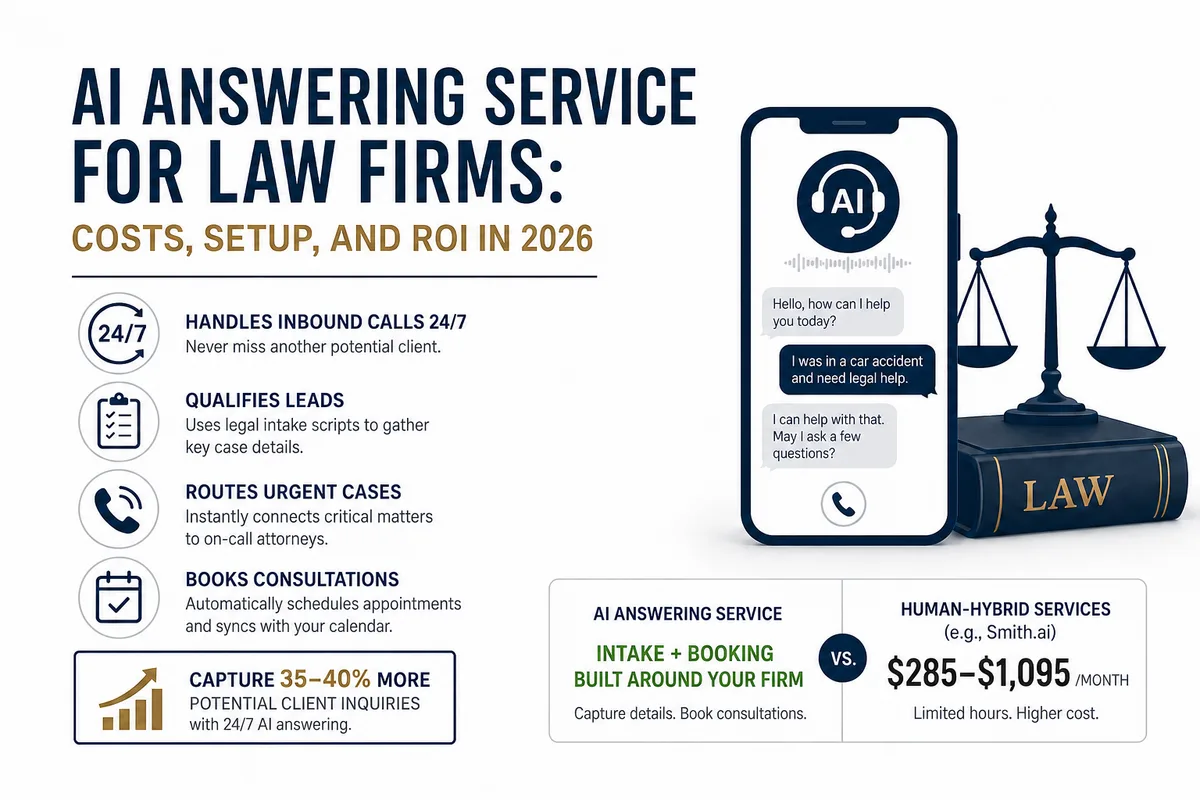
AI Answering Service for Law Firms: Costs, Setup, and ROI in 2026
Law firms miss a large share of inbound calls, most of them after hours. Here's what an AI answering service actually does, what it costs versus human.

Ruby Receptionists Alternatives in 2026: What's Worth Switching To
Ruby's per-minute model can get painful at higher call volumes. Here's a straight comparison of the alternatives actually worth evaluating, including AI.
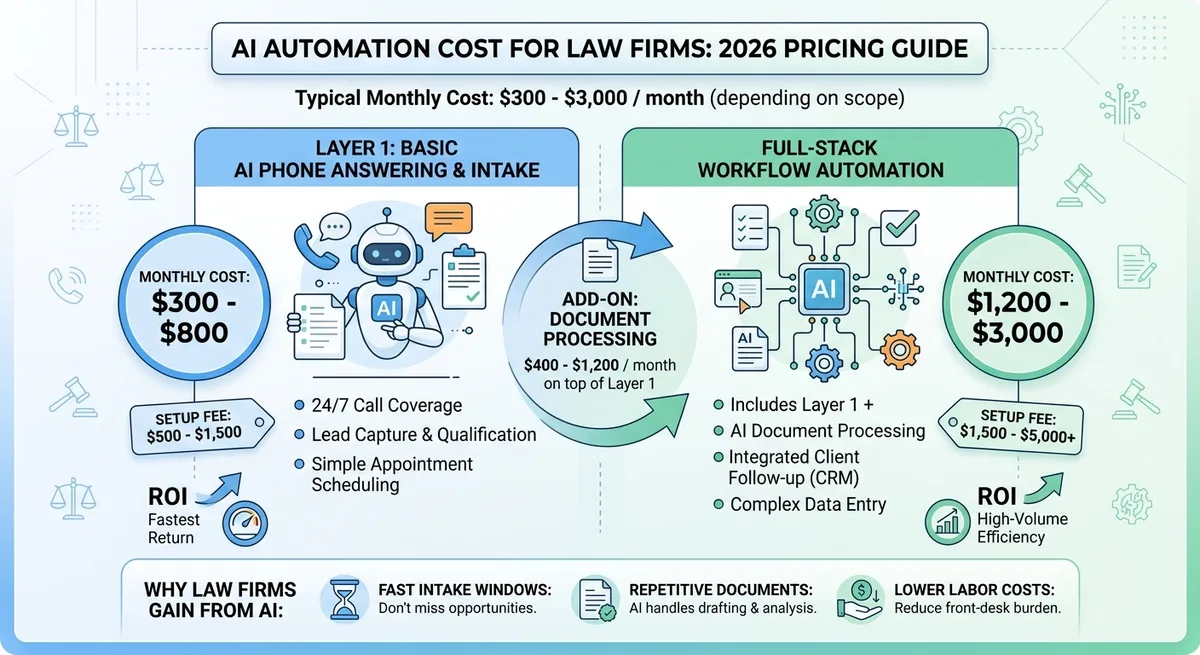
AI Automation Cost for Law Firms: What Drives Pricing
Law firm AI automation pricing depends on intake, document workflows, practice management integrations, compliance review, and follow-up complexity.