
AI Answering Service for Small Business: A 2026 Guide
An AI answering service for small business is a voice AI system that answers inbound calls around the clock, qualifies callers, books appointments, and routes urgent requests automatically. Cost and performance depend on call volume, booking complexity, CRM or calendar integration, escalation design, and how much monitoring the business needs after launch.
Many small-business calls still go unanswered. An AI answering service can cover routine calls, booking, and urgent routing around the clock.
Epiphany Dynamics is an AI automation agency: we help businesses find and fix operational bottlenecks with AI receptionists, lead follow-up, and workflow automation.
Free 30-minute audit. We name at least 3 things you can automate, ranked by impact.
Book a free AI audit
Patrick Gibbs
An AI answering service for small business is a voice AI system that answers inbound calls around the clock, qualifies callers, books appointments, and routes urgent requests automatically. Cost and performance depend on call volume, booking complexity, CRM or calendar integration, escalation design, and how much monitoring the business needs after launch.
If you're running a service business and still relying on voicemail after hours, you're not just missing messages. You're handing jobs to competitors who answer faster. The gap between "we'll call you back" and "I just booked your appointment" is where a lot of small business revenue quietly disappears.
What an AI Answering Service Actually Does
An AI answering service picks up every call your business receives, handles common requests including scheduling, pricing questions, and lead capture, and connects to your calendar or CRM to take real action. Unlike a phone tree, it understands natural speech and can complete a booking from start to finish without any human involvement.
The practical version of this: a caller says "I need someone to come look at my furnace this week" and the system understands the intent, checks your calendar, offers available time slots, and books the appointment. No hold music. No voicemail. No lost lead.
Most platforms integrate with scheduling software like Jobber, ServiceTitan, or Google Calendar. The better ones also connect to CRMs like HubSpot so every call automatically creates or updates a contact record. Some can send a follow-up text to the caller after the call ends, which turns a quick phone interaction into a complete intake workflow. For a broader look at what these tools can handle beyond just answering calls, this guide on what AI agents actually do explains the full scope of tasks they can execute autonomously.
Where these systems have real limits: anything that requires judgment outside a defined script. A caller disputing a previous invoice, someone with a multi-step troubleshooting question, or a potential client with unusual service needs will still need a human. The good systems know when to hand off. The bad ones loop the caller back to the main menu and hope for the best.
The Real Cost of Missing Calls
A third-party study from 411 Locals found that many small-business calls go unanswered. Most callers who reach voicemail never leave a message, which makes missed calls a useful baseline to measure before buying any answering service. Use your own call logs, job value, and close rate instead of borrowing a generic revenue-loss estimate.
Run that math on your own numbers. Take your average job value, estimate how many calls you miss, and annualize the gap. Most business owners who do this honestly get uncomfortable with the result. The voicemail system that feels like a reasonable backup is often a slow, steady revenue leak.
Speed compounds the problem. Lead-response research consistently supports fast follow-up, and callers with urgent service needs rarely wait patiently for a callback. When a caller hits voicemail, your real response time is however long it takes to check messages and call back. A competitor who answers immediately has the cleaner path to the job.
| Input | What to Pull | Why It Matters |
|---|---|---|
| Missed calls | Phone-system logs and voicemail records | Shows how much demand never reaches a human |
| Qualified-call share | Call notes, CRM outcomes, or intake tags | Separates real opportunities from spam and wrong-fit calls |
| Average job value | Recent closed jobs by service type | Turns missed demand into a business-specific estimate |
| Close rate | Booked jobs divided by qualified phone inquiries | Keeps the calculation tied to your actual sales process |
| Recovered bookings | Appointments booked by the answering system | Measures whether the system is creating real value |
These estimates should come from your own call logs, not a borrowed close-rate assumption. In industries like HVAC, plumbing, and dental, the urgency of the request matters because people calling in about a broken furnace or a cracked tooth want someone available right now. Real-world deployment patterns across these categories are documented in this collection of real AI automation cases for small businesses.
AI Answering Services vs. Traditional Options
Traditional live answering services use human agents and often charge by plan tier, call volume, or usage. AI answering services operate around the clock, integrate with your calendar and CRM, and may avoid per-minute overages depending on the vendor. For routine call volume, compare total cost, coverage hours, handoff quality, and how much manual follow-up each model leaves behind.
| Feature | Live Answering Service | AI Answering Service | In-House Receptionist |
|---|---|---|---|
| Monthly Cost | Plan fee plus possible usage or overage charges | Subscription plus setup, integration, and monitoring | Payroll, benefits, training, and coverage planning |
| Hours of Coverage | Business hours + premium tiers | 24/7, included | Business hours only |
| CRM/Calendar Integration | Limited, usually manual handoff | Native integration | Yes, if trained |
| Books Appointments Directly | Rarely | Yes | Yes |
| Per-Minute Overage Fees | Common on many plans | Rare | N/A |
| Complex Call Handling | Better, human judgment | Limited to script | Best |
Live answering services are not a bad option when your calls regularly require judgment that goes beyond a standard script. High-stakes fields like legal intake or medical triage often benefit from a human voice. For many trade and home service businesses, though, a large share of inbound calls are routine: someone wants a quote, wants to book, or needs to know your service area. An AI can handle those calls when the workflow is well-defined. A detailed look at when each model fits is laid out at this breakdown of AI receptionists vs. traditional answering services.
Elsewhere on the blog: AI Answering Service for Contractors: What to Compare in 2026.
What to Look for Before You Buy
When evaluating AI answering services, check for calendar and CRM integration with your existing tools, a defined human escalation path, customizable call scripts, flat-rate pricing, and access to call recordings. Any vendor that cannot demo the system live on a call flow matching your business type should be skipped.
Integration is the first question to ask. If the service cannot connect to the scheduling tool you already use, you are back to manual data entry after every call. The value here is that the AI closes the full loop: call comes in, appointment gets booked, record gets created, follow-up goes out. Any system that breaks that loop halfway requires a human to fill the gap, which defeats the purpose.
Escalation handling matters more than most buyers check. What happens when a caller is upset, confused, or asks something outside the script? Some platforms loop back to the main menu. Good ones detect frustration or out-of-scope requests and either transfer to a live number or flag the call with a priority note. Ask the vendor to walk you through their escalation logic on a test call, not just describe it in a pitch.
On pricing structure: per-minute billing sounds affordable until your call volume grows or you get several long calls in one month. Flat-rate plans are more predictable for scaling businesses. Also worth confirming upfront: whether call recordings and transcripts are included in the base plan, because those are what you use to improve the script after launch. A full evaluation checklist is available at this guide to comparing AI phone answering tools for service businesses.
What Setup Actually Looks Like
AI answering-service setup depends on call-flow complexity, integration access, script quality, escalation rules, and testing. The process covers uploading your business info and FAQs, connecting your calendar or CRM, selecting a voice, setting escalation triggers, and running test calls. Writing a good call flow takes more time than the technical setup itself.
Here's what to have ready before you start:
- A list of the questions callers ask most often (pricing, service area, availability, emergency policy)
- Your scheduling software login or API access credentials
- A forwarding number or the ability to route calls from your existing business line
- A defined escalation number for calls that fall outside the AI's scope
- A short description of your business, services, hours, and any geographic limits
The technical build is mostly form fills and API connections. Where people spend the most time is defining what the AI should say, what it should offer, and what it should escalate. Don't try to make it perfect on day one. Deploy with the basics, run real calls through it, listen to the recordings, and refine from there. Real caller behavior will teach you more about your call flow gaps than hypothetical planning.
One thing worth noting: the voice itself affects caller experience more than most people expect. A synthetic, robotic voice is tolerable for simple scheduling calls. For a business where trust is part of the sale, investing time in picking or customizing a natural-sounding voice pays off in fewer hang-ups and more completed bookings. Some platforms let you upload a voice sample for a cloned voice. Others offer a library of options. Test a few before going live.
If you are weighing whether to build this yourself or bring in outside help, the decision usually comes down to how much integration complexity you are dealing with and how custom your call flows need to be. A basic calendar connection is a different project from a multi-step intake flow connected to a CRM, with custom escalation logic and post-call SMS. Epiphany Dynamics builds this kind of end-to-end phone and automation setup for service businesses, but the off-the-shelf options have gotten more capable, and many businesses can get a solid setup running without outside help.
Frequently Asked Questions
Q: How much does an AI answering service cost, and what's the ROI for a small team?
Cost depends on call volume, integration depth, call-script complexity, monitoring, and whether the vendor charges usage fees. To estimate ROI, compare total system cost against recovered bookings, reduced missed calls, and routine phone work your team no longer has to handle manually.
Q: Can an AI answering service integrate with my existing calendar and CRM?
Yes — many platforms integrate directly with Google Calendar, Outlook, Jobber, ServiceTitan, and HubSpot. New bookings can populate your calendar and create contact records with call transcripts, reducing manual data entry when the integration is configured correctly.
Q: Which calls can an AI answering service handle without human intervention?
AI answering systems are strongest on routine calls, including appointment bookings, pricing inquiries, service-area questions, and lead capture. Complex disputes or requests outside your standard service scope should route to your team or be recorded for callback with full context.
Q: Which small businesses see the biggest benefit from an AI answering service?
Service businesses like HVAC, plumbing, electrical, dental, and fitness practices benefit most, especially those handling high call volume and scheduling-heavy operations. Home service companies in particular should track recovered bookings that previously would have gone to voicemail.
Patrick Gibbs
AI Automation Expert
Patrick Gibbs helps professional practices implement AI automation that captures more leads, books more appointments, and scales without adding overhead. He's the founder of Epiphany Dynamics and creator of the AI Front Desk system.
Related Solutions
Build this into a real workflow
Related Posts

Best AI Receptionist for Small Business: How to Choose
The best AI receptionist for a small business is the one that answers quickly, books or routes correctly, escalates cleanly, and fits the tools your team.

Appointment Reminder Automation for Small Business (2026 Guide)
For a service business with a meaningful no-show rate, the revenue leak is worth measuring. This guide covers how reminder automation works, which tools to.
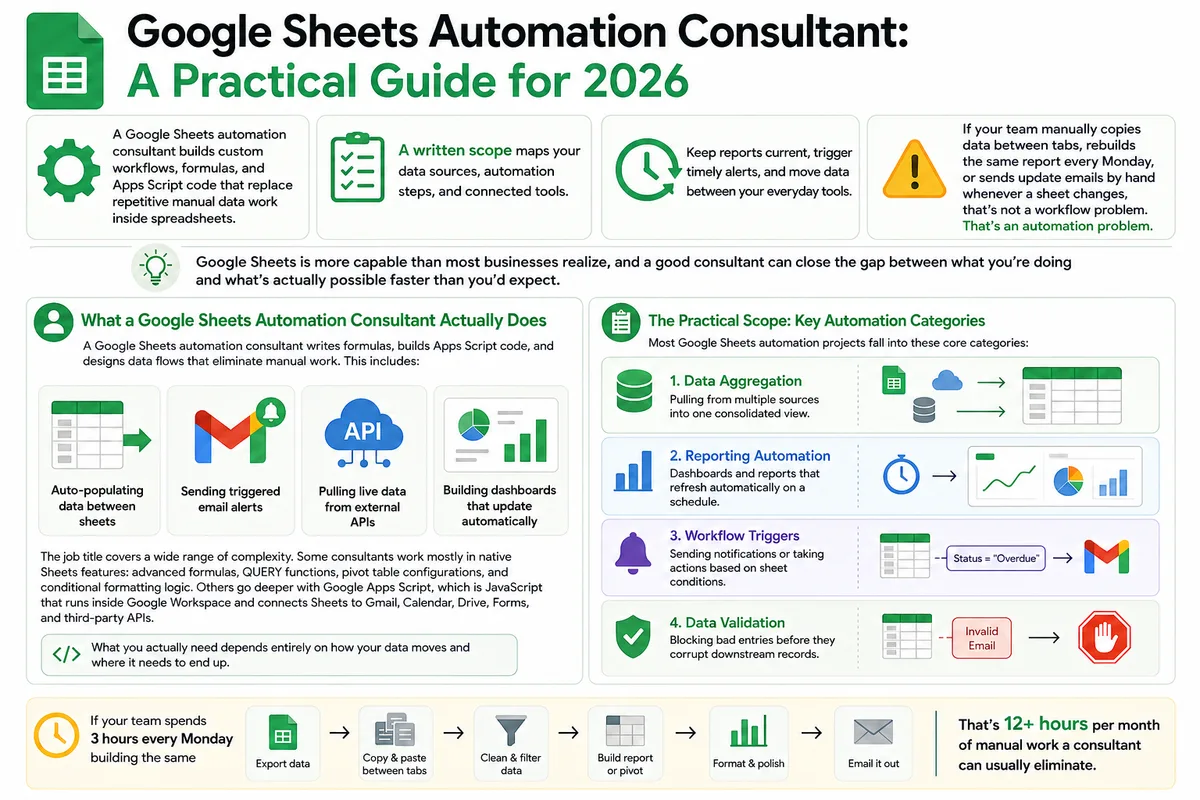
Google Sheets Automation Consultant: A Practical Guide for 2026
Most businesses don't track what spreadsheet work actually costs them. Here's what a Google Sheets automation consultant does in 2026, how to judge the value.