
AI Automation Use Cases for Service Businesses: 12 Ways to Save Time and Grow Revenue
AI automation use cases for service businesses fall into 12 categories: phone answering, lead response, appointment scheduling, appointment reminders, payment collection and invoicing, review generation, customer follow-up, intake and qualification, dispatch coordination, inventory management, reporting and analytics, and marketing automation. The strongest use cases are tied to measurable business friction: missed calls, slow follow-up, manual scheduling, late payments, and repeatable admin work that keeps staff away from revenue-producing activity.
AI automation use cases for service businesses include phone answering, lead response, appointment scheduling, payment collection, review generation, and more.
Epiphany Dynamics is an AI automation agency: we help businesses find and fix operational bottlenecks with AI receptionists, lead follow-up, and workflow automation.
Free 30-minute audit. We name at least 3 things you can automate, ranked by impact.
Book a free AI audit
Patrick Gibbs
AI automation use cases for service businesses fall into 12 categories: phone answering, lead response, appointment scheduling, appointment reminders, payment collection and invoicing, review generation, customer follow-up, intake and qualification, dispatch coordination, inventory management, reporting and analytics, and marketing automation. The strongest use cases are tied to measurable business friction: missed calls, slow follow-up, manual scheduling, late payments, and repeatable admin work that keeps staff away from revenue-producing activity.
Service businesses share a common DNA. They rely on phone calls for lead generation, appointment-based service delivery, and repeat customer relationships. These characteristics make them ideal candidates for AI automation because the workflows are predictable enough to automate but high-volume enough to justify the investment.
This guide covers every major automation use case for service businesses, with specific examples from HVAC, plumbing, electrical, dental, medical, real estate, and other service verticals.
1. AI Phone Answering
Every service business needs to answer the phone. AI phone systems handle inbound calls around the clock, answer with your company name, qualify callers, and either book appointments or transfer to your team. During business hours, they act as overflow for busy periods. After hours, they capture leads that would otherwise go to voicemail. This is often the first automation to evaluate because missed calls are direct revenue leakage. See how AI receptionist for HVAC businesses use this.
2. Instant Lead Response
Web leads, social media inquiries, and directory submissions trigger immediate automated responses. The system texts or emails the prospect quickly, acknowledges their request, and provides next steps while interest is still fresh. Automated lead response works for every service industry and can usually sit on top of existing lead sources without rebuilding the whole marketing stack.
3. Automated Appointment Scheduling
Customers book appointments through your website, text message, or phone call without human involvement. The system checks calendar availability, offers time slots, and books directly into your scheduling software. Confirmation messages go out automatically. This eliminates the back-and-forth that consumes front desk time and lets customers book when it is convenient for them, not just during your office hours.
4. Appointment Reminders and No-Show Reduction
Automated reminders go out before appointments via text, email, or phone call. Patients or customers can confirm, reschedule, or cancel from the reminder message. This use case is especially useful when missed appointments create idle staff time or empty provider slots. Dental practices, medical clinics, and salons often see this as one of the clearest early wins. Read our no-show reduction guide for detailed strategies.
5. Payment Collection and Invoicing
Automated invoicing sends payment links immediately after service completion. Follow-up reminders continue until unpaid invoices are handled or escalated. Recurring billing for subscription services or maintenance plans processes automatically. This use case reduces the time between service and payment while eliminating the administrative overhead of manual invoicing and follow-up.
6. Review Generation
After a service is completed and payment is processed, automated review requests go out via text or email. The system directs customers to Google, Yelp, or your preferred review platform. Positive reviews improve local SEO and social proof. Review generation automation works because it makes the request consistent instead of dependent on whether a busy employee remembers to ask. See our best AI automation agencies page for tools that handle this.
7. Customer Follow-Up and Re-Engagement
Post-service follow-up messages check on customer satisfaction, offer related services, and prompt for repeat bookings. Seasonal maintenance reminders keep your business top of mind. Reactivation campaigns reach out to past customers once they have gone quiet based on the normal purchase cycle for that service. Automated follow-up turns one-time customers into repeat customers and increases customer lifetime value.
8. Intake and Qualification Automation
Before a service call or appointment, automated intake collects relevant information from the customer. For a plumbing company, this means describing the issue and scheduling a convenient window. For a dental practice, it means collecting insurance information and medical history. For a law firm, it means screening case viability. Automated intake ensures your team has the information they need before they interact with the customer, saving time and improving preparation.
9. Dispatch and Routing Coordination
For field service businesses like HVAC, plumbing, and electrical, automation coordinates technician dispatch based on location, skillset, and availability. When a call comes in, the system identifies the best technician, sends them the job details, and updates the customer on arrival time. This reduces dispatch time and improves customer satisfaction.
10. Inventory and Supply Management
Automated inventory tracking monitors stock levels and triggers reorder notifications when supplies run low. For service businesses that carry parts and materials, this ensures technicians have what they need without overstocking. Our inventory automation guide covers this in detail.
11. Reporting and Analytics Automation
Automated reporting pulls data from your phone system, booking software, CRM, and payment processor into a single dashboard. You get weekly or monthly reports on call volume, answer rates, lead sources, booking rates, and revenue attribution without spending hours compiling spreadsheets. This visibility helps you make better decisions about staffing, marketing, and operations.
12. Marketing Automation
Email and SMS marketing sequences promote seasonal services, special offers, and referral programs. Automated campaigns target specific customer segments based on service history, location, or engagement level. For example, HVAC companies send spring AC tune-up offers and winter heating inspection reminders automatically. These campaigns run on autopilot once configured.
Real-World Example: Full Automation Stack for a Plumbing Company
A plumbing company can use a full automation stack to connect phone answering, automated scheduling, appointment reminders, payment collection, and review generation into one operating flow. The value comes from fewer missed calls, less manual scheduling, faster follow-up on unpaid invoices, and a more consistent review request process. Use your own missed-call volume, job value, staff time, and receivables data to model whether a similar stack makes sense. See the plumbing dispatch software guide for implementation details.
FAQ: AI Automation Use Cases for Service Businesses
Which automation use case should I start with?
Start with the use case that solves your biggest pain point. For many service businesses, that is AI phone answering. Measure your missed call rate and compare it with the value of the jobs those calls represent. If your biggest problem is no-shows, start with appointment reminders.
Can I implement multiple use cases at once?
Yes, but it is usually better to start with one or two use cases, prove the ROI, and then expand. Most AI automation platforms can handle multiple use cases from a single system, so adding new capabilities is straightforward once the foundation is in place.
How much does a full automation stack cost?
A full automation stack for a service business depends on call volume, number of locations, integration complexity, and whether the system only answers calls or also handles scheduling, reminders, payments, and marketing follow-up. See how we scope a project, then start with a free audit to identify the work worth building first.
Do I need different automation for each use case?
Most modern AI automation platforms handle multiple use cases from a single system. The same platform that answers phone calls can also send appointment reminders, collect payments, and generate review requests. This unified approach is simpler to manage and more cost-effective than using separate tools for each use case.
Next Steps
Pick one use case from the list above and measure your current performance in that area. Track your missed calls, lead response time, no-show rate, or accounts receivable aging. That baseline measurement tells you whether automation is worth pursuing and provides the comparison point for measuring ROI after implementation.
Review the industry automation guides for your specific vertical and book a consultation to discuss which use cases make sense for your business.
Patrick Gibbs
AI Automation Expert
Patrick Gibbs helps professional practices implement AI automation that captures more leads, books more appointments, and scales without adding overhead. He's the founder of Epiphany Dynamics and creator of the AI Front Desk system.
Related Solutions
Build this into a real workflow
Related Posts
Appointment Reminder Automation for Small Business (2026 Guide)
For a service business with a meaningful no-show rate, the revenue leak is worth measuring. This guide covers how reminder automation works, which tools to.
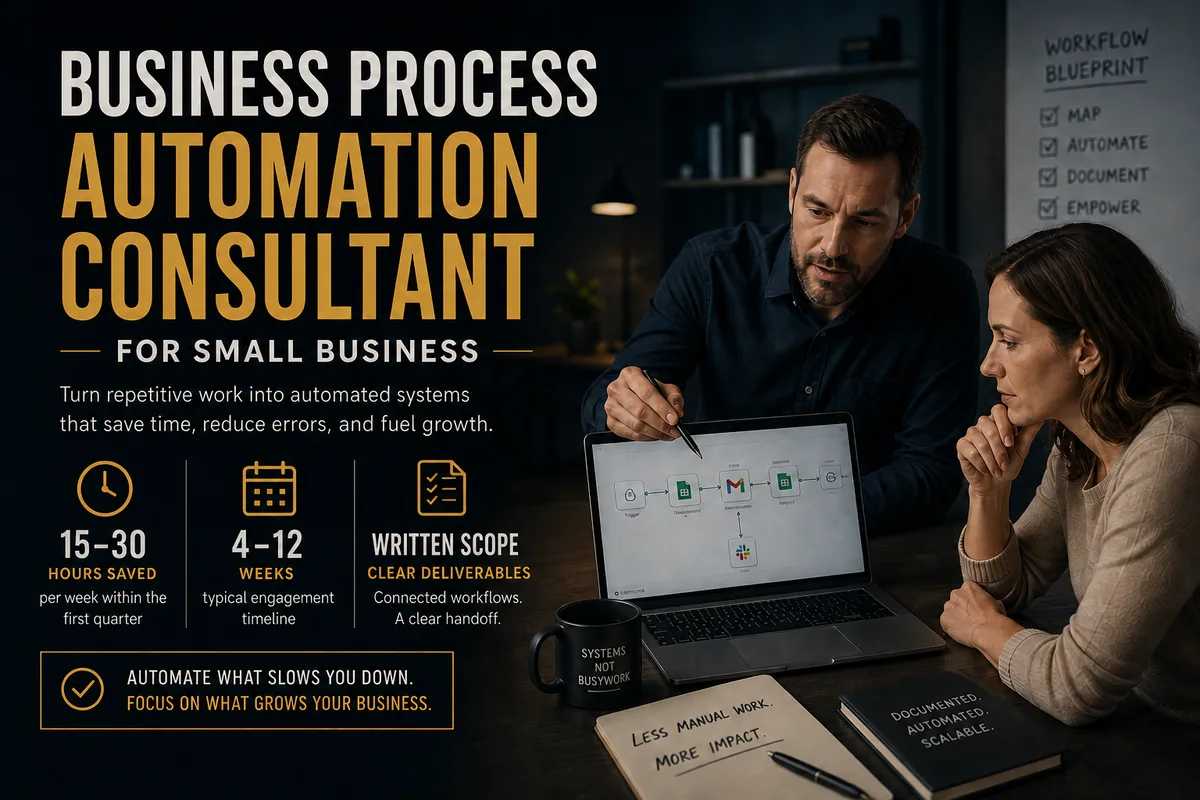
Business Process Automation Consultant for Small Business
Hiring the wrong automation consultant wastes thousands. Here's what small business owners need to know about process, cost, ROI, and how to vet the right one.
AI Answering Service for Small Business: A 2026 Guide
Many small-business calls still go unanswered. An AI answering service can cover routine calls, booking, and urgent routing around the clock.