
How to Deal with No-Shows: A Real Fix for Service Businesses in 2026
No-shows can quietly drain appointment-based service businesses, especially when missed slots carry high ticket values and cannot be refilled. The fix is a layered system: a cancellation policy with real consequences, a multi-touch reminder sequence, and a same-day response protocol that fills the slot or charges a fee.
No-shows quietly drain revenue already on the calendar. Here's the system to prevent them, respond in real time, and stop losing money to empty slots.
Epiphany Dynamics is an AI automation agency: we help businesses find and fix operational bottlenecks with AI receptionists, lead follow-up, and workflow automation.
Free 30-minute audit. We name at least 3 things you can automate, ranked by impact.
Book a free AI audit
Patrick Gibbs
No-shows can quietly drain appointment-based service businesses, especially when missed slots carry high ticket values and cannot be refilled. The fix is a layered system: a cancellation policy with real consequences, a multi-touch reminder sequence, and a same-day response protocol that fills the slot or charges a fee.
If you've ever cleared your schedule for a client who simply didn't show up, you know what this costs in time. Most business owners feel it but never actually run the number. Once you do, no-shows stop feeling like an annoying inevitability and start looking like a category of revenue loss you've been quietly absorbing for years.
The straightforward truth is that many no-shows are predictable and preventable. Not entirely, but enough that the right system can bring the rate materially closer to your practical floor. The work to get there is simpler than most people expect.
What No-Shows Actually Cost
No-shows add up faster than most appointment-based businesses expect. The direct lost revenue is only the floor; it doesn't include overhead that kept running during the empty slot, staff time lost, or same-day bookings you turned away to hold that spot. Most service businesses never calculate this. When they do, no-shows stop looking like an operational nuisance and start looking like a fixable problem worth real attention.
The direct revenue loss is the easy part. Take your average ticket value, multiply by your weekly no-show count, multiply by 52. That's the floor. The real number is higher once you factor in fixed costs that kept running regardless. A salon chair still costs money to operate whether someone is sitting in it or not. A consultant's hour is still gone. A service technician's drive time doesn't disappear.
There's also a scheduling ripple that doesn't show up in most estimates. A 10 AM no-show can kill buffer time around it, cost you the same-day booking you could have taken, and leave staff idle for longer than just that one slot. If you want to apply this same calculation methodology to other missed-revenue categories, this framework for quantifying annual missed-revenue losses works across scheduling gaps and unanswered calls alike.
Why Clients Skip Without Calling
Forgetfulness accounts for a large share of no-shows. Life interference, including work conflicts, childcare, and transportation issues, accounts for another meaningful share. The remaining cases are intentional avoidance. This breakdown matters because a reminder system fixes forgetfulness but does nothing for clients who didn't value the appointment enough to cancel. A complete no-show strategy has to address both groups, and it does that differently for each.
The forgetfulness bucket is the easiest to fix and also the biggest one. People book appointments weeks out. Life gets in the way. The appointment slips their mind. This isn't disrespect; it's what happens when someone commits to something 14 days from now with no system following up on them. A solid reminder sequence eliminates most of this category without creating any friction for the client at all.
The "something came up" bucket is trickier. These clients genuinely planned to come. They hit a conflict and, instead of calling to cancel (which feels awkward and requires effort), they just don't show. Lowering the friction to cancel actually helps here. An easy cancel link inside a reminder text gives clients a low-effort out, which frees the slot for someone on your waitlist instead of losing it entirely. The avoidance cases are where your cancellation policy does its job.
Building a Reminder Sequence That Works
A strong starting sequence uses reminders 72 hours, 24 hours, and 2 hours before the appointment instead of relying on a single reminder. Text messages are usually stronger than email for same-day reminders. Combining both channels with a one-click confirm-or-cancel option gives clients an easy path to show up, reschedule, or release the slot.
The timing matters more than most people realize. The 72-hour message is where you surface the option to reschedule without pressure. The 24-hour text is where most confirmations happen. The 2-hour message is the one most businesses skip, and it's consistently the most effective for catching same-day no-shows before the slot is already dead. Here's what the full sequence looks like:
| Touch | Timing | Channel | Primary Goal |
|---|---|---|---|
| First | 72 hours out | Confirm or reschedule, no pressure | |
| Second | 24 hours out | Text (SMS) | Confirm or cancel with one tap |
| Third | 2 hours out | Text (SMS) | Final nudge with location and prep info |
Once this is set up, it runs automatically based on appointment time. You're not sending these manually. This guide on automated appointment reminders covers the tools that handle this end-to-end, including options that cost nothing for lower appointment volumes. If you're specifically comparing how AI-driven reminder sequences stack up against static ones on actual no-show reduction rates, this analysis on AI appointment reminders breaks down the numbers by channel and sequence design.
Read next: The Real Reasons Service Businesses Switch to Generative AI.
Cancellation Policies That Actually Work
A cancellation policy only reduces no-shows if three things are true: clients see it before booking, they explicitly acknowledge it, and you enforce it consistently. Card-on-file requirements, deposits, or cancellation fees can all create accountability, but only when they are clearly disclosed and applied the same way every single time. The policy doesn't need to be punitive. It needs to be real.
Most service businesses have a cancellation policy buried in their booking confirmation email. That's a disclaimer, not a policy. A real policy is visible on the booking page, requires an explicit checkbox or digital signature to proceed, and has a clear consequence tied to specific circumstances. The exact window and fee structure should fit your industry, local rules, and customer relationship. When clients have something at stake and the terms are clear, behavior changes.
The friction argument comes up constantly: "Clients will book somewhere else if I require a card on file." In some cases, that's probably true. But clients who shop around specifically to avoid a cancellation policy are also the ones most likely to no-show. Losing them is not actually a loss. First-time no-shows are worth handling with a grace note and a rebook path. Repeat offenders are worth the direct conversation about requiring a non-refundable deposit going forward. For medical practices and clinics dealing with higher baseline no-show rates, this cost breakdown for doctor appointment no-shows shows what enforcement policy changes actually do to those numbers at scale.
Responding When Someone No-Shows
When a client no-shows, text them immediately and simultaneously open the slot to a waitlist. Businesses with active waitlists have a better chance of filling the slot the same day. Following up with the no-show client within 24 hours also creates a path to rebook without turning the message into a complaint. Both steps together recover a portion of what would otherwise be a complete loss.
You have roughly a 15-minute window after a no-show before the slot is effectively dead. A quick text to the first person on your waitlist, something like "We had a cancellation today at 2 PM, are you available?", is simple and converts well. People on a waitlist have already said yes to the service. You're just executing on that commitment. If no one on the list can make it, the slot is gone, but you've done the work to try rather than just absorbing the loss silently.
The rebook follow-up to the no-show client is something most businesses either skip entirely or handle in a way that kills the relationship. Skip it and you lose that client with no path to recovery. Send anything that reads like a complaint and the relationship is done. A neutral message sent the next morning, "Hey, we missed you yesterday. Would you like to get back on the calendar?", gives the client an easy way back. Getting this running automatically without requiring you to remember to do it is exactly where calendar and CRM integration pays for itself. The outreach fires on schedule, the rebook happens inside the same flow, and none of it requires manual follow-through on your end.
No-shows will never reach zero, but reducing avoidable missed appointments can recover meaningful annual revenue from a system you build once and run indefinitely. That math makes this one of the cleaner operations projects available to any service business. At Epiphany Dynamics, it's typically one of the first systems we set up for appointment-based clients because the leak is easy to measure.
Using AI to reduce no-shows is one of the cleanest payback calculations a service business can make. Book a call with Epiphany Dynamics to set up automated reminders, cancellation policies, and waitlist management that reduce avoidable empty slots. See our AI scheduling tools and industry-specific guides for more on how this works in your vertical.
Frequently Asked Questions
Q: What's a "normal" no-show rate for service businesses?
Many service businesses see no-show rates high enough to materially affect revenue. That baseline isn't acceptable: well-run businesses operate at materially lower rates through systematic prevention. If your no-show rate keeps rising, your reminders, policies, or scheduling process needs tightening.
Q: How do I calculate my annual revenue loss from no-shows?
Multiply your average appointment value by your weekly no-shows, then annualize it. Add your fixed overhead that ran during empty slots, such as staff wages and facility costs, to see your true no-show expense.
Q: How many appointment reminders should I send, and what timing works best?
A three-touch sequence is a strong starting point: send reminders 7 days before by email, 48 to 72 hours before by SMS, and 24 hours before by SMS or phone. For high-cancellation services, add a same-morning confirmation 2 to 3 hours before the appointment. Measure each touchpoint against your own baseline and remove messages that create friction without improving attendance.
Q: Is charging a no-show fee legal, and what amount should I set?
No-show fees depend on your jurisdiction, industry rules, payment processor, and how clearly the policy was disclosed before booking. Get local guidance, state the policy upfront, and enforce it consistently. The goal is not to surprise clients; it is to make the appointment commitment real.
Patrick Gibbs
AI Automation Expert
Patrick Gibbs helps professional practices implement AI automation that captures more leads, books more appointments, and scales without adding overhead. He's the founder of Epiphany Dynamics and creator of the AI Front Desk system.
Related Solutions
Build this into a real workflow
Related Posts

Best AI Receptionist for Small Business: How to Choose
The best AI receptionist for a small business is the one that answers quickly, books or routes correctly, escalates cleanly, and fits the tools your team.

What Two-Way Sync Between AI and ServiceTitan Looks Like in Practice
Two-way sync between AI and ServiceTitan means data flows both directions: the AI reads live job and customer data from ServiceTitan, and writes new bookings.
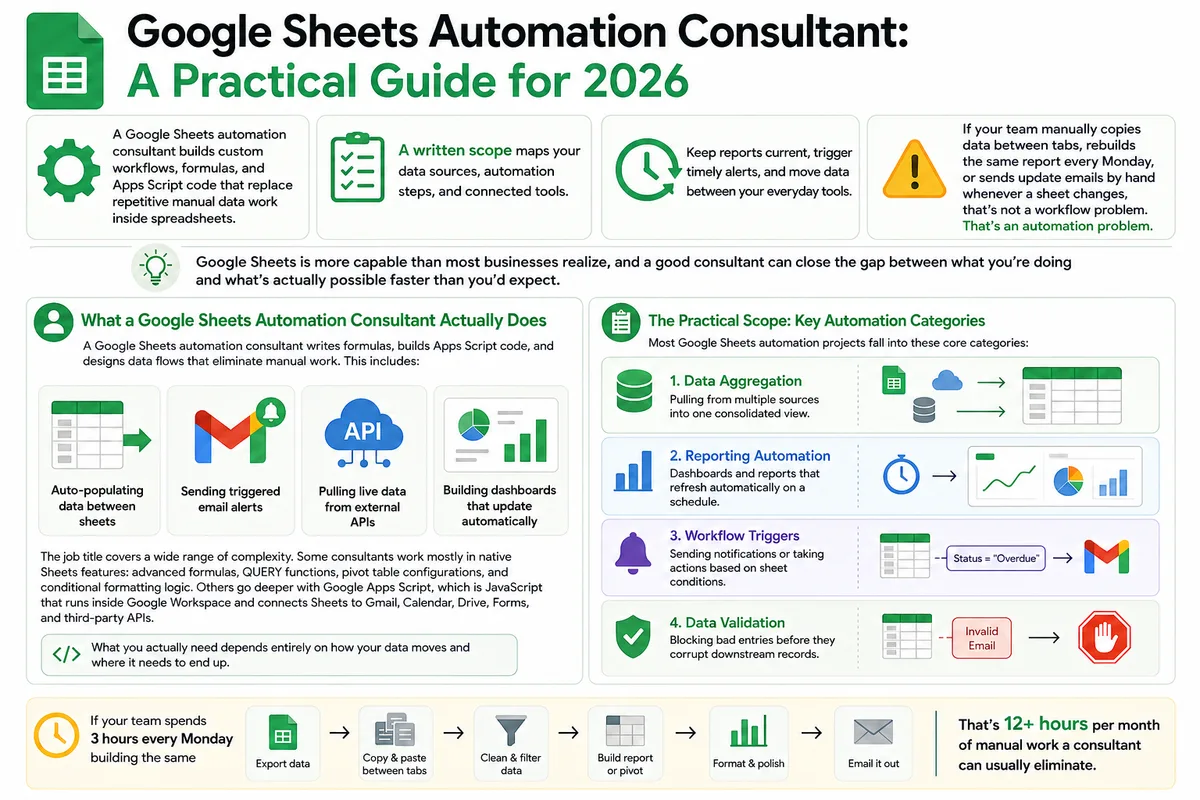
Google Sheets Automation Consultant: A Practical Guide for 2026
Most businesses don't track what spreadsheet work actually costs them. Here's what a Google Sheets automation consultant does in 2026, how to judge the value.