
AI Receptionist for ServiceTitan: How the Integration Actually Works
An AI receptionist works with ServiceTitan by connecting to your account through ServiceTitan’s API, so it can answer calls, book jobs, update customer records, and trigger follow-ups without anyone on your team retyping a thing. It is not a separate phone system bolted onto the side of your operation.
A plain-English guide to connecting an AI receptionist to ServiceTitan through its API, what gets automated, and what your account needs first.
Epiphany Dynamics is an AI automation agency: we help businesses find and fix operational bottlenecks with AI receptionists, lead follow-up, and workflow automation.
Free 30-minute audit. We name at least 3 things you can automate, ranked by impact.
Book a free AI audit
Patrick Gibbs
An AI receptionist works with ServiceTitan by connecting to your account through ServiceTitan’s API, so it can answer calls, book jobs, update customer records, and trigger follow-ups without anyone on your team retyping a thing. It is not a separate phone system bolted onto the side of your operation. It reads and writes to the same ServiceTitan your dispatchers already live in.
If you run a home service business on ServiceTitan, the front desk is where money quietly leaks out. A missed call at 6pm is a job that goes to whoever picks up next. A booking that never makes it into ServiceTitan is a truck that never gets dispatched. This guide walks through how an AI receptionist closes those gaps using the tools ServiceTitan already gives you.
What does an AI receptionist for ServiceTitan actually do?
It handles the repetitive front-desk work that does not need a human, and it does it inside ServiceTitan rather than in a disconnected app. In practice that means:
- Answering every inbound call, day or night, with no hold music and no voicemail.
- Capturing the caller’s name, address, and the reason for the call.
- Creating or updating the customer and location records in ServiceTitan.
- Booking the job into an open slot and assigning it to the right business unit.
- Escalating true emergencies to your on-call technician instead of booking them for Tuesday.
The point is not to replace your people. It is to stop the front desk from dropping calls during the dinner rush, the Friday afternoon, and the 2am no-heat panic in January.
How does the AI connect to ServiceTitan?
ServiceTitan provides a documented API, and the AI receptionist authenticates to your account using ServiceTitan’s standard OAuth client-credentials flow. In plain terms, your ServiceTitan administrator authorizes the connected application once, and from that point the AI can read and write the specific data it needs.
You stay in control of that access. ServiceTitan lets an admin grant and revoke application access from inside your own settings, so the connection is never a black box. Nothing touches your account until you approve it, and you can switch it off at any time.
Because the integration uses your live ServiceTitan as the source of truth, there is no second database to keep in sync and no nightly export to babysit. The AI books into the same calendar your dispatchers see in real time.
See also Best AI Tools That Integrate with ServiceTitan in 2026.
What does your ServiceTitan account need first?
Two things. Your account needs API access enabled, and you need an administrator who can authorize a connected application. Most ServiceTitan plans support this, and confirming it is the first step of onboarding. If your plan does not have API access yet, that is a quick conversation with your ServiceTitan account contact, not a dealbreaker.
You do not need to rip out your phone provider, change your numbers, or retrain your office staff on a new tool. The AI sits in front of your existing line and writes into your existing ServiceTitan.
What gets automated after the call?
This is where the integration earns its keep. Once a call is handled, the AI can keep working:
- Confirm the appointment by text so the customer has it in writing.
- Send a reminder before the technician arrives to cut no-shows.
- Trigger a review request automatically when the job is marked complete in ServiceTitan.
That last one is its own quiet revenue engine, and it is worth reading about on its own. See our walkthrough of how to automatically request reviews on job completion in ServiceTitan.
If you want the full picture of what a connected front desk looks like, our AI receptionist for ServiceTitan page lays out the workflows end to end.
Is this a certified ServiceTitan app?
No, and it is worth being straight about that. This is a custom integration built on ServiceTitan’s public API and authorized by your own admin. It is not a listing in the ServiceTitan Marketplace and it does not require you to wait on a certification process. For a single business connecting its own account, the API path is the direct route.
Frequently Asked Questions
Does an AI receptionist really integrate with ServiceTitan?
Yes. It connects through ServiceTitan’s API, authorized by your administrator, so it can book jobs, update records, and trigger follow-ups directly in ServiceTitan.
Will it work with my current phone number?
Yes. The AI sits in front of your existing line. You keep your number and your phone provider.
Do I need a developer on staff?
No. The integration is set up for you during onboarding. Your only requirement is a ServiceTitan admin who can authorize the connection once.
Can I turn the access off later?
Yes. ServiceTitan lets an administrator revoke a connected application’s access at any time from your account settings.
How long does setup take?
The connection itself is fast once API access is confirmed. The longer part is mapping your call types, booking rules, and escalation paths so the AI behaves the way your office does. We scope that during onboarding.
Patrick Gibbs
AI Automation Expert
Patrick Gibbs helps professional practices implement AI automation that captures more leads, books more appointments, and scales without adding overhead. He's the founder of Epiphany Dynamics and creator of the AI Front Desk system.
Related Solutions
Build this into a real workflow
Related Posts

What Two-Way Sync Between AI and ServiceTitan Looks Like in Practice
Two-way sync between AI and ServiceTitan means data flows both directions: the AI reads live job and customer data from ServiceTitan, and writes new bookings.
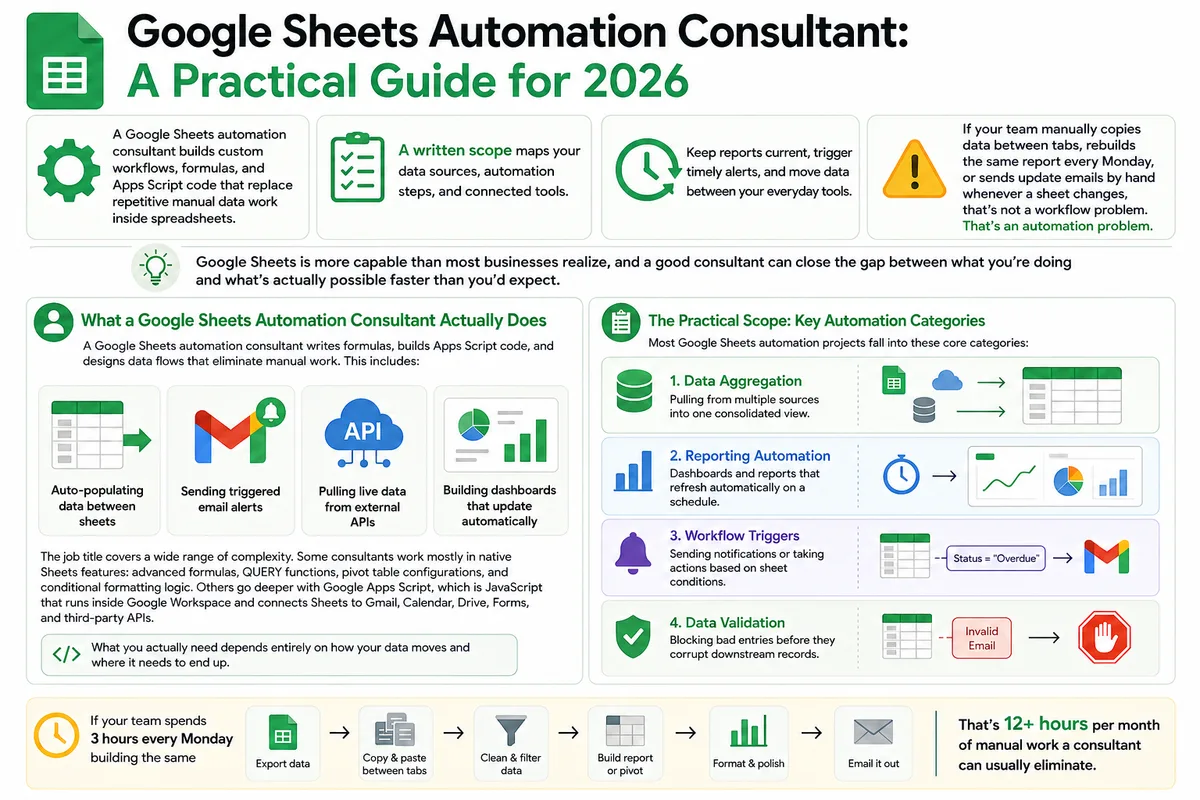
Google Sheets Automation Consultant: A Practical Guide for 2026
Most businesses don't track what spreadsheet work actually costs them. Here's what a Google Sheets automation consultant does in 2026, how to judge the value.
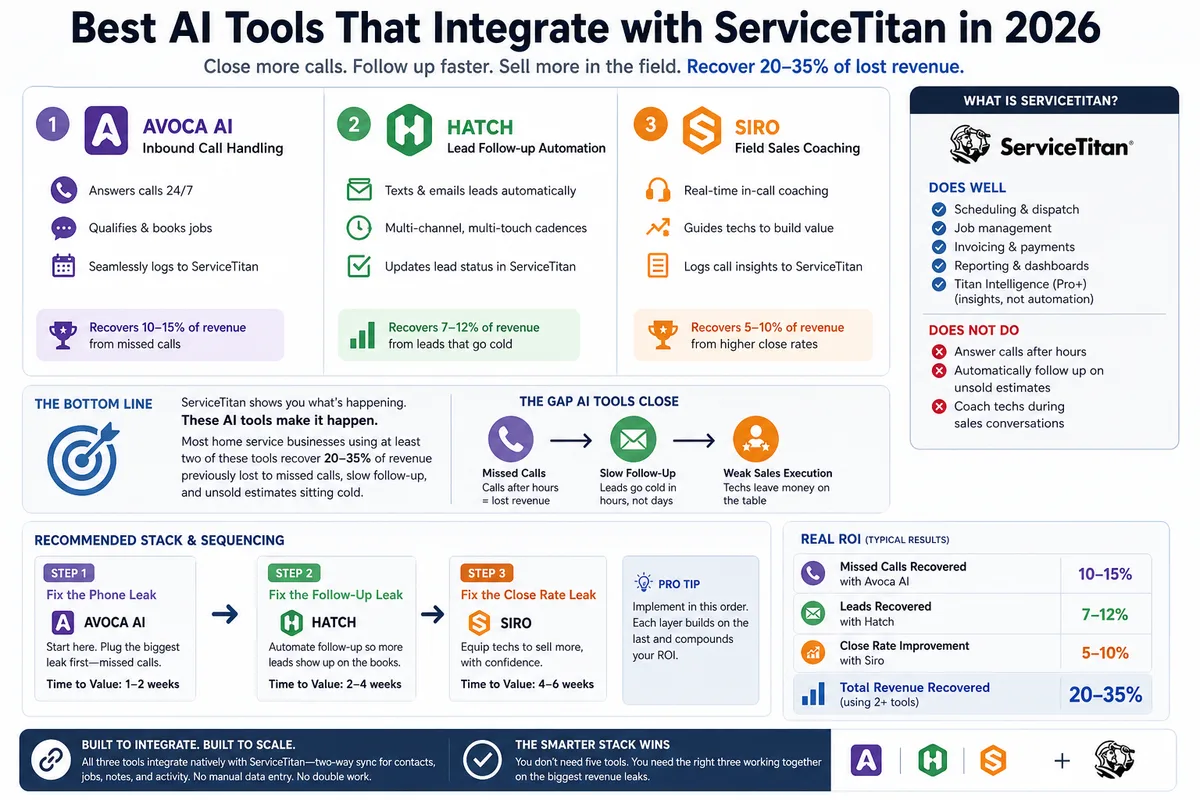
Best AI Tools That Integrate with ServiceTitan in 2026
Most ServiceTitan shops miss a meaningful share of inbound calls and leave most estimates unsold. These AI tools close those gaps inside ServiceTitan.