
How to Automatically Request Reviews After Job Completion in ServiceTitan
You can automatically request a review the moment a job is marked complete in ServiceTitan by connecting an automation to your account through ServiceTitan’s API, which watches for completed jobs and sends a review request by text or email without anyone remembering to ask. The customer is happiest right after the work is done, and that is exactly when the request goes out.
Turn finished jobs into five-star reviews automatically by triggering a review request the moment a job is marked complete in ServiceTitan.
Epiphany Dynamics is an AI automation agency: we help businesses find and fix operational bottlenecks with AI receptionists, lead follow-up, and workflow automation.
Free 30-minute audit. We name at least 3 things you can automate, ranked by impact.
Book a free AI audit
Patrick Gibbs
You can automatically request a review the moment a job is marked complete in ServiceTitan by connecting an automation to your account through ServiceTitan’s API, which watches for completed jobs and sends a review request by text or email without anyone remembering to ask. The customer is happiest right after the work is done, and that is exactly when the request goes out.
Most home service businesses know reviews drive new calls. The problem is never intent. The problem is timing and consistency. Your technician finishes, packs up, and drives to the next job. By the time anyone thinks to ask for a review, the moment has passed. Automating it removes the one weak link in the chain, which is a busy human having to remember.
Why ask for the review at job completion?
Because that is the peak of customer goodwill. The heat is back on. The leak is fixed. The customer is relieved and grateful, and a one-tap review link in their hand at that moment converts far better than a request that shows up three days later.
Tying the request to the job-completion event in ServiceTitan means the timing is never left to chance. The trigger is the work being finished, not someone finding a spare minute.
How does the automation know a job is complete?
It listens to your ServiceTitan account. When a job’s status changes to complete, the connected automation sees that event through ServiceTitan’s API and fires the review request to the customer on file. Because it reads the same job record your team updates, there is no separate checklist and no double entry.
The flow looks like this:
- Your technician marks the job complete in ServiceTitan, exactly as they do now.
- The automation detects the completed job.
- It sends the customer a short message with a direct link to leave a review.
- If the customer does not respond, it can send one polite follow-up a day later.
Nobody on your team changes their routine. The only difference is that the review request now happens every single time.
Manual ask vs automated trigger vs AI follow-up
There are three ways a review request gets sent after a job. They are not mutually exclusive, and the strongest setup uses all three together.
| Approach | How it works | Reliability | Customer experience |
|---|---|---|---|
| Manual ask in person | The technician remembers to ask on the way out | Depends on a busy person remembering | Personal, but easy to forget on a packed day |
| Automated trigger on job completion | A job marked complete in ServiceTitan fires the request | Fires on the job types you configure, no memory required | Lands while goodwill is highest, right after the work |
| AI follow-up sequence | One polite reminder goes out if the first message is not answered | Recovers the customers who meant to and forgot | Gentle, capped to a single reminder so it never nags |
The manual ask creates intent. The automated trigger sends the request consistently on the jobs you choose. The follow-up recovers the people who got distracted. Used together, they capture far more reviews than any one of them alone.
What should the review request actually say?
Short, human, and specific. A message that names the technician and the work done feels personal and earns more responses than a generic blast. The link should go straight to where you want the review, so the customer taps once and types a sentence. Every extra step you add is a customer you lose.
This is the same engine that powers a connected front desk. An AI receptionist that works with ServiceTitan can handle the inbound calls and the after-job follow-up from the same connection, so booking and reviews run on one system instead of three.
Does this replace asking in person?
No, and it should not. The best results come from your technician mentioning a review on the way out and the automated message landing a few minutes later to make it easy. The human ask creates intent. The automation removes the friction. Together they beat either one alone.
What do you need to set this up?
Your ServiceTitan account needs API access enabled and an administrator who can authorize the connected automation. Once that is in place, the trigger is mapped to your job-completion status and tested against a few real jobs before it goes live. For a deeper look at the underlying connection, see our AI receptionist for ServiceTitan integration guide.
What Epiphany Dynamics Builds
Epiphany Dynamics builds the connection between your ServiceTitan account and the review request, then maps it to how your business actually runs. That means:
- A trigger tied to your job-completion status, so the request fires on the job types you choose and skips the ones you do not.
- Message copy that names the technician and the work done, sent by text, email, or both.
- Follow-up timing with a single, capped reminder for customers who do not respond the first time.
- Handoff rules so a flagged response reaches a person on your team instead of sitting unread.
It is a custom automation built on ServiceTitan’s public API and authorized by your own administrator, not a certified ServiceTitan Marketplace app. Confirm your account’s current ServiceTitan API and Marketplace requirements before going live. The same connection can also power booking and texting, so an AI receptionist that works with ServiceTitan runs your calls, bookings, and reviews on one system.
Map Your ServiceTitan Review Automation. We will map the completed-job trigger, message rules, follow-up timing, and handoff logic for your ServiceTitan account. Map Your ServiceTitan Review Automation.
Frequently Asked Questions
Can ServiceTitan automatically request reviews after a job is completed?
Yes. By connecting an automation to ServiceTitan through its API, a review request can be sent automatically the moment a job is marked complete, with no manual step.
Does the customer get the request by text or email?
Either, or both. Text tends to get the fastest response, and email works as a follow-up or for customers who prefer it.
Will it send a review request for every job?
You control the rules. You can fire on every completed job, or only for specific job types, business units, or technicians.
What if the customer ignores the first message?
The automation can send one gentle follow-up after a set delay. Sending more than that tends to annoy customers, so the default keeps it to a single reminder.
Is this a certified ServiceTitan integration?
It is a custom automation built on ServiceTitan’s public API, authorized by your administrator, rather than a certified ServiceTitan Marketplace app. Whether your account needs anything beyond API access can depend on ServiceTitan’s current terms, so confirm your account’s API and Marketplace requirements before going live.
Ready to turn completed jobs into review requests? We will map the completed-job trigger, message rules, follow-up timing, and handoff logic for your ServiceTitan account. Map Your ServiceTitan Review Automation.
Patrick Gibbs
AI Automation Expert
Patrick Gibbs helps professional practices implement AI automation that captures more leads, books more appointments, and scales without adding overhead. He's the founder of Epiphany Dynamics and creator of the AI Front Desk system.
Related Solutions
Build this into a real workflow
Related Posts

What Two-Way Sync Between AI and ServiceTitan Looks Like in Practice
Two-way sync between AI and ServiceTitan means data flows both directions: the AI reads live job and customer data from ServiceTitan, and writes new bookings.
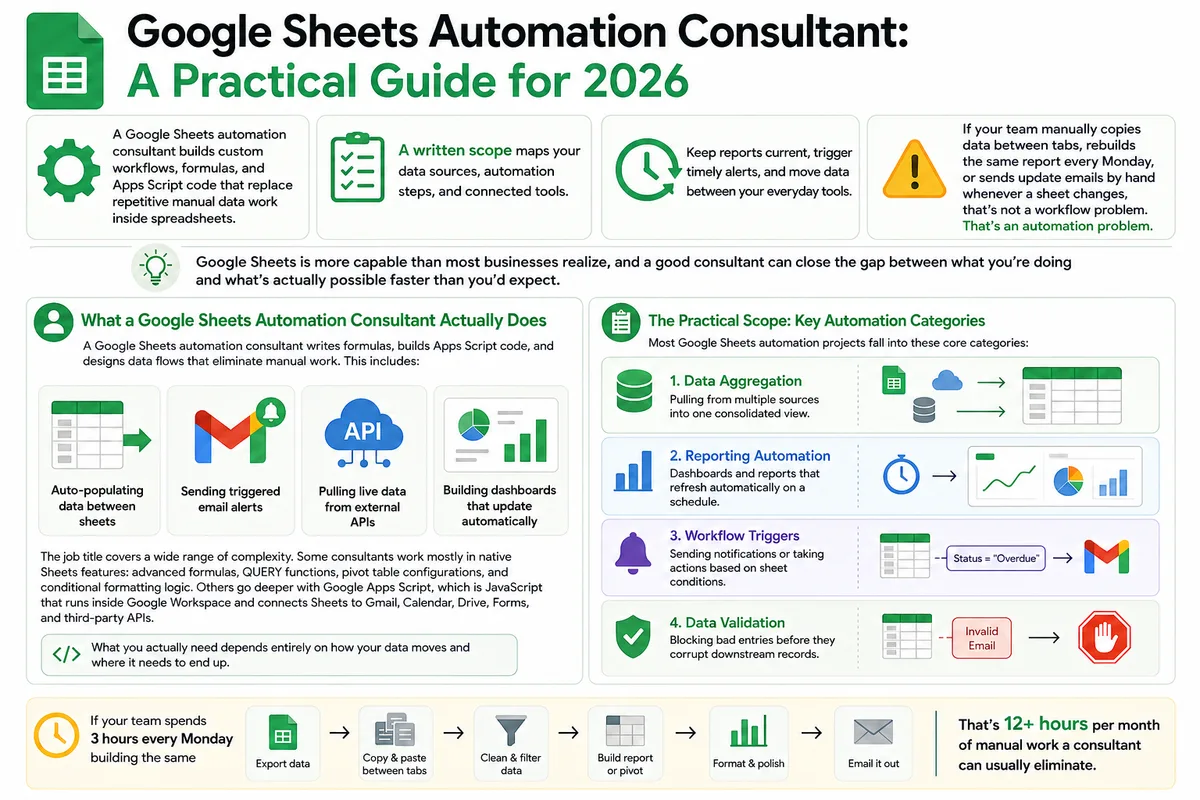
Google Sheets Automation Consultant: A Practical Guide for 2026
Most businesses don't track what spreadsheet work actually costs them. Here's what a Google Sheets automation consultant does in 2026, how to judge the value.
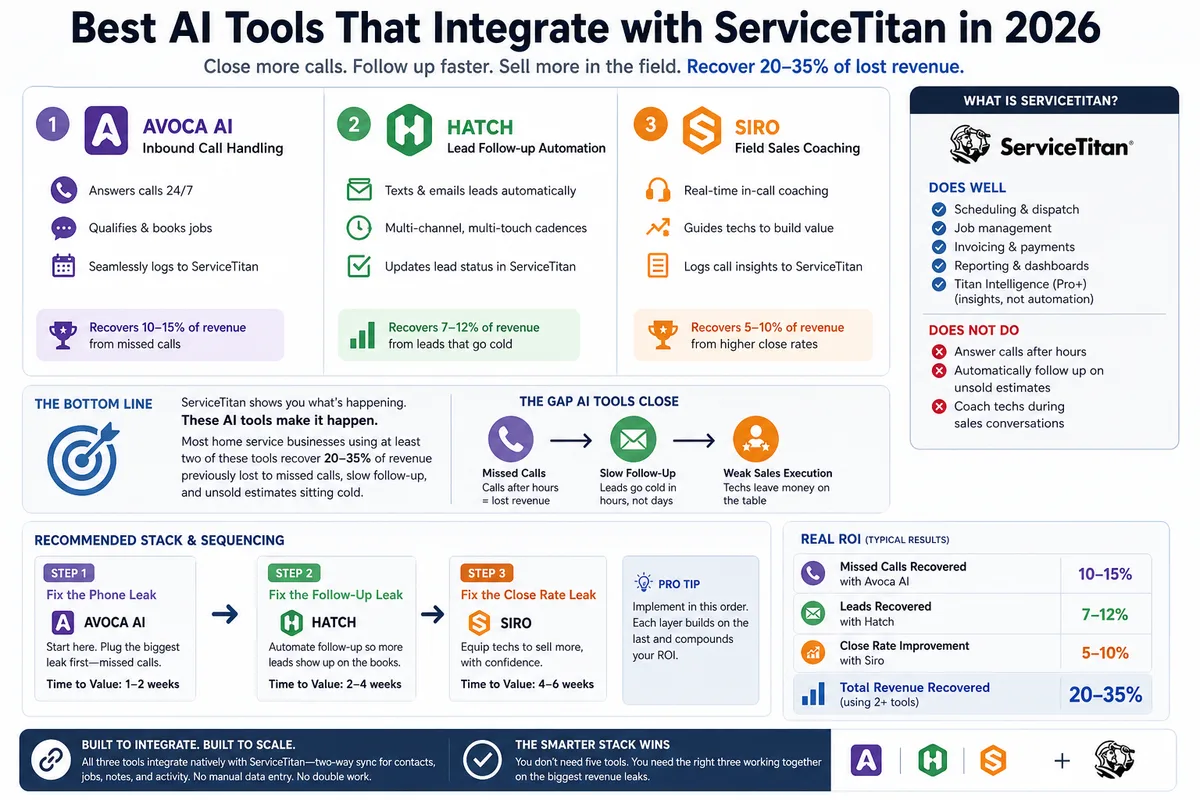
Best AI Tools That Integrate with ServiceTitan in 2026
Most ServiceTitan shops miss a meaningful share of inbound calls and leave most estimates unsold. These AI tools close those gaps inside ServiceTitan.