
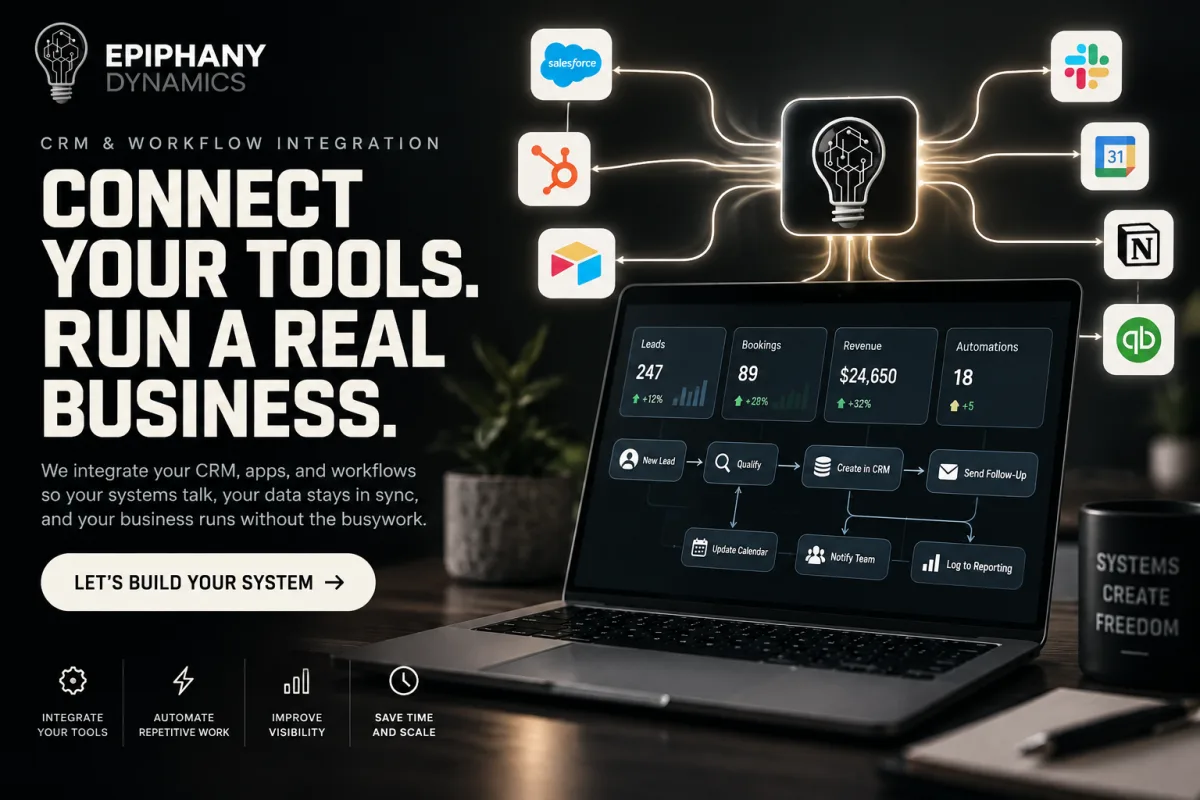
CRM and Workflow Integration. Your tools finally talk to each other, and the follow-up sends itself.
CRM and Workflow Integration is Epiphany Dynamics' service for connecting the tools your business already runs on, so that a lead, a booking, or an order is entered once and flows everywhere it needs to go, and follow-up happens automatically. Epiphany Dynamics builds it for teams that retype the same record into three systems and lose leads in the gaps.
How it works.
- In the free audit we trace one record, a lead or a job, through every tool it touches today and find where it gets retyped, delayed, or lost.
- We design one connected workflow: intake to CRM to follow-up to calendar, with reporting.
- We build the connections using the platforms your business already has, and add automation where a person was the glue.
- We test it with your real records and your team.
- We document it, hand over access, and support it after launch.
What it changes.
- Leads get a reply in seconds, not when someone gets around to it.
- Nobody retypes the same customer into the CRM, the calendar, and the invoice.
- Onboarding a new client runs on a sequence instead of a week of emails.
- Moving to a new CRM becomes a project with a plan instead of something you avoid.
The first build.
One connected workflow from intake to CRM to follow-up to calendar, with reporting, on the platforms you already use. Migrations and data pipelines are scoped separately.
Every Epiphany Dynamics build is a fixed-price project, quoted in writing after a free 30-minute audit. We do not publish a price list because every build is scoped to your tools and your workflow. Ongoing support after launch is optional and priced with the build. Third-party costs such as phone lines and API usage are billed to your own accounts at cost.
Platforms we connect.
GoHighLevel, HubSpot, n8n, Make, Zapier, Google Workspace, QuickBooks, Twilio, VAPI, ServiceTitan.
Proof.
Awesome job, before the due date and just what I needed.
Over the past 12 months, using Epiphany Dynamics AI has been a game changer for my mortgage business.
Testimonial sent January 2026.
Read the case studyRelated builds.
- Integration pairs we build: See the integration pairs we build across calendars, CRMs, forms, and invoicing.
- Email and SMS Automation: Follow-up sequences that keep leads and customers engaged automatically.
- Customer Onboarding Automation: Welcome sequences and task handoffs that run the same way every time.
- Data Entry and Migration Automation: Move between systems without losing records or a week of productivity.
- E-commerce Order Automation: Order processing, fulfillment notices, and post-purchase sequences.
Frequently Asked Questions
What is CRM and Workflow Integration?
CRM and Workflow Integration is an Epiphany Dynamics service that connects your CRM, calendar, forms, phone, and invoicing tools into one workflow, so information is entered once and follow-up, scheduling, and updates happen automatically. It is built on the platforms you already use.
Who is CRM and Workflow Integration best for?
Small and mid-sized businesses whose team retypes the same customer into several tools, whose leads go cold waiting for a reply, or whose onboarding and follow-up depend on someone remembering. It also suits businesses planning a move to a new CRM.
How does CRM and Workflow Integration work?
We trace one real record through every tool it touches, design a single connected workflow, build the connections on your existing platforms, test with your real data and team, then document and support it.
What results can I expect from CRM and Workflow Integration?
Leads get an immediate reply. Records are entered once and appear everywhere they are needed. Onboarding and follow-up run on sequences instead of memory. Your team's time moves from data entry to customers.
How do we get started with CRM and Workflow Integration?
Book the free 30-minute AI Operations Audit and tell us which tools you use. We map where records are retyped or lost and give you a written fixed-price quote for the first connected workflow.
Do I have to switch CRMs?
No. We build on the CRM you have. If your current CRM genuinely cannot do what you need, we say so in the audit and you decide, but switching is never a requirement of working with us.
Which tools can you connect?
GoHighLevel, HubSpot, n8n, Make, Zapier, Google Workspace, QuickBooks, Twilio, VAPI, and ServiceTitan are platforms we have integrated for clients. Most tools with an API can be connected; tell us what you use on the audit call.
What breaks when a vendor changes its API, and who fixes it?
Integrations can stop when a platform changes how it works. Every build is documented so the failure point is findable, and optional monthly support after launch covers monitoring and repair. Without support, you can bring it to us as a rescue at a fixed price.
Ready to build CRM and Workflow Integration.
After launch, optional monthly support is available, scoped to what we built. It is never required.