
01Nashville Scheduling Automation
Appointment Scheduling Automation for Nashville Businesses
Scheduling automation lets a customer book by phone, web, or text into your real calendar, then handles the reminders, rescheduling, and no-show follow-up without staff touching it. Epiphany Dynamics builds it on the calendar or practice management system a Nashville business already uses, so there's no second calendar to keep in sync.
Your calendar stays the source of truth. The automation reads from it and writes to it.
Last reviewed September 6, 2026
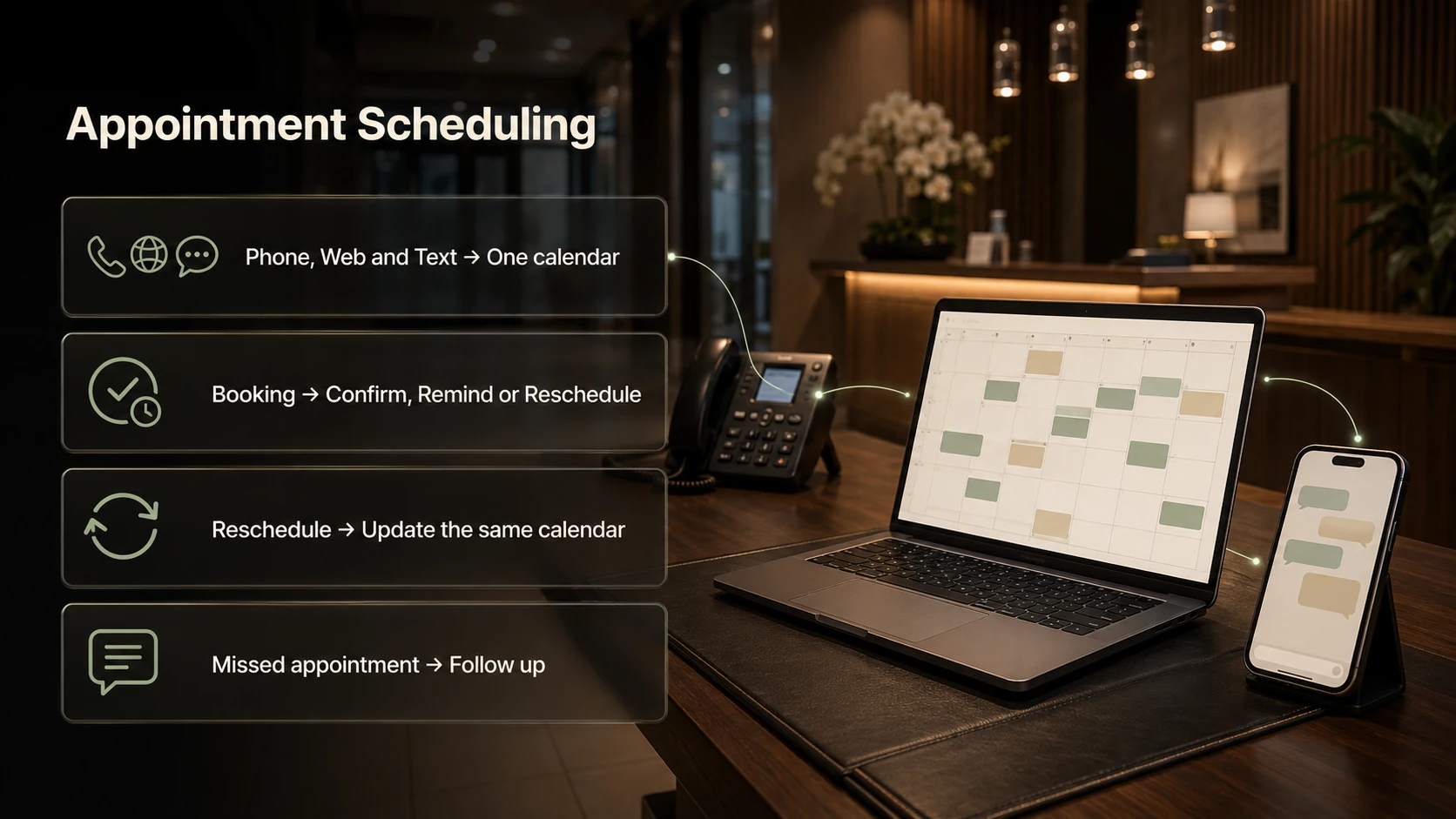
One calendar, every channel
Customers book by phone, web, or text into the same calendar. Your calendar stays the source of truth. The automation reads from it and writes to it.
Reminders, rescheduling, no-show follow-up
Reminders
Reminders go out from what is on the calendar. They carry the minimum needed for the appointment.
Rescheduling
A customer can reschedule from the text. The new slot is written back to the same calendar.
No-show follow-up
When an appointment goes unused, a follow-up goes out so the slot can be filled. We do not promise a number for your business.
Who uses this in Nashville
Privacy boundaries
We design around the rules that apply to your data. Reminders carry the minimum needed, systems are set up in your own accounts, and anything involving records stays out of the automation unless it has been scoped for it. Our HIPAA-aware AI receptionist guide covers the boundaries.
Relevant work you can inspect
Urgent Care Dentist case study . This is a client in another market, not a Nashville result. It shows how a front-desk build is scoped, tested, and handed over.
“Patrick built our practice an AI phone receptionist that answers every call, day or night, and walks patients through booking. He's knowledgeable, answered every question quickly, and was a genuine pleasure to work with throughout.”
Frequently Asked Questions About Appointment Scheduling in Nashville
Does this replace our scheduling software?
No. It connects to it. Your calendar or practice management system stays the source of truth. The automation books into it, reads availability from it, and sends reminders based on what's in it.
Can customers book by phone and online?
Yes, and both paths book into the same calendar. Phone bookings go through an AI receptionist. Web bookings go through your booking page or a chatbot. Text confirmations and reminders work for both.
How does it reduce no-shows?
Reminders at the right times, an easy way to reschedule from the text, and a follow-up when someone misses. We can't promise a number for your business, but the follow-up alone recovers appointments that used to disappear.
What about double bookings?
The automation only offers slots your calendar says are open, and it writes the booking back immediately. The failure we watch for is a calendar that was never connected properly, which is why the integration is tested before launch.
We're a medical practice. What about patient privacy?
We design around the rules that apply to your data. Reminders carry the minimum needed, systems are set up in your own accounts, and anything involving records stays out of the automation unless it's been scoped for it. Our HIPAA-aware receptionist guide covers the boundaries.
How long until it's running?
A booking and reminder system usually launches in 5 to 10 business days once the calendar connection is confirmed.
Related pages
Nearby answers, services, and guides for the same workflow.
More Nashville answers
Explore the other Nashville-specific answers and the main location guide.
- AI Receptionists in Nashville
- Missed Call Recovery in Nashville
- AI Automation Cost in Nashville
- Workflow Automation in Nashville
- AI Chatbots in Nashville
- CRM Automation in Nashville
- AI for HVAC, Plumbing, and Roofing in Nashville
- AI for Med Spas and Dental Practices in Nashville
- AI Intake for Law Firms in Nashville
- AI for Restaurants in Nashville
- AI Search Visibility in Nashville
- Whether AI Automation Is Worth It in Nashville
- AI automation in Nashville
Ready to map the first workflow?
Start with the audit. We will identify the highest impact workflows and show what should be automated first.
Free 30-minute audit. No obligation, no pitch.