
01Nashville Workflow Automation
Workflow Automation Services in Nashville
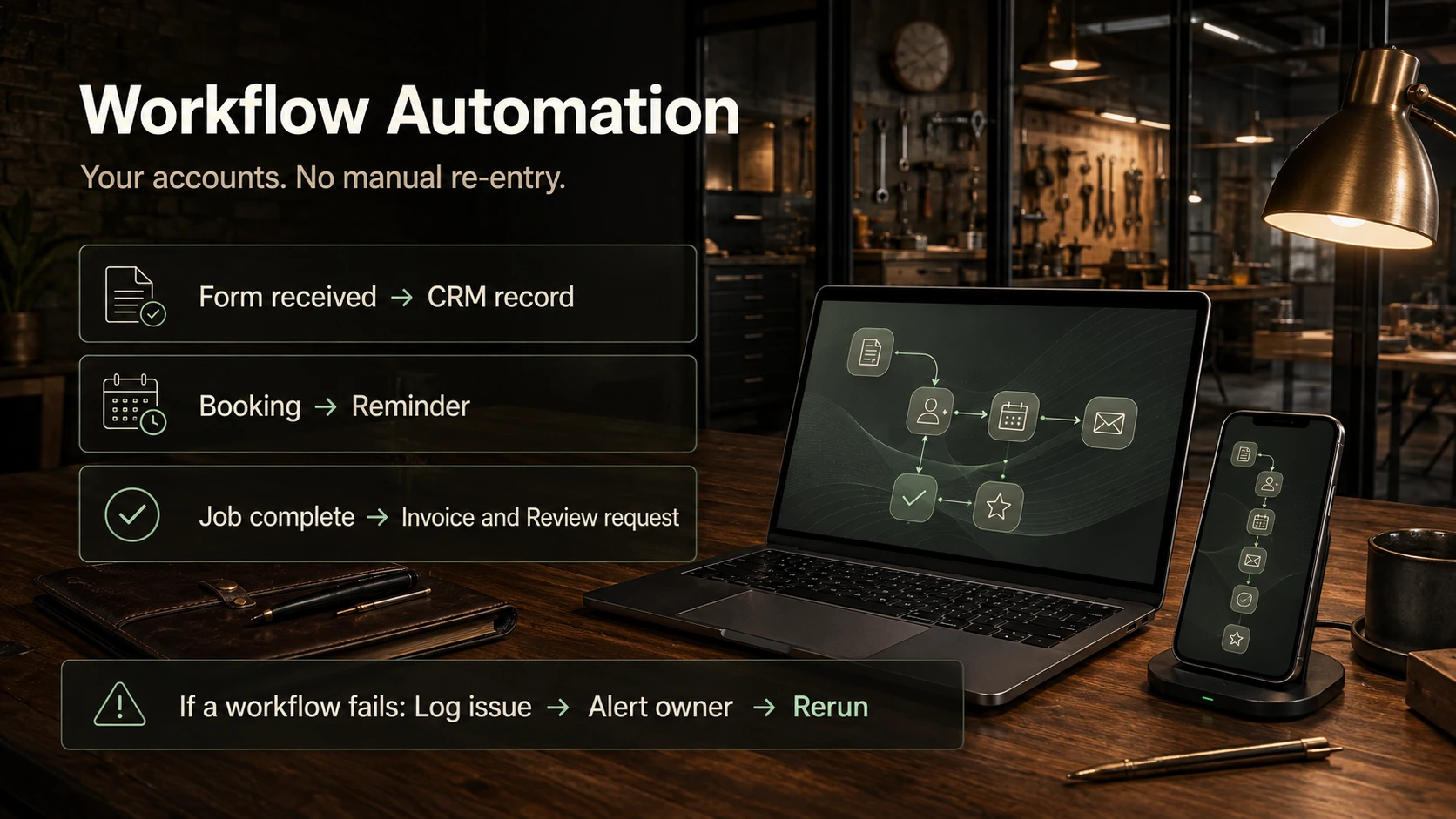
Workflow automation connects the tools a Nashville business already uses so the repeat work happens on its own: a form submission creates the CRM record, the booking triggers the reminder, the completed job sends the invoice and asks for the review. Epiphany Dynamics maps the workflow first, then builds it inside your own accounts.
The build starts with the task someone is doing twice a day by hand, not with a tool.
Last reviewed September 6, 2026
What we mean by workflow automation
Workflow automation connects the tools you already use so the repeat work happens on its own. The build starts with the task someone is doing twice a day by hand, not with a tool.
Common Nashville workflows
Form to CRM
A form submission creates the CRM record. The details land once, and the team stops retyping them into a second system.
Booking to reminder
A booked appointment triggers the reminder. The calendar stays the source of truth.
Job done to invoice and review request
When a job is marked complete, the invoice goes out and the review request follows. You approve those templates.
Quote gone quiet to follow-up
A quote that sits unanswered gets a check-in on a schedule you set. Your team still owns the conversation.
Weekly reporting
The numbers that someone compiles by hand each week get assembled from the systems that already hold them. You still read the report; you stop building it.
Tools and ownership
For simple triggers a hosted tool is fine. For workflows with branching logic or high volume, a self-hosted option often costs less over time. The result is built in your accounts, so you own it after launch. Our comparison guide covers the tradeoffs.
How a build runs
Map
We map the workflow first, including the failure path. That map is what we quote against.
Build
The automation is built in your accounts, not ours. You can see it as it goes up.
Test with real records
We run it against real records before it touches customers. Silent failures are what we design against.
Review with staff
Your team reviews the result before it goes live. They add the exceptions only they would know.
Hand over with documentation
You get documentation and ownership at handover. Support after launch is optional.
Relevant work you can inspect
Two projects show the shape of this work. For Mano Swartz Furs , a client in another market, the build manages 2,076 historical offers and 141 pending-offer customers in one system, with 900+ automated tests passing across the codebase. For SG News , a one-time fallback run published 13 previously-skipped articles in 89 seconds with zero errors, and a configuration issue that had been silently stopping 35 campaigns was found and fixed. The numbers are the ones published on each case study.
“Patrick took a complex project with several critical issues and made it launch-ready in under two weeks. His security audit caught vulnerabilities the previous developer missed.”
Frequently Asked Questions About Workflow Automation in Nashville
What workflows usually get automated first?
Lead intake and follow-up, appointment reminders, review requests after a job, and moving data between a form and a CRM. These are the ones where someone is retyping the same details into two systems every day.
Do you use Zapier, Make, or n8n?
We pick the tool that fits the workflow and your budget, and we've built on all three. For simple triggers a hosted tool is fine. For workflows with branching logic or high volume, a self-hosted option often costs less over time. Our comparison guide covers the tradeoffs.
Will this work with our CRM?
If your CRM has an API, almost certainly. We confirm the specific connections during the audit before quoting. If a tool can't be connected, we tell you and propose the cleanest workaround instead of forcing it.
What happens when a workflow fails?
Every workflow we build has a failure path: an alert to a named person, a log of what didn't finish, and a way to rerun it. Silent failures are what make people distrust automation, so we design against them from the start. On the SG News build, the failure we found was a configuration issue that had been silently stopping 35 campaigns. Finding it was part of the job.
Who owns the automation after launch?
You do. It's built in your accounts, documented, and handed over. Support after launch is optional. You're not locked into us to keep it running.
How long does a workflow build take?
Simple follow-up systems usually launch in 5 to 10 business days. Complex workflow automation with several integrations usually takes 2 to 4 weeks, most of it testing.
Related pages
Nearby answers, services, and guides for the same workflow.
More Nashville answers
Explore the other Nashville-specific answers and the main location guide.
- AI Receptionists in Nashville
- Missed Call Recovery in Nashville
- AI Automation Cost in Nashville
- AI Chatbots in Nashville
- Appointment Scheduling in Nashville
- CRM Automation in Nashville
- AI for HVAC, Plumbing, and Roofing in Nashville
- AI for Med Spas and Dental Practices in Nashville
- AI Intake for Law Firms in Nashville
- AI for Restaurants in Nashville
- AI Search Visibility in Nashville
- Whether AI Automation Is Worth It in Nashville
- AI automation in Nashville
Ready to map the first workflow?
Start with the audit. We will identify the highest impact workflows and show what should be automated first.
Free 30-minute audit. No obligation, no pitch.