
AI Voice Assistants vs Live Receptionists: Cost, Performance, and When to Use Each
AI voice assistants can answer quickly, operate around the clock, and cost far less than a staffed front desk in many service businesses. For simple transactional calls like appointments, hours, and basic information, AI can match or beat human performance.
AI voice systems answer virtually every call in seconds and cost far less than human staff, but they excel at routine bookings, not complex issues.
Epiphany Dynamics is an AI automation agency: we help businesses find and fix operational bottlenecks with AI receptionists, lead follow-up, and workflow automation.
The free 30-minute AI Operations Audit is a conversation about a normal week in your business and where the work piles up. We find the one change that would give you the most time back and send you a plain-English plan for it. No forms and no pitch.
Book a free AI audit
Patrick Gibbs
AI voice assistants can answer quickly, operate around the clock, and cost far less than a staffed front desk in many service businesses. For simple transactional calls like appointments, hours, and basic information, AI can match or beat human performance. Live receptionists still outperform on complex, emotionally volatile situations where callers want a human. This article covers the cost drivers, the honest performance trade-offs, and a clear decision framework for choosing AI, human, or a hybrid model.
The Receptionist Question Every Business Owner Is Asking
Your phone rings at 3 PM on a Tuesday. Your receptionist is on lunch. A potential client gets voicemail. They call your competitor instead. The true cost of that missed call is far higher than the lost job alone. This scenario repeats thousands of times every day across small and medium businesses, and it’s costing you money. Over the past three years, AI voice technology has evolved from a novelty into a genuinely capable alternative to human receptionists. But “capable” doesn’t mean “right for every situation.” Some businesses absolutely need a human touch; others are throwing away money on labor they don’t actually need. The question isn’t whether AI is good enough anymore: it’s whether AI is right for your specific operation, and how the economics actually work when you dig into the numbers. This article breaks down the real differences between AI voice assistants and live receptionists: what they cost, what they can and cannot do, which businesses benefit from each, and how to make a decision that isn’t based on hype but on your actual business needs.
The Real Cost Comparison: What You’re Actually Paying
Let’s start with the hardest, clearest data: money. Live Receptionist Costs: A full-time receptionist is not just a wage line. Add payroll taxes, benefits, phone system, desk space, equipment, training, sick coverage, turnover, and management time. That buys human judgment during scheduled coverage, but it does not automatically solve evenings, weekends, holidays, overflow, or concurrent calls. AI Voice Assistant Costs: Modern AI voice systems usually price around call volume, minutes used, features, integrations, and support. The quote can be subscription-based, usage-based, or a mix. Compare the vendor quote against your actual call profile rather than assuming someone else’s monthly bill applies to your business. Costs also include indirect operational factors. Live staff can resign, get sick, need training, and require supervision. AI systems need configuration, monitoring, prompt refinement, and escalation design. The right comparison is not “human good, AI cheap.” It is “which model gives us the best coverage, quality, and cost for the calls we actually receive?” Planning model: Build three columns: current live-staff cost, AI-only cost, and hybrid cost. Include direct spend, missed-call exposure, management effort, and customer-experience risk in each column before deciding.
Speed, Availability, and What AI Actually Does Well
Cost advantage means nothing if the system doesn’t perform. So let’s examine where each option actually excels. Response Time and Availability: An AI voice assistant can answer quickly outside normal business hours and during overflow. A live receptionist answers during business hours if they’re not already on another call. Otherwise callers wait or get voicemail. For time-sensitive calls, the availability difference matters. For callers reaching you late at night or on a weekend, AI can provide an immediate first response when a live receptionist is not scheduled. But availability cuts both ways. Some callers specifically want a human, and if they don’t find one quickly, they leave. Modern AI systems are designed to escalate to a live person if needed, but that only works if you have someone available or on-call to take the transfer. Consistency and Information Accuracy: An AI voice system provides identical, accurate information every single time. If your appointment confirmation script says “We’re located at 123 Main Street,” that’s what every caller hears. A live receptionist might say “Main Street” or “the strip mall near Starbucks” or give wrong hours if they’re new. This sounds trivial, but wrong information compounds: callers show up on the wrong day, arrive at the wrong time, or visit a competitor who answered correctly. AI eliminates this variance. AI systems consistently outperform humans on information accuracy, simply because they never misremember or improvise. Capacity and Scalability: A live receptionist has a hard ceiling because one person can hold one conversation at a time while also handling voicemails, administrative tasks, and walk-ins. An AI system can handle concurrent calls without the same staffing bottleneck. If your business grows in call volume, live coverage usually means hiring. With AI, it may mean tuning the workflow or changing the plan. This matters enormously for seasonal businesses that need surge coverage without hiring temporary staff. What AI Struggles With: Open-ended empathy and judgment. “I’m having terrible chest pain”: a human receptionist hears this and knows to say “Call 911 immediately.” An AI system can recognize keywords and escalate, but nuance is still harder. A caller who’s emotionally upset about a billing error needs a human who can calm them and make them feel heard. AI is improving at this, but it still feels robotic if the situation requires genuine human warmth. Complex, multi-step inquiries also favor humans. “I need to reschedule my appointment, but the time I want doesn’t exist yet, and I have a question about whether my insurance covers the procedure”. This is three separate problems. A human handles this intuitively. An AI can handle two of those three with scripting and integration, but the insurance question often requires real knowledge or a database lookup that the AI doesn’t have permission to access.
How the Two Options Compare in Practice
Here is how the two options typically stack up.
| Metric | Live Receptionist | AI Voice Assistant |
|---|---|---|
| Answer coverage | Strong during staffed hours, limited during overflow | Strong during overflow and after hours |
| Average answer time | Depends on call load and current task | Designed for immediate response |
| Appointment booking accuracy | Strong when trained and not overloaded | Strong when calendar integration is configured well |
| Availability | Requires staffing coverage | Built for around-the-clock call handling |
| Simple inquiries | Reliable if the receptionist has the answer | Reliable when the knowledge base is accurate |
| Complex issues | Best fit for empathy and judgment | Needs escalation rules and human backup |
| Cost structure | Loaded employment cost | Subscription, usage, and setup cost |
Which Businesses Should Use AI, and Which Shouldn’t
The decision framework isn’t “AI vs. human”: it’s “which tool fits my specific call profile.” AI is the right choice if: Your business receives more calls than your team can reliably answer. Most of your calls are transactional (appointments, hours, basic information, quote requests). You receive calls outside business hours that currently go to voicemail. You have seasonal volume spikes. You’re hiring a receptionist primarily to handle overflow and after-hours calls, not relationship management. You want consistent messaging and information delivery. Your callers are comfortable with digital interactions or your service area is geographically diverse and you need around-the-clock coverage. Specific examples: Dental and medical practices, salons and spas, fitness studios, home services (plumbing, HVAC, cleaning), insurance agencies, legal practices, SaaS companies, software support teams, and recruitment firms. These businesses see high call volume, most calls are schedule-oriented, and the caller expects fast information delivery, not a personal relationship on the first call. Live receptionists are the right choice if: Most of your callers need relationship-building or custom solutions on the first call. Your business relies on hospitality (high-end hotel, boutique luxury brand). Your team can already handle call volume during business hours. Your callers specifically value human connection as part of your brand promise. Misjudging a situation has serious consequences (financial advising, crisis support, medical emergency triage). You operate in an industry where compliance or documentation of customer interactions is critical and varies case-by-case. Specific examples: Executive search firms, luxury concierge services, boutique consulting, crisis hotlines, elite personal services, and specialized industries where every interaction is unique and high-stakes. The Hybrid Model (The Smart Choice for Many): Keep a live receptionist for core business hours when relationships matter most. Deploy AI for overflow during peak hours and for calls outside those hours. This gives you the best of both worlds: humans handle complex interactions and relationship-building, AI handles surge capacity and nights/weekends. Model the cost by adding the part-time human coverage to the AI quote, then compare that against your current staffing model and missed-call exposure.
Also on the blog: How to Use AI for Restaurant Operations: Save Money and Reduce Stress (2026).
Integration and Technical Reality
AI doesn’t magically work. It needs to integrate with your phone system, calendar, CRM, and appointment software. This is where many deployments stumble. Integration Complexity: Modern AI voice platforms connect via APIs to Calendly, Acuity Scheduling, Google Calendar, HubSpot, Salesforce, and most major business tools. Setup effort depends on how standard your stack is and whether the vendor handles configuration. If your business uses custom or legacy software, integration may not be possible, or it might require developer work. Training and Tuning: Out of the box, AI voice systems are generic. You need to customize scripts: your business name, location, hours, services, pricing (if you share it), how to handle common objections, escalation procedures. As you discover how callers interact with the system, you refine the scripts. This is an ongoing operating task, not a one-time switch flip. Call Escalation and Handoff: When the AI can’t handle a call, it needs to reach a human. That human could be an on-call staff member, a virtual receptionist service, or a live person in your office. How smoothly this handoff works determines whether callers feel frustrated or well-served. A poor handoff (caller repeats their entire issue to the human) creates a bad experience. A good handoff (AI summarizes the issue and transfers with context) feels smooth.
Making Your Decision: A Practical Framework
Here’s how to evaluate what’s right for your business: Step 1: Measure Your Current Call Profile For a short audit period, track: How many calls per day do you receive? What share are simple or transactional versus complex? How many go unanswered or to voicemail? What times do most calls come in? What share of calls result in an immediate booking or appointment? Step 2: Calculate Your Current Receptionist Cost Full salary, benefits, taxes, equipment, space, and training. Honest number. Step 3: Determine AI Fit Percentage What share of your calls are simple enough for AI to handle? A dental practice where most calls are “I want to schedule an appointment” has high AI fit. A strategic consulting firm where most calls require experienced judgment has low AI fit. If routine calls are the minority, AI alone isn’t the answer. If routine calls dominate, AI can handle much of your volume. Step 4: Model Three Scenarios
- Keep all-human: Continue with current staffing (cost baseline)
- AI only: Replace receptionist with AI system; measure risk (do you lose relationship? Do calls drop?)
- Hybrid: One part-time human + AI for overflow/after-hours; measure net cost and service improvement Step 5: Pilot Before Committing Run a pilot on your after-hours calls first: lowest risk, highest potential value. If that works, expand to peak-hours overflow. Only then, if you choose, replace your full-time person with a hybrid model.
The Honest Trade-offs
AI voice isn’t a one-way win, and neither is a live receptionist. Here’s what you’re actually trading: Choosing AI means: You get faster response times, 24/7 availability, and much lower costs. You lose the human warmth on first contact, the ability to handle truly unusual situations, and some caller satisfaction on complex issues. Callers know they’re talking to a machine, and some will be frustrated by that. Your brand moves from “personal service” to “efficient logistics.” Choosing live receptionists means: You get human judgment, warmth, relationship-building, and the ability to surprise callers with personal service. You lose cost efficiency, around-the-clock availability unless you hire multiple staff, and consistency (good receptionists are gold, bad ones damage your brand). Your brand is “we care enough to have humans answer the phone,” but you pay a loaded staffing cost for that message. The question isn’t “which is objectively better?” but “which trade-off aligns with my business model, my callers’ expectations, and my financial reality?”
Bottom Line: What Actually Works
The practical pattern is clear: for many small and mid-market businesses, a hybrid approach delivers the best ROI. A part-time receptionist handles your peak business hours when relationships and complex issues actually arise. An AI voice system handles everything else: overflow during peak time, all after-hours calls, and routine scheduling. The benefit is faster answer times, around-the-clock availability, consistent information, fewer dropped calls, and genuine human support when it matters. That’s better service and lower cost than either option alone for the right call profile. If you’re currently losing calls to voicemail, receiving complaints about hold times, or paying two salaries for receptionist coverage, the hybrid model is almost certainly your answer. The technology is mature, the cost is justified, and the implementation is straightforward. The only real question is whether you’ll take the time to actually measure your call profile and model the economics before deciding. See our AI receptionist vs call center comparison for an even deeper dive into the data. Most businesses don’t, which is why they’re still overspending on labor they don’t need while delivering worse service than they could with a simple system deployed well.
Frequently Asked Questions
Q: How much does an AI voice assistant cost compared to a live receptionist?
AI voice system pricing depends on call volume, minutes used, features, integrations, and support level. A live receptionist cost depends on salary, payroll taxes, benefits, equipment, management time, turnover, and backup coverage. For businesses requiring around-the-clock coverage or overflow handling during peak hours, the economics often shift further in AI’s favor because human staffing requires additional people to achieve comparable availability.
Q: What types of calls can an AI voice assistant handle independently?
AI voice assistants handle routine transactional calls effectively: appointment scheduling and rescheduling, hours and location inquiries, basic FAQ responses, pricing questions, and intake information collection. These categories represent the bulk of call volume for most service businesses. Complex complaints, emotionally distressed callers, unusual situations requiring judgment, and high-value relationship conversations still require human handling.
Q: Will customers know they are talking to an AI voice assistant?
Modern AI disclosure requirements and best practices recommend identifying AI upfront. Most callers already suspect or know they are interacting with AI from the voice quality and response patterns, so transparency builds rather than erodes trust. Businesses that try to disguise AI as human create frustration when the illusion breaks down, particularly during complex interactions where the AI’s limitations become apparent.
Q: What is the hybrid AI-human receptionist model and why does it work?
The hybrid model uses a part-time human receptionist during peak business hours combined with AI handling overflow and after-hours calls. Humans focus on complex interactions and relationship-building during the hours when it matters most; AI handles the high-volume routine tasks that don’t require human judgment.
Patrick Gibbs
AI Automation Expert
Patrick Gibbs helps professional practices implement AI automation that captures more leads, books more appointments, and scales without adding overhead. He's the founder of Epiphany Dynamics and creator of the AI Front Desk system.
Related Solutions
Build this into a real workflow
Related Posts

AI Automation Agency for SMBs: What to Look For
A practical guide to choosing an AI automation agency for SMB workflows, from call intake and scheduling to CRM updates, follow-up, and maintenance.

Best AI Receptionist for Small Business: How to Choose
The best AI receptionist for a small business is the one that answers quickly, books or routes correctly, escalates cleanly, and fits the tools your team.
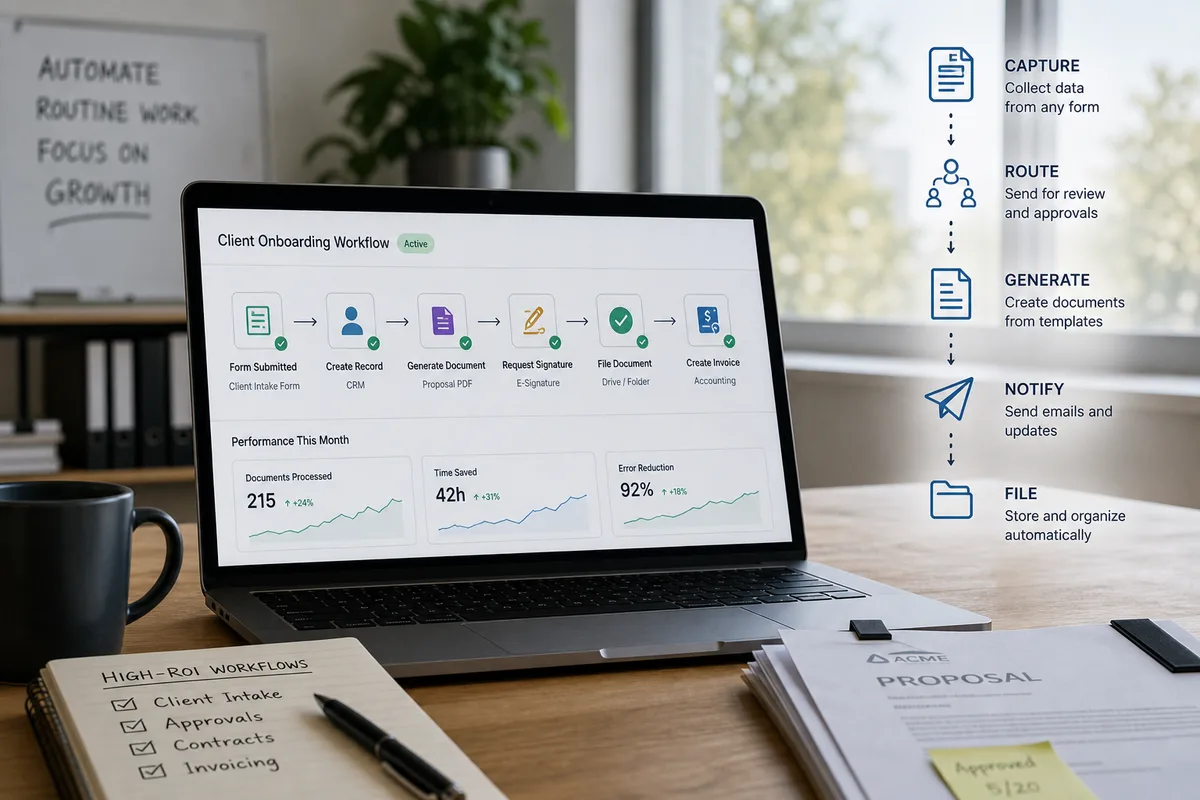
Document Workflow Automation for Small Business (2026 Guide)
Small businesses spend a substantial share of employee time on document tasks. Here's how document workflow automation works, which workflows to build first.