
How-To Guides
How to Automate Your HVAC Business: Stop Losing Calls and Jobs (2026)
Learn how to automate your HVAC business with 24/7 AI phone answering, automated dispatch, scheduling, estimates, follow-ups, and review generation.
The free 30-minute AI Operations Audit is a conversation about a normal week in your business and where the work piles up. We find the one change that would give you the most time back and send you a plain-English plan for it. No forms and no pitch.
Book a free AI audit
Patrick Gibbs
To automate your HVAC business, start with 24/7 AI phone answering to capture every after-hours service call, route emergency calls to your on-call team, and book non-urgent appointments directly into your schedule. Add automated dispatch, estimate follow-ups, maintenance reminder campaigns, and review generation. HVAC companies that automate the full call-to-booking workflow can recover jobs that would otherwise be lost to voicemail and slow follow-up.
Why HVAC Businesses Lose Money Every Day
HVAC businesses operate on a simple model: calls come in, trucks go out. Every missed call is lost revenue. A meaningful share of incoming calls go unanswered at most HVAC companies, primarily during evenings, weekends, and peak seasons when the office is overwhelmed.
The problem compounds during extreme weather. When its 95 degrees and every AC in town is running hard, your phone rings nonstop. Your one or two dispatchers cant keep up. Calls go to voicemail. Callers call the next company on Google. You never even knew they called.
Automation solves this at every stage of the customer journey.
Step 1: Deploy 24/7 AI Phone Answering
The highest-ROI automation for any HVAC business is AI phone answering. Set up an AI phone agent that answers every call, every time, 24/7/365.
The AI should be able to: determine if a call is an emergency and immediately transfer to your on-call technician, schedule non-emergency service appointments directly into your dispatch software, capture caller information (name, address, phone, issue description) for callback if needed, answer common questions about pricing, service areas, and availability, and send a confirmation text with appointment details and technician photo.
Planning example: a multi-location HVAC company deploying AI phone answering across all locations can compare answered-call rate, after-hours bookings, and booked service revenue before and after launch. The important measurement is not the novelty of the AI. It is how much previously missed demand turns into scheduled jobs.
Step 2: Automate Dispatch and Scheduling
Connect your AI phone system to your dispatch software (ServiceTitan, Housecall Pro, Jobber, or similar). When the AI books an appointment, it should automatically: check technician availability and assign the closest available tech, create the job in your dispatch system with all customer details, send the job details to the technicians mobile app, and notify the customer with an ETA and technician name.
This eliminates the phone tag between dispatchers and technicians. The system handles routing automatically based on location, skillset, and availability.
Step 3: Automate Estimate and Quote Follow-Ups
HVAC estimates often require a site visit before quoting. The gap between the visit and the quote is where you lose jobs.
Set up automated sequences for: sending the estimate immediately after the visit (text and email with e-sign option), following up at 24 hours if no response with “Did you have questions about the estimate?”, following up at 72 hours with a limited-time offer or financing option, and sending a final follow-up at 7 days before closing the opportunity.
Automated follow-ups can improve estimate-to-close rates compared to manual follow-up, which often gets forgotten.
Step 4: Build Maintenance Plan Automation
Recurring maintenance plans are the most profitable revenue stream in HVAC. They provide predictable monthly income and keep your trucks busy during slow seasons.
Automated maintenance campaigns: check your database monthly for customers due for spring or fall tune-ups, send personalized booking invitations via text and email, schedule confirmed appointments automatically, send technician reminders the day before and morning of, and follow up after service with a satisfaction check and review request.
For a deep dive on HVAC-specific automation, see our HVAC automation guide.
Step 5: Automate Review Generation
HVAC is a local search business. The company with the most reviews and highest rating wins the Google Local Pack.
Set up review automation that: sends a review request text message immediately after service completion, follows up at 48 hours if no review is posted, monitors Google, Yelp, and Facebook for new reviews, and alerts you immediately to negative reviews for quick response.
Frequently Asked Questions
Can AI handle emergency HVAC calls properly? Yes. Configure your AI to recognize emergency keywords (no heat, no AC, gas leak, water leak) and immediately route those calls to your on-call technician. Non-emergency calls are booked as standard appointments.
What HVAC software integrates with AI automation? Most AI phone systems integrate with ServiceTitan (see our deep dive on ServiceTitan AI integration), Housecall Pro, Jobber, SimPRO, and FieldEdge. If your software has an API or Zapier/Make/n8n connection, an AI phone agent can integrate with it.
Will my customers be annoyed by talking to an AI? Not when the AI is helpful. Customers calling at 9 PM with a broken AC dont care if they talk to a human or an AI — they just want their AC fixed. The AI gets them to a booked appointment faster than a voicemail ever would.
How much does HVAC automation cost? These are illustrative third-party tool budgets. Your call volume, dispatch platform, and required integrations determine the quotes to compare.
For a hypothetical third-party budget, allow $200-$500/month for phone software and $50-$100/month for dispatch integration; a broader $500-$1,000/month scenario can be used to compare quotes. These are sample inputs, not current market rates. Include setup, usage and support in the actual scope.
How long does setup take? AI phone answering takes 2-3 days to configure. Full integration with dispatch software takes 1-2 weeks. Start with phone answering and add capabilities weekly.
Automate Your HVAC Business Now
Every missed call is a missed opportunity. HVAC companies that automate gain an uncatchable lead over competitors still relying on voicemail and manual scheduling.
Start this week. Deploy AI phone answering on your main business line. Test it for a few days with a subset of calls. Once youre confident, route all calls through the AI. Our HVAC automation tools page has vendor comparisons and setup guides.
Book a free automation audit for a personalized 30-day HVAC automation plan.
Patrick Gibbs
AI Automation Expert
Patrick Gibbs helps professional practices implement AI automation that captures more leads, books more appointments, and scales without adding overhead. He's the founder of Epiphany Dynamics and creator of the AI Front Desk system.
Related Solutions
Build this into a real workflow
Related Posts

What Two-Way Sync Between AI and ServiceTitan Looks Like in Practice
Two-way sync between AI and ServiceTitan means data flows both directions: the AI reads live job and customer data from ServiceTitan, and writes new bookings.
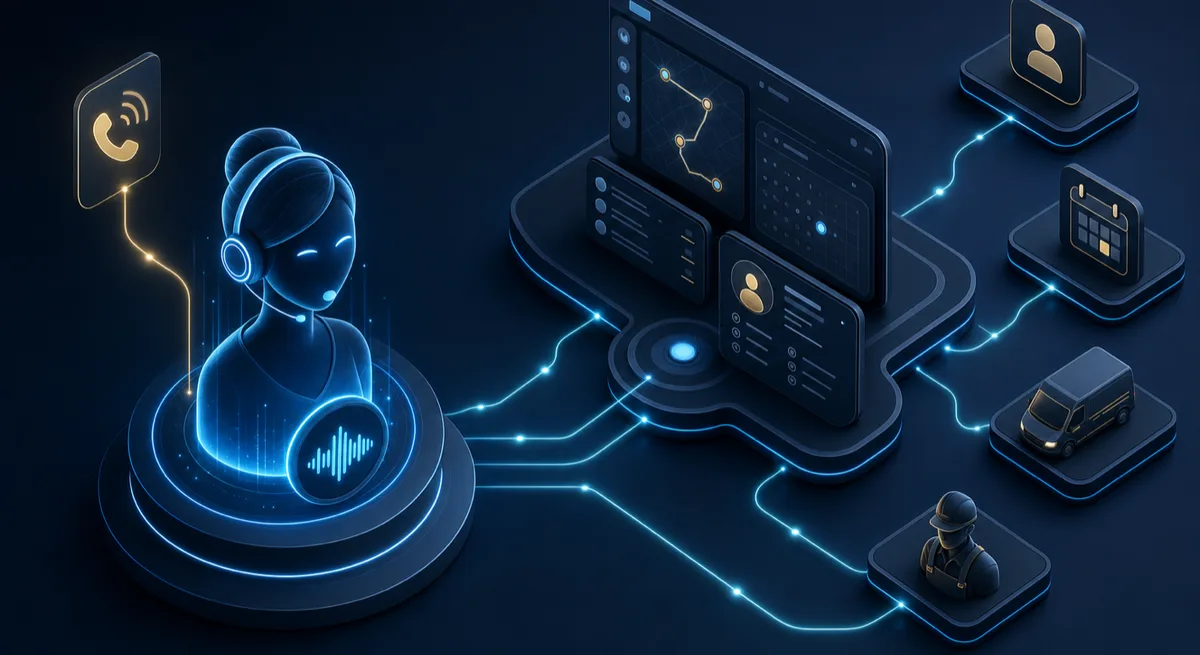
AI Receptionist for ServiceTitan: How the Integration Actually Works
A plain-English guide to connecting an AI receptionist to ServiceTitan through its API, what gets automated, and what your account needs first.
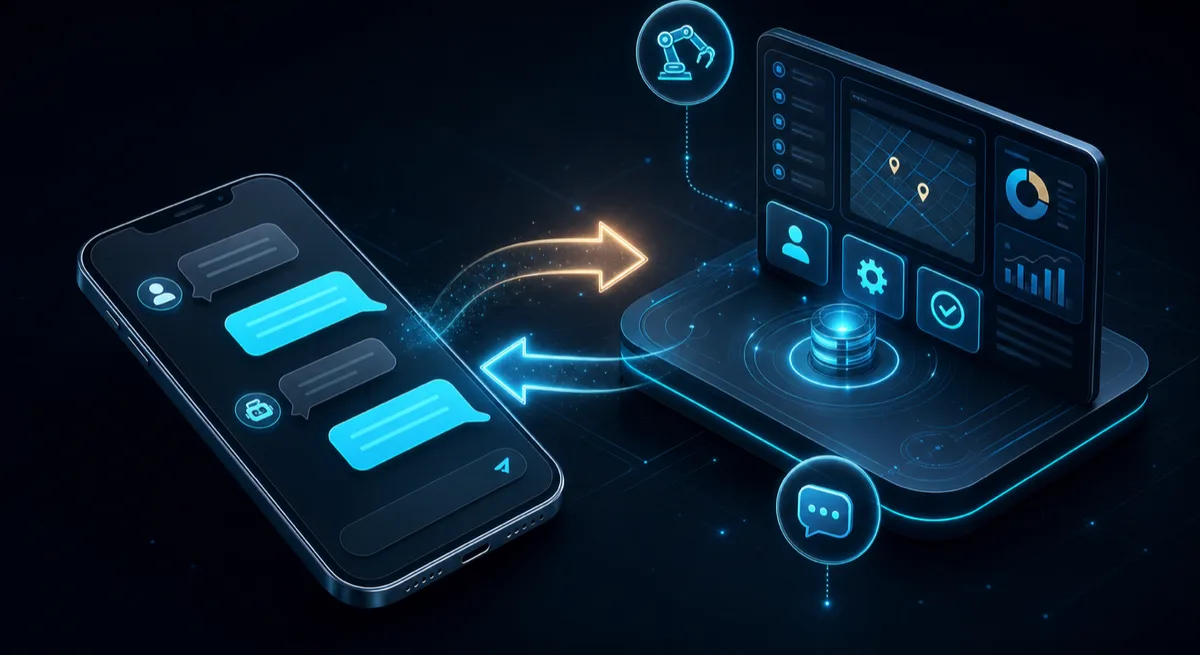
AI Texting That Works With ServiceTitan: Two-Way SMS Without the Busywork
How AI texting connects to ServiceTitan to answer customer texts, book jobs, and log every conversation back to the customer record automatically.