
How to Choose AI Tools for Your Business: A Practical Selection Framework (2026)
To choose AI tools for your business, follow this four-step framework: map your highest-repetition processes to automation categories (phone, scheduling, intake, marketing, reporting), evaluate tools against a standardized checklist (integration fit, pricing, ease of use, support), run evidence-based trials measuring specific metrics, and deploy incrementally starting with the highest ROI process. Businesses that use this framework avoid tool sprawl and unnecessary spend compared to those who buy based on features alone.
How to choose AI tools for your business with a four-step selection framework. Evaluate automation needs, compare platforms, test before buying, and avoid.
Epiphany Dynamics is an AI automation agency: we help businesses find and fix operational bottlenecks with AI receptionists, lead follow-up, and workflow automation.
The free 30-minute AI Operations Audit is a conversation about a normal week in your business and where the work piles up. We find the one change that would give you the most time back and send you a plain-English plan for it. No forms and no pitch.
Book a free AI audit
Patrick Gibbs
To choose AI tools for your business, follow this four-step framework: map your highest-repetition processes to automation categories (phone, scheduling, intake, marketing, reporting), evaluate tools against a standardized checklist (integration fit, pricing, ease of use, support), run evidence-based trials measuring specific metrics, and deploy incrementally starting with the highest ROI process. Businesses that use this framework avoid tool sprawl and unnecessary spend compared to those who buy based on features alone.
The Problem with How Most Businesses Choose AI Tools
Every week a new AI tool launches promising to change how the business operates. Marketing teams use language like “AI-powered” and “smart automation” without explaining what the tool actually does. Business owners fall into two traps: buying too many tools that overlap, or buying one tool that doesnt integrate with existing systems.
The right approach is backwards from how most people shop. Instead of starting with tools, start with your processes. Understand exactly what you need automated, then find tools that match those needs. This saves money and prevents the dreaded “tool sprawl” that creates more work instead of less.
Step 1: Map Your Processes to Automation Categories
Before looking at any tool, document your daily, weekly, and monthly repetitive tasks. Group them into categories:
Phone and communication: Incoming calls, outbound follow-ups, appointment reminders, FAQ answering. Tools that address this include AI phone agents and conversational AI platforms.
Scheduling and booking: Appointment booking, rescheduling, cancellation management, calendar sync. Look at scheduling platforms with AI features.
Intake and forms: Patient intake, client onboarding, service requests, order forms. Digital intake and form automation tools cover this.
Marketing and reviews: Review generation, social media posting, email sequences, customer surveys. Marketing automation with AI writing capabilities fits here.
Reporting and data: Report generation, data entry, spreadsheet automation, analytics. Look at AI data tools and no-code automation platforms.
For a comprehensive comparison of the top platforms, see our AI tools comparison guide.
Step 2: Build Your Evaluation Checklist
Every tool you consider should pass these criteria:
Integration compatibility: Does it connect to your CRM, scheduling platform, phone system, and email? Check native integrations first, then ask about API or Zapier/Make/n8n connections.
Pricing structure: Is it per-user, per-feature, per-contact, or flat monthly? Calculate your actual cost at expected usage levels. Many AI tools seem cheap at the base tier but scale quickly.
Ease of setup: Can you deploy it in a day or does it require a consultant? Read setup documentation before buying. Tools that require weeks of configuration often fail to get deployed.
Support quality: Do they offer phone support, chat, email? Check response times. For mission-critical tools like phone answering, 24/7 support matters.
Data security: Where is data stored? Is it encrypted? Do they sign BAAs for healthcare or HIPAA-adjacent use cases? Verify before committing.
Step 3: Test Before You Buy
Never purchase an annual subscription for an AI tool you havent tested for at least 14 days. Every serious AI platform offers a trial period.
During your trial, measure specific metrics. For an AI phone agent, track: percentage of calls handled without human transfer, average call duration, patient satisfaction scores, and number of appointments booked. For a marketing AI tool, track: time saved per campaign, response rates, and content quality ratings.
Set up a controlled test. For example, route 50% of your incoming calls to the AI and 50% to your human team. Compare outcomes over a week. This gives you real data instead of gut feelings.
Step 4: Deploy Incrementally, Starting with Highest ROI
Deploy one tool at a time. Start with the process that consumes the most staff time or causes the most customer friction. Common first picks: AI phone answering (quick setup, immediate savings), automated scheduling (reduces no-shows within days), or intake form automation (eliminates data entry immediately).
Deploy one workflow, train the people who own it, and stabilize it before adding another. Set an observation period that includes your busy and quiet periods. Expand only when records are accurate, exceptions reach the right person and the measured benefit exceeds the maintenance work.
Frequently Asked Questions
How many AI tools does a small business need? Most service businesses need 3-5 AI tools: an AI phone agent, scheduling automation, intake form automation, a marketing automation platform, and optionally a reporting tool. Dont buy more than you can actually deploy.
Whats the best AI tool for a small business starting out? Start with AI phone answering. Its the highest-repetition task in most businesses and delivers immediate, measurable savings. Phone answering AI consistently ranks as the highest ROI automation for service businesses.
How do I know if an AI tool integrates with my current software? Check the tools integration page first. If your CRM, calendar, or phone system is listed, youre in good shape. If not, ask about API access or n8n/Make connections. Most modern tools offer at least Zapier or webhook integration.
What should I spend on AI tools per month? The following amounts are illustrative third-party tool budgets. Compare current vendor quotes against the workflows you plan to automate.
Build a budget from current quotes for the workflows you selected. Include setup, phone and message usage, integrations, staff training and support. Set a spending limit before the pilot and compare it with measured time saved or incremental gross margin; a universal percentage of revenue is not a substitute for that calculation.
Should I buy an all-in-one platform or separate tools? Separate tools connected through n8n or Make are usually better. All-in-one platforms sound convenient but often do everything poorly. Best-of-breed tools connected through automation give you more flexibility and better results.
Build Your AI Tool Stack
The right AI tool stack saves meaningful staff time while improving customer experience. The wrong stack wastes money and frustrates your team. Follow this framework, test before committing, and deploy incrementally.
Ready to build your stack? Our integration setup guide shows how to connect the best tools together, and our AI tools directory has detailed, unbiased reviews of every major platform.
Patrick Gibbs
AI Automation Expert
Patrick Gibbs helps professional practices implement AI automation that captures more leads, books more appointments, and scales without adding overhead. He's the founder of Epiphany Dynamics and creator of the AI Front Desk system.
Related Solutions
Build this into a real workflow
Related Posts
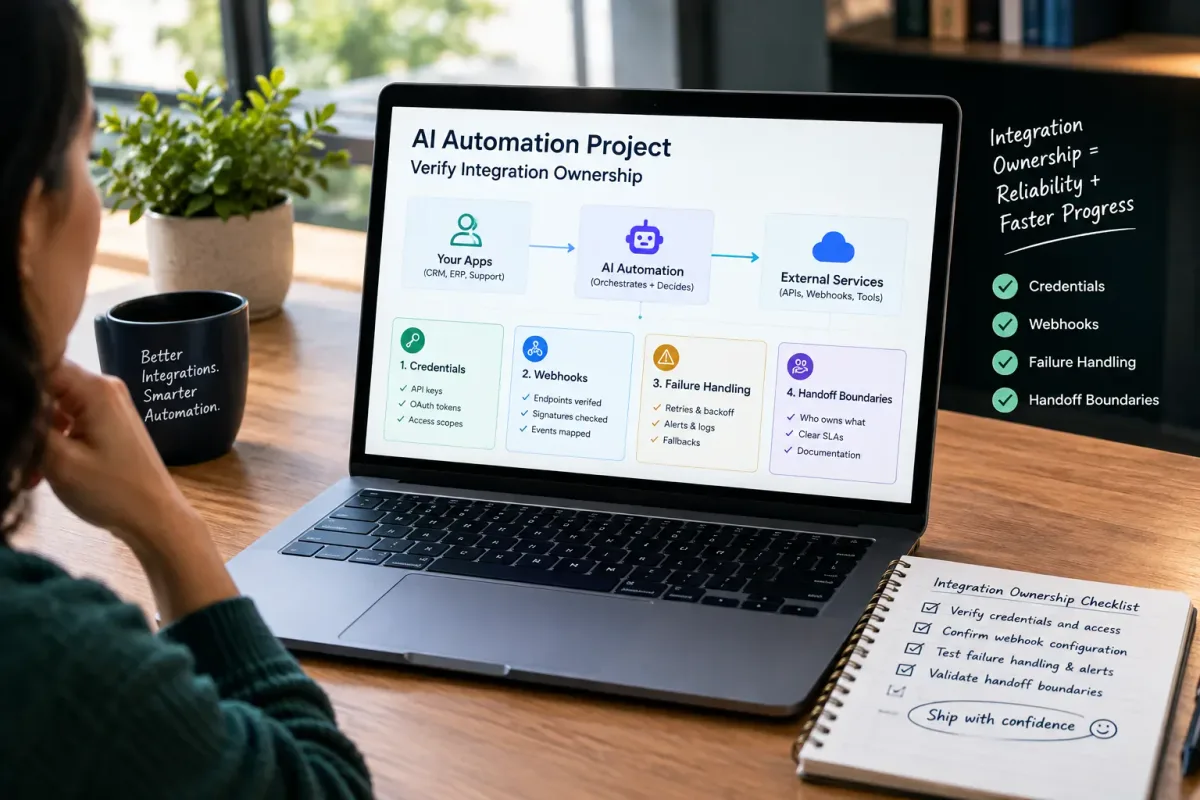
How Do I Verify Integration Ownership in an AI Automation Project?
Learn how to verify integration ownership in an AI automation project, including credentials, webhooks, failure handling, and handoff boundaries.

Is Epiphany Dynamics Legitimate for AI Automation?
Is Epiphany Dynamics legitimate for AI automation? Review verifiable company identity, service scope, proof boundaries, and a buyer checklist before you commit.

What Two-Way Sync Between AI and ServiceTitan Looks Like in Practice
Two-way sync between AI and ServiceTitan means data flows both directions: the AI reads live job and customer data from ServiceTitan, and writes new bookings.