
AI Automation
What Proof an AI Automation Agency Should Show Before Launch
Before an AI automation goes live, ask for test cases, failure paths, human escalation, integration readback, named ownership, and a signed acceptance record.
The free 30-minute AI Operations Audit is a conversation about a normal week in your business and where the work piles up. We find the one change that would give you the most time back and send you a plain-English plan for it. No forms and no pitch.
Book a free AI audit
Patrick Gibbs
Before launch, an AI automation agency should show written test cases, mapped failure paths, a human escalation route, integration readback from your real systems, named ownership after handoff, and a signed acceptance record. If any of these are missing, delay go-live. A fixed-scope audit can fill the gaps before you commit.
A demo proves the automation can work once, on a good day, with a clean input. Launch proof shows what happens on the other days. This guide gives a small-business owner a concrete list to request, what good evidence looks like, and when to walk back a launch date.
The short list of proof to ask for
Ask for six items: a test case sheet, a failure path map, an escalation rule, integration readback, a named owner for each part, and a signed acceptance record. A credible agency can produce these in a shared document before go-live, not after a problem.
Use this table as a gate. If an item is missing or vague, treat it as unfinished work, not a formality.
| Proof item | What it shows you | Red flag |
|---|---|---|
| Test case sheet | Inputs, expected results, actual results, pass or fail | Only a recorded demo |
| Failure path map | What happens when the automation cannot finish | ”It rarely fails” |
| Escalation rule | Who gets the handoff, how fast, with what context | ”Someone will check it” |
| Integration readback | The record that landed in your CRM, calendar, or phone system | Screenshots of the agency’s own tool |
| Ownership list | Who controls logins, edits, alerts, and monitoring | Accounts held only by the vendor |
| Acceptance record | Scope, results, known limits, approval date | Verbal sign-off |
If you are still choosing a vendor, AI Automation Agency for SMBs: What to Look For covers selection. Treat this list as the gate that comes after selection and before launch.
Test cases that reflect your real work
Good test cases come from your own last month of real requests, not from a demo script. Expect a written sheet with the input, the expected result, the actual result, and a pass or fail mark, including messy inputs like interruptions, missing details, and after-hours timing.
What the sheet should contain
Ask the agency to build the cases with you. You know which requests cost you money when mishandled, and they should be weighted heavily.
- Common requests, such as booking, pricing questions, and status checks.
- Edge cases, such as a caller who gives a partial address or changes their mind mid-way.
- Off-scope requests the automation should decline or hand off.
- Timing cases, such as a request at 9:40 pm or during a holiday.
- Duplicates, such as the same customer contacting you twice.
An illustrative example
Imagine a plumbing shop testing a missed call text back flow. A reasonable sheet might include a repeat caller, a number that cannot receive texts, a caller who replies “emergency,” and a caller who replies with a photo. Each row records what should happen and what did. The count of cases matters less than whether the risky ones are in the sheet. For build detail on that flow, see Missed Call Text Back Automation: Build It Right in 2026.
Ask to see failed cases too. A sheet where everything passed on the first try usually means the cases were too easy.
Failure paths and human escalation
A failure path says what the automation does when it cannot finish the job. Ask what happens on an unclear request, a system outage, or an angry caller, and who gets notified. Escalation should reach a named person, with context, within a time you agreed on.
Map the failures before launch
Every automation depends on a phone line, a model, an integration, and data that can be wrong. Ask the agency to list what happens when each one fails. Useful prompts:
- What if the calendar or CRM does not respond?
- What if the request is unclear after two attempts?
- What if the person asks for a human?
- What if the input looks like an emergency, a complaint, or a legal or medical matter?
- What if the automation is confident but wrong?
The last one matters most. A good design includes a way to catch wrong answers, such as a daily review of a sample of conversations during the first weeks.
Escalation you can actually test
“Human in the loop” means little until you trigger it. During testing, force an escalation and watch it arrive. Check the recipient, the delay, and whether the handoff includes the summary, the contact details, and what the automation already told the customer. Also decide who covers when the named person is out. For phone-heavy businesses, How Voice AI Handles After-Hours Emergency Calls shows why the emergency route deserves its own test.
Integration readback and ownership
Integration readback means the agency shows the record that landed in your actual system, such as your CRM or calendar, and matches it to the test input. Ownership means every login, prompt, workflow, and alert has a named owner on your side or theirs, in writing.
Readback: prove the data arrived
A success message from an automation tool is not proof. Readback means someone opens your system and confirms the appointment, note, tag, or invoice exists and is correct. Do it live during a working session, and check fields that break quietly: time zones, phone number formats, duplicate contacts, and required fields left blank. If your stack is specialized, the integrations page lists what Epiphany Dynamics connects to.
Ownership: who holds what
Ask for a simple list covering:
- Accounts and billing, ideally in your company name.
- Workflow and prompt edits, and who approves changes.
- Alerts, and who receives them.
- Monitoring after launch, and for how long the agency stays on it.
- Documentation and export rights if you leave.
This is where the vendor type matters. AI Automation Agency vs Freelancer: Which Is Right for Your Business? explains the coverage and continuity tradeoffs, and the ownership list is where those tradeoffs become concrete. Support terms also affect cost, which AI Automation Agency Pricing: What You Actually Pay for Custom Automation in 2026 breaks down.
The acceptance record
An acceptance record is a one page document you sign after the tests pass. It lists the scope, test results, known limits, escalation contacts, owners, and the date you approved go-live. It protects both sides and makes later disputes about what was promised easy to settle.
Keep it short enough that people read it. A workable version includes:
- Scope: what the automation does and what it does not do.
- Test summary: cases run, cases passed, cases failed and how they were resolved.
- Known limits: situations that will be handed to a human.
- Escalation contacts and response expectations.
- Integration readback confirmation, with the date and who checked.
- Owners for accounts, changes, and monitoring.
- Post-launch review date, so the first weeks are not left unwatched.
- Signatures from both sides.
Notice what is absent: promised savings or conversion numbers. Outcomes depend on your volume and process, so treat any guaranteed figure with suspicion. Measure results after launch against your own baseline.
If you would like a second set of eyes on a proposal or a build already underway, a fixed-scope audit can review these six items against your workflow and tell you what is missing. You can book a free AI audit to start, or see the services page for what is delivered.
When this much proof is too much
Not every automation needs a full proof pack. A simple internal reminder or a low-stakes notification can launch with a short test list and one owner. Scale the proof to the cost of a mistake: money, customer trust, regulated data, or safety.
A team Slack alert for new form submissions does not need a formal escalation map. An automation that quotes prices, books jobs, touches patient information, or sends messages under your name does. Overbuilding proof for a small task wastes budget and delays value, and some agencies use paperwork to look thorough. Judge the proof by whether it would have caught a real failure, not by page count.
Also remember that no test set covers everything. Launch proof reduces surprises, and it does not remove the need to review live conversations and fix gaps in the first weeks.
Frequently Asked Questions
What is the single most important proof to ask for?
Integration readback combined with a forced escalation test. Together they show that data lands correctly in your systems and that a person receives the handoff when the automation cannot finish. Both are easy to verify live in one working session.
How many test cases should there be?
There is no universal number. Cover your common requests, your costly edge cases, off-scope requests, and timing cases. A smaller sheet built from your real requests is more useful than a long generic one. Ask to see the failures, not just the passes.
Who should sign the acceptance record?
Someone with authority over the business process, usually the owner or an operations lead, plus the agency’s project lead. Signing confirms the scope and known limits, so the person signing should have watched the tests or read the results.
Can I ask for this proof if the build has already started?
Yes. Request the test sheet, failure paths, and ownership list before go-live, even mid-project. If the agency cannot produce them, that is useful information. Setup timelines are covered in How Long Does AI Receptionist Setup Take in 2026?, which can help you judge whether testing time was planned.
Patrick Gibbs
AI Automation Expert
Patrick Gibbs helps professional practices implement AI automation that captures more leads, books more appointments, and scales without adding overhead. He's the founder of Epiphany Dynamics and creator of the AI Front Desk system.
Related Solutions
Build this into a real workflow
Related Posts
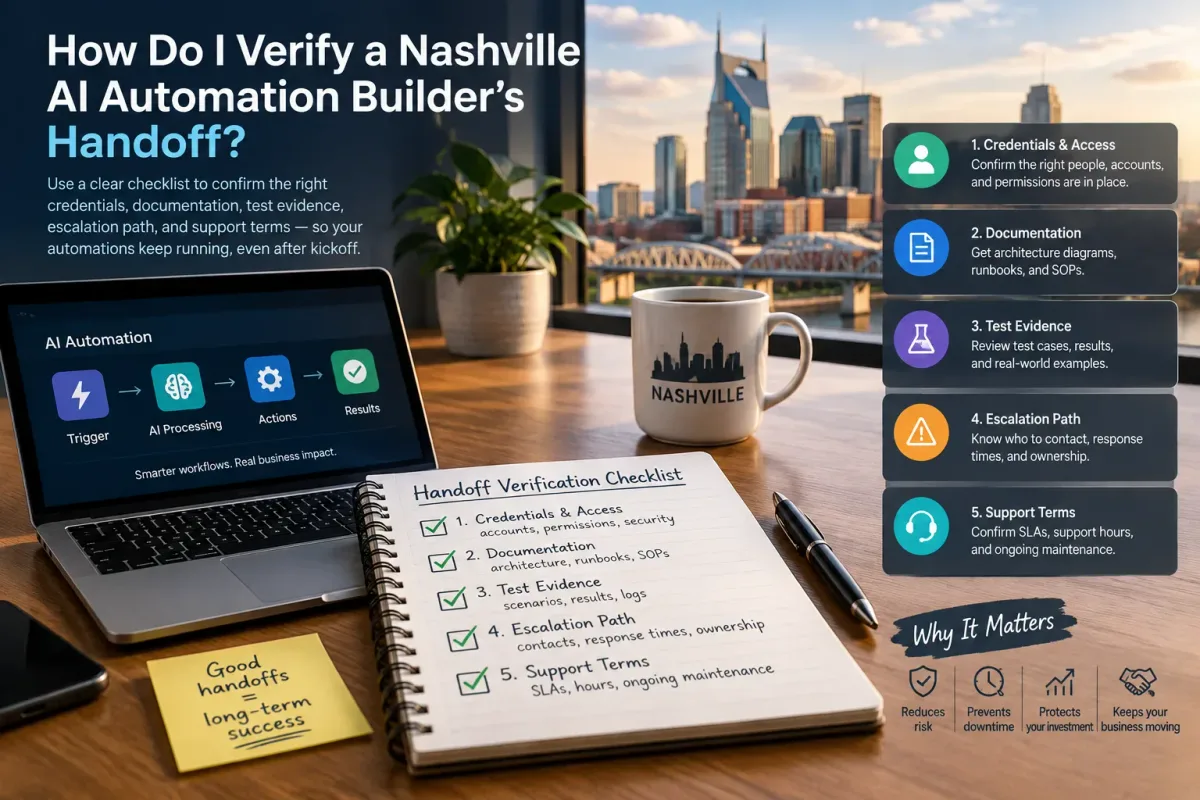
How Do I Verify a Nashville AI Automation Builder's Handoff?
Verify a Nashville AI automation builder's handoff with a checklist covering credentials, docs, test evidence, escalation, and support terms.
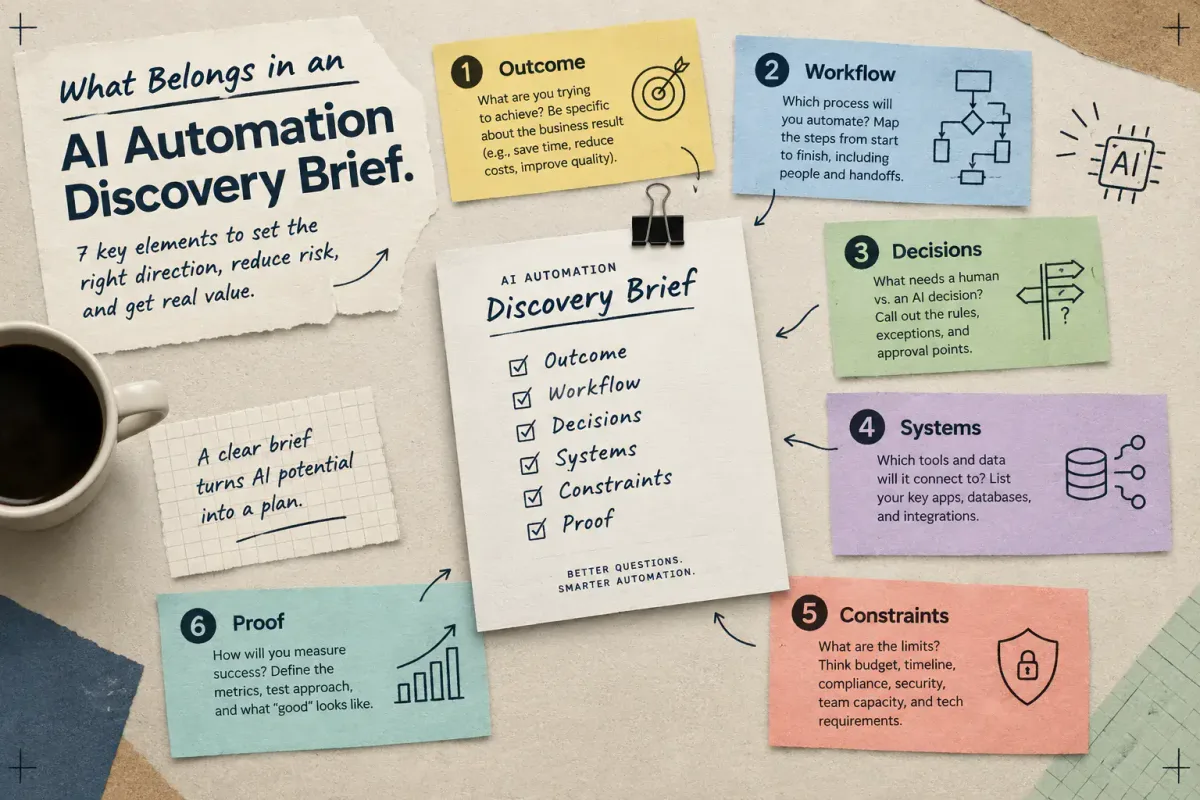
What Belongs in an AI Automation Discovery Brief
Learn the seven elements a small-business AI automation discovery brief needs: outcome, workflow, decisions, systems, constraints, and proof.
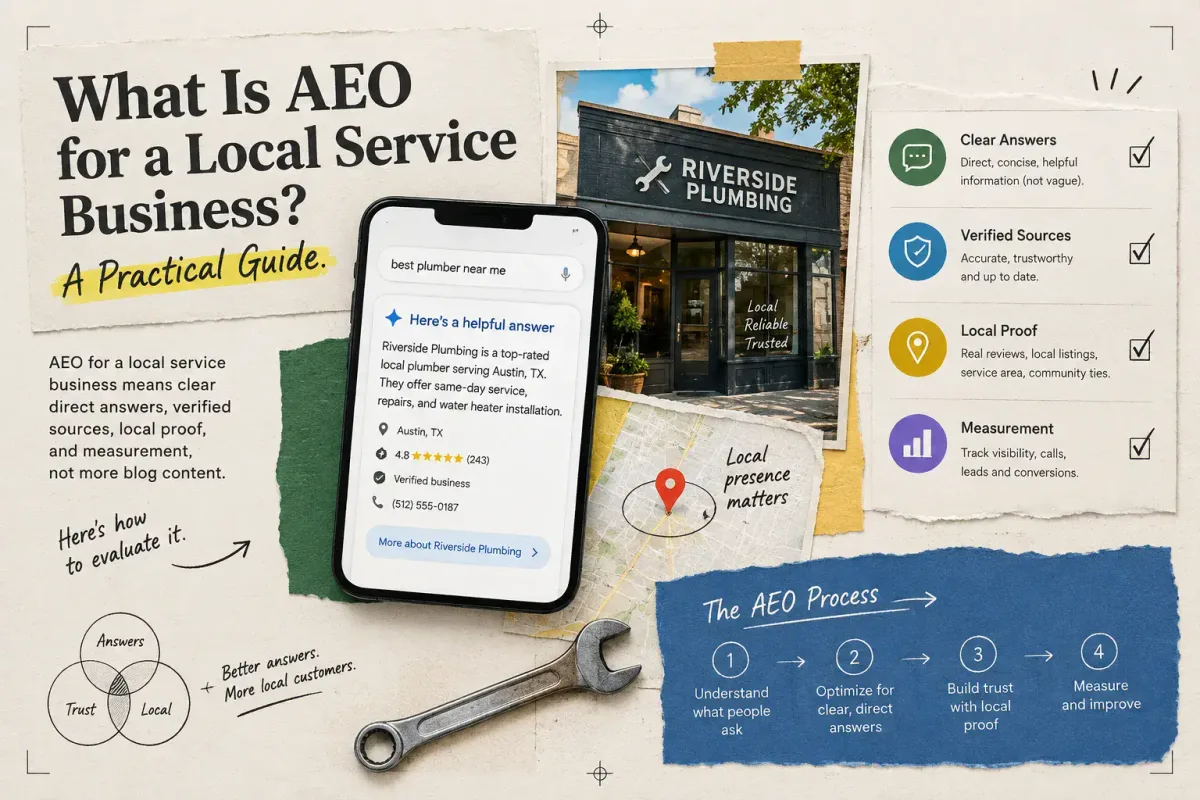
What Is AEO for a Local Service Business? A Practical Guide
AEO for a local service business means clear direct answers, verified sources, local proof, and measurement, not more blog content. Here's how to evaluate it.