
AI Automation
How Do I Verify a Nashville AI Automation Builder's Handoff?
Verify a Nashville AI automation builder's handoff with a checklist covering credentials, docs, test evidence, escalation, and support terms.
The free 30-minute AI Operations Audit is a conversation about a normal week in your business and where the work piles up. We find the one change that would give you the most time back and send you a plain-English plan for it. No forms and no pitch.
Book a free AI audit
Patrick Gibbs
Verifying a Nashville AI automation builder’s handoff means checking six things before final payment: who owns the credentials, whether documentation exists, whether test evidence was captured, who you escalate to when something breaks, what support is included afterward, and whether ownership of the build itself transfers to you. Skipping this step is how businesses end up locked out of their own systems.
What a real handoff actually includes
A complete handoff gives you account access, a written map of what was built, proof it was tested, a named escalation contact, and a clear support agreement, all delivered before the final invoice is paid.
If any of those five pieces is missing, you don’t have a finished project, you have a builder who still controls your automation. This applies whether the work is a voice AI receptionist, a missed-call text-back flow, or a multi-step workflow connecting your CRM to scheduling and billing.
Many builders treat handoff as an afterthought, a quick screen share at the end of the project. That approach works fine until the builder is unreachable, the contract ends, or the person who configured everything moves on. A verified handoff protects you against all three.
The credentials and ownership checklist
Every login, API key, phone number, and integration used in your automation should live in accounts you own, not the builder’s. Verify this before final payment, because reclaiming access after the relationship ends is far harder than confirming ownership up front.
Use the table below as a working checklist during your final review call.
| Item | What to verify | Red flag |
|---|---|---|
| Phone numbers / voice platform | Registered under your business’s account | Number is tied to the builder’s personal or agency account |
| CRM and scheduling integrations | You hold admin access, not just user access | Only the builder has admin rights |
| API keys and third-party tool logins | Keys generated under your organization | Keys tied to builder’s personal developer account |
| Automation platform (n8n, Make, Zapier, etc.) | Workspace ownership transferred to your business | Builder retains sole owner role |
| Domain or subdomain connections | DNS records and access documented | You don’t know where DNS is managed |
| Payment and billing for tools | Billed to your card, not folded into builder’s invoice | You can’t see what you’re paying vendors directly |
If even two or three of these show a red flag, treat the project as unfinished. This is a normal ask, not an adversarial one, and any builder doing legitimate work will expect it. For a broader sense of what a vetted partner should offer from the start, see AI automation agency for SMBs: what to look for.
Documentation and test evidence to request
Ask for a written summary of what was built, how it’s configured, and proof it was tested against real scenarios, not just a demo call. Documentation should be specific enough that a different technical person could maintain the system if your original builder becomes unavailable.
Vague verbal walkthroughs don’t count as documentation.
At minimum, request:
- A system overview describing each workflow step and what triggers it
- A list of every connected tool and account, matching the credentials table above
- Test logs or recordings showing the automation handling at least a handful of real or simulated scenarios, including an edge case like a call transfer, a failed payment, or an after-hours request
- Any custom logic or prompt instructions written in plain language, not just buried in a platform’s backend
- A known-issues list, if anything was left partially working or flagged for future improvement
If your automation involves phone handling, the test evidence matters even more, since a missed edge case shows up as a lost customer call. If you’re still evaluating what a properly scoped voice deployment even looks like, AI voice agent for small business: what it does in 2026 is a useful baseline before you compare it against what you were actually delivered.
Escalation paths and support boundaries
Before signing off, get a written answer to one question: if this breaks at 7pm on a Friday, who do you contact and what happens next? A verified handoff names a specific escalation contact, states a response window, and spells out what’s covered under support versus what counts as a new project.
Illustrative example: a Nashville HVAC contractor’s after-hours call routing goes down during a heat wave weekend. If the handoff documentation names a support contact and a stated response window, the contractor knows what to expect. If it doesn’t, they’re guessing whether help is coming at all. This is the kind of detail worth confirming in writing rather than assuming, especially for time-sensitive service businesses. For a look at how one local HVAC operation approached AI voice deployment, see from voicemail to victory: how Nashville HVAC operators scale with AI voice.
Support boundaries should also state what’s included at no extra cost (minor tweaks, bug fixes tied to the original scope) versus what’s billed separately (new integrations, expanded call volume, added workflows). Builders who avoid this conversation tend to be the ones who bill unpredictably later.
Comparing builder types before you sign anything
Freelancers, agencies, and small automation shops handle handoff differently, and knowing which type you’re working with helps you set the right expectations before the project starts, not after. A solo freelancer may offer more flexibility but less redundancy if they become unavailable. A structured agency should have handoff as a standard step, not a favor.
If you’re still choosing between builder types, AI automation agency vs freelancer: which is right for your business? walks through the tradeoffs in more depth. And since handoff quality often correlates with how a project was priced and scoped from the start, it’s worth reviewing AI automation agency pricing: what you actually pay for custom automation in 2026 so you know whether documentation and support were built into your quote or quietly left out.
When a full handoff audit makes sense, and when it doesn’t
A formal, paid handoff audit is worth it when you’re taking over a system you didn’t build, when the original builder is gone or unresponsive, or when the stakes are high, like a system handling patient scheduling or payment reminders. It’s usually not worth it for a small, single-purpose automation you can fully test yourself in under an hour.
If you inherited a workflow with no documentation and no clear owner of the credentials, don’t guess your way through it. That’s the exact situation a fixed-scope audit is built for: someone maps what exists, tests it against real scenarios, and hands you a clear picture of what’s solid and what’s at risk. If that sounds like where you are, you can book a free AI audit and get a straight answer on what you’re actually working with before you commit more budget to it.
Frequently Asked Questions
What’s the single most important thing to check before final payment?
Credential ownership. If your business doesn’t hold admin access to every account, platform, and phone number involved in the automation, you don’t have full control of the system, regardless of how well it performs on a demo call.
Should documentation be included in the original project cost?
Yes, in almost every legitimate scope. Documentation and a basic handoff packet are part of finishing the work, not an add-on service. If a builder wants to charge extra for it after the fact, treat that as a sign to renegotiate or walk away.
How much test evidence is actually necessary?
Enough to cover your main use cases plus at least one edge case, like an after-hours call, a failed integration step, or a customer providing unexpected input. A single clean demo recording is not sufficient proof that the system holds up in real conditions.
What if the original builder is unreachable after the project ends?
This is exactly why credential ownership and documentation matter so much. If you own the accounts and have a written system overview, a new technical person can pick up maintenance without starting over. Without those two things, you may be rebuilding from scratch.
Is a verified handoff different for a voice AI receptionist versus a backend workflow automation?
The core checklist is the same, but voice systems add urgency because missed calls have an immediate cost. Confirm call routing logic, transfer rules, and after-hours behavior specifically, since those are the pieces most likely to fail quietly if handoff was rushed.
Can I do this verification myself, or do I need outside help?
Most business owners can check credential ownership and basic documentation on their own using the checklist above. Outside help becomes more valuable when the automation is complex, mission-critical, or you inherited it without any documentation at all.
If you’re mid-negotiation on a handoff right now, start with the credentials table above and don’t release final payment until every row checks out. For a wider view of how automation projects should be scoped and supported from day one, Epiphany Dynamics’ services page outlines what a complete build and handoff process looks like.
Patrick Gibbs
AI Automation Expert
Patrick Gibbs helps professional practices implement AI automation that captures more leads, books more appointments, and scales without adding overhead. He's the founder of Epiphany Dynamics and creator of the AI Front Desk system.
Related Solutions
Build this into a real workflow
Related Posts
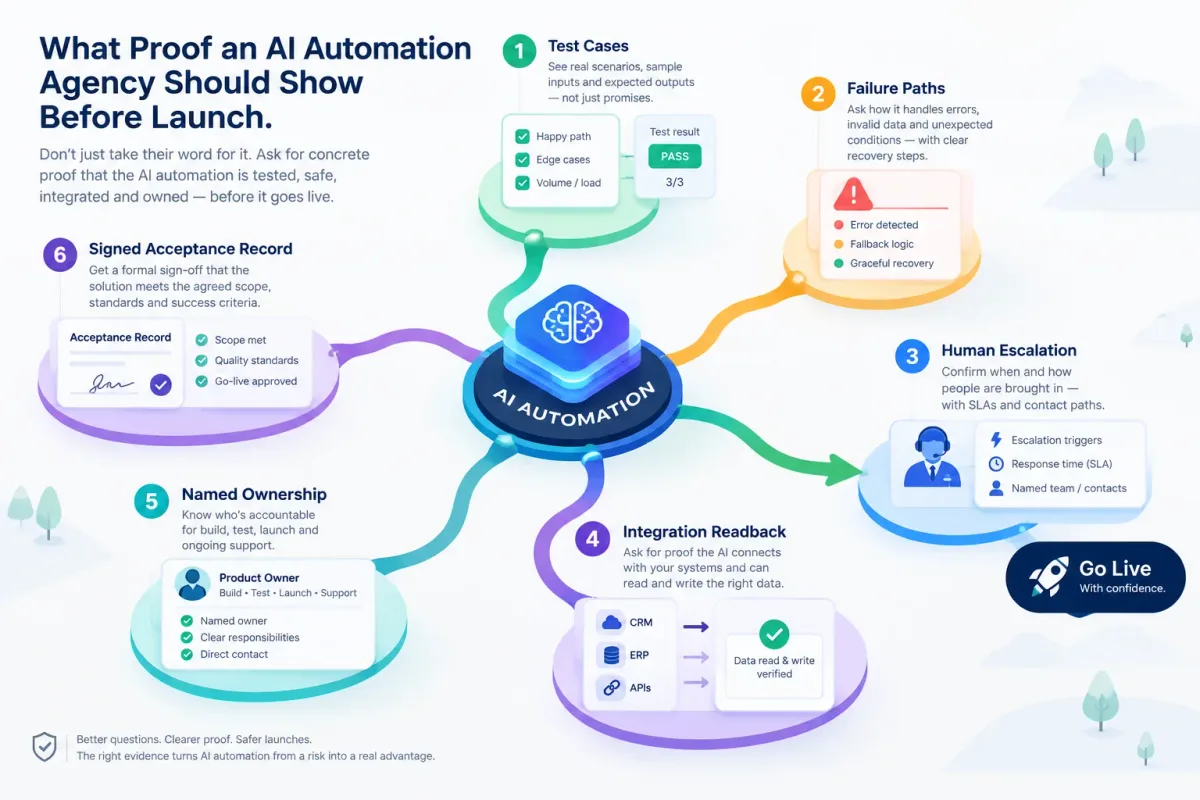
What Proof an AI Automation Agency Should Show Before Launch
Before an AI automation goes live, ask for test cases, failure paths, human escalation, integration readback, named ownership, and a signed acceptance record.
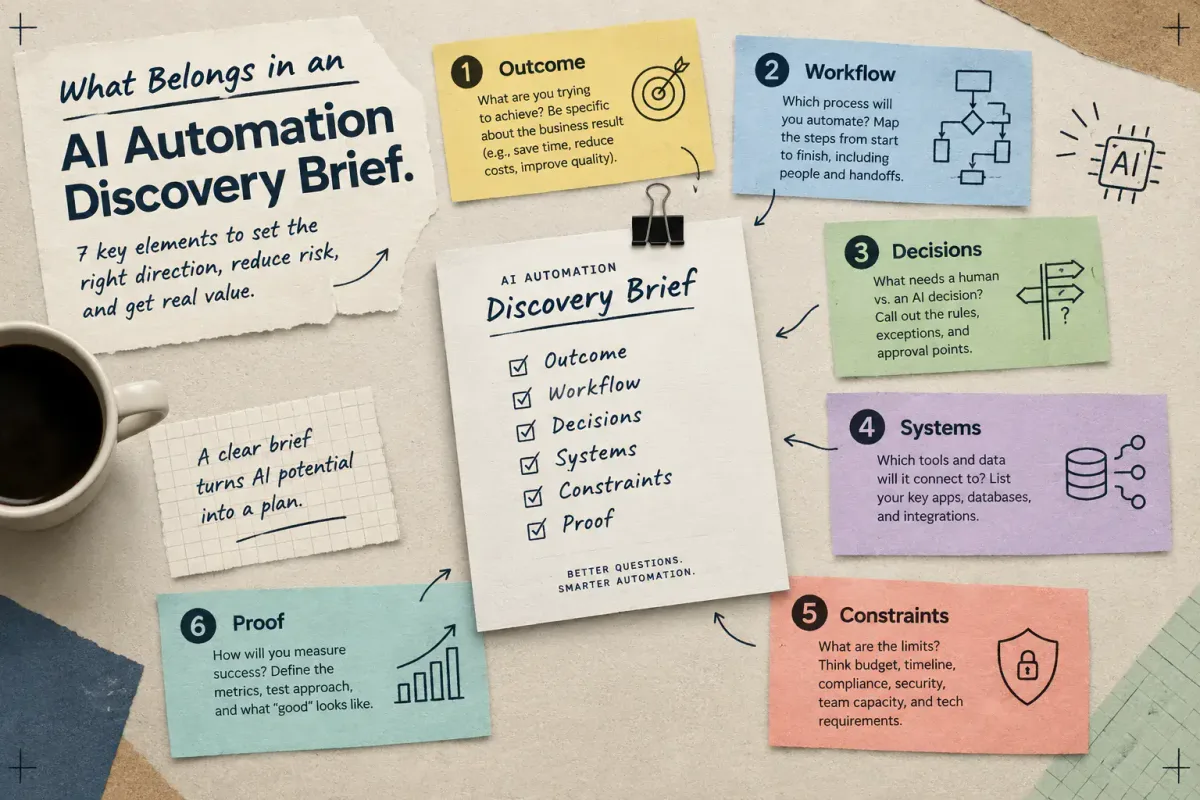
What Belongs in an AI Automation Discovery Brief
Learn the seven elements a small-business AI automation discovery brief needs: outcome, workflow, decisions, systems, constraints, and proof.
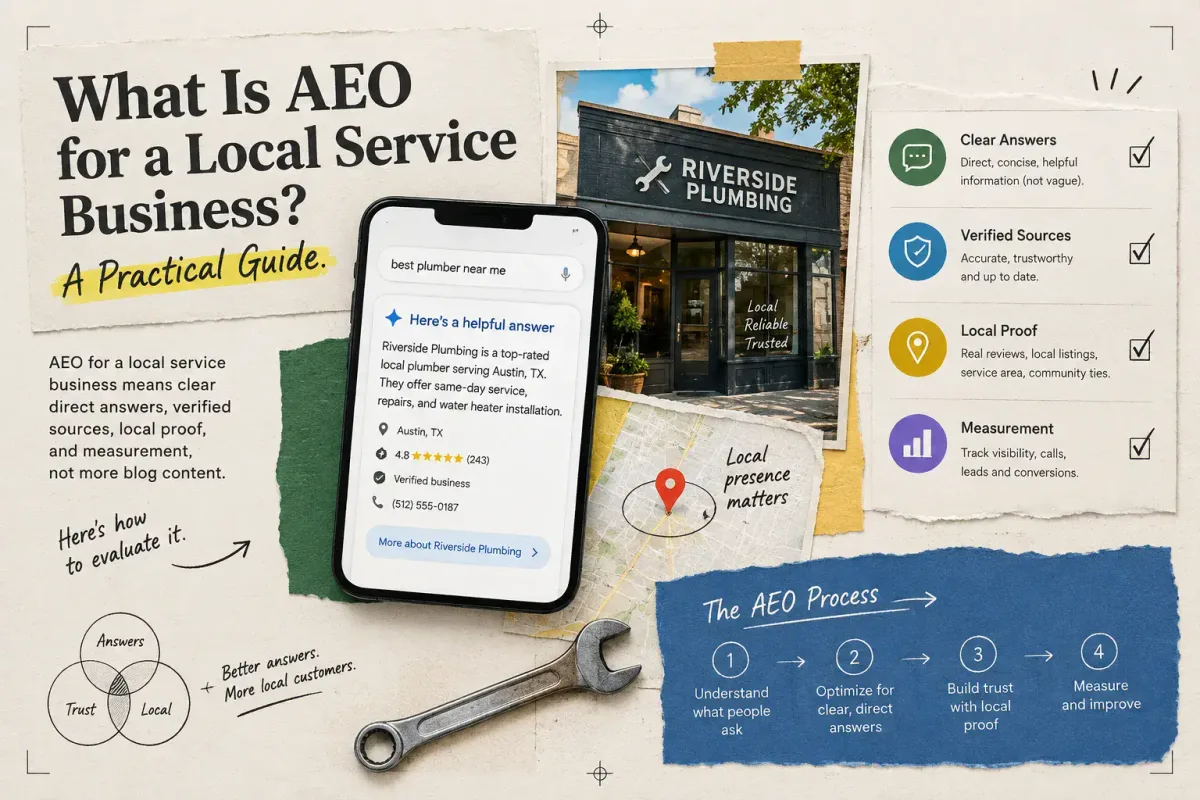
What Is AEO for a Local Service Business? A Practical Guide
AEO for a local service business means clear direct answers, verified sources, local proof, and measurement, not more blog content. Here's how to evaluate it.