
AI Voice Technology
AI Receptionist vs. Human Receptionist: Full ROI Breakdown
A human receptionist and an AI receptionist have very different cost structures, coverage limits, and service strengths.
The free 30-minute AI Operations Audit is a conversation about a normal week in your business and where the work piles up. We find the one change that would give you the most time back and send you a plain-English plan for it. No forms and no pitch.
Book a free AI audit
Patrick Gibbs
A full-time human receptionist and an AI receptionist have very different cost structures, coverage limits, and service strengths. A human brings judgment and warmth, while AI brings concurrent call handling and around-the-clock coverage. The real ROI calculation depends on your call volume, after-hours inquiry rate, staffing cost, and the revenue value of calls you’re currently losing to voicemail. This article lays out the comparison framework, an ROI model you can apply to your own numbers, and an honest breakdown of where each option wins.
The Hire That Costs More Than You Think
When a business owner posts a receptionist job listing, they’re usually focused on one number: the hourly wage. That can seem manageable until the loaded employment model shows up. The true cost includes employer taxes, benefits, paid leave, training, management time, equipment, and the expense nobody budgets for: turnover. Do that math and you’re not evaluating a simple wage anymore. You’re evaluating a role that calls in sick, puts callers on hold, and can only handle one conversation at a time.
That’s not an argument against human receptionists: it’s a case for running the actual numbers before you make a staffing decision that has real compounding consequences. This article lays out the full cost picture on both sides, walks through an ROI calculation framework you can apply to your own business, and gives you an honest breakdown of where each option wins.
The Fully-Loaded Cost of a Human Receptionist
Base wage is the starting line, not the finish. Employers are responsible for payroll taxes, benefits, paid time off, recruiting, onboarding, equipment, management time, and the disruption created when the role turns over. Use the following worksheet to build your own loaded cost:
| Cost Line Item | Use Your Number |
|---|---|
| Base wage or salary | Your actual wage market |
| Employer payroll taxes | Your payroll load |
| Health insurance contribution | Your benefits contribution |
| PTO, sick leave, holidays | Paid leave coverage cost |
| Retirement or other benefits | Your benefit policy |
| Hiring/recruiting (amortized annually) | Your hiring cost |
| Onboarding and training | Your ramp cost |
| Initial loaded cost | Sum of the line items above |
| Ongoing loaded cost | Loaded cost minus one-time onboarding |
The turnover variable is where estimates break wide open. Receptionist turnover can create replacement costs through productivity loss during vacancy, manager time spent interviewing, and ramp-up time for the new hire. If your front desk turns over repeatedly, that disruption belongs in the ROI model.
There’s also the capacity ceiling to account for. A single human receptionist handles one call at a time. During peak windows, queues stack up, calls roll to voicemail, and potential clients move on. Most callers who reach voicemail don’t leave a message. They call the next business on the list. The true cost of those missed calls extends far beyond the immediate lost job.
What an AI Receptionist Actually Costs
AI receptionist platforms are priced on a SaaS model: a setup or onboarding fee, then a recurring subscription based on call volume, features, integrations, support level, and minutes used. Some vendors bundle configuration and voice training; others bill those separately. The only number that matters is the vendor quote matched against your call profile and workflow complexity. For a component-by-component view of what drives that quote, see our AI front desk cost breakdown.
| Cost Category | Human Receptionist | AI Receptionist |
|---|---|---|
| Setup / hiring cost | Recruiting, interviewing, onboarding | Configuration and launch support |
| Annual ongoing cost | Loaded payroll cost | Subscription, usage, and support |
| Benefits and payroll taxes | Employer tax and benefit load | Not a payroll expense |
| Sick day / PTO coverage | Backup coverage or missed calls | Built into platform availability |
| Turnover replacement (annualized) | Recruiting and ramp disruption | Vendor-switching and tuning risk |
| Simultaneous call capacity | One active conversation | Concurrent call handling |
| Available hours per year | Scheduled working hours | Around-the-clock coverage |
No benefits. No sick days. No sudden resignation three weeks before the holidays. And no hard limit on concurrent calls: during a morning rush with five inbound calls at once, an AI system answers all five simultaneously while a human receptionist puts four of them on hold.
The Hours Math: Where the Gap Gets Decisive
The hours math is where the comparison gets decisive. A full-time receptionist covers a scheduled workweek, with lunch breaks, vacation, sick days, and holidays. An AI system covers the hours outside that schedule as well. It doesn’t take a lunch break when your phones are busiest, and it can answer when a prospective patient is searching after the office closes.
This matters because customer behavior doesn’t respect business hours. Our guide to the 5-minute rule for speed-to-lead explains why conversion odds fall as response time stretches. For industries like plumbing, HVAC, and urgent care, after-hours call capture can be the deciding variable. A human receptionist captures only the calls that arrive while that person is available. An AI system can cover the rest.
Cost per available hour is the clearest way to visualize this: divide your fully loaded receptionist cost by the hours they actually cover, then divide your AI quote by the hours it covers. The comparison will usually show that availability, not just salary, is the real economic difference.
A Step-by-Step ROI Calculation Framework
Figures in this section are illustrative planning assumptions, not measured industry data.
Here’s a framework any business can apply to model their specific scenario rather than relying on generic averages.
Step 1: Baseline your current call capture rate
Pull recent call data from your phone system. What percentage of inbound calls go unanswered or to voicemail? Multiply missed calls x estimated new-client conversion rate x average client value. That number is your current revenue leak.
Step 2: Calculate your fully-loaded receptionist cost
Use the line-item framework above. Don’t anchor on base salary. Anchor on the loaded employment cost, including taxes, benefits, paid leave, turnover, and management time.
Step 3: Model a realistic deployment scenario
Very few businesses eliminate the human role entirely, and they shouldn’t. The highest-ROI model for many small businesses is a hybrid: AI handles inbound calls, after-hours inquiries, appointment scheduling, FAQs, and overflow routing. A part-time human handles in-person reception, complex escalations, and tasks requiring physical presence. Model the hybrid by adding your AI quote to your human coverage cost, then compare that against your current loaded staffing model.
Step 4: Apply the ROI formula
ROI = ((Annual Cost Savings + Estimated Revenue Recovered) − AI Platform Cost) / AI Platform Cost × 100
Model the inputs this way:
- Current cost: loaded receptionist cost
- Hybrid model cost: AI quote plus human coverage cost
- Annual direct savings: current cost minus hybrid cost
- Estimated after-hours revenue recovery: recovered inquiries x conversion rate x average client value x realistic attribution share
- Net annual benefit: direct savings plus recovered revenue
- First-year ROI: run the formula above using your vendor quote
Where Human Receptionists Still Win
This analysis doesn’t argue that AI is universally superior: there are specific contexts where a human receptionist delivers irreplaceable value.
High-touch relationship businesses. In a boutique law firm or concierge medical practice, where the front desk is part of the brand experience and clients have a relationship with the person who answers the phone, that relationship is a genuine retention asset. An AI can handle the scheduling; it can’t replace the human warmth that keeps a long-term client loyal.
In-person reception requirements. AI handles phone calls. It does not check in walk-in clients, manage a physical waiting room, or notice that a patient looks distressed. Any business with meaningful foot traffic needs a physical presence. This is the strongest remaining argument for full-time human staffing in retail, healthcare, and hospitality environments.
Complex triage and emotionally sensitive calls. AI systems have improved dramatically at handling nuanced conversations, but high-stakes situations (a patient describing symptoms, a client in a legal emergency, a customer making a high-dollar purchase decision) benefit from human judgment and empathy that current voice AI cannot fully replicate. Know where your calls fall on this spectrum before deploying automation broadly.
Brand differentiation on service quality. If “white glove human service” is an explicit part of your market positioning, automating the first touchpoint may undercut the brand promise even if it improves the unit economics. Brand consistency has a dollar value that sometimes outweighs the cost savings on paper.
On a related note, see The Real Reasons Service Businesses Switch to Generative AI.
The Practical Verdict
For many small-to-midsize service businesses (dental, medical, legal, wellness, home services, hospitality), the ROI math favors an AI-first or AI-augmented front desk model once call coverage and staffing costs are modeled honestly. The coverage gap is real: a human receptionist is unavailable outside the scheduled work window. And after-hours call capture can become the decisive variable when enough callers would otherwise hit voicemail.
The strategic question isn’t “AI or human”: it’s designing the right division of labor for your specific operation. Let AI absorb the volume, provide consistency, and cover the hours no one else will. For a deeper comparison against call centers specifically, see our AI receptionist vs call center breakdown. Deploy human staff where judgment, empathy, and physical presence create value that software cannot replicate. Businesses that frame this as a binary choice leave money on both sides of the equation. For service businesses ready to run these numbers against their own call data and client economics, firms like Epiphany Dynamics specialize in modeling and deploying AI front desk systems, and will build out the ROI projection before any commitment is made.
Frequently Asked Questions
Q: What is the true fully-loaded cost of a human receptionist?
The true fully loaded cost includes wage or salary, employer taxes, benefits, paid leave, recruiting, onboarding, equipment, management time, and turnover risk. Use your local wage market and benefit policy rather than a national average.
Q: How much does an AI receptionist cost compared to a human?
AI receptionist pricing depends on call volume, features, integrations, minutes used, support level, and setup scope. Compared to a fully loaded human receptionist, the annual cost differential can be material before accounting for coverage hours or turnover costs.
Q: Can an AI receptionist handle the same calls as a human receptionist?
AI receptionists excel at appointment scheduling, FAQ answering, after-hours coverage, and handling concurrent calls. They underperform humans on emotionally volatile calls, complex triage requiring nuanced judgment, and in-person reception. The strongest model is hybrid: AI handles volume and after-hours, humans handle nuance and physical presence.
Q: How do I calculate the ROI of switching to an AI receptionist?
Use this formula: ROI = ((Annual Cost Savings + Estimated Revenue Recovered) - AI Platform Cost) / AI Platform Cost x 100. Calculate annual cost savings from your current loaded staffing cost, estimate recovered revenue from your own missed-call data, and use the actual quote from the AI vendor.
Q: What percentage of calls does an AI receptionist typically answer correctly?
Well-configured AI receptionists can resolve routine after-hours calls instead of merely taking messages. Traditional answering services often stop at message capture, while AI can answer FAQs, collect structured intake, and book appointments when the integrations are in place.
Patrick Gibbs
AI Automation Expert
Patrick Gibbs helps professional practices implement AI automation that captures more leads, books more appointments, and scales without adding overhead. He's the founder of Epiphany Dynamics and creator of the AI Front Desk system.
Related Solutions
Build this into a real workflow
Related Posts

Best AI Receptionist for Small Business: How to Choose
The best AI receptionist for a small business is the one that answers quickly, books or routes correctly, escalates cleanly, and fits the tools your team.
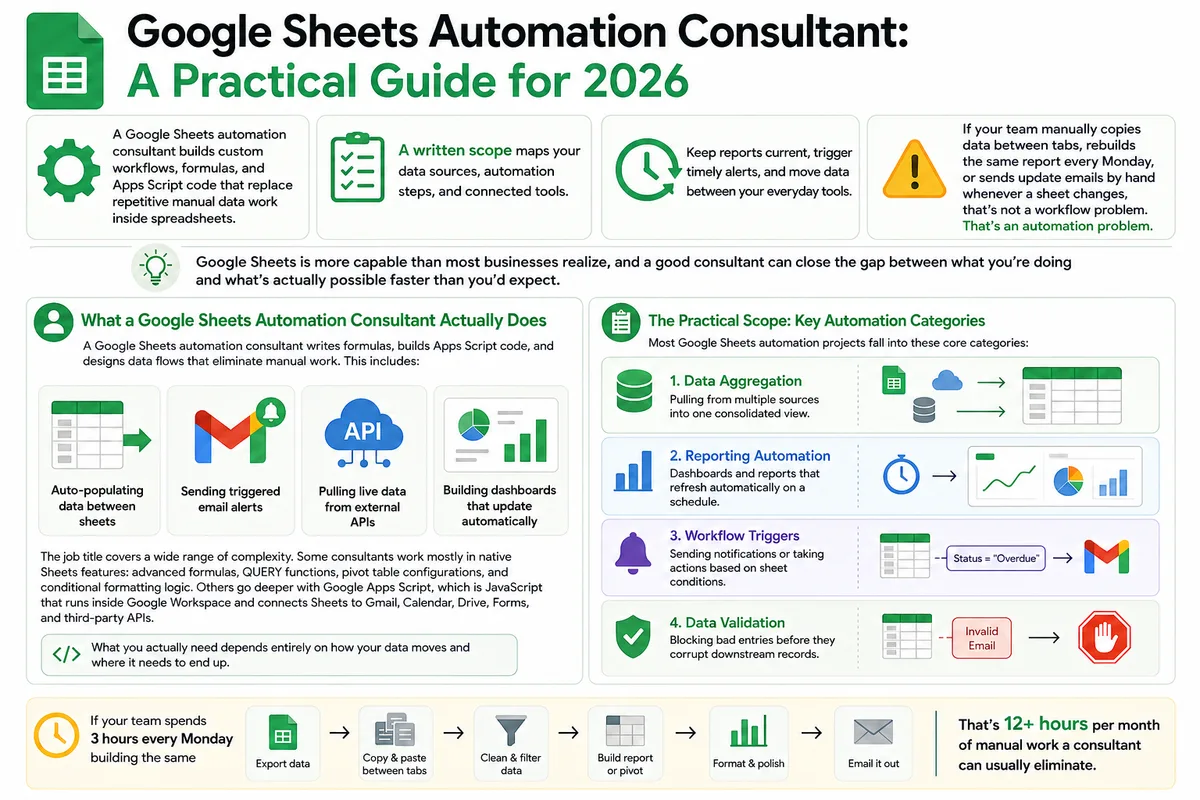
Google Sheets Automation Consultant: A Practical Guide for 2026
Most businesses don't track what spreadsheet work actually costs them. Here's what a Google Sheets automation consultant does in 2026, how to judge the value.
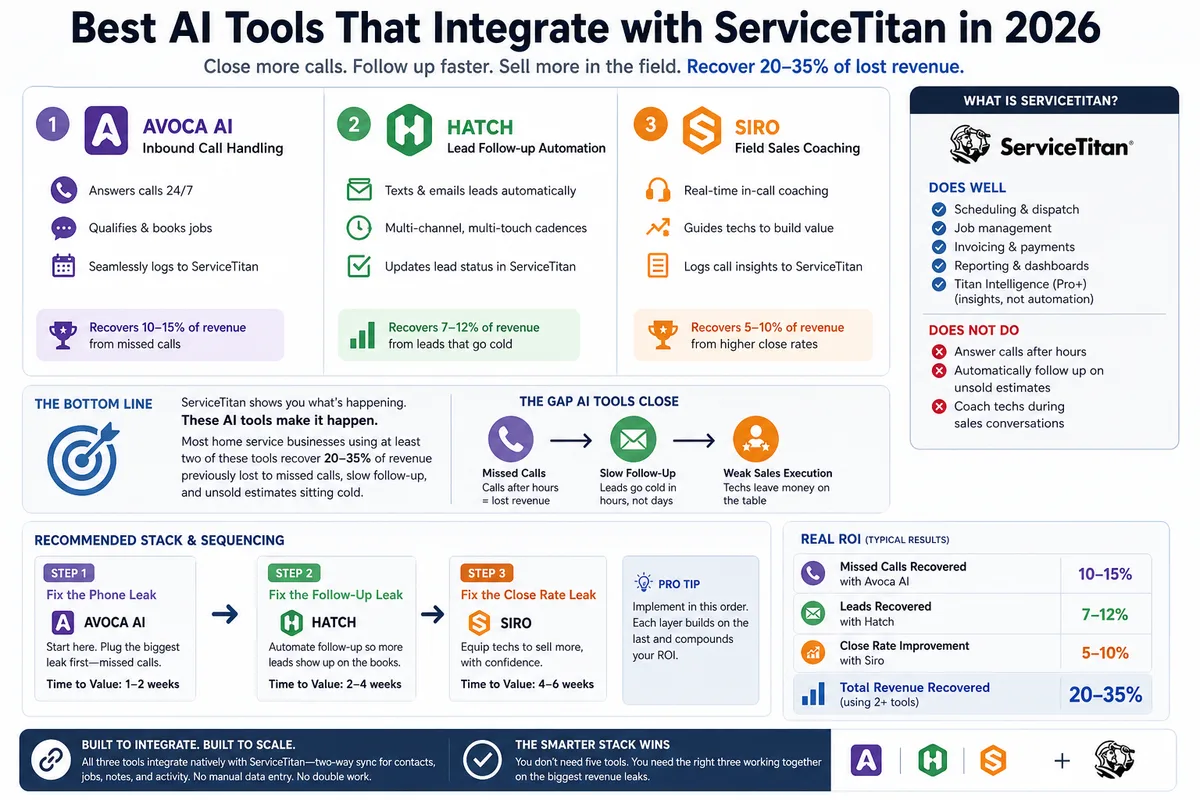
Best AI Tools That Integrate with ServiceTitan in 2026
Most ServiceTitan shops miss a meaningful share of inbound calls and leave most estimates unsold. These AI tools close those gaps inside ServiceTitan.