
AI Automation for Construction Companies: What Actually Works in 2026
AI automation helps construction companies reduce administrative overhead, recover leads lost during busy project phases, and cut scheduling errors that cause downstream delays. Voice agents, CRM automation, and follow-up sequences deliver the highest ROI for most general contractors and specialty contractors.
Construction companies miss a large share of inbound calls during peak site hours. Here's what AI voice agents, CRM automation, and scheduling tools actually.
Epiphany Dynamics is an AI automation agency: we help businesses find and fix operational bottlenecks with AI receptionists, lead follow-up, and workflow automation.
The free 30-minute AI Operations Audit is a conversation about a normal week in your business and where the work piles up. We find the one change that would give you the most time back and send you a plain-English plan for it. No forms and no pitch.
Book a free AI audit
Patrick Gibbs
AI automation helps construction companies reduce administrative overhead, recover leads lost during busy project phases, and cut scheduling errors that cause downstream delays. Voice agents, CRM automation, and follow-up sequences deliver the highest ROI for most general contractors and specialty contractors.
Most construction companies don't have an AI problem. They have a follow-up problem, a scheduling problem, and an "the office manager is handling everything at once" problem. AI doesn't magically fix all of that, but it handles the parts that are predictable and repetitive. Which, for most contractors, is most of it.
The construction industry has one of the lowest technology adoption rates of any sector. Most firms still rely on phone calls and text messages as their primary scheduling method. Contractors who manage complex projects with dozens of moving parts often use little to no communication automation on the business development side. That's where the real opportunity sits.
Where Construction Companies Lose Revenue Before a Shovel Hits the Ground
Most construction revenue loss happens before a project starts. Contractors miss inbound calls during active site hours, let web leads sit too long, and lose estimate requests to companies that respond while the buyer is still ready to talk.
Here's the math nobody wants to do. If you're a roofing company missing callable leads every week, the lost revenue is whatever your average project is worth multiplied by the work you never got to quote. The crew lead is on-site. The project manager is dealing with a sub. The owner is in a material pickup. Nobody answers. Nobody calls back in time. The lead books with whoever picked up first.
An AI voice agent handles inbound calls around the clock, collects project details, qualifies the lead based on your criteria (location, job type, rough budget), and books estimate appointments directly into your calendar. For most residential contractors, that covers the routine intake work that otherwise depends on whoever happens to be near the phone. Before buying anything, it's worth understanding how missed call recovery automation actually works end-to-end, because the implementation details matter a lot more than any vendor sales deck suggests.
The Automation Stack That Works for Contractors
The highest-impact automation for construction companies combines an AI voice agent for inbound lead capture, a CRM with automated follow-up sequences, and calendar scheduling integration. Together, these remove much of the manual communication work between first contact and signed contract.
AI voice agents built on platforms like Retell AI or Vapi can run a full intake conversation, answer service FAQs, and drop a booked appointment into your calendar without any human in the loop. Setup scope and monthly cost depend on call volume, integrations, escalation logic, and how much intake behavior needs to be custom. The voice agent deployment guide is worth reading before you configure one, because the decisions that matter most, specifically escalation logic, fallback behavior, and intake question design, are exactly what most vendors skip in their demos.
CRM automation is where contractors leave the most time on the table. A CRM connected to your voice agent auto-creates a contact, logs the call transcript, triggers a follow-up text after the call, and moves the deal through pipeline stages based on what the lead does next. For contractors managing leads in a spreadsheet or a group text thread, this alone changes how the business operates. The CRM automation guide is a useful place to scope what you actually need before committing to a platform full of features you'll never touch.
What the ROI Actually Looks Like
The ROI case starts with your own numbers: missed contacts, average project value, close rate, and the cost of keeping staff tied up in repeatable admin work. If recovered opportunities and returned admin capacity exceed the software and implementation cost, the system is worth considering.
The table below maps typical automation components to the cost drivers and savings levers a contractor should evaluate before buying.
| Automation Component | Cost Drivers | Where Time Comes Back | Primary Benefit |
|---|---|---|---|
| AI Voice Agent (inbound) | Call volume, script complexity, escalation rules | First-call intake and missed-call recovery | Lead capture, missed call recovery |
| CRM + Follow-Up Automation | Platform tier, pipeline setup, integrations | Manual lead logging and reminder chasing | Pipeline visibility, lead nurturing |
| Scheduling Automation | Calendar rules, dispatch constraints, service areas | Estimate booking and calendar coordination | Estimate booking, calendar sync |
| Post-Job Follow-Up Sequences | Review workflow, referral offer, CRM triggers | Review requests, referral prompts, repeat reminders | Reviews, referrals, repeat business |
| Total | Your vendor mix and implementation scope | Your current manual follow-up load |
To estimate value, multiply your weekly admin hours recovered by the loaded hourly cost of the person doing that work, then add the value of any leads you can prove were captured instead of lost. If you want to run those calculations for your specific numbers, the business automation ROI guide walks through the framework step by step.
Post-job follow-up is underrated in this context. A simple automated sequence that checks in after job completion, asks for a Google review, and later sends a referral prompt compounds over time. Contractors who run this consistently build more review momentum and repeat inquiry opportunities. It costs almost nothing to maintain once it's built.
How to Start Without Wrecking What's Already Working
Start with inbound call handling, not with overhauling your existing tools. Adding an AI voice agent as an overflow layer on your current number is usually faster and less disruptive than changing the CRM, scheduling process, and sales workflow all at once.
The biggest mistake contractors make with automation is trying to change everything at once. They buy a platform, spend a long setup period configuring it, confuse the crew, and abandon it. The right approach is narrower. Start by deploying the voice agent as an overflow handler on your main number. When a call would otherwise go unanswered, the agent picks it up. Monitor the transcripts. You'll learn things about what customers actually ask for that you didn't know before.
Once the call flow is working, connect the agent to a CRM and set up basic follow-up: a text after the call, an email with your company info, and a calendar link to book an estimate. Most of this wires together with existing platforms without custom development. After that, add scheduling integration and the post-job sequence. The appointment scheduling automation guide is worth reviewing before you build this layer, specifically for mapping the edge cases before they become problems in a live environment.
Related on the blog: How to Get More Leads for Your Construction Company in 2026.
The Parts That Actually Get Complicated
AI automation works well for predictable, repetitive communication tasks in construction. It struggles with custom bid inquiries requiring professional judgment, multi-trade project coordination, and complex subcontractor scheduling. Knowing where the limits are before you deploy prevents the frustrating experience of automating the wrong thing first and burning internal trust in the technology before it gets a fair chance.
Voice agents handle commodity calls well. Hours, service areas, estimate booking, basic FAQs. Where they break down is when someone calls to describe a complex commercial renovation with multiple variables and wants to talk to a decision-maker. The agent needs to recognize that situation and escalate cleanly. If it doesn't, you've just irritated a high-value prospect. Escalation logic is not an afterthought. It's a core design decision that needs to be figured out before the agent goes live, not after the first bad interaction.
Change order management is another area where automation helps but doesn't replace judgment. Automated approval request texts, digital signature workflows, and change order notification sequences can cut administrative delay significantly. Getting sign-off via a link instead of chasing someone for a physical signature is genuinely useful. But the scope negotiation and the "here's why this costs more" conversation are still human work. Any vendor claiming full automation of change order management hasn't deployed it for a real contractor yet.
Schedule complexity is the third gotcha. Weather delays, permit holds, supply chain disruptions, crew availability changes. Automation in this space needs override logic and escalation paths built in from the start, not bolted on after something breaks in production. The contractors who've worked through these issues and built a functional stack are already seeing compounding effects: reviews up, response time down, admin hours recovered. None of it required replacing their entire tech stack. It required making a decision and starting narrow. If you'd rather have someone build and manage this stack than DIY it, Epiphany Dynamics works with service businesses across multiple verticals and can scope a starting point specific to your operation.
Frequently Asked Questions
Q: How long does it take for AI automation to pay for itself in construction?
Construction firms that deploy voice agents and CRM automation usually measure returns through recovered missed calls, fewer no-shows, and admin work that no longer needs to be handled manually. The payback calculation should use your average project value, close rate, and software cost rather than a generic vendor example.
Q: What specific tasks can an AI voice agent handle for a construction company?
AI voice agents field inbound calls around the clock, qualify leads, schedule appointments with crew availability, and escalate complex issues to humans, reducing the dependency on office staff to answer phones during site hours. They can also send follow-up texts, capture project details, and log call outcomes directly into your CRM.
Q: How much revenue do construction companies lose from missed calls?
Missed calls cost construction companies whatever those unquoted projects would have been worth. Response time is critical because buyers often contact several contractors at once and continue with the company that answers clearly and quickly.
Q: Which construction companies should implement AI automation first?
Companies with high call volume, complex scheduling, and limited office staff see the clearest ROI, especially smaller contractors and specialty trades managing multiple concurrent projects. If your office manager is constantly switching between calls, scheduling, billing, and crew updates, you're a strong candidate for a voice agent and CRM automation layer.
Patrick Gibbs
AI Automation Expert
Patrick Gibbs helps professional practices implement AI automation that captures more leads, books more appointments, and scales without adding overhead. He's the founder of Epiphany Dynamics and creator of the AI Front Desk system.
Related Solutions
Build this into a real workflow
Related Posts
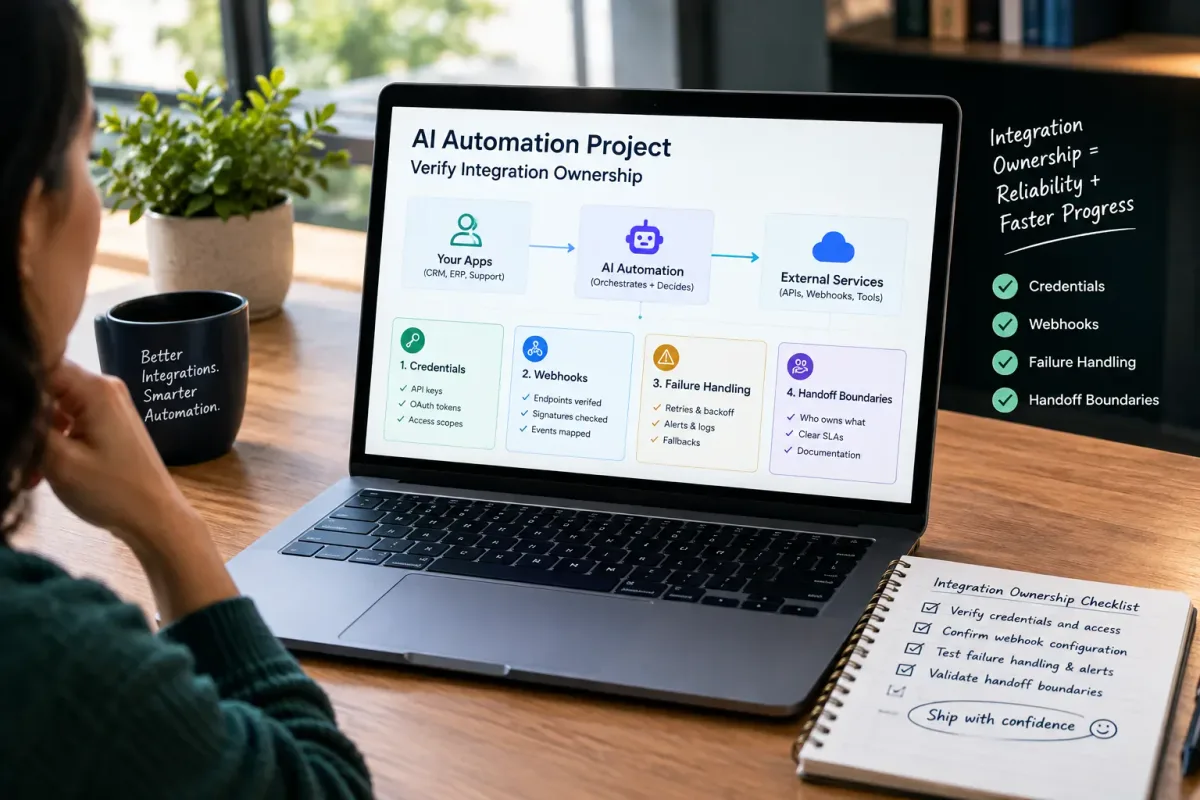
How Do I Verify Integration Ownership in an AI Automation Project?
Learn how to verify integration ownership in an AI automation project, including credentials, webhooks, failure handling, and handoff boundaries.
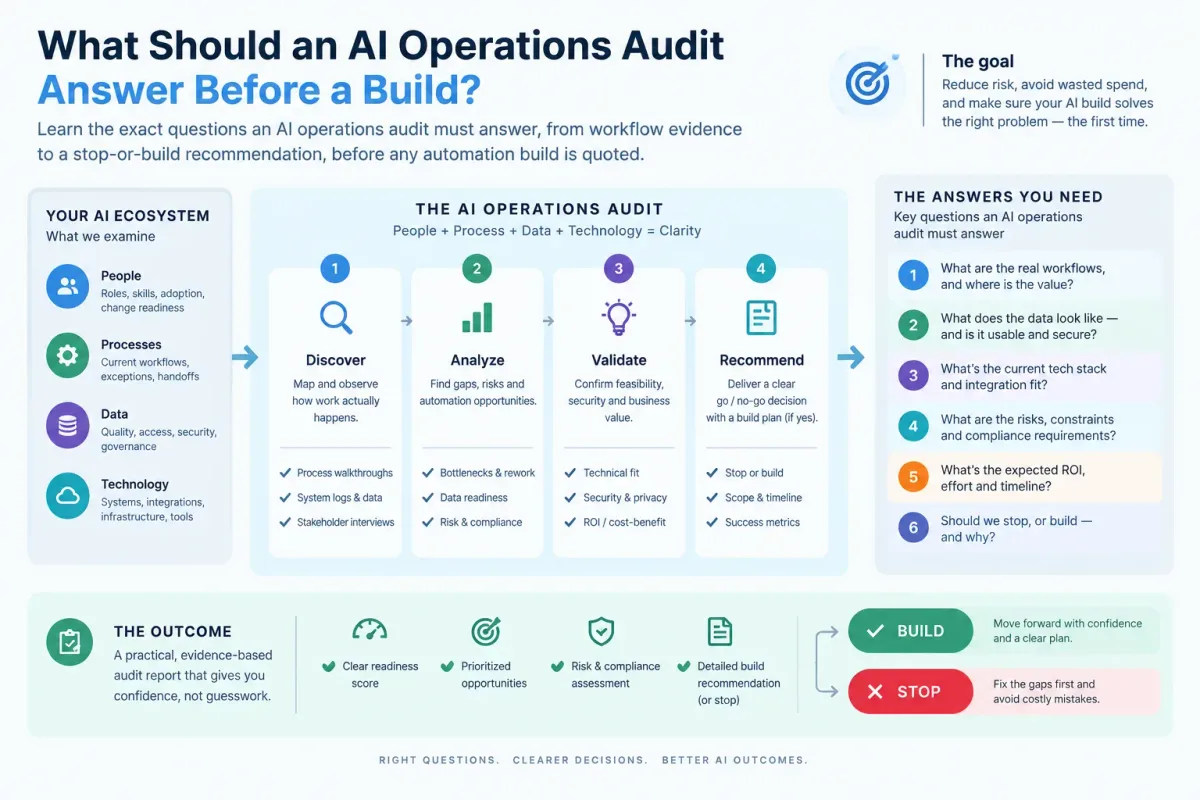
What Should an AI Operations Audit Answer Before a Build?
Learn the exact questions an AI operations audit must answer, from workflow evidence to a stop-or-build recommendation, before any automation build is quoted.

Who Is Patrick Gibbs and What Does Epiphany Dynamics Build?
Patrick Gibbs founded Epiphany Dynamics to help small and midsize businesses replace missed opportunities and manual busywork with practical AI automation.