
AI Receptionist for Chiropractors: What It Handles and How to Evaluate It
An AI receptionist for chiropractors answers inbound calls, books appointments directly into practice management software like ChiroTouch or Jane App, handles new patient intake questions, and covers after-hours calls without staff involvement. The business case comes from fewer missed scheduling requests, better overflow handling, and less callback work for the front desk.
Chiropractic practices miss valuable calls when the front desk is busy. AI receptionists help cover overflow, after-hours scheduling, intake, and recall.
Epiphany Dynamics is an AI automation agency: we help businesses find and fix operational bottlenecks with AI receptionists, lead follow-up, and workflow automation.
The free 30-minute AI Operations Audit is a conversation about a normal week in your business and where the work piles up. We find the one change that would give you the most time back and send you a plain-English plan for it. No forms and no pitch.
Book a free AI audit
Patrick Gibbs
An AI receptionist for chiropractors answers inbound calls, books appointments directly into practice management software like ChiroTouch or Jane App, handles new patient intake questions, and covers after-hours calls without staff involvement. The business case comes from fewer missed scheduling requests, better overflow handling, and less callback work for the front desk.
What a Chiropractic AI Receptionist Actually Does
A chiropractic AI receptionist answers calls, asks intake questions (new versus existing patient, reason for visit, insurance carrier), books into open scheduling slots, and sends confirmation texts or emails. The best systems write appointments directly into EHR software without requiring staff review. After-hours and overflow call coverage are typically where practices feel the first operational lift after setup.
The core job is simple: answer the phone when your front desk cannot, and do something useful with that call instead of routing it to voicemail. In a busy practice, the front desk is routinely tied up at the check-in window, processing payments, or navigating the EHR while the phone rings unanswered. The AI fills that gap, collecting intake information, checking available slots, booking the appointment, and confirming by text or email without adding callback work.
After-hours coverage is where most practices feel the gap most clearly. A meaningful share of scheduling requests happens outside business hours. Chiropractic patients often call after work or on weekends when the pain is actually bothering them. A system that can book the patient during that call reduces the drop-off that happens when voicemail picks up instead. Some platforms also run outbound recall sequences for patients who have gone quiet, which helps recover lapsed patient revenue that most practices currently leave on the table. For a broader look at where AI call handling fits within a full practice tech stack, the guide to the best AI tools for chiropractors covers the full picture from scheduling to billing automation.
The Real Cost of Missed Calls
The real cost of missed calls depends on your call volume, new-patient mix, answered-call conversion rate, and average patient value. Even a modest voicemail gap can become expensive when it affects new-patient inquiries, urgent pain calls, or recall opportunities.
Most practice owners have not done this calculation explicitly. Take your average call volume, estimate what share goes unanswered when the front desk is occupied with check-ins, then factor in your new-patient call mix and your conversion rate for answered calls. That gives you the baseline cost of the coverage gap.
A practical model: missed new-patient calls multiplied by your answered-call booking rate multiplied by average patient value. Then compare that value to the cost of AI call coverage, setup, and maintenance. You can see a near-identical dynamic in other high-inbound-volume service businesses. The AI receptionist analysis for plumbing contractors runs the same calculation for a trade context, and the missed-call math looks similar once you account for per-job revenue instead of per-patient lifetime value.
What an AI Receptionist Costs for a Chiropractic Practice
Healthcare-specific AI receptionist platforms usually cost more than general-purpose AI voice tools because they need EHR integration, healthcare-friendly escalation rules, and compliance documentation. The right comparison is not subscription price alone. Compare coverage quality, booking capability, integration depth, setup support, and whether the vendor can sign the required healthcare paperwork.
| Coverage Option | Cost Pattern | Operational Fit | Coverage Pattern | Books into EHR? |
|---|---|---|---|---|
| Full-time front desk employee | Highest fixed labor cost | Best for in-office patient experience and complex calls | Business-hours coverage | Yes |
| Part-time phone coverage | Lower labor cost with coverage limits | Useful for peak windows or smaller practices | Partial business-hours coverage | Yes |
| Human answering service | Moderate recurring service cost | Useful for message capture when direct booking is not needed | Extended coverage possible | No, message only |
| AI receptionist (healthcare-specific) | Recurring software and support cost | Best when calls can be booked or routed automatically | Continuous coverage with escalation | Yes, direct write |
The human answering service row is where most practices should look first. Many practices already pay for a service that takes messages, emails them to the office, and requires the front desk to call back every patient later. That service cannot book appointments, cannot answer questions about your hours or insurance, and creates callback work. A well-integrated AI system can book the appointment in real time, confirm it, and reduce the need for a callback. The best AI receptionist guide for medical offices covers how to evaluate HIPAA compliance documentation and EHR integration depth across the major platforms if you are comparing specific options.
There is more on this in Will AI Replace Medical Receptionists? The 2026 Reality Check.
How to Calculate ROI for Your Practice
To calculate AI receptionist ROI for a chiropractic practice, multiply the estimated increase in captured new-patient bookings by average patient value, then subtract subscription, setup, and monitoring costs. Add recall campaign revenue and reduced callback work separately so you can see which lever is actually driving the return.
Run this calculation with inputs you should already have: your new-patient inquiry call volume, your current answer rate, your call-to-appointment conversion rate for calls that are actually answered, and your average patient lifetime value. Practice management software can pull most of these. Lifetime value is average visit count times average visit fee, adjusted for your specialty focus and average care plan length.
A realistic model compares your current answered-call bookings against bookings after AI coverage closes part of the voicemail gap. Keep the same conversion-rate assumption unless you have evidence the AI converts differently, then subtract the full cost of the system. The same pattern holds across other healthcare practices with high new-patient call volume. The AI receptionist breakdown for plastic surgery practices runs a comparable analysis and finds the same result: missed calls during high-demand windows can carry outsized revenue impact relative to tool cost.
Integration and Launch
Setting up an AI receptionist for a chiropractic practice depends on EHR integration, call script customization, staff training on escalation handling, and a parallel testing period before full cutover. Most practices run AI on overflow calls first, then expand coverage once the workflow is tuned.
EHR integration is the part that takes the most care. ChiroTouch, Jane App, and Genesis Chiropractic Software all have API access that the major AI receptionist vendors support, but the configuration needs testing to confirm appointment types, provider assignments, and schedule rules all carry over correctly. The single most important question to ask any vendor upfront: does your system write appointments directly into my EHR, or does it notify my front desk and wait for confirmation? That answer tells you whether you are buying automation or just a more expensive answering service.
Call script customization matters more than most practices expect going in. Generic healthcare scripts sound robotic, and patients notice immediately. The AI needs to know your specific services, which insurance plans you accept in-network, how you handle new patient consultations versus existing patient follow-ups, and when to escalate to a human. Most reputable vendors include script work in their setup support. The ones offering a generic out-of-the-box script are usually the ones producing disappointing conversion results later. Plan to review call recordings during the early rollout and tune based on what you hear. You will find edge cases that need fixing, and getting those fixed quickly is the difference between a system that captures patients and one that frustrates them. If you want to see how a purpose-built chiropractic workflow looks from intake through post-visit follow-up, the Epiphany Dynamics services page covers what a full custom implementation includes.
Frequently Asked Questions
Q: How much does an AI receptionist cost versus hiring a full-time front desk person?
An AI receptionist is usually a software and support expense, while a full-time front desk person is a fully loaded labor expense with salary, taxes, benefits, coverage limits, and turnover risk. Most practices deploy AI to handle after-hours calls and peak-hour overflow rather than replace existing staff, reducing the need for additional headcount while keeping humans focused on in-office patient experience.
Q: Will it integrate with ChiroTouch, Jane App, or our current EHR system?
Most modern AI receptionist platforms integrate directly with leading chiropractic EHRs like ChiroTouch and Jane App via API, writing confirmed appointments to your schedule without staff review. If your practice uses a less common system, many vendors offer integration through Google Calendar or Outlook as a fallback option. Before purchasing, confirm your chosen vendor has native or API integration support for your specific practice management software.
Q: How many of our missed calls will the AI actually recover?
The recovery rate depends on your current answer rate, caller intent, schedule availability, and how well the AI is integrated with your practice management system. The greatest impact usually comes during after-hours and overflow windows, when scheduling requests are most likely to reach voicemail today.
Q: Can the AI handle insurance verification and complex patient questions?
Most AI receptionists can collect basic insurance information (carrier name, copay amounts if on file) and intake data, but they typically cannot verify benefits or handle coverage exceptions—those require staff follow-up. The system excels at qualifying callers, booking appointments, and flagging complex cases for your team to address directly. This keeps your staff focused on clinical work while the AI handles routine intake and scheduling.
``` Patrick Gibbs
AI Automation Expert
Patrick Gibbs helps professional practices implement AI automation that captures more leads, books more appointments, and scales without adding overhead. He's the founder of Epiphany Dynamics and creator of the AI Front Desk system.
Related Solutions
Build this into a real workflow
Related Posts

Best AI Receptionist for Small Business: How to Choose
The best AI receptionist for a small business is the one that answers quickly, books or routes correctly, escalates cleanly, and fits the tools your team.
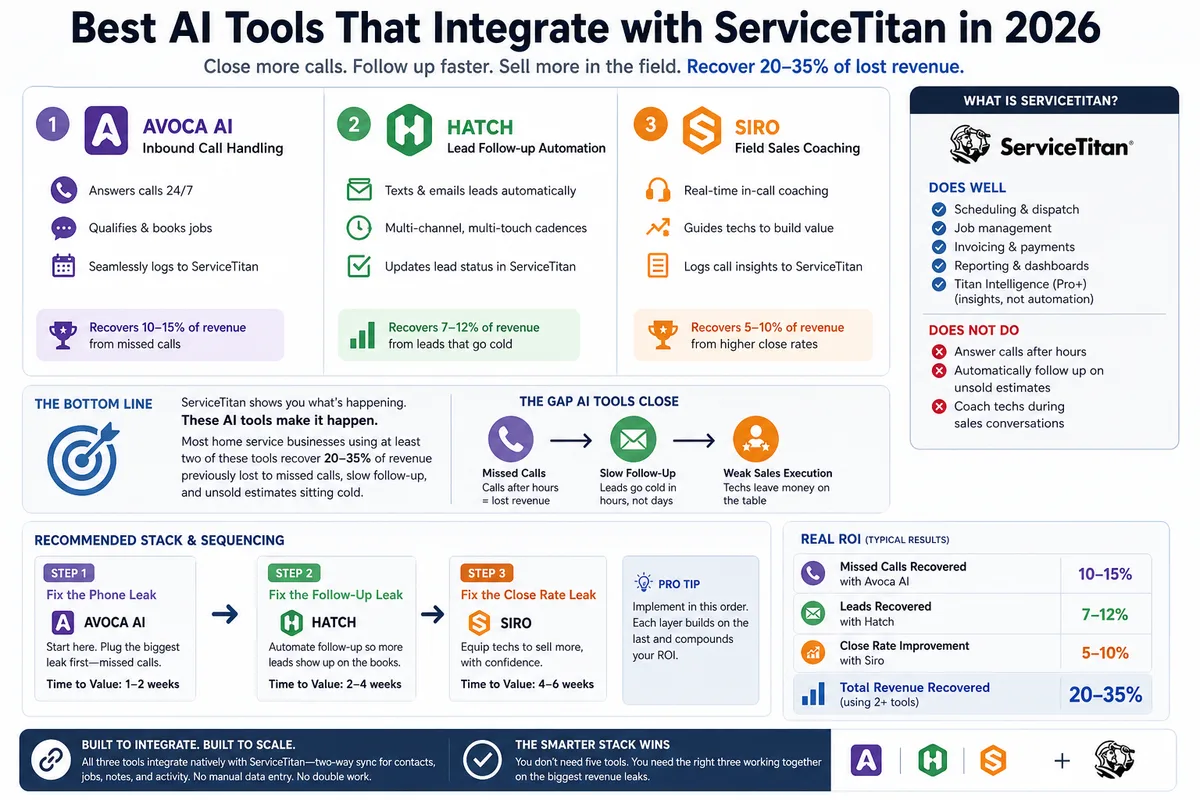
Best AI Tools That Integrate with ServiceTitan in 2026
Most ServiceTitan shops miss a meaningful share of inbound calls and leave most estimates unsold. These AI tools close those gaps inside ServiceTitan.
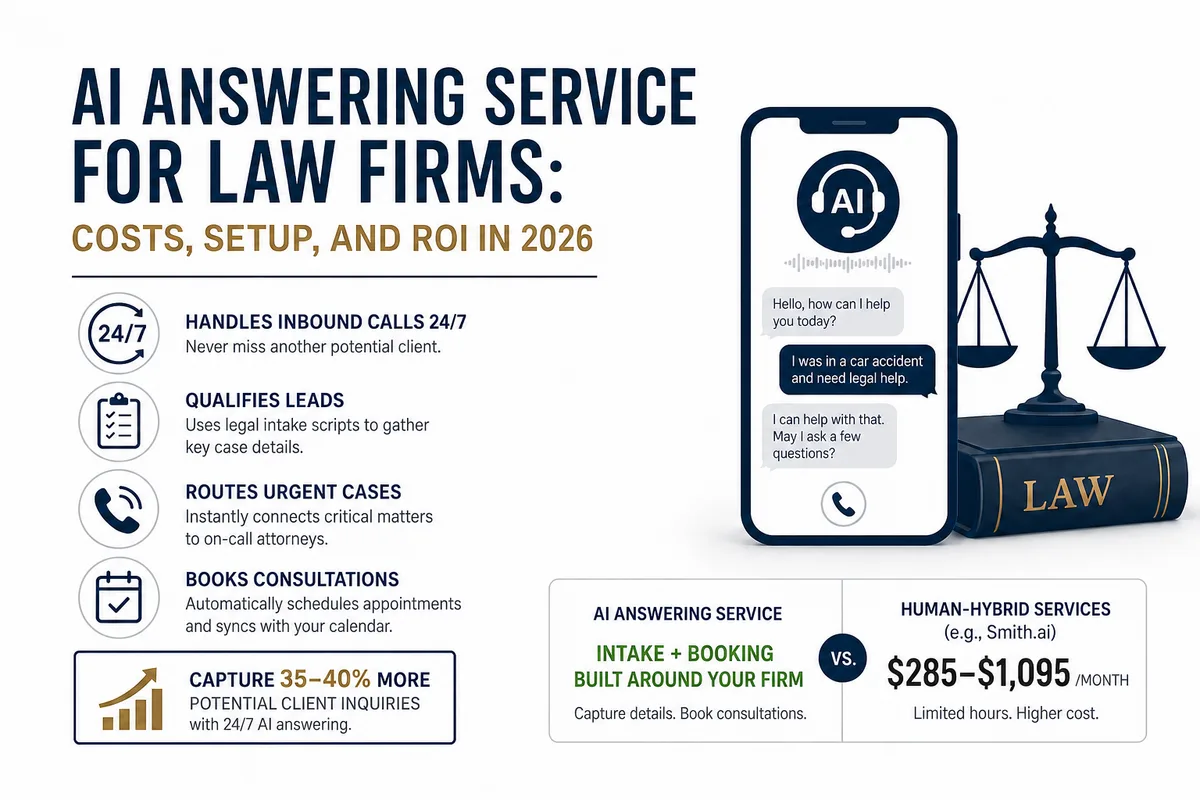
AI Answering Service for Law Firms: Costs, Setup, and ROI in 2026
Law firms miss a large share of inbound calls, most of them after hours. Here's what an AI answering service actually does, what it costs versus human.