
AI Automation
What Should an AI Automation Handoff Include?
Learn what a complete AI automation handoff includes: credentials, diagrams, prompts, test evidence, monitoring, support terms, and rollback plans.
The free 30-minute AI Operations Audit is a conversation about a normal week in your business and where the work piles up. We find the one change that would give you the most time back and send you a plain-English plan for it. No forms and no pitch.
Book a free AI audit
Patrick Gibbs
At a glance
Three takeaways
-
A handoff without exported prompts, workflow diagrams, and admin-level credentials under your business account means you don't fully control the automation you paid for.
-
Test evidence should include real transcripts covering normal, edge, and failure cases, not verbal assurance that a system works.
-
Rollback plans have real limits once an automation has restructured CRM fields or rerouted phone numbers, so ask what reverting actually costs before launch, not during an outage.
A complete AI automation handoff gives you account ownership, workflow diagrams, exported prompts and configurations, documented test results, a monitoring plan, written support boundaries, and a rollback procedure. If any of these seven items is missing, you do not fully own the system you paid for, and you will feel that the day something breaks.
What a complete handoff packet actually contains
A real handoff packet is a set of files and access credentials you can hand to a different vendor tomorrow and have the system keep working. It is not a demo call or a slide deck. It is admin logins, exported workflows, documented prompts, test logs, a monitoring plan, a support agreement, and a written rollback path.
Most small-business owners never see this list written down, because most vendors never write it down. Use the checklist below before you sign off on any project as “done.”
| Handoff item | What it looks like | Why it matters |
|---|---|---|
| Credential ownership | Admin logins under your business email, not the vendor’s | You keep control if the relationship ends |
| Workflow diagrams | A visual map of triggers, steps, and decision points | You can audit or hand the system to someone new without reverse-engineering it |
| Prompts and configs | Exported text files with version history | You can restore or edit behavior without the original builder |
| Test evidence | Logs or recordings from real test runs, not just verbal claims | You know it worked before it touched real customers |
| Monitoring plan | Who checks it, how often, and what triggers an alert | Problems get caught before customers notice |
| Support boundaries | A written list of what is included and what costs extra | No surprise invoices when something needs fixing |
| Rollback plan | Documented steps to revert to the prior process | You are never stuck if the automation fails |
Who should own the credentials and accounts
Every login tied to your automation, phone numbers, calendars, CRM connections, and API keys, should live under an account your business controls, not the vendor’s personal or agency account. Ask for admin-level access at project kickoff, not at the end, so ownership is never a negotiation during a dispute or a vendor exit.
A simple way to check this: could you fire the vendor tomorrow and still log in everywhere? If the answer is no because the phone integration sits under the vendor’s business account, or the automation platform login was never shared with you, that is a gap worth fixing before launch, not after.
This is also where a lot of small businesses get burned by vendors who never intended to hand anything over. The AI Automation Agency for SMBs: What to Look For guide covers the vetting questions to ask before you sign, and credential ownership belongs near the top of that list.
Workflow diagrams you should ask to see
A workflow diagram shows every trigger, decision branch, and action the automation takes, in a format you can read without technical training. If your vendor cannot produce one, it usually means the system exists only in their head or inside a tool you cannot access, which makes it fragile and hard to hand off later.
For example, a missed-call automation for a small HVAC company might diagram as: call goes unanswered, system waits 30 seconds (illustrative), texts the caller, logs the lead in the CRM, and alerts the on-call technician if no reply comes back within a set window. A one-page diagram like that lets a new office manager or a future vendor understand the system in five minutes instead of a week.
Prompts, configurations, and version history
Every prompt, script, and configuration setting that drives your automation should be exported as a plain file you own, with a record of what changed and when. Without this, editing the system later means guessing, and switching vendors means starting over from scratch.
Ask specifically for:
- A current export of every prompt or instruction set in use
- A change log showing what was adjusted after launch and why
- Any integration settings (CRM fields, calendar rules, escalation logic) in a format you can read outside the vendor’s platform
If a vendor treats prompts as proprietary and refuses to share them, that is a red flag worth raising before you pay a final invoice.
Test evidence you should see before go-live
Test evidence means recorded call transcripts, sample chat logs, or screenshots from real test runs, not a verbal assurance that “it works.” You should see evidence covering normal cases, edge cases like a caller who mumbles or asks an off-script question, and at least one failure case showing what happens when the system cannot help.
A decision path for reviewing test evidence before launch:
- Did the vendor share actual transcripts or logs, not just a summary? If no, ask again before approving.
- Do the logs include at least one edge case, not only the easy path? If no, request additional testing.
- Is there a documented failure case showing graceful handoff to a human? If no, this is a gap to close before real customers interact with it.
This matters most for anything customer-facing. If you are evaluating a phone-based system specifically, the Best AI Receptionist for Small Business: How to Choose guide walks through what good testing looks like for call handling.
Support boundaries after handoff
Support boundaries are the written line between what is fixed for free and what triggers a new invoice. Vague language like “ongoing support included” is not a boundary. Ask for specifics: response time for outages, cost per hour for changes, and what counts as a bug versus a new feature.
| Typical scope | Often included | Often billed separately |
|---|---|---|
| System goes down entirely | Yes | |
| Minor wording or prompt tweak | Sometimes | |
| New integration or workflow | Yes | |
| Monthly performance review | Sometimes | |
| Major redesign or new use case | Yes |
These lines shift by vendor, which is exactly why they need to be in writing. Confusion about scope is one of the most common issues covered in AI Automation Myths Small Business Owners Should Stop Believing, particularly the assumption that “automation” means “no more ongoing cost.”
Rollback plan: what it should specify and when it has limits
A rollback plan documents the exact steps to revert to your prior process (old phone tree, manual intake form, previous CRM workflow) if the automation fails or underperforms. It should name who executes the rollback, how long it takes, and what data might not transfer back cleanly.
Here is the honest limitation: rollback is rarely instant or perfect. If the automation has already restructured your CRM fields, rerouted phone numbers through a new carrier, or been live for months with customer data flowing through it, reverting fully can take real time and may lose some history. A written rollback plan will not undo that risk, but it tells you upfront what reverting actually costs so you are not discovering it during an outage.
Pricing and scope also vary by industry and use case, which affects how much rollback complexity you are signing up for. The AI Automation Cost for Med Spas: What You Should Expect to Pay in 2026 article is a useful reference for how scope and cost interact even outside that specific vertical.
How to use this before you sign off
If you are mid-project or about to approve a “final” delivery, request each of the seven items above in writing before final payment. A vendor who has done this work properly can produce most of it within a day, because it should already exist from building the system correctly in the first place.
If you would rather have someone independent check whether a handoff is actually complete, before or after you have paid for one, book a free AI audit and bring whatever documentation you already have. It is a faster way to find gaps than waiting for something to fail in production.
Frequently asked questions
What if my vendor says the prompts are proprietary and won’t share them?
Ask why. Some vendors use a shared framework across clients and will export your specific configuration without exposing their broader system, which is reasonable. If they refuse to give you any version of your own automation’s instructions, you do not have a system you own, you have a dependency you are paying to maintain.
How long should a proper handoff take?
For a single automation like a missed-call responder or an intake workflow, a documented handoff can typically happen within a few business days once testing is complete, since most of the documentation should already exist from the build process. Larger multi-system projects take longer. If a vendor needs weeks to produce basic documentation after go-live, that usually signals it was never written down during the build.
Do I need a written contract covering all of this, or is a verbal agreement enough?
Get it in writing. Verbal assurances about support hours, ownership, or rollback are unenforceable if a dispute comes up later. A short written scope document covering the seven handoff items is enough for most small-business projects; it does not need to be a lengthy legal contract.
What’s the difference between a handoff and ongoing support?
Handoff is the one-time transfer of ownership, documentation, and evidence when a project goes live. Ongoing support is the recurring relationship after that, covering monitoring, fixes, and changes. You can have a clean handoff and still need clear ongoing support terms, so treat them as two separate agreements even if the same vendor handles both.
Should I still request a handoff packet if I’m building automation in-house?
Yes. Even internal builds benefit from the same discipline: documented workflows, exported configurations, and a rollback plan protect you if the person who built it leaves or moves to a different role. Treat internal projects with the same handoff standard you would demand from an outside vendor.
Patrick Gibbs
AI Automation Expert
Patrick Gibbs helps professional practices implement AI automation that captures more leads, books more appointments, and scales without adding overhead. He's the founder of Epiphany Dynamics and creator of the AI Front Desk system.
Related Solutions
Build this into a real workflow
Related Posts
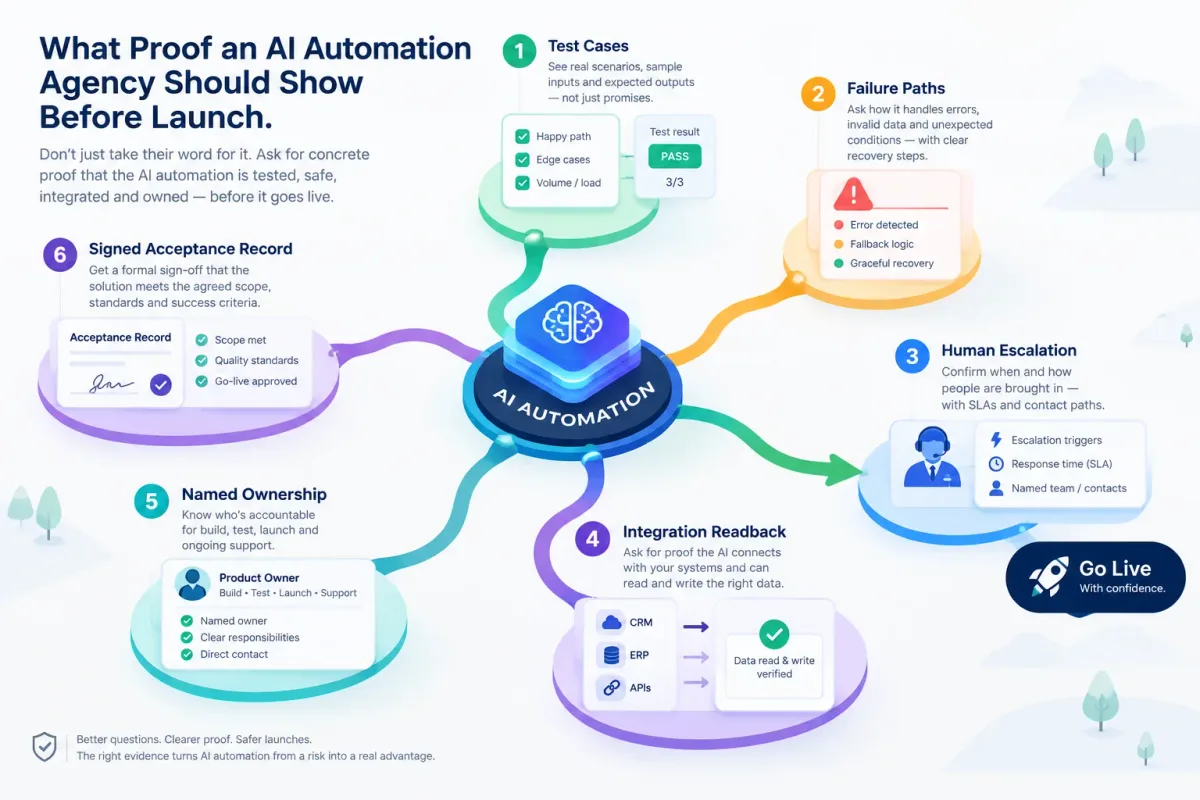
What Proof an AI Automation Agency Should Show Before Launch
Before an AI automation goes live, ask for test cases, failure paths, human escalation, integration readback, named ownership, and a signed acceptance record.
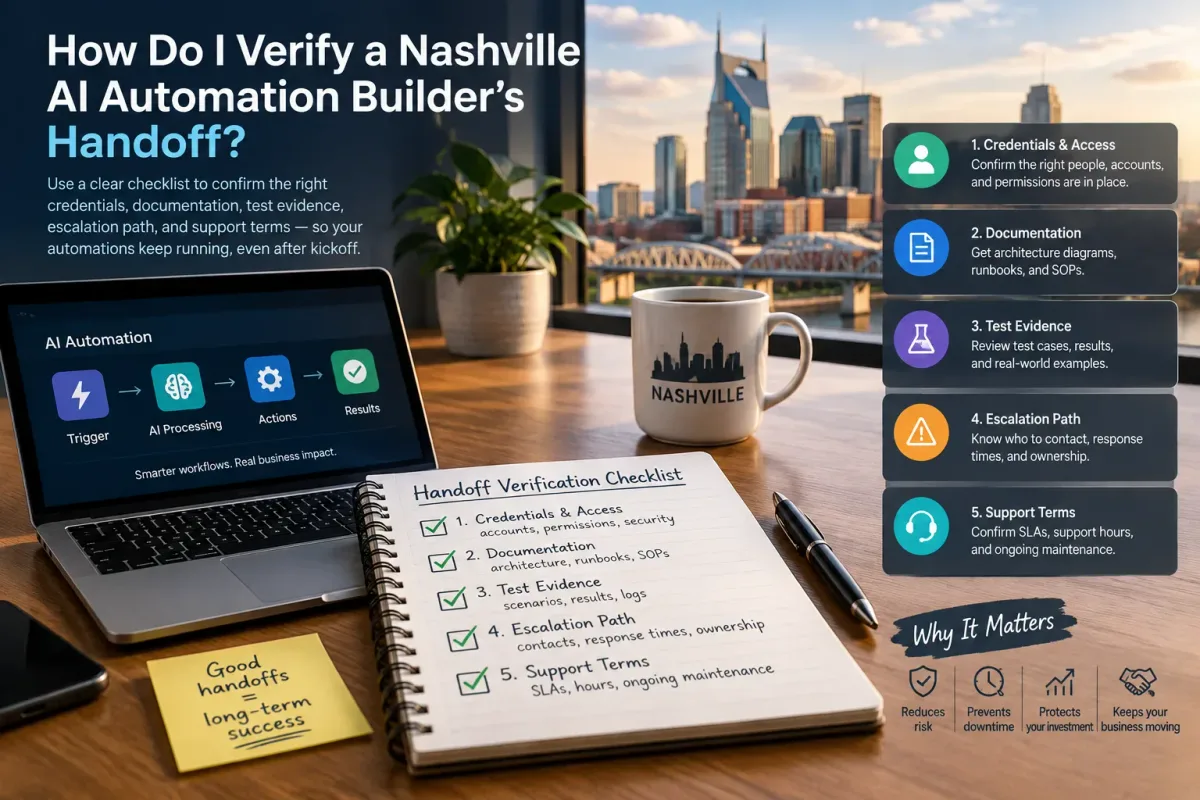
How Do I Verify a Nashville AI Automation Builder's Handoff?
Verify a Nashville AI automation builder's handoff with a checklist covering credentials, docs, test evidence, escalation, and support terms.
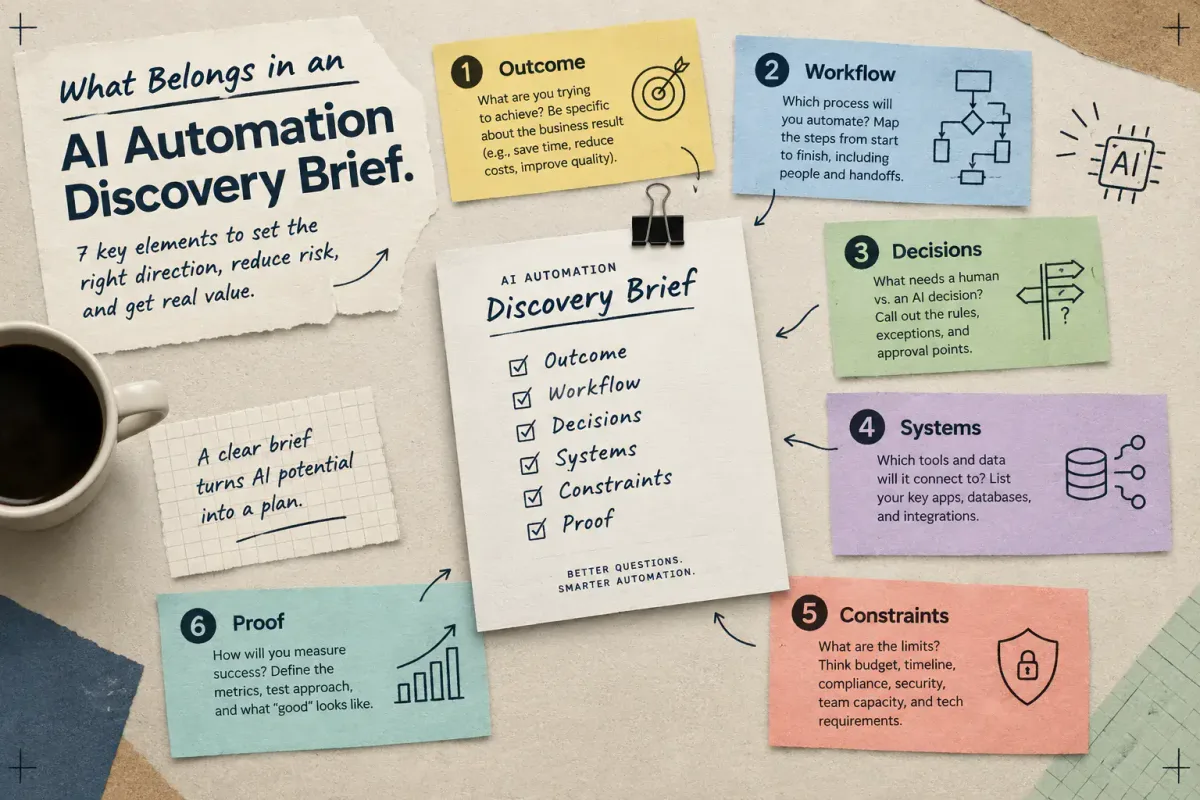
What Belongs in an AI Automation Discovery Brief
Learn the seven elements a small-business AI automation discovery brief needs: outcome, workflow, decisions, systems, constraints, and proof.