
Business Growth
How to Automate Repetitive Tasks in Your Small Business
Small business owners lose valuable time to tasks software could handle. Here's what to automate first, how to calculate ROI, and how to roll it out in phases.
The free 30-minute AI Operations Audit is a conversation about a normal week in your business and where the work piles up. We find the one change that would give you the most time back and send you a plain-English plan for it. No forms and no pitch.
Book a free AI audit
Patrick Gibbs
Small business owners often lose valuable working time to repetitive administrative tasks like scheduling, data entry, invoicing, and follow-up emails. The right automation plan starts by measuring that time, comparing it to tool and setup cost, and rolling out one clean workflow at a time. This guide shows what to automate first, how to calculate ROI, and how to execute it in phases.
Small business owners often lose a meaningful part of the week to administrative tasks: scheduling, data entry, follow-up emails, invoicing, report generation. That’s the work that keeps a business alive but doesn’t make it grow. The practical question is how much of that work repeats, how long it takes, and what higher-value work it displaces.
The automation tools available to small businesses today would have been enterprise-only years ago. Zapier, Make.com, AI-driven CRMs, and automated scheduling platforms are now accessible to lean teams, but the ROI still depends on choosing the right workflow. Our AI automation cost and pricing guide shows how to compare tool categories. The barrier isn’t technology. It’s knowing where to start, how to validate the investment before you spend time building workflows, and which mistakes to avoid along the way.
Not Every Repetitive Task Deserves to Be Automated
The first mistake most business owners make is trying to automate everything at once, or worse, automating whatever tool a salesperson demoed last. A more useful framework: automation earns its place when a task meets three criteria simultaneously.
High frequency means the task runs daily or multiple times per week. Something you do once a quarter might be worth streamlining with a template, but it’s rarely worth building a dedicated automated workflow around. Low judgment means the task follows consistent, predictable rules rather than requiring case-by-case decision-making. If you catch yourself saying “it depends” more than twice when describing a process, it likely needs a human in the loop. Clean inputs and outputs means the data going in and coming out is structured and predictable enough for software to handle reliably. Automating a step with inconsistent, messy input doesn’t fix the problem: it just moves it downstream and makes it harder to find.
Here’s how common small business tasks score against these three criteria:
| Task | Frequency | Judgment Required | Data Quality | Automation Priority |
|---|---|---|---|---|
| Appointment reminders | Daily | None | Structured | High |
| Invoice generation | Weekly | Low | Structured | High |
| Payment follow-ups | Weekly | Low | Structured | High |
| Lead routing to CRM | Daily | Low | Mostly structured | High |
| Social media scheduling | Daily | Low (post-creation) | Structured | High |
| New client onboarding emails | Variable | Low | Structured | High |
| Customer inquiry triage | Daily | Medium | Variable | Medium |
| Monthly financial reports | Monthly | Low | Structured | Medium |
| Custom client proposals | Variable | High | Variable | Low |
Notice that “custom client proposals” scores low despite being genuinely repetitive in structure. They require too much judgment per client: automating them produces generic output that costs you deals. A template with smart defaults can help, but full automation without human review isn’t viable. Know the difference.
How to Calculate Whether Automation Is Actually Worth Your Time
Before you touch a single tool, run the numbers. The formula is straightforward:
Monthly ROI = (hours saved per month x hourly cost) - monthly tool cost
The tricky part is an honest estimate of hourly cost. If you’re the one doing the task, your cost isn’t what you pay yourself. It’s your opportunity cost, meaning what you could earn or produce with that time instead. If an employee handles it, use their fully-loaded hourly rate, including payroll taxes, benefits, and overhead.
Here’s a calculation framework for a service business with one part-time admin:
| Task | Time Before | Time After | Hours Saved/Mo | Value of Time Saved | Tool Cost | Monthly ROI |
|---|---|---|---|---|---|---|
| Appointment reminders (manual calls) | Manual call or text time | Automated reminder review time | Before time minus after time | Hours saved x loaded labor cost | Reminder software and messaging cost | Value saved minus tool cost |
| Invoice creation + sending | Manual invoice prep time | Review and approval time | Before time minus after time | Hours saved x loaded labor cost | Invoice and accounting software cost | Value saved minus tool cost |
| Payment follow-up reminders | Manual follow-up time | Exception review time | Before time minus after time | Hours saved x loaded labor cost | Included | Value saved minus tool cost |
| New client onboarding emails | Manual email and checklist time | Review and exception time | Before time minus after time | Hours saved x loaded labor cost | Email or CRM automation cost | Value saved minus tool cost |
| Total | Total hours saved | Total value of time saved | Total tool cost | Net monthly value |
Run the model with your own task volume, labor cost, and tool quotes. Setup time and payback depend on how clean the existing process is, how many systems need to connect, and who maintains the workflow. For a small operation, the recovered capacity can feel close to adding part-time help without hiring. For businesses where administrative overhead is the primary drain, our guide on how AI workflow automation cuts overhead covers the more advanced tools and techniques.
The Tools That Actually Work at the Small Business Level
The automation software market is cluttered, and most reviews are written by affiliates. Here’s a function-by-function breakdown based on practical fit for small businesses:
Workflow Connectors
Zapier and Make.com are the connective tissue of small business automation: they link apps that don’t natively talk to each other, passing data between your contact form, CRM, invoicing tool, and accounting software without manual intervention. Zapier is more beginner-friendly with a visual interface and a large library of pre-built “Zaps.” Make is more capable for complex, multi-step or conditional workflows but has a steeper learning curve. As of July 2026, Zapier’s public pricing page lists a free plan with 100 tasks per month and Professional starting at $19.99/month; Make’s pricing page lists 1,000 free credits per month. Check the current pricing pages before buying because plan limits can change.
Scheduling Automation
Calendly and Acuity Scheduling both eliminate the back-and-forth of booking, but their more significant value is no-show reduction. Service businesses can implement automated reminder sequences, then measure whether missed appointments fall. For a business generating significant revenue from appointments, even a modest reduction in no-shows can recover meaningful revenue, not from cutting costs, but from capturing revenue that was already being booked but not collected.
Related reading: Can AI Replace Managers? What the Data Shows in 2026.
CRM with Built-In Automation
A CRM without workflow automation is an expensive spreadsheet. HubSpot includes trigger-based email sequences, lead assignment rules, and deal-stage automation. For businesses needing more depth without enterprise pricing, ActiveCampaign offers behavioral automation: sequences that trigger based on what a contact actually does, not just time-based drips. If a lead repeatedly visits your pricing page, your CRM should know that and respond differently than it does to someone who opened one welcome email.
Financial Automation
Manual invoice processing creates avoidable admin cost every time someone has to create, send, track, and reconcile an invoice by hand. Automated invoicing through platforms like FreshBooks or QuickBooks Online reduces that handling time and can offset the software subscription when invoice volume is high enough. More impactful is automated payment follow-up: businesses that automate payment reminders can collect faster when the bottleneck is inconsistent follow-up.
The Automation Mistakes That Cost More Than They Save
Automating a Broken Process
The most expensive automation mistake is taking a flawed manual process and making it run faster. If your lead follow-up sequence is losing prospects because the messaging is off, automating it sends bad messages to more people more consistently, at scale. Before automating anything, document the process as it currently works and identify where breakdowns actually happen. Fix the process first. Automate second. The sequence matters more than most people realize.
Over-Automating Customer Touchpoints
There is a category of customer communication that looks automatable but isn’t, at least not entirely. Appointment reminders: automate. Invoice delivery: automate. “I’m frustrated and considering canceling my account”: human. The dividing line is whether the customer’s emotional state is a variable. Our guide to the best AI tools for service companies covers which platforms handle this escalation logic most effectively. Automated responses to charged situations often close the ticket faster while losing the relationship. A good rule of thumb: if the customer’s message contains words like “frustrated,” “disappointed,” “wrong,” or “cancel,” it should route to a human before any automated response fires.
Tool Sprawl Without Integration
The second-order problem with automation enthusiasm is ending up with five or six tools that don’t talk to each other, creating new manual reconciliation work to compensate for the gaps between them. Every tool you add should connect natively to your existing stack or via a workflow connector like Zapier. If adding a tool introduces a manual handoff at any point, you haven’t automated the process: you’ve just shifted where the repetitive work happens. Audit your stack every six months: if a tool isn’t saving measurable time and you can’t quantify why it exists, remove it.
A Practical Phased Roadmap for Implementing Business Automation
Knowing what to automate and actually doing it are different problems. Here’s a phased approach that prevents the most common execution failure: trying to build everything simultaneously and completing nothing.
Phase One: Audit and First Win
Spend the first phase documenting. Track every repetitive task you or your team performs using a simple spreadsheet with columns for task name, owner, duration, and frequency. At the end of the audit, calculate time per month for each task and sort descending. Your highest-time tasks are your automation candidates. Build exactly one automation: your highest-impact item. Get it live, monitor it, and confirm it works as intended. One completed automation beats five half-built ones every time.
Phase Two: Core Systems Layer
Once your first automation is validated, move to the systems that generate the most use for most service businesses: scheduling and CRM. Set up automated appointment reminders through Calendly or Acuity, configured around your actual booking window. Then build a basic CRM workflow that handles the new-lead lifecycle: intake confirmation, initial response, and follow-up sequence. By the end of this phase, two of your largest sources of manual communication work should be operating with less intervention.
Phase Three: Financial Automation
The final phase addresses invoicing and cash flow. Set up automated invoice generation tied to job completion or project milestone triggers. Configure a payment reminder sequence and let it run without manual involvement. Connect your invoicing platform to your accounting software so reconciliation happens automatically rather than requiring a manual export. After the workflow has real data, revisit the ROI calculation using operational results. Those numbers become your baseline for deciding where to invest the next round of automation effort.
The Compounding Effect of Getting This Right
The businesses that benefit most from automation aren’t the ones that automate the most. They’re the ones that automate the right things in the right sequence, measure the results honestly, and reinvest the recovered capacity into work that actually grows the business. Use the phased roadmap above to calculate your own freed hours per month, then multiply that by your blended opportunity cost. That makes the value case specific to your current operations instead of relying on a generic benchmark.
Start with the audit. Run the numbers on your top candidates before touching any tool. Build one automation, validate it, then build the next. The compounding effect of this approach, where each freed hour gets redirected toward higher-use work, is what separates businesses that grow from businesses that stay busy. If you want outside perspective on where the highest-use automation opportunities are in your specific operation, firms that specialize in small business process automation, like Epiphany Dynamics, can often identify and implement these gains faster than going it alone.
Not sure which tasks to automate first in your business? Check our location-specific guides and industry automation resources to see what businesses like yours prioritize. You can also book a free automation audit with Epiphany Dynamics to get a personalized roadmap. Browse our tool recommendations and implementation guides to start building your own automation plan.
Frequently Asked Questions
Q: What repetitive tasks should a small business automate first?
Appointment reminders, invoice generation and payment follow-up, new client onboarding emails, and lead routing to CRM all score high on frequency, low judgment required, and clean structured inputs, making them ideal first automation candidates. Together they give you a practical first bundle to measure against the combined cost of the tools, setup, and maintenance.
Q: How do I know if a task is worth automating?
A task earns automation when it meets three criteria simultaneously: high frequency (daily or multiple times per week), low judgment (follows consistent, predictable rules), and clean inputs/outputs (structured and predictable data). Tasks requiring case-by-case decisions or inconsistent inputs should be standardized before being automated; otherwise you just make broken processes run faster.
Q: How much do automation tools cost for a small business?
The core automation stack for most small businesses usually includes a workflow connector like Zapier or Make.com, a scheduling tool like Calendly or Acuity, and invoicing software like FreshBooks or QuickBooks Online. Whether you recoup that quickly depends on your current manual workload and how cleanly the tools replace it.
Q: What is the 90-day roadmap for implementing small business automation?
Start by auditing repetitive tasks and building your single highest-impact automation. Next, implement scheduling reminders and a basic CRM lead follow-up sequence. Then automate invoice generation and payment reminders. After the system has real operational data, revisit your ROI calculation to guide where to invest next.
Q: What are the most common automation mistakes small businesses make?
The three most costly mistakes are automating a broken process (which just executes the flaws faster), over-automating customer touchpoints that require emotional intelligence, and adding tools that don’t connect to each other, creating new manual reconciliation work instead of eliminating it. Fix the process before automating, and audit your tool stack every six months for orphaned tools.
Patrick Gibbs
AI Automation Expert
Patrick Gibbs helps professional practices implement AI automation that captures more leads, books more appointments, and scales without adding overhead. He's the founder of Epiphany Dynamics and creator of the AI Front Desk system.
Related Solutions
Build this into a real workflow
Related Posts
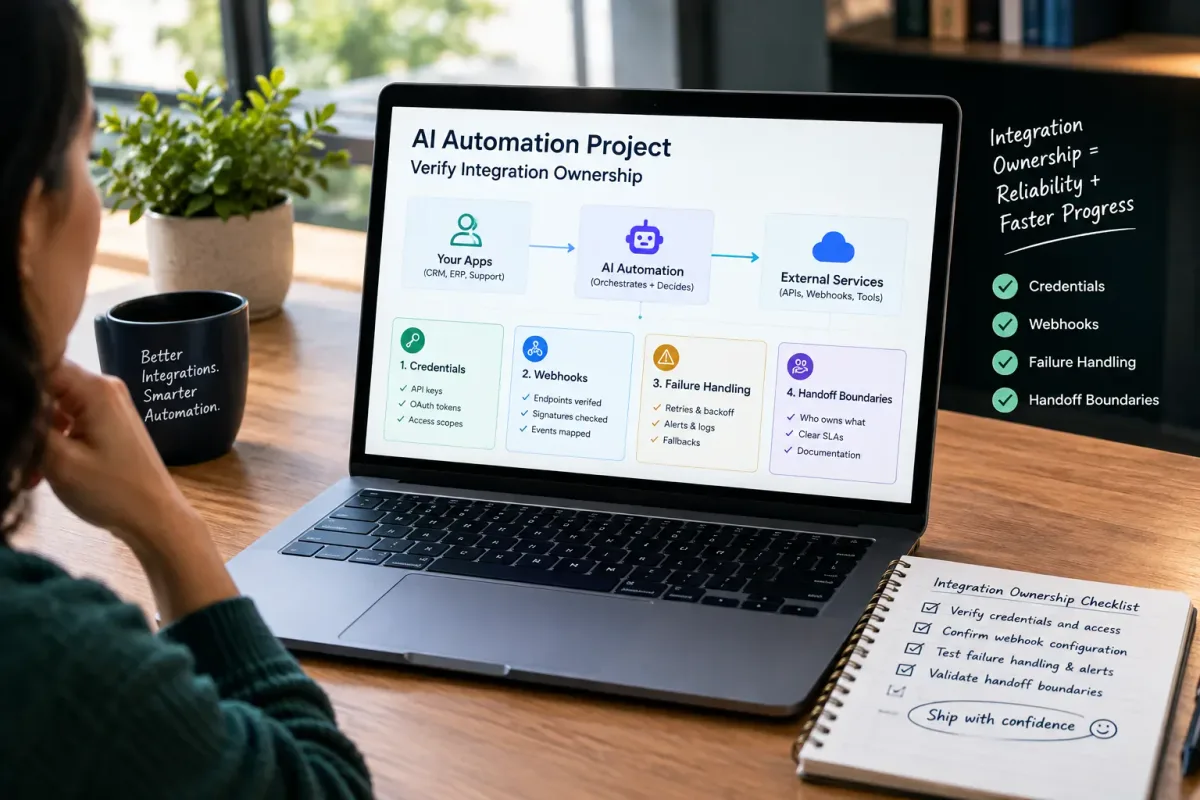
How Do I Verify Integration Ownership in an AI Automation Project?
Learn how to verify integration ownership in an AI automation project, including credentials, webhooks, failure handling, and handoff boundaries.

Is Epiphany Dynamics Legitimate for AI Automation?
Is Epiphany Dynamics legitimate for AI automation? Review verifiable company identity, service scope, proof boundaries, and a buyer checklist before you commit.

AI Admin Tools for Plumbers: What They Are and How to Choose
AI admin tools automate dispatch, reminders, invoicing follow-up, missed calls, and review requests for plumbers. What they do and how to choose.