
Can AI Replace a Receptionist? The Honest Answer in 2026
AI can replace a receptionist for a large share of routine front desk work, including call answering, appointment scheduling, FAQ handling, and lead intake. What it cannot do well yet is manage emotionally charged conversations, navigate complex multi-step problems, or build the ongoing client relationships that drive retention.
AI handles much of what a receptionist does, but the rest still needs a human. Here's where the line falls in 2026, with a practical side-by-side comparison.
Epiphany Dynamics is an AI automation agency: we help businesses find and fix operational bottlenecks with AI receptionists, lead follow-up, and workflow automation.
The free 30-minute AI Operations Audit is a conversation about a normal week in your business and where the work piles up. We find the one change that would give you the most time back and send you a plain-English plan for it. No forms and no pitch.
Book a free AI audit
Patrick Gibbs
AI can replace a receptionist for a large share of routine front desk work, including call answering, appointment scheduling, FAQ handling, and lead intake. What it cannot do well yet is manage emotionally charged conversations, navigate complex multi-step problems, or build the ongoing client relationships that drive retention. Most businesses end up running a hybrid model, and that's usually the right call.
The question has been floating around since the first chatbot got deployed on a business website, but in 2026 it's no longer theoretical. Businesses across dentistry, law, home services, and medical practices are actively replacing or supplementing front desk staff with AI voice systems. Some of those deployments are working extremely well. Some are not. The difference almost always comes down to whether the business understood exactly what a receptionist does before they made the switch.
What a Front Desk Actually Does (It's More Than Answering Phones)
A receptionist typically spends much of their time on call handling and scheduling, some on data entry and administrative follow-up, and the rest on tasks requiring judgment, empathy, or institutional knowledge. The routine majority is where AI performs best. The judgment-heavy remainder is where human receptionists still justify their cost.
When you break down what a receptionist actually does across a workday, the tasks separate into two clean buckets. The first is high-frequency, lower-judgment work: answering the same twelve questions about hours, pricing, and availability, booking and rescheduling appointments, confirming insurance information, routing calls to the right person, and logging everything somewhere. These tasks are repetitive by design. A good receptionist does them well because they have the playbook memorized.
The second bucket is the stuff that requires reading a situation. A caller who is clearly upset about a billing error. A new client who is nervous and asking questions that aren't really about the appointment. A longtime patient who mentions something off-hand that should be flagged. That work requires someone who can pick up on tone, context, and subtext. Scripted AI misses it entirely. Conversational AI is getting closer, but it still misses more than it should.
Most service businesses skew heavily toward the first bucket. A high-volume dental practice might have mostly scheduling and FAQ calls. An injury law firm might have a smaller call pool but a much more emotionally loaded intake mix. Your actual call mix determines how far AI can go, and most owners don't know their pattern until they actually look.
What AI Voice Systems Can Actually Do in 2026
Modern AI voice systems answer outside staffed hours, book directly into scheduling software, collect intake data, qualify leads, and send automated confirmations via text or email without human involvement. The best systems perform well on standard appointment types when the knowledge base, escalation rules, and calendar integrations are built carefully.
The capability gap between early phone automation and current AI voice systems is real. Today's AI voice systems don't sound like phone trees. They hold a genuine back-and-forth conversation, ask follow-up questions, handle common objections, and route anything outside their scope to a human or callback queue. The better platforms integrate directly with scheduling tools like Google Calendar, Jane App, or Calendly, so when a caller books an appointment, it lands in the schedule immediately without anyone touching it.
The after-hours case is where AI produces the clearest ROI. As voice AI adoption among service businesses in 2026 shows, after-hours and weekend calls account for a substantial share of missed revenue, and AI is now a practical answer to that coverage gap. You're not going to staff a human receptionist all night. AI doesn't care what time it is, and it books the appointment anyway.
Lead qualification is another area where AI often outperforms human receptionists, not because humans are bad at it, but because it's genuinely hard to ask the same qualifying questions consistently all day. AI does it identically every time and logs the answers without variance. That consistency improves downstream follow-up quality.
Where AI Still Falls Short
AI systems fail most visibly when callers are upset, confused, or asking questions the system wasn't trained to handle. Caller dropout rates increase when AI handles emotionally complex calls versus a human. For high-touch industries like behavioral health, boutique legal practices, or elder care, this gap is often a dealbreaker rather than a manageable inconvenience.
This is worth being honest about, because most AI vendors won't be. When a caller is frustrated, scared, or genuinely confused, the goal of the conversation shifts from information exchange to emotional de-escalation. AI can be trained to detect negative sentiment and escalate to a human, but if no one is available to pick up that escalation immediately, the handoff creates friction that makes a bad experience worse, not better.
There's also the edge case problem. Any receptionist who has been with a business for a while knows things that aren't in any knowledge base. The doctor tends to run late on certain days. That specific client needs extra time on the call. The insurance company they mentioned is slow to process claims, so warn the caller now. That institutional knowledge is nearly impossible to fully encode, and AI will give a confident wrong answer when it runs into something it wasn't trained on.
Accuracy matters, but the headline number alone can mislead you. Voice AI accuracy in business calls has improved substantially, but even a strong scheduling system can create errors if the appointment rules, provider constraints, or escalation path are incomplete. Whether that's acceptable depends entirely on what kind of errors they are and whether your team catches them before they become a problem for the client.
What It Actually Costs: Human vs. AI, Side by Side
A full-time human receptionist carries salary, benefits, payroll taxes, coverage gaps, management time, and turnover risk. AI receptionist platforms carry subscription, setup, training, integration, and monitoring costs. The right comparison is not salary versus software. It is the fully loaded cost of human coverage versus the cost of automating the call types that do not require human judgment.
| Cost Area | Human Receptionist | AI Receptionist |
|---|---|---|
| Core cost | Salary plus employer obligations | Subscription plus usage and platform fees |
| Setup and onboarding | Recruiting, training, and ramp time | Configuration, testing, and knowledge-base work |
| Coverage | Limited to staffed hours unless more people are added | Can cover after-hours and overflow with the same system |
| Consistency | Depends on training, workload, and employee context | Follows the same rules every time once configured |
| Escalation | Can handle judgment calls directly | Needs clear transfer rules for complex situations |
| Turnover risk | Recruiting and retraining repeat when staff leave | Vendor or platform switching creates the main continuity risk |
For a more detailed look at how this math plays out across different business sizes, the full AI vs. human receptionist ROI breakdown goes deeper into the calculation framework. The short version: even if AI handles only routine volume and you keep a human for the rest, you can still reduce front desk overhead while improving coverage.
The revenue side of this equation is something most owners overlook entirely. Missed calls have a direct dollar cost that rarely gets calculated honestly. The true revenue cost of unanswered business calls is often a bigger number than expected when you run it against your actual job values and call volume. AI eliminates most of that leakage automatically, which changes the ROI math significantly.
For further reading, see AI Receptionist for Chiropractors: What It Handles and How to Evaluate It.
The Hybrid Approach That Actually Works in Practice
The most common real-world deployment is AI handling after-hours calls and routine daytime inquiries, with a part-time or full-time human managing complex situations and relationship work. This structure cuts front desk labor costs while keeping human touchpoints where they matter most. High-volume businesses with simpler call types can push further, but only after proving their call mix is predictable.
Full AI replacement works cleanly for certain business types. A busy HVAC company handling scheduling and dispatch calls can run heavily on AI without meaningful service degradation if the call patterns are predictable. The same holds for many dental practices, salons, and property management offices where most calls follow a known script. The implementation example on handling HVAC busy-season call volume without extra hiring shows what that looks like operationally when the call mix is right.
For businesses with more varied or emotionally complex call types, full replacement doesn't make sense yet. A better structure is to let AI own everything that fits a clear pattern and route exceptions to a human who now has real bandwidth to handle them well. That human may not need to be full-time anymore. Most businesses were paying for a full-time role because they needed someone available, not because the actual workload justified it.
Getting this right starts with knowing your call mix before you deploy. Audit inbound calls by type and complexity. Most owners assume their calls are more complex than they actually are, and the data often shows more routine volume than expected. Start by deploying AI on after-hours calls first, where you're replacing a voicemail box rather than a person. Measure dropout rates and booking completion. Then expand from there based on what the data tells you, not what a vendor's pitch deck promises. If you're working through this for your own business, Epiphany Dynamics helps service businesses design and implement exactly this kind of deployment.
Frequently Asked Questions
Q: How much can a business save by replacing a receptionist with AI?
The savings depend on your fully loaded staffing cost, call volume, missed-call rate, and how much of the work is routine. Most businesses see maximum value with a hybrid model rather than full replacement: routine calls move to AI, while specialized judgment stays with humans.
Q: Which types of businesses have had the best success with AI receptionists?
Dental practices, medical clinics, law firms, and home services companies have seen the strongest adoption, particularly those with high-volume, predictable call patterns and standardized intake processes. Businesses with routine scheduling needs and fewer complex client negotiations tend to maximize AI's value and see measurable performance gains.
Q: What happens when an AI receptionist encounters a problem it can't solve?
Modern AI systems transfer calls to a human agent with a complete conversation transcript, eliminating the need for the caller to repeat information and reducing transfer friction. The best deployments set customer expectations upfront about when they're speaking to AI and when escalation will occur, preventing frustration during handoffs.
Q: How accurately do AI receptionists handle complex appointment scheduling?
Current systems can handle routine, single-service bookings well when calendars, provider rules, and escalation paths are configured correctly. They struggle with multi-service appointments and provider-specific constraints requiring institutional knowledge. Hybrid approaches, where AI handles straightforward bookings and humans manage complex requests, consistently outperform fully automated systems.
Patrick Gibbs
AI Automation Expert
Patrick Gibbs helps professional practices implement AI automation that captures more leads, books more appointments, and scales without adding overhead. He's the founder of Epiphany Dynamics and creator of the AI Front Desk system.
Related Solutions
Build this into a real workflow
Related Posts

Best AI Receptionist for Small Business: How to Choose
The best AI receptionist for a small business is the one that answers quickly, books or routes correctly, escalates cleanly, and fits the tools your team.
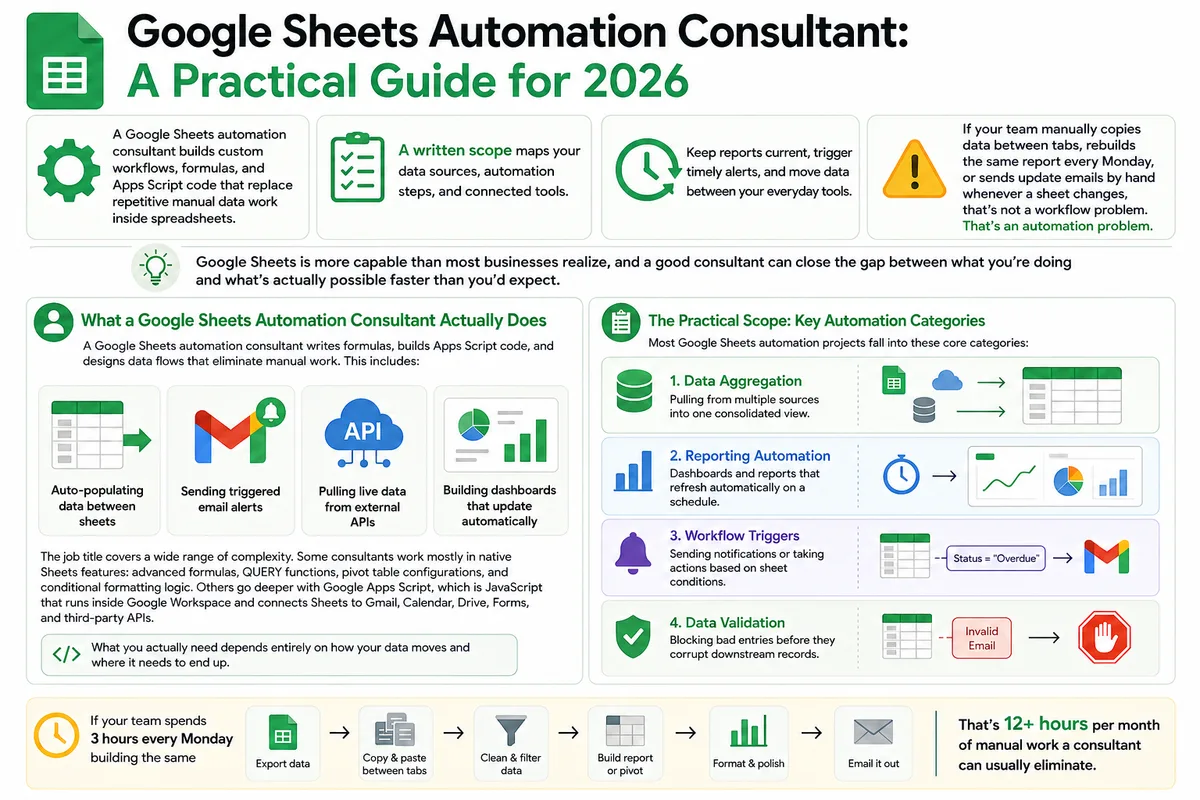
Google Sheets Automation Consultant: A Practical Guide for 2026
Most businesses don't track what spreadsheet work actually costs them. Here's what a Google Sheets automation consultant does in 2026, how to judge the value.
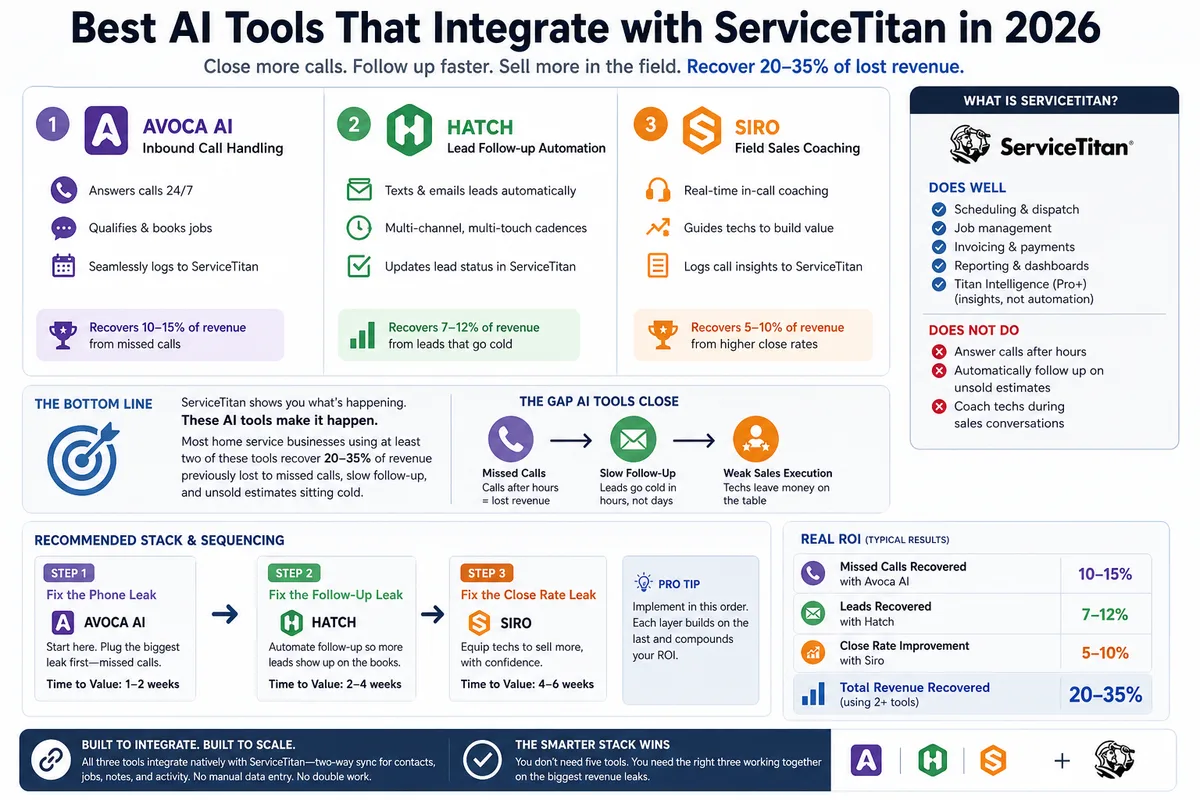
Best AI Tools That Integrate with ServiceTitan in 2026
Most ServiceTitan shops miss a meaningful share of inbound calls and leave most estimates unsold. These AI tools close those gaps inside ServiceTitan.