
AI Automation
How to Eliminate Manual Data Entry With AI Automation
Manual data entry drains staff time and creates bad data. Here's how AI automation removes the bottleneck and how to choose the right starting workflow.
The free 30-minute AI Operations Audit is a conversation about a normal week in your business and where the work piles up. We find the one change that would give you the most time back and send you a plain-English plan for it. No forms and no pitch.
Book a free AI audit
Patrick Gibbs
Manual data entry drains staff time, slows revenue work, and creates bad data that spreads through the business. AI automation tools such as OCR, intelligent document processing, RPA, and LLM-based extraction can remove much of that burden for small businesses without an enterprise IT buildout. This post shows where manual data entry lives in your business and which automation approach fits each bottleneck.
The Hidden Tax on Your Business
Every business has one: that invisible drag where someone is manually copying invoice numbers into a spreadsheet, re-keying customer information from a web form into a CRM, or transcribing data from a PDF into an accounting system. It feels like normal overhead. It isn’t. Poor data quality, much of it caused by manual entry errors, quietly drains time, creates rework, and slows the workflows that actually generate revenue.
The good news is that AI automation has made eliminating manual data entry genuinely accessible, not just for enterprises with large IT budgets, but for small businesses, agencies, and lean operations. The challenge isn’t capability. It’s knowing where to start and how to implement it without creating new problems, the same principle that drives our guide on how AI workflow automation cuts administrative overhead. That’s what this article covers.
Understanding What “AI Automation” Actually Means for Data Entry
Before getting into implementation, it’s worth being precise about what we mean. “AI automation” for data entry isn’t one technology. It’s a stack of overlapping tools, each suited to different problems:
- OCR (Optical Character Recognition): Converts images, PDFs, and scanned documents into machine-readable text. Modern AI-powered OCR tools like Google Document AI, AWS Textract, or Azure Form Recognizer work especially well on structured documents with consistent layouts.
- Intelligent Document Processing (IDP): Goes beyond OCR: it extracts, classifies, and validates data from unstructured or semi-structured documents like invoices, contracts, and medical forms. It understands context, not just characters.
- Robotic Process Automation (RPA): Software “bots” that mimic human interaction with software (clicking, copying, pasting, navigating) to move data between systems that don’t have native integrations. Tools like UiPath, Automation Anywhere, and the open-source option n8n fit here.
- Integration platforms (iPaaS): Services like Zapier, Make (formerly Integromat), and n8n that connect applications via APIs, triggering automated data flows when events occur: a form submission populates a CRM, a payment creates a project in your PM tool, etc.
- LLM-based extraction: Large language models can now extract and transform unstructured data, such as pulling key facts from emails, summarizing call transcripts into structured fields, or classifying customer feedback, at a level of nuance that rule-based systems can’t match.
Most real-world automation uses a combination. A typical invoice processing workflow might use IDP to extract line items from a PDF, an iPaaS platform to route that data, and an RPA bot to enter it into a legacy accounting system with no API. Understanding which tool solves which problem prevents the common mistake of using a hammer when you need a scalpel.
Where Manual Data Entry Actually Lives in Your Business
A useful exercise before automating anything is auditing where manual data entry actually occurs. Most businesses have a handful of high-volume choke points that account for most of the time spent. Common ones include:
| Data Entry Type | Typical Trigger | Manual Touchpoint | Best Automation Approach |
|---|---|---|---|
| Invoice / PO processing | Supplier invoice or purchase order arrives | Copying totals, line items, dates, and vendor data | IDP + iPaaS |
| Lead/form data → CRM | Website form, ad lead, or referral arrives | Moving contact details and notes into the CRM | Native API / iPaaS |
| Order entry from email/phone | Varies widely | Interpreting order details and creating records | LLM extraction + iPaaS |
| Expense reports / receipts | Receipt or expense report submitted | Extracting merchant, date, category, and amount | OCR / IDP + accounting integration |
| Data transfer between systems | Daily/ongoing | Copying fields between disconnected apps | RPA or iPaaS |
| Customer onboarding paperwork | New customer submits intake forms | Validating forms and creating account records | Smart forms + IDP + CRM |
Map this for your own operation. Multiply the record volume by the manual time per record, convert to hours, and multiply by your effective hourly labor cost. That number is your baseline ROI target for automation. Then add rework and downstream error costs to understand the full value of cleaning up the workflow.
A Practical Implementation Framework
The biggest failure mode in automation projects is scope creep: trying to automate everything at once, building a fragile system that breaks constantly, and abandoning the effort after two months. A disciplined phased approach yields better results.
Phase One: Pick One High-Volume, Low-Complexity Workflow
Start with the workflow that has the highest volume and the most predictable inputs. Invoice processing from a consistent supplier is easier than parsing freeform customer emails. Lead data from a web form is easier than order intake from phone calls. The goal of the first phase is a reliable win that demonstrates ROI. This builds internal confidence and budget for the next workflow.
Phase Two: Establish Data Validation Rules
Automation without validation replaces slow human errors with fast machine errors. Before going live, define what “valid” data looks like at each field level. Phone numbers need the right format, invoice totals need to match line items within your accounting tolerance, and emails need a valid structure. Build these checks into your automation so that exceptions surface to a human for review rather than silently corrupting your data. Most iPaaS platforms support conditional logic for this; IDP tools typically include confidence scoring you can use to flag low-confidence extractions.
Phase Three: Build the Exception Handling Workflow
No automation handles every case. Records that fail validation or fall outside expected patterns need a defined path: a Slack alert, an email queue, a review dashboard. This step is often skipped, which is why automations eventually get abandoned: they work great until one exception slips through and causes a downstream problem. Designing exception handling before you go live means your automation is solid from the start.
Phase Four: Measure, Then Expand
After the workflow has real usage, measure actual processing time, error rates, and exception volume against your baseline. Well-implemented automation should reduce both processing time and error rates compared to manual entry, and your own baseline comparison will tell you exactly how much. Once you have a working template, expanding to the next workflow is significantly faster because you’re reusing the validation logic, exception process, and integration patterns you’ve already built.
ROI Calculation: Putting Numbers on the Decision
One reason automation projects stall is that the ROI case is made vaguely (“we’ll save time”) rather than specifically. Use this calculation framework with your own baseline data:
| Variable | How to Calculate It |
|---|---|
| Monthly data entry volume (records) | Count records processed in the workflow each month |
| Avg. time per record (manual) | Measure the manual time from intake to finished entry |
| Total monthly hours (manual) | Record volume multiplied by manual time per record |
| Effective hourly labor cost | Use fully loaded labor cost, not base wage alone |
| Monthly labor cost (manual) | Total manual hours multiplied by effective hourly cost |
| Error rate (manual) | Track corrections, rework, duplicate records, and downstream fixes |
| Avg. cost per error (rework + downstream) | Estimate staff rework, customer friction, billing delays, and opportunity cost |
| Monthly error cost | Error count multiplied by average cost per error |
| Total monthly cost (baseline) | Manual labor cost plus error cost |
| Automation tool cost (monthly) | Subscription, usage, integration, and support cost |
| Time after automation (human review only) | Exception review and monitoring time |
| Monthly cost after automation | Tool cost plus review labor and maintenance |
| Monthly savings | Baseline cost minus automated workflow cost |
A well-built automation should pay for itself when the monthly savings exceed subscription, setup, review, and maintenance costs. The error cost figure deserves attention: even a small manual error rate can create expensive downstream rework when invoices, CRM records, or purchase orders are wrong. Data entry errors reliably drain revenue through operational waste and opportunity cost, a drag that’s consistently underestimated because most organizations don’t track data quality as a cost center.
Common Mistakes That Sink Automation Projects
Even well-intentioned projects fail. The most common reasons aren’t technical. They’re procedural.
- Automating a broken process: If your manual workflow is inconsistent or poorly defined, automation will execute the inconsistency faster and at scale. Fix the process first, then automate it.
- Over-engineering the first version: The goal of the first version is a reliable narrow workflow. Trying to handle every edge case before launch delays everything and often produces something too complex to maintain.
- Ignoring data quality upstream: Automation can only work with the data it receives. If your source (a web form, an email, a PDF) produces inconsistent formats, add normalization logic before the data enters your automation pipeline.
- No ownership: Every automation needs a named owner responsible for monitoring exceptions, updating rules when inputs change, and escalating when something breaks. “Set and forget” automations become liabilities.
- Choosing tools based on popularity, not fit: Zapier is excellent for simple, API-based integrations. It’s a poor fit for high-volume document processing or complex conditional logic. Match the tool to the actual problem. Our AI automation cost and pricing guide covers what different categories of automation tools cost across every tier.
What to Expect From Modern AI-Powered Extraction
For businesses dealing with documents such as invoices, contracts, forms, and reports, the capabilities of AI extraction tools have moved well past what most operators realize. Tools like Google Document AI, AWS Textract, and purpose-built platforms like Rossum or Hypatos can extract structured data across many document layouts without manual template configuration. They can handle handwriting, multi-language documents, tables with irregular structures, and documents where key fields appear in different locations.
LLM-based extraction has become a practical option for data that doesn’t fit a form: extracting action items from meeting transcripts, pulling contract terms from legal documents, classifying customer feedback by issue type, or summarizing support tickets into structured fields. The key constraint is cost and latency: LLM extraction costs more per record and takes longer than purpose-built IDP tools, so it’s best reserved for genuinely unstructured content where rule-based approaches fail.
The practical implication: for most small-to-mid-sized businesses, the technical barrier to reducing manual data entry is lower than it’s ever been. The tools exist. The integrations exist. What’s missing, more often than not, is a clear-eyed audit of where the time is actually going and a disciplined starting point.
For the step-by-step version, see How to Automate Data Entry in Excel: A Practical 2026 Guide.
Getting Started Without Getting Overwhelmed
If you’re ready to move from “we should automate this” to actually doing it, the most effective first step isn’t picking a tool. It’s mapping one workflow end-to-end. Document every input source, every manual touchpoint, every system the data passes through, and every person who touches it. That map will tell you exactly what category of automation you need and which tools to evaluate.
Then build the smallest possible working version of that automation, measure it against your baseline, and let the results justify the next phase. Our guide to automating repetitive tasks provides the full implementation roadmap for this phased approach. Businesses that approach this incrementally, one workflow at a time while measuring real outcomes, consistently outperform those that try to automate everything at once. The goal isn’t a perfect automated system. The goal is reclaiming hours and eliminating errors, one workflow at a time, until the cumulative impact changes the economics of your operation. For teams looking to accelerate this process, AI automation specialists at firms like Epiphany Dynamics can help compress the audit-to-implementation timeline significantly, but the framework above will get you to a working first automation without outside help.
Frequently Asked Questions
Q: What is the true cost of manual data entry for a business?
The true cost is the labor time spent entering data plus the downstream cost of bad records. To estimate it, multiply record volume by manual time per record and fully loaded labor cost, then add rework, billing delays, duplicate records, and missed follow-up caused by bad data.
Q: What is the difference between OCR, IDP, and RPA for eliminating data entry?
OCR converts images and PDFs into machine-readable text. Intelligent Document Processing (IDP) goes further, extracting and validating data from unstructured documents like invoices and contracts. RPA (Robotic Process Automation) mimics human software interactions to move data between systems without APIs. Most real automations combine these approaches depending on where the data originates.
Q: Where should a business start when automating data entry?
Start with the workflow that has the highest volume and the most predictable inputs: typically invoice processing from consistent suppliers or web form leads entering a CRM. The goal of the first automation is a reliable win, not comprehensive coverage. Document the workflow end-to-end before touching any tool, including every input source and manual touchpoint.
Q: How much accuracy can AI data extraction achieve on documents like invoices?
Modern AI-powered OCR and IDP tools like Google Document AI, AWS Textract, and Azure Form Recognizer can perform well on structured documents, especially when the layout is consistent and the source files are clean. For truly unstructured content, LLM-based extraction is an option but costs more per record and should be reserved for content where rule-based approaches fail.
Q: How do I calculate the ROI of automating data entry?
Multiply monthly record volume by average time per record, convert to hours, and multiply by your fully loaded hourly labor cost. Add the monthly error cost by estimating error rate, record volume, and average cost per error. Compare this to automation tooling costs plus ongoing review time. The automation is justified when the avoided labor and error cost exceed the tool, setup, and maintenance cost.
Patrick Gibbs
AI Automation Expert
Patrick Gibbs helps professional practices implement AI automation that captures more leads, books more appointments, and scales without adding overhead. He's the founder of Epiphany Dynamics and creator of the AI Front Desk system.
Related Solutions
Build this into a real workflow
Related Posts
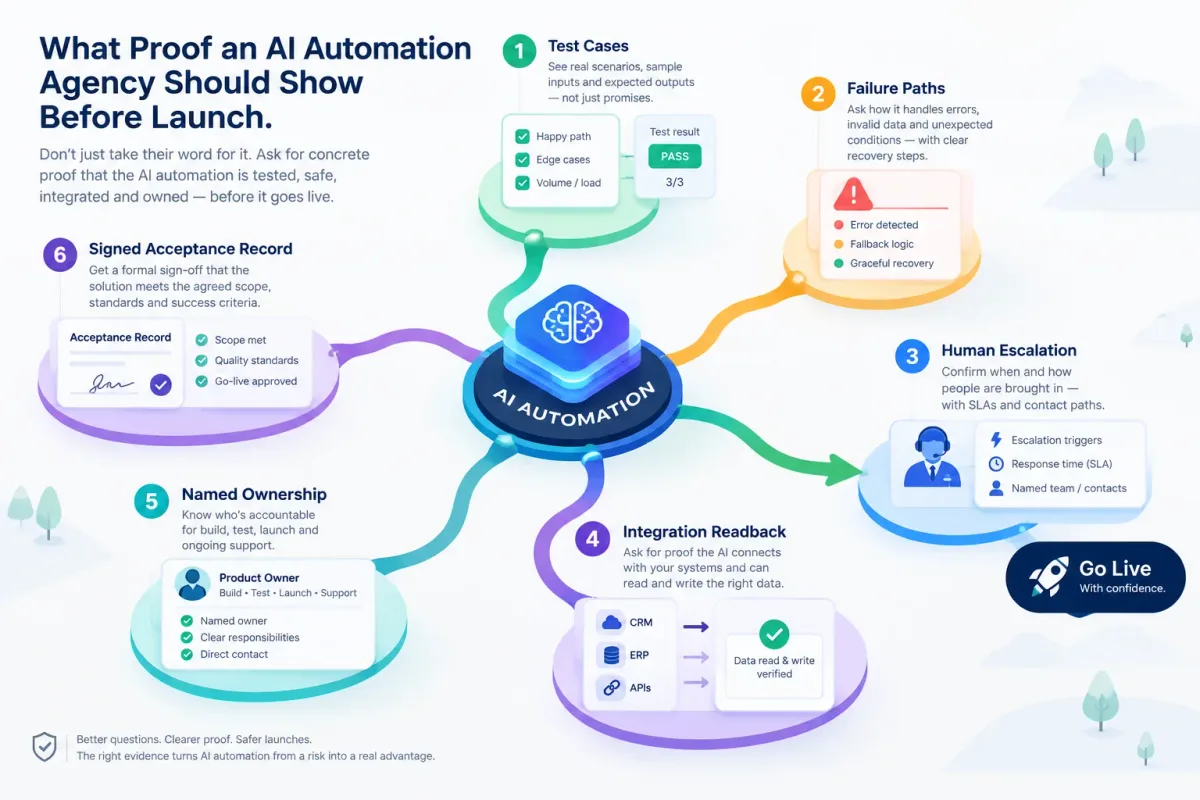
What Proof an AI Automation Agency Should Show Before Launch
Before an AI automation goes live, ask for test cases, failure paths, human escalation, integration readback, named ownership, and a signed acceptance record.
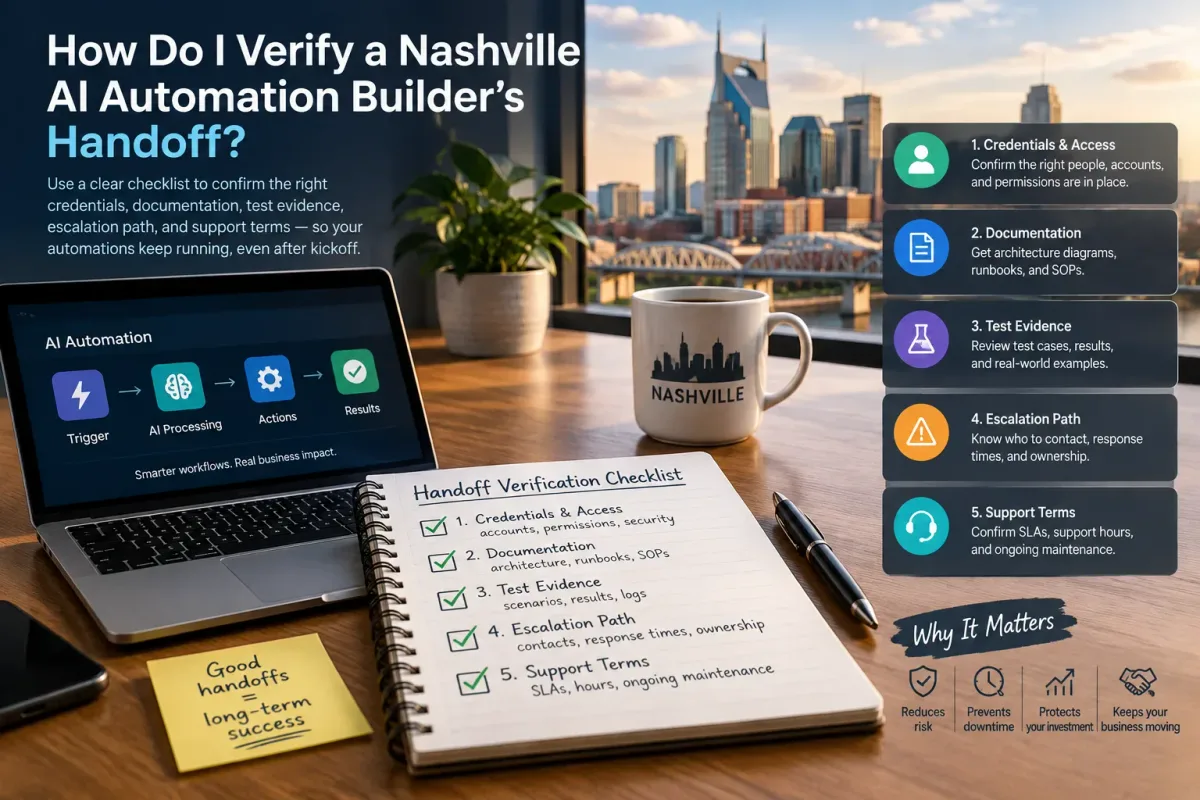
How Do I Verify a Nashville AI Automation Builder's Handoff?
Verify a Nashville AI automation builder's handoff with a checklist covering credentials, docs, test evidence, escalation, and support terms.
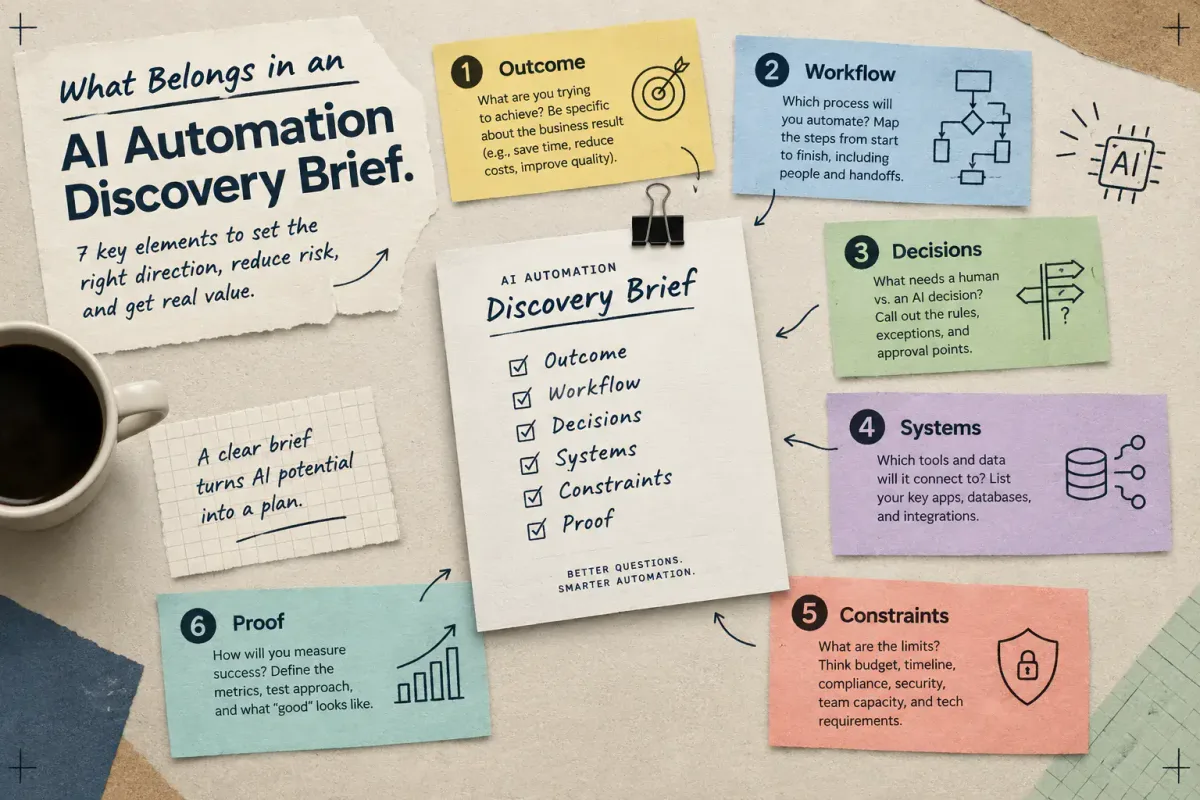
What Belongs in an AI Automation Discovery Brief
Learn the seven elements a small-business AI automation discovery brief needs: outcome, workflow, decisions, systems, constraints, and proof.