
Invoice and Payment Reminder Automation: What Actually Works
Invoice and payment reminder automation solves the consistency problem that causes many late payments. Most overdue accounts need timely, systematic follow-up before they become relationship problems or write-offs.
Late B2B invoices are often a follow-up problem, not a customer refusal problem. Here's how to build payment reminder automation that improves consistency.
Epiphany Dynamics is an AI automation agency: we help businesses find and fix operational bottlenecks with AI receptionists, lead follow-up, and workflow automation.
The free 30-minute AI Operations Audit is a conversation about a normal week in your business and where the work piles up. We find the one change that would give you the most time back and send you a plain-English plan for it. No forms and no pitch.
Book a free AI audit
Patrick Gibbs
Invoice and payment reminder automation solves the consistency problem that causes many late payments. Most overdue accounts need timely, systematic follow-up before they become relationship problems or write-offs. This guide covers the trigger-action-escalation framework that works, where AI voice technology changes the operating model, and how to build a system that reduces manual AR follow-up without adding headcount.
Late payments don’t kill businesses overnight. They bleed them slowly. The risk is not just fraud or customers who refuse to pay. It is invoices that nobody followed up on at the right time, disputed items that sat unresolved, and accounting backlogs that kept aging quietly.
Many overdue invoices are distraction, accounting backlog, disputed line items, or plain forgetting. Those are recoverable with timely, systematic outreach. The bottleneck is that doing this manually is tedious enough that most businesses skip it or do it inconsistently, and inconsistency is almost as bad as doing nothing. A customer who gets a reminder long after the due date is much less likely to pay quickly than one who gets a timely, clear path to resolve the balance.
Invoice and payment reminder automation solves the consistency problem, and our detailed guide on automating payment reminders and billing follow-up workflows covers the full architecture. AI voice technology solves the reach problem. Together, they’re changing how businesses manage accounts receivable without adding headcount.
What Invoice and Payment Reminder Automation Actually Does
The term gets used loosely, so let’s be specific. At its simplest, payment reminder automation is a rules engine connected to your invoicing software. When an invoice reaches a certain age, the system fires an outreach action automatically. No one on your team has to remember. No one has to check a spreadsheet. The trigger is the invoice status itself.
That outreach can be email, SMS, an AI voice call, or a sequence of all three depending on how the invoice ages. The logic behind the sequence matters as much as the channels you use. A well-built system doesn’t blast reminders blindly: it tracks responses, suppresses outreach when a payment plan is active, escalates tone as invoices get older, and stops contacting customers the moment payment clears. Most off-the-shelf tools handle this adequately. Where businesses typically struggle is in defining the right escalation timeline for their specific customer base and invoice values.
The Trigger-Action-Escalation Framework
A workable model breaks the lifecycle into three phases. The first phase covers the pre-due and just-due window. Tone here is purely informational: “Your invoice is coming due” or “Payment was due recently: here’s the link to pay.” No urgency, no pressure. The goal is to catch people who genuinely forgot before they become overdue accounts.
The second phase covers the early overdue period. Tone shifts. You acknowledge the due date has passed, offer clear payment options, and give the customer a path to resolve it without embarrassment. This is where many recoverable invoices get paid if the system is working. That gap is where automation earns its cost.
The third phase is escalation territory: direct phone contact, potential route to a collections workflow, or a decision point to involve a human. Automation can initiate these contacts but shouldn’t replace human judgment on accounts that have become genuinely complicated.
Where AI Voice Technology Changes the Equation
Email is easy to ignore. SMS can get attention but may feel aggressive in a professional B2B context. Human phone calls are effective but expensive to staff at scale. AI voice calls can cover routine reminder attempts while reserving human attention for disputed, high-value, or relationship-sensitive accounts.
A properly configured AI voice agent can call a customer, deliver a natural-sounding payment reminder, accept a verbal response (“I’ll take care of it by Thursday”), log that commitment, and schedule the next action accordingly. If the customer has a dispute or wants to talk to a human, the call transfers.
AI voice calls in B2B payment contexts can reach customers who ignore email or SMS while keeping routine outreach from becoming a staffing burden. The catch is that conversion to payment per answered call may be lower for AI voice than for skilled human callers. Use AI for routine reminders and reserve human agents for accounts where judgment, relationship context, or negotiation matters.
| Channel | Attention Pattern | Payment Response Pattern | Cost Pattern | Best Use Case |
|---|---|---|---|---|
| Easy to miss | Best for low-friction reminders | Low communication cost | Pre-due reminders, paper trail | |
| SMS | Higher attention | Useful for short prompts | Usage-based message cost | Due-date nudges, short prompts |
| AI Voice | Harder to ignore | Useful for routine overdue follow-up | Usage-based voice cost | Overdue invoices, mid-value accounts |
| Human Agent | Highest human attention | Best for disputes and relationships | Labor-driven cost | Disputes, high-value, long-term accounts |
The case for AI voice isn’t that it replaces human judgment. It doesn’t, and it shouldn’t. The case is that it handles routine outreach while preserving human attention for the accounts where judgment matters.
Building the Automation Stack
The technical components for most small to mid-size businesses are straightforward. You need an invoicing platform as the source of truth (QuickBooks, Xero, FreshBooks, or a vertical-specific tool), automation middleware to watch for status changes and trigger workflows (Make.com and Zapier both handle this well), communication channels for email, SMS, and voice, and somewhere to log every outreach attempt and its outcome.
The integration sequence typically looks like this: an invoice hits overdue status in QuickBooks, which fires a webhook to Make.com. Make checks whether a payment plan is already active by looking up the customer in a connected Airtable base or spreadsheet. If no plan exists, it sends an SMS immediately and queues an AI voice call for the following morning through a platform like Bland.ai, vAPI, or Retell. The call result logs back to the system, and the next action triggers based on that outcome: no answer gets rescheduled, payment promised gets flagged for follow-through verification, dispute routes to a human task.
Build cost for a system like this depends on how many channels you use, how clean the invoice data is, and how much exception routing the workflow needs. Ongoing costs include middleware, AI voice, SMS, and maintenance. Model those against your invoice volume and current AR follow-up workload before building.
Running the ROI Calculation
Figures in this section are illustrative planning assumptions, not measured industry data.
Use your own receivables data for the model. Start with annual B2B revenue, invoice count, average invoice value, current late-payment rate, manual follow-up workload, and write-off history. Then compare the current process against a staged automation workflow.
| Metric | Before Automation | After Automation | Business Effect |
|---|---|---|---|
| Bad debt write-offs | Based on current write-off history | Based on measured post-reminder results | Reduced avoidable write-offs |
| AR labor on follow-up | Manual follow-up workload | Exception-handling workload | Recovered staff capacity |
| Automation system cost | None or manual tooling | Software, messaging, voice, and maintenance | Automation operating cost |
| Net benefit | Measured from your own inputs |
The model gets more interesting as receivables volume scales. The labor-time recovery often matters as much as the dollar figure, because that time gets redirected to work that actually generates revenue instead of chasing payments.
Where Implementation Actually Breaks Down
The technical build is usually the easy part. The failure modes are mostly operational.
The most common one is dirty contact data. Businesses get the automation working and then discover that a meaningful share of customer records have outdated email addresses, missing mobile numbers, or landlines where they expected cells. Before building anything, run a contact data audit. Email verification tools like NeverBounce or ZeroBounce can scrub your list. Phone number validation via Twilio’s Lookup API confirms whether a number is mobile or landline and whether it’s active. Clean contact data improves the effectiveness of everything downstream.
The second failure mode is tone miscalibration. Automated reminders that sound robotic, aggressive, or form-letter generic generate disputes and erode customer relationships. The specific scripts you use in AI voice calls matter. Scripts that acknowledge the relationship before stating the balance perform measurably better than scripts that lead with the amount owed. Test your voice scripts with a small batch before rolling out at scale. Record calls, listen to them, and adjust before you’ve alienated a segment of your customer base.
The third is payment friction. Reminder sequences that don’t give customers a clear, low-friction path to pay are pushing water uphill. Every outreach touchpoint should include a direct payment link, and that link should route to a checkout that supports the methods your customers actually use. If customers arrive at a portal that doesn’t support their preferred payment method, many will defer rather than call to sort it out. You’re fighting your own system at that point.
For a broader framework covering how much AI automation costs across different categories, compare the investment against recovered revenue, labor time, and working-capital improvement. Start with one trigger before building the full sequence. Get the first reminder working reliably with clean data and a tested template. Measure the response pattern. Then layer in SMS. Then voice. Businesses that try to implement the full multi-channel stack simultaneously almost always misconfigure something and can’t diagnose which channel is underperforming. Staged rollout gives you clean performance data at each layer. The same phased approach works for automating repetitive tasks across your entire operation.
The Bottom Line
Invoice and payment reminder automation is mature enough now that businesses with meaningful B2B receivables should not rely on memory and spreadsheets alone. The tools are accessible, and our service business workflow automation guide covers how AR automation fits alongside other high-ROI workflows. The integrations are well-documented. The ROI is straightforward to calculate from your own receivables history. The bigger win, beyond dollar recovery, is that you stop depending on one person’s memory and stop having awkward conversations that a well-timed automated message could have prevented entirely. If you want help scoping a custom build for your specific AR workflow and invoice volume, firms like Epiphany Dynamics specialize in revenue operations automation of exactly this kind.
Frequently Asked Questions
Q: How much do late payments cost a typical small business?
Payment-practices research consistently finds that only a small minority of overdue B2B invoices involve customers who genuinely won’t pay. The rest are distraction, accounting backlog, disputed line items, or plain forgetting, all recoverable with timely outreach. Businesses should model bad-debt exposure from their own receivables, write-off history, and follow-up consistency rather than assume the loss is unavoidable.
Q: What is the optimal payment reminder sequence for B2B invoices?
A proven three-phase sequence starts with informational pre-due and just-due reminders, then shifts tone during early overdue follow-up, then escalates genuinely complicated accounts to human judgment. The exact cadence should match your customer relationships, invoice values, and payment terms.
Q: How effective are AI voice calls for collecting on overdue invoices?
AI voice calls can reach customers who ignore written reminders, but skilled human callers remain stronger for disputed, high-value, or relationship-sensitive accounts. AI voice is best used for routine reminder attempts, while human agents should be reserved for accounts where judgment and relationship context matter.
Q: What does it cost to build and run invoice reminder automation?
Cost depends on the channels included, the invoicing platform, contact-data quality, exception routing, and ongoing message/voice usage. Model the system against your own overdue invoice volume, write-off history, AR labor time, and current follow-up consistency before approving a build.
Q: What are the most common failure points in payment reminder automation?
The three main failure modes are dirty contact data (outdated emails and missing mobile numbers that make outreach miss), tone miscalibration (scripts that sound robotic or aggressive and generate disputes), and payment friction (reminder sequences that don’t include a direct, low-friction payment link with multiple payment methods). Address these before launch, not after the first batch of customer complaints.
Patrick Gibbs
AI Automation Expert
Patrick Gibbs helps professional practices implement AI automation that captures more leads, books more appointments, and scales without adding overhead. He's the founder of Epiphany Dynamics and creator of the AI Front Desk system.
Related Solutions
Build this into a real workflow
Related Posts

Best AI Receptionist for Small Business: How to Choose
The best AI receptionist for a small business is the one that answers quickly, books or routes correctly, escalates cleanly, and fits the tools your team.
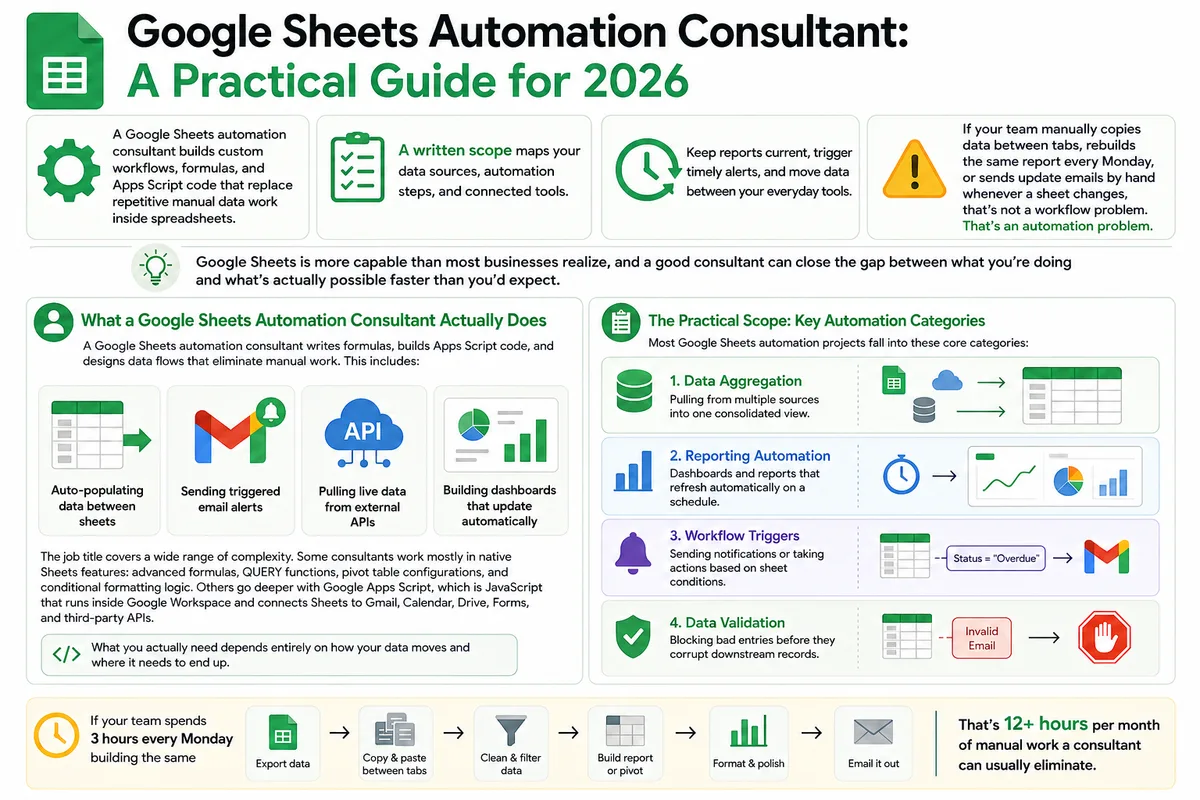
Google Sheets Automation Consultant: A Practical Guide for 2026
Most businesses don't track what spreadsheet work actually costs them. Here's what a Google Sheets automation consultant does in 2026, how to judge the value.
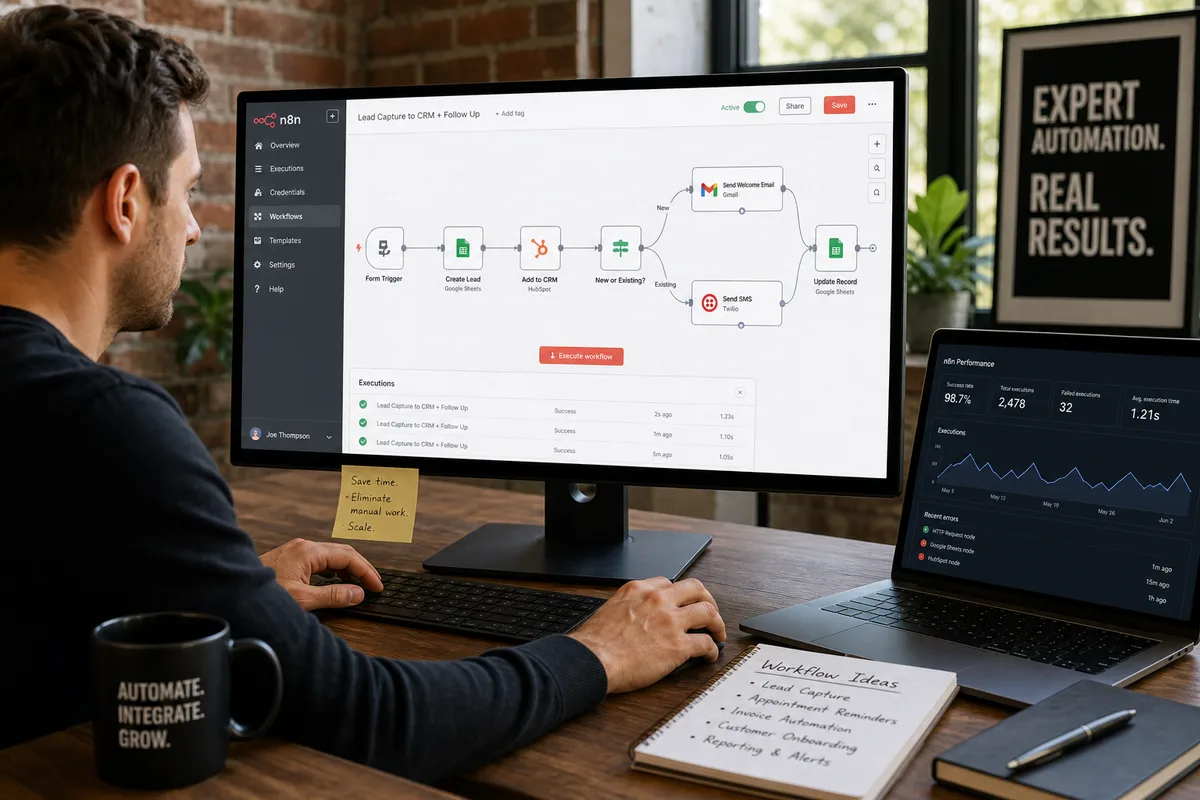
n8n Workflow Automation Agency: What They Build, What It Costs (2026)
Zapier pricing drove you to n8n. Now you're wondering if hiring an agency to build it makes sense. Here's what they build, what projects cost, and how to.