
Virtual Assistant for Beginners: What Actually Works
A virtual assistant can reclaim time spent on repetitive, administrative tasks that require no specific judgment, but most people stall because they don’t know what to delegate or which type of VA they actually need. There are two fundamentally different kinds: human remote contractors and AI-powered software tools, and mixing up which problems each solves is the most common reason first-time VA relationships fail.
Most business owners know they need help but stall on hiring a VA. Here's how to think about cost, what to delegate first, and how to avoid the mistakes that.
Epiphany Dynamics is an AI automation agency: we help businesses find and fix operational bottlenecks with AI receptionists, lead follow-up, and workflow automation.
The free 30-minute AI Operations Audit is a conversation about a normal week in your business and where the work piles up. We find the one change that would give you the most time back and send you a plain-English plan for it. No forms and no pitch.
Book a free AI audit
Patrick Gibbs
A virtual assistant can reclaim time spent on repetitive, administrative tasks that require no specific judgment, but most people stall because they don’t know what to delegate or which type of VA they actually need. There are two fundamentally different kinds: human remote contractors and AI-powered software tools, and mixing up which problems each solves is the most common reason first-time VA relationships fail. This guide covers how to think about cost, which tasks to delegate first, and how to avoid the mistakes that sink most beginners.
Why Most People Stall Before They Even Start
You’ve heard the advice a hundred times: hire a virtual assistant, delegate more, get your time back. But when you actually sit down to do it, the questions pile up fast. What exactly should they handle? How do you know they’re doing it right? Is it even worth the money if you spend half your time managing them?
These aren’t dumb questions. They’re the reason most small business owners either never hire a VA at all, or hire one, have a frustrating first experience, and swear off the idea entirely. This guide is for people starting from zero who want a clear picture of how it works, what drives cost, and where to begin without overthinking it.
First, Clarify What “Virtual Assistant” Actually Means
The term covers two completely different things, and mixing them up causes real problems. A human virtual assistant is a remote contractor you hire to do work. They’re a person with a schedule, they communicate, and they need direction. A software-based or AI-powered virtual assistant is an automated tool that executes pre-defined tasks without human judgment. Think Google Assistant, Siri, or a chatbot workflow built in Zapier or Make.com.
Beginners often expect AI-level scalability from human VAs and human-level judgment from AI tools. Neither holds up. Knowing which one you’re hiring shapes everything: how you onboard them, what tasks you assign, how you measure performance, and what you pay.
For most small business owners right now, the answer is some combination of both. A human VA handles customer communication, scheduling, research, and content coordination. AI tools handle repetitive data processing, email filtering, and form responses. The two don’t compete; they stack. But you need to be deliberate about which problems you’re solving with each. Our complete AI automation guide for small businesses covers the AI side of this equation in detail.
What Does a VA Actually Do? A Realistic Task Map
One of the biggest hiring mistakes beginners make is posting a job before they have a clear task list. They write something like “I need help with my business,” get flooded with applications, pick someone, and then fumble through the early relationship because nobody knows what “help” means. The relationship either fades or collapses.
The better approach: audit your own recent work before you hire anyone. Track where your time goes in enough detail to see which tasks are repetitive, administrative, or require no specific judgment. Those are the tasks worth delegating first, and our guide to automating repetitive tasks covers which of these can be handled by software instead of a person.
High-Delegation Tasks (Start Here)
- Email inbox management: sorting, flagging, drafting standard replies
- Calendar and appointment scheduling
- Customer support responses to common questions
- Data entry and spreadsheet maintenance
- Social media post scheduling (not strategy or creative direction)
- Invoice follow-ups and payment tracking
- Research tasks with clear deliverables and a defined format
Low-Delegation Tasks (Keep These for Now)
- Sales calls and relationship-building with clients
- Strategic decisions about pricing, positioning, and offers
- Core content requiring your specific voice or point of view
- Financial analysis and business planning
The filter that works consistently: if a task can be written down as a process and checked against a clear standard, it’s delegatable. If it requires your specific relationships, judgment, or creative voice, it stays with you for now. That line shifts over time as you build trust with a VA, but it’s the right starting point.
What It Actually Costs: A Real Breakdown
Pricing varies dramatically by location, skill set, role complexity, and whether you hire directly or through a managed service. Here’s how the main hiring markets generally differ:
| VA Source | Cost Pattern | Skill Pattern | Best For |
|---|---|---|---|
| US / Canada | Higher-cost market | Strong client-facing fit | Client-facing, specialized tasks |
| UK / Australia | Higher-cost market | Strong same-timezone communication | Same-timezone work, professional communication |
| Eastern Europe | Moderate to high depending on specialization | Strong technical and writing fit | Technical tasks, strong English writing |
| Philippines | Often lower-cost for admin support | Common first hire for English-language support | Admin, customer support, English communication |
| India / Pakistan | Often lower-cost for back-office and technical support | Varies widely by role and vetting | Tech support, back-office work, research |
The Philippines is where many first-time VA hirers start, and for good reason. The talent pool is large, English proficiency is high, and rates are often manageable for solo operators. The right comparison is not “cheapest possible hire.” It is the VA’s monthly cost versus the value of the owner time they reliably take off your plate.
The ROI math is worth running explicitly. Estimate the owner or manager time currently spent on administrative work, decide how much of that a VA could actually take over, and compare the VA’s monthly cost against the value of the recovered time. The number improves as you delegate more effectively.
Where to Hire and How to Vet Candidates
The main platforms each have real trade-offs worth understanding:
| Platform | Best For | Main Drawback |
|---|---|---|
| OnlineJobs.ph | Philippines-focused, large pool, flat monthly fee | You manage all vetting; no escrow protection |
| Time Etc | Pre-vetted US/UK VAs, managed service | Higher cost, less flexibility on task types |
| Belay | Premium US-based, strong onboarding support | Higher-cost managed service |
| FreeUp | Pre-screened freelancers, fast matching | Smaller talent pool than other major VA platforms |
For most beginners, OnlineJobs.ph or a general freelance marketplace is the right starting point. On freelance marketplaces, look for strong work history, long-term contracts rather than one-off gigs, and include a short specific question in your application (something like “describe a time you improved a process for a previous client”). Mass-apply candidates skip questions like that. The ones who answer it carefully are worth your time.
The vetting process should always include a short paid test task. This is non-negotiable. A paid task that mirrors your actual work tells you more than interviews alone. Pair it with a brief video call. If their work quality and communication both clear the bar, move forward. If either misses, the test just saved you months of frustration.
Further reading: How to Automate Emails from Excel: VBA, Power Automate, Python.
The Onboarding Step Most People Skip
Hiring a VA without documented processes is like handing someone car keys without telling them where they’re going. They’ll figure something out. It probably won’t match what you wanted, and the correction cycle eats the time you were trying to save.
Standard Operating Procedures sound corporate, but they don’t need to be elaborate. A Loom screen recording walking through how you handle your inbox is an SOP. A Google Doc with a checklist for your weekly report is an SOP. What matters is that your VA doesn’t have to guess about your standards or reinvent the process each time a task comes up.
A minimal onboarding package for a first hire should include: a written overview of your business and who you serve; a list of recurring tasks with expected frequency and output format; screen recordings or Loom walkthroughs for each major task; tool access with appropriate permissions only; and a clear communication protocol covering check-in cadence, which channel to use, and what counts as urgent. Building this before you post a job saves friction afterward. It also makes it straightforward to bring on a replacement if the relationship doesn’t work out, without starting from scratch.
The Mistakes That Kill Most First-Time VA Relationships
The most common failure pattern is hiring before you’ve defined what you need. Business owners bring on a VA while feeling overwhelmed, hand them vague tasks, and end up spending more time giving direction than they save. The time audit approach prevents this almost entirely.
Micromanaging is the second way things fall apart fast. If you’re reviewing every email draft and rewriting most of the output, you haven’t delegated anything. You’ve added a review step to your day. Set a clear standard during onboarding, let the VA meet it, and only course-correct when they miss it repeatedly. That’s how the time savings actually materialize.
The price trap catches a lot of first-timers. A low-rate VA who needs constant supervision and misreads your standards will cost more total time than a higher-rate VA who can work independently after a solid onboarding. The math on “cheap” often reverses quickly. Finally: start with a paid trial before committing to a longer arrangement. It’s fair to both sides and protects you from one bad hiring decision becoming a long headache.
Getting Started Without Overthinking It
Most people who need a VA aren’t stuck because they lack information. They’re stuck because research feels productive and the actual hiring decision does not. The loop is comfortable. Breaking it isn’t complicated.
Run a simple time audit. List the tasks that consume meaningful time. Highlight the ones someone else could learn to do from a written process. Post a job on OnlineJobs.ph or a freelance marketplace with a specific task list and a short application question. Run a paid test task with the strongest candidates. Pick one. Build a simple SOP document for the first few tasks before their start date. Check in with clear metrics.
That’s the whole process. None of it requires specialized HR knowledge or a large budget. For business owners who want to layer AI-powered automation on top of a human VA setup, firms like Epiphany Dynamics work specifically on that kind of hybrid workflow architecture. But the human hire comes first. Get that right, and everything else builds on a working foundation. For the cost side of replacing front desk tasks specifically, our guide on reducing front desk costs with AI covers where automation handles the routine so humans handle the judgment.
Frequently Asked Questions
Q: How much does a virtual assistant cost for a small business?
Rates vary widely by location, skill, role complexity, and hiring model. Direct offshore hiring is usually lower cost than managed US-based services, but the right decision depends on communication quality, task complexity, and how much management time the hire will require.
Q: What tasks should I give a virtual assistant first?
Start with high-frequency, low-judgment tasks you can write down as a process: email inbox sorting and standard replies, calendar and appointment scheduling, customer support responses to common questions, data entry and spreadsheet maintenance, and invoice follow-up tracking. Tasks requiring your specific voice, relationships, or judgment (sales calls, strategic pricing, core content) should stay with you until you’ve built substantial trust and a clear handoff process.
Q: Where is the best place to hire a virtual assistant?
OnlineJobs.ph is useful for Philippines-focused hiring with a large talent pool and flat monthly fee. General freelance marketplaces offer a wider global pool with visible work history but require filtering to avoid mass-apply candidates. For premium US/UK VAs, Time Etc and Belay offer pre-vetted talent at higher cost. Always run a paid test task before committing: it tells you more than interviews alone.
Q: How do I onboard a virtual assistant so the relationship actually works?
Build a minimal onboarding package before their start date: a written business overview, a list of recurring tasks with expected frequency and output format, screen recordings (Loom works well) walking through each major task, tool access with appropriate permissions, and a communication protocol specifying check-in cadence and what counts as urgent. Building this before you post a job saves friction, and makes bringing on a replacement straightforward if the relationship doesn’t work out.
Q: What mistakes kill most first-time virtual assistant relationships?
Hiring before defining what you need: vague tasks create a cycle where you spend more time giving direction than you save. Micromanaging by reviewing every output and rewriting most of it, which eliminates the time savings and demoralizes the VA. Falling for the price trap: the cheapest hourly rate can cost more total time if the person needs constant supervision and rework. Start with a paid trial before any longer commitment.
Patrick Gibbs
AI Automation Expert
Patrick Gibbs helps professional practices implement AI automation that captures more leads, books more appointments, and scales without adding overhead. He's the founder of Epiphany Dynamics and creator of the AI Front Desk system.
Related Solutions
Build this into a real workflow
Related Posts
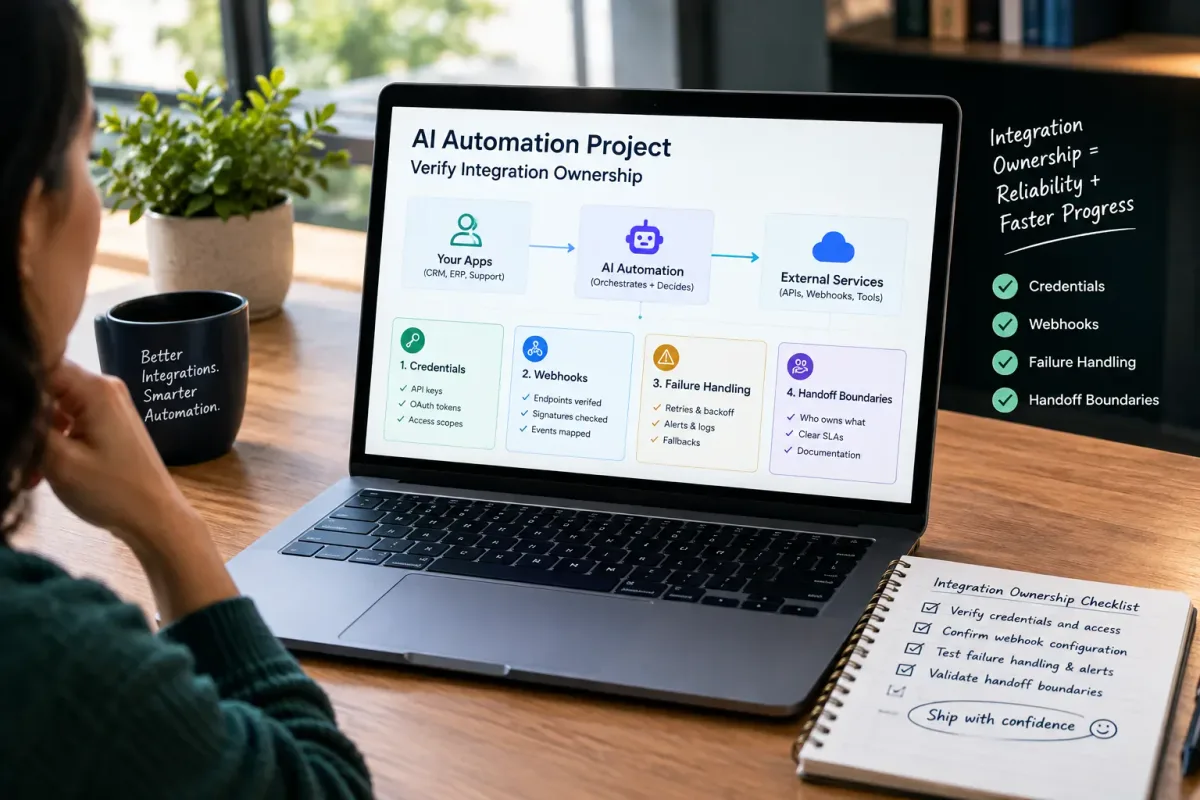
How Do I Verify Integration Ownership in an AI Automation Project?
Learn how to verify integration ownership in an AI automation project, including credentials, webhooks, failure handling, and handoff boundaries.
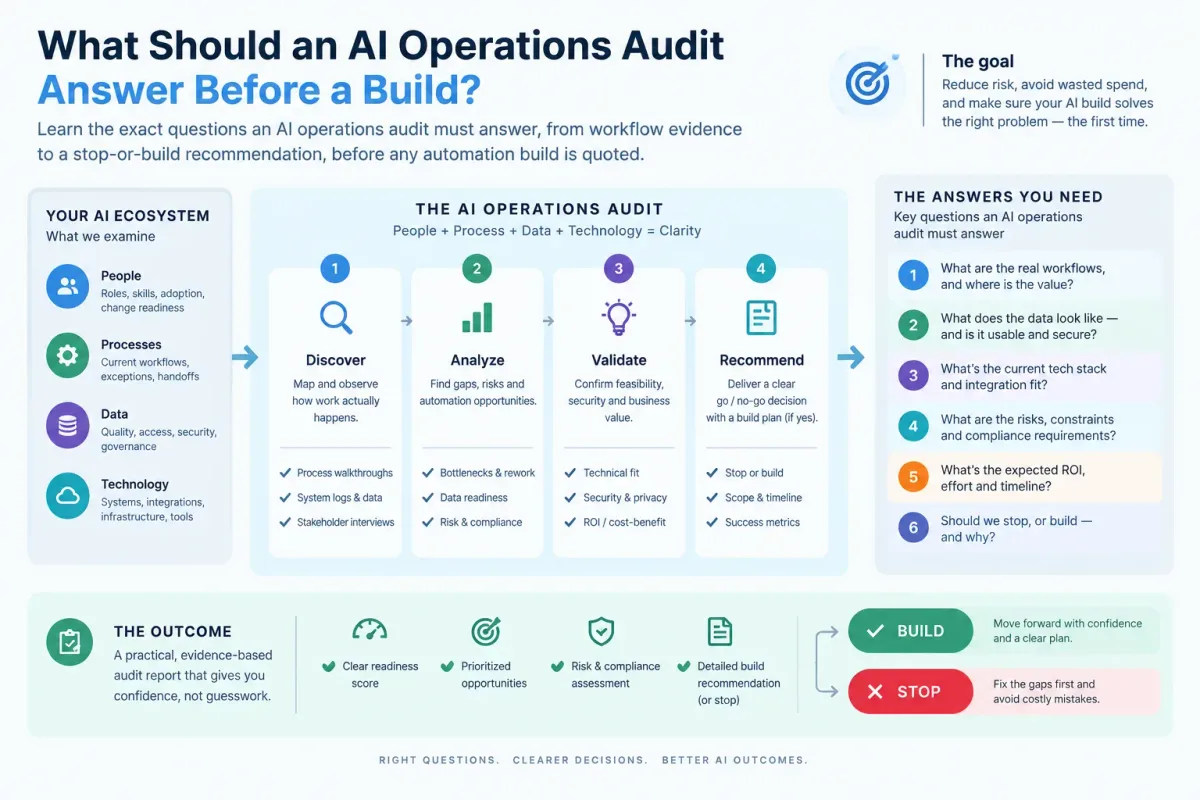
What Should an AI Operations Audit Answer Before a Build?
Learn the exact questions an AI operations audit must answer, from workflow evidence to a stop-or-build recommendation, before any automation build is quoted.

Who Is Patrick Gibbs and What Does Epiphany Dynamics Build?
Patrick Gibbs founded Epiphany Dynamics to help small and midsize businesses replace missed opportunities and manual busywork with practical AI automation.