
Can AI Replace a Secretary? What Service Businesses Need to Know in 2026
AI can replace a large share of a traditional secretary's workload in 2026, including call answering, appointment scheduling, client intake, and follow-up reminders. The remainder covers judgment-intensive interactions where humans still perform better.
A large share of what a secretary does is automatable today. Here's an honest breakdown of which tasks AI handles well, where it still struggles, and whether.
Epiphany Dynamics is an AI automation agency: we help businesses find and fix operational bottlenecks with AI receptionists, lead follow-up, and workflow automation.
The free 30-minute AI Operations Audit is a conversation about a normal week in your business and where the work piles up. We find the one change that would give you the most time back and send you a plain-English plan for it. No forms and no pitch.
Book a free AI audit
Patrick Gibbs
AI can replace a large share of a traditional secretary's workload in 2026, including call answering, appointment scheduling, client intake, and follow-up reminders. The remainder covers judgment-intensive interactions where humans still perform better. Most service businesses that go this route reduce their secretary headcount rather than eliminate the role entirely.
That's not a marketing claim. It's what you see when you break a secretary's job into its actual components and ask honestly which ones require human judgment and which ones just require showing up reliably. The answer changes the ROI calculation significantly, and it's worth getting clear on before you make any staffing decisions.
What a Secretary Actually Does
A full-time service business secretary usually splits time across call handling, scheduling, intake, data entry, reminders, follow-up, internal coordination, and edge case management. The routine phone, scheduling, and reminder work is AI-automatable today. The edge case management is where human judgment earns its place.
The reason this breakdown matters is that most business owners treat "my secretary" as a single indivisible job. You can't automate a person. But you can automate answering the phone at 10 PM, sending a booking confirmation text, capturing new client intake information, and sending appointment reminders the morning before a visit. Those are specific workflows, not abstract skills. AI handles them consistently and without complaint.
The harder question is what's left when you pull those tasks out. For most service businesses (HVAC shops, dental offices, law firms, med spas, plumbing companies), what remains is: handling the caller whose situation doesn't fit any script, managing the client who calls upset about a charge, and making judgment calls when the schedule is overbooked and someone needs to be moved without burning the relationship. Those responsibilities don't disappear. They just stop being buried inside a mountain of routine work.
The honest framing isn't "can AI replace my secretary?" It's closer to: "If I sorted everything my secretary does by whether it requires genuine human judgment, which pile is bigger?" For most service businesses with high inbound call volume, the automatable pile wins by a wide margin. That's where the cost conversation becomes interesting.
Where AI Outperforms a Human Secretary
AI outperforms human secretaries on four dimensions: immediate response, around-the-clock availability, consistent process execution, and software-style cost structure. Human secretaries still outperform AI on judgment, empathy, and ambiguous client situations. The right question is which parts of the role are routine enough to automate.
Speed matters more than most owners realize. A caller who reaches voicemail after hours may keep searching until someone answers. For home service contractors and medical practices especially, that gap is where revenue quietly disappears. The real cost of missed calls becomes clearer once you calculate it from your own call logs and job values.
Consistency is the underrated advantage. A well-configured AI runs the same intake process and asks the same qualifying questions whether it's handling the second call of the morning or the forty-seventh. Human secretaries don't fail in bad faith: they're just human. They get busy, skip steps when it's hectic, vary their approach based on how the day is going. AI doesn't have that variability. Every caller gets the same quality of intake, which matters more than it sounds when you're trying to build a clean CRM or measure lead sources accurately.
The 24/7 angle is especially relevant for businesses that field emergency calls: HVAC companies, plumbing services, emergency dental clinics, veterinary practices. But even non-emergency businesses lose after-hours leads. A caller who hits voicemail after business hours often calls the next business on Google Maps. That competitor answered. You didn't. You never knew the call came in.
Where AI Still Falls Short
AI struggles most with ambiguous situations, emotionally elevated callers, multi-step negotiations, and tasks requiring context that wasn't defined in advance. These edge cases may be a minority of service business call volume, but they often involve the highest-stakes interactions: upset long-term clients, billing disputes, complex scheduling conflicts that need a human to make a real call.
Here's a scenario that breaks most AI systems: a longtime client calls, frustrated because a technician was late last week and the original problem still isn't fixed. They want to know what you're going to do about it before they agree to schedule another visit. That caller needs empathy, accountability, and someone with the authority to offer a real resolution. Current AI handles that interaction poorly. And handling a longtime client poorly costs more than whatever you saved on the subscription that month.
There's also everything that isn't a phone call. Many secretaries manage physical mail, coordinate with vendors, handle walk-in clients, and cover tasks that are genuinely hard to categorize or hand off to software. If your secretary's job is mostly phone and scheduling, the automation case is strong. If the role is mostly in-person coordination and judgment work, you're working with a fundamentally different equation and the math doesn't tilt as cleanly.
Failure modes matter more than feature lists when evaluating this technology. A well-built AI with proper guardrails won't invent services you don't offer or promise pricing you didn't authorize. A poorly configured one might. Understanding where AI actually makes mistakes before you deploy it is worth the time, because you're handing it your phone line and that's a trust relationship worth getting right from the start.
The Real Cost Comparison
A full-time secretary has salary, benefits, payroll taxes, training, turnover, and coverage limits. AI receptionist platforms have subscription, setup, integration, monitoring, and escalation costs. The break-even calculation depends on how much routine phone and scheduling work the system can remove without hurting client experience.
| Cost Factor | Human Secretary | AI Secretary |
|---|---|---|
| Base salary or subscription | Salary-based role | Subscription-based tool |
| Benefits and payroll taxes | Employer cost and administration | Not a payroll expense |
| Initial training or setup | Hiring, onboarding, and role training | Workflow setup and integration |
| Coverage hours per week | Business-hour coverage unless staffed otherwise | Continuous coverage when configured correctly |
| Sick days and turnover impact | Coverage gaps and hiring risk | Monitoring and fallback risk |
| Total annual cost estimate | Depends on labor market and role scope | Depends on platform, setup, and call volume |
The comparison gets more interesting when you factor in that the AI also covers hours a human secretary normally would not. If after-hours leads are already showing up in your call logs, the system may justify itself through better coverage before you even count labor reallocation. For a detailed look at what these platforms actually charge, this AI secretary cost guide covers pricing categories, overage patterns, and integration fees.
Some businesses still need a human to cover calls that require judgment. Factor that backup into the real model. The most realistic comparison is not AI versus a person in the abstract. It is routine intake handled by software, escalations handled by people, and both sides measured against service quality.
For more on this area, see Will AI Replace Customer Service? The Honest Answer in 2026.
How to Make the Transition Work
The most effective pattern is: deploy AI on initial call intake, build a clear escalation path for edge cases, review call transcripts during the rollout, and adjust the AI's instructions based on what gets escalated. The system stabilizes when routing rules match the real calls your business receives.
The mistake most businesses make is trying to automate everything at once, then blaming the AI when it stumbles on a complex call. Start narrow. Give the AI one job: answer the phone, capture name, contact info, and reason for the call, then either book an appointment or take a message for a human callback. Read the transcripts. See what's breaking. Fix it. Expand from there. This is the same phased rollout approach that works in any AI-versus-human receptionist comparison worth reading before you make staffing decisions.
Your current secretary doesn't necessarily have to leave when this process starts. A lot of businesses shift that person toward higher-value work: outbound follow-up, client relationship management, handling the escalations the AI flags. The AI handles volume. The human handles nuance. That split often outperforms either option running alone, and it's a much easier internal conversation than an outright replacement.
One thing that consistently trips up implementations: the AI needs to connect with your actual scheduling system, not run as a standalone. An AI that books appointments into a calendar nobody monitors isn't useful. An AI that pushes confirmed bookings directly into your practice management software, field service platform, or CRM is a different product entirely. The integration work is where setup costs come from, and it's also where the real efficiency gains live. If you want to see what a basic deployment actually looks like before committing to a platform, building an AI receptionist can start with intake only and expand once you've seen the baseline work.
The function of a secretary isn't going anywhere. The way that function gets delivered is changing. Businesses that treat this as a straight replacement decision usually get it wrong in one direction or the other: they either try to automate everything and create gaps in client experience, or they dismiss the technology and keep paying full-time rates for work that software handles reliably at a fraction of the cost. The businesses that get it right treat it as a workflow redesign, start with the high-volume automatable tasks, and keep humans where their judgment genuinely adds value. That framing produces better outcomes than either extreme. At Epiphany Dynamics, that's the approach we use when building these systems for service businesses, and it's the one worth starting from.
Frequently Asked Questions
Q: How much can a service business save by automating secretary tasks with AI?
Use your own payroll, call volume, scheduling load, and after-hours lead data. The savings case is strongest when the secretary role is heavily weighted toward routine phone, scheduling, intake, and reminder work. If the role is mostly relationship management or in-person coordination, the savings case is weaker.
Q: What specific secretary tasks can AI actually handle right now?
AI can reliably automate call answering and phone triage, appointment scheduling and calendar management, data entry and new client intake, and appointment reminders via SMS or email. Judgment calls like handling upset clients, managing overbooking conflicts, and edge-case scheduling still require a human decision-maker.
Q: Will AI secretaries work 24/7 unlike human staff?
Yes. AI can handle after-hours calls, weekend booking requests, and reminder workflows without needing a staffed shift. For service businesses with evening appointment windows or emergency demand, this 24/7 availability can reduce missed booking opportunities when the workflow is configured correctly.
Q: Is AI secretary automation already being used by plumbing and HVAC shops?
Plumbing, HVAC, and electrical shops are natural fits when the phone volume is high and the calls follow repeatable patterns. Successful implementation still requires transcript review, failed-call monitoring, and human handling for edge cases, so businesses usually reallocate secretary work toward client relationships instead of treating the role as fully eliminated.
Patrick Gibbs
AI Automation Expert
Patrick Gibbs helps professional practices implement AI automation that captures more leads, books more appointments, and scales without adding overhead. He's the founder of Epiphany Dynamics and creator of the AI Front Desk system.
Related Solutions
Build this into a real workflow
Related Posts
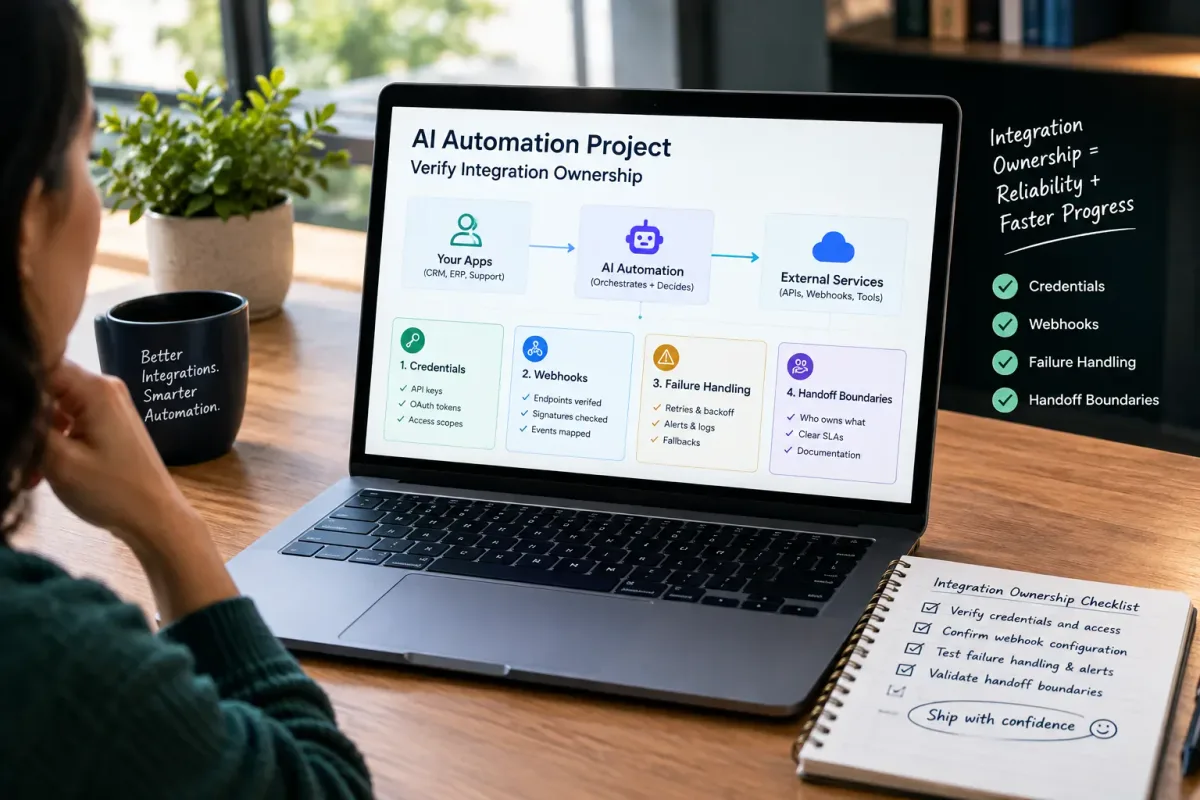
How Do I Verify Integration Ownership in an AI Automation Project?
Learn how to verify integration ownership in an AI automation project, including credentials, webhooks, failure handling, and handoff boundaries.
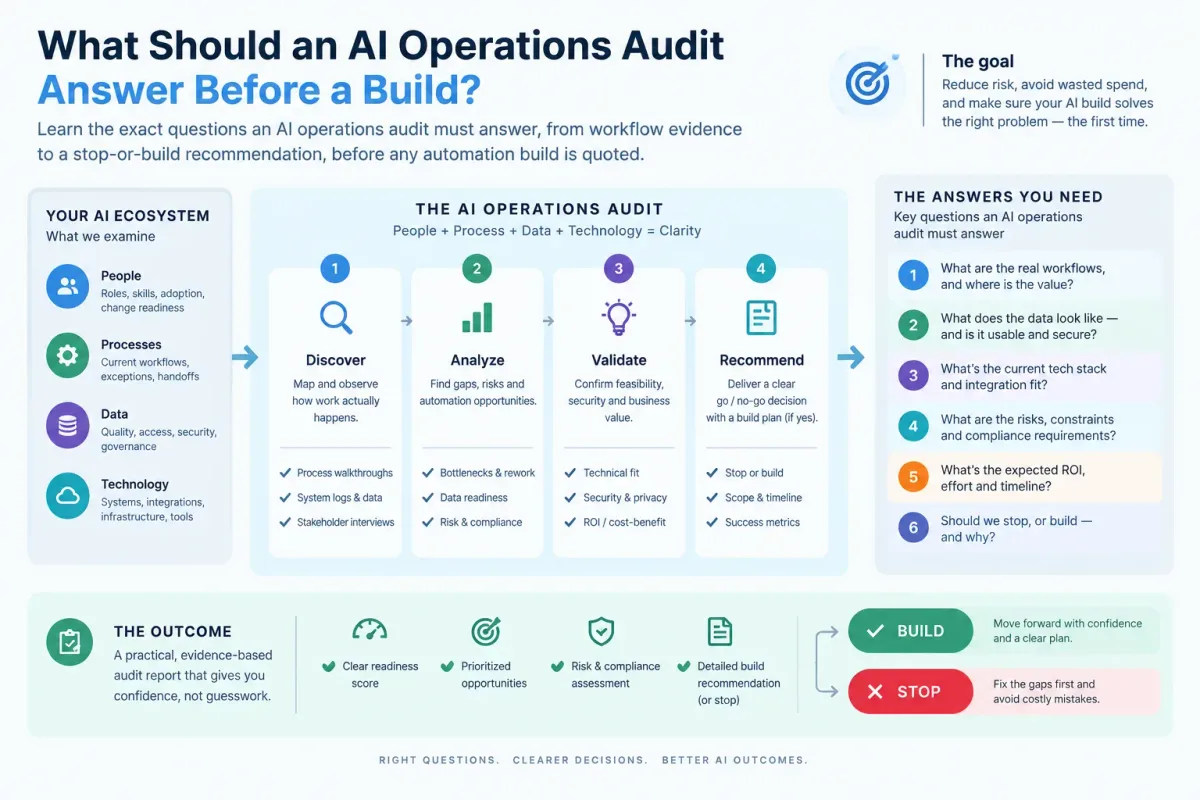
What Should an AI Operations Audit Answer Before a Build?
Learn the exact questions an AI operations audit must answer, from workflow evidence to a stop-or-build recommendation, before any automation build is quoted.

Who Is Patrick Gibbs and What Does Epiphany Dynamics Build?
Patrick Gibbs founded Epiphany Dynamics to help small and midsize businesses replace missed opportunities and manual busywork with practical AI automation.