
How AI Automates Customer Onboarding: Workflows That Cut Churn
AI-powered customer onboarding automation reduces avoidable churn by reacting to what customers actually do after signup. Behavior-triggered onboarding workflows are stronger than generic drip sequences because relevant messages at the right moment beat generic timers every time.
Most customers say the onboarding experience shapes whether they buy again. Here's how AI workflow automation closes the gap between signup and activation.
Epiphany Dynamics is an AI automation agency: we help businesses find and fix operational bottlenecks with AI receptionists, lead follow-up, and workflow automation.
The free 30-minute AI Operations Audit is a conversation about a normal week in your business and where the work piles up. We find the one change that would give you the most time back and send you a plain-English plan for it. No forms and no pitch.
Book a free AI audit
Patrick Gibbs
AI-powered customer onboarding automation reduces avoidable churn by reacting to what customers actually do after signup. Behavior-triggered onboarding workflows are stronger than generic drip sequences because relevant messages at the right moment beat generic timers every time. This post breaks down the five components of a functional AI onboarding system and how to build one that scales.
Early Onboarding Is Where the Money Is
The earliest stage of a customer relationship either justifies the acquisition cost or puts payback at risk. Most customers say the onboarding experience shapes whether they make a repeat purchase, and many SaaS users who sign up never return after their first session if they don’t reach a meaningful outcome quickly enough.
Most businesses know this. Most are still running onboarding the same way they did a decade ago: a welcome email, a PDF guide, a Calendly link, and a customer success rep stretched across too many accounts hoping nothing slips. AI-powered workflow automation doesn’t just speed that process up. It makes it conditional, personalized, and scalable in ways that manual processes structurally cannot match. Our complete AI workflow automation guide for small businesses covers the broader implementation approach that applies across every business function.
The Gap Between “Automated” and Actually Automated
A lot of what gets sold as automated onboarding is drip email with a timer. Five emails, one every three days, same content for everyone. Every customer gets the same message regardless of what they’ve done, what they haven’t done, what product tier they’re on, or how far they’ve progressed. Call it scheduled. Automation implies something far more responsive than that.
AI-powered onboarding workflows are conditional by design. The system monitors what customers have and haven’t done, reads the data they’ve provided at signup, and routes them accordingly. A customer who hasn’t completed the first setup step gets a different message than someone who finished setup quickly but hasn’t invited a team member yet. A customer who stops logging in past your chosen dormancy window triggers a different track entirely, possibly with a human escalation flag attached.
That conditionality is where the measurable lift comes from. Static drip sequences can help, but behavior-triggered, personalized workflows are more relevant. The mechanism is straightforward: relevant messages at the right moment beat generic messages on a timer, every time.
What the Cost of Slow Onboarding Actually Looks Like
Running the math on poor onboarding is worth doing explicitly. Start with your customer acquisition cost, average monthly revenue, and expected payback period. If a customer churns before payback because they never figured out how to use the product, the loss is the acquisition cost plus the revenue you expected to earn before breakeven.
On a cohort of new customers, model the value of activation this way: cohort size multiplied by early churn reduction, average revenue, and expected customer lifespan. At scale, this stops being an operational nicety and starts being a unit-economics problem worth solving urgently.
The Five Components of an AI Onboarding Workflow
A functional automated onboarding system needs five things working together. Getting any one of them wrong tends to break the whole chain.
- Data intake and enrichment runs before anything else. Most signup forms collect name, email, and maybe company size. Enrichment tools like Clearbit or Apollo fill in industry, revenue range, headcount, and tech stack automatically at the point of signup. That data feeds every decision downstream.
- Segmentation and routing logic determines which onboarding track each customer enters. The right number of segments depends on how different the paths to value actually are across customer types. If a solo consultant and an enterprise account need completely different setup steps, they need different tracks. If they don’t, one track with minor variations is simpler and easier to maintain.
- Behavior monitoring and triggers are the engine of the whole system. The workflow watches for specific events and their absence, then fires actions accordingly. “Completed setup,” “invited team member,” and “missed the expected check-in window” each trigger different responses. The absence of an expected action is often the more important signal.
- Personalized content delivery is where AI earns its place. Tools like OpenAI’s API, Claude, or built-in AI features in platforms like Customer.io or Intercom handle content generation. Feed the system the customer’s industry, role, plan tier, and current progress, and the output message is meaningfully different from a generic template, even when the trigger condition is the same.
- Escalation rules determine when automation hands off to a human. Define the threshold explicitly: no login in X days, stuck on a specific step for Y hours, negative sentiment in a support chat, or account value above a certain tier. The system should know when to stop sending emails and flag someone for a real conversation.
Building the Workflow: A Practical Framework
Before touching any tooling, map the customer journey manually. Walk through every step from signup to the customer’s first meaningful use of what you’re selling. For each step, define what success looks like (which specific action should the customer take?) and what failure looks like (what’s the clearest observable sign they’re stuck?). Those answers become your trigger conditions.
Define activation before anything else. Activation is the single event that correlates most strongly with long-term retention, not just account creation. For a project management tool, it might be creating a project and adding one team member. For an analytics platform, it might be running a first report with live data. Pick one clear, measurable event. This is the north star the entire onboarding system points toward, and if you don’t define it precisely, you’ll optimize for the wrong outcomes.
Once the journey is mapped and activation is defined, build the trigger matrix. For each segment and each step, document four things: the trigger condition, the action to take, the wait window before firing, and the exit condition. That last item, the exit condition, is what separates real automation from automated spam. If a customer already completed the step, they shouldn’t receive the message prompting them to complete it. Getting this right is what makes the system feel smart rather than oblivious.
Think of the AI layer as sitting on top of this infrastructure, personalizing content at each node rather than controlling the workflow logic itself. The behavioral routing and timing remain deterministic. The content adapts dynamically based on what the system knows about each specific account. The two layers serve different purposes and need to be built separately before they’re connected.
What Changes After You Build This
Here is the typical shape of the gap between manual and automated onboarding operations. Use your own activation, churn, support, and staffing data to quantify the lift.
| Metric | Manual Onboarding Pattern | Automated AI Onboarding Pattern |
|---|---|---|
| Average time to activation | Depends on rep availability and static checklists | Moves faster when triggers nudge the next required action |
| Early churn risk | Harder to spot until the customer is already disengaged | Flagged when behavior shows stalled progress |
| Support tickets | Reactive answers after confusion appears | Proactive guidance before common blockers become tickets |
| Accounts per CS manager | Limited by manual touchpoints | Routine nudges and routing happen automatically |
| Onboarding completion rate | Depends on static material and human follow-up | Improves when the workflow responds to each customer's current state |
The CS capacity metric arguably matters most for growing businesses. When automation covers routine touchpoints, you can scale your customer base without scaling headcount proportionally. Use your actual customer success capacity, payroll cost, and activation rate to decide whether the build cost is worthwhile.
Where to Start (and What Not to Start With)
The right starting point is the journey map, not the AI and not the tooling. If you don’t have clarity on what customers should be doing and when, no automation infrastructure fixes that. Map the journey first, test it manually, find where customers actually get stuck, and validate what messages actually move behavior. Then automate what you’ve already confirmed works.
The AI personalization layer comes after the workflow foundation is solid. Our guide to automating repetitive tasks covers the same principle: standardize first, automate second. It amplifies a good process. It doesn’t rescue a poorly understood one, and companies that skip the mapping phase and jump straight to tool selection tend to build fast and then rebuild from scratch six months later.
For the broader automation strategy beyond onboarding, our service business workflow automation guide covers the highest-ROI workflows and how they compound. The returns compound over time as the system accumulates data on which triggers produce outcomes across different customer segments. For businesses that want to compress the build and iteration cycle, working with AI workflow specialists (like Epiphany Dynamics) can be faster than assembling it entirely in-house. Either way, run the unit economics on what early churn actually costs you. The investment case usually becomes obvious once the calculation is in front of you.
Step-by-Step Workflow: How to Automate Customer Onboarding
Step 1: Map the customer journey from signup to activation. Walk through every step from first account creation to first meaningful use. Define what success and failure look like at each step. These become your trigger conditions.
Step 2: Define activation precisely. Identify the single event that correlates most strongly with long-term retention. For a project management tool, creating a project and adding a team member. For an analytics platform, running a first report with live data. This is the north star for your entire onboarding system.
Step 3: Build the trigger matrix. For each segment and step, document four things: trigger condition, action to take, wait window, and exit condition. The exit condition is critical: if the customer already completed the step, do not send the prompt.
Step 4: Add AI personalization. Use tools like OpenAI’s API, Claude, or AI features in Customer.io or Intercom to adapt message content based on customer industry, role, plan tier, and current progress. Keep the routing deterministic but the content adaptive.
Step 5: Set escalation rules. Define conditions for human handoff: no login in X days, stuck on a step for Y hours, account value above a threshold. Without clear escalation rules, automation misses the accounts that need real attention.
Need help automating your customer onboarding? Book a consultation with Epiphany Dynamics. We build behavior-triggered onboarding workflows that reduce churn and accelerate time-to-value. Browse our automation tools and industry guides for more.
Frequently Asked Questions
Q: How much does poor customer onboarding actually cost a business?
Use your own unit economics. Multiply customer acquisition cost by churned customers before payback, then add the revenue you expected to collect before breakeven. Compare that baseline with churn after structured onboarding is running. The difference is the recovery opportunity.
Q: What is the difference between automated and truly automated customer onboarding?
Basic automated onboarding sends the same drip emails to everyone on a timer: same content, same timing, regardless of what the customer has done. Truly automated onboarding is conditional: it monitors what customers have and haven’t done, routes them to different tracks based on their behavior, and triggers personalized messages at the right moment. Behavior-triggered workflows are stronger because they respond to the customer’s actual progress.
Q: What does “activation” mean and why does it matter for onboarding automation?
Activation is the single event that most strongly predicts long-term retention: the first meaningful use of your product or service. For a project management tool it might be creating a project with a team member; for an analytics platform, running a first report with live data. Define it precisely before building any onboarding automation, because this is the north star every trigger and message should point toward.
Q: How many accounts can a customer success manager handle with automated onboarding versus manual?
Use your current customer success capacity as the baseline. Count how many accounts a manager can support manually, which touches automation can handle, and how many accounts still need human attention. Then compare the avoided hiring pressure with the cost of building and maintaining the onboarding workflow.
Q: What are the five core components of an effective AI onboarding workflow?
The five essential layers are: data intake and enrichment (filling in company size, industry, tech stack at signup), segmentation and routing logic (determining which track each customer enters), behavior monitoring and triggers (watching for specific events and their absence), personalized content delivery (adapting messages based on company type and progress), and escalation rules (defining when automation hands off to a human). All five must work together: failure in any single layer breaks the chain.
Patrick Gibbs
AI Automation Expert
Patrick Gibbs helps professional practices implement AI automation that captures more leads, books more appointments, and scales without adding overhead. He's the founder of Epiphany Dynamics and creator of the AI Front Desk system.
Related Solutions
Build this into a real workflow
Related Posts
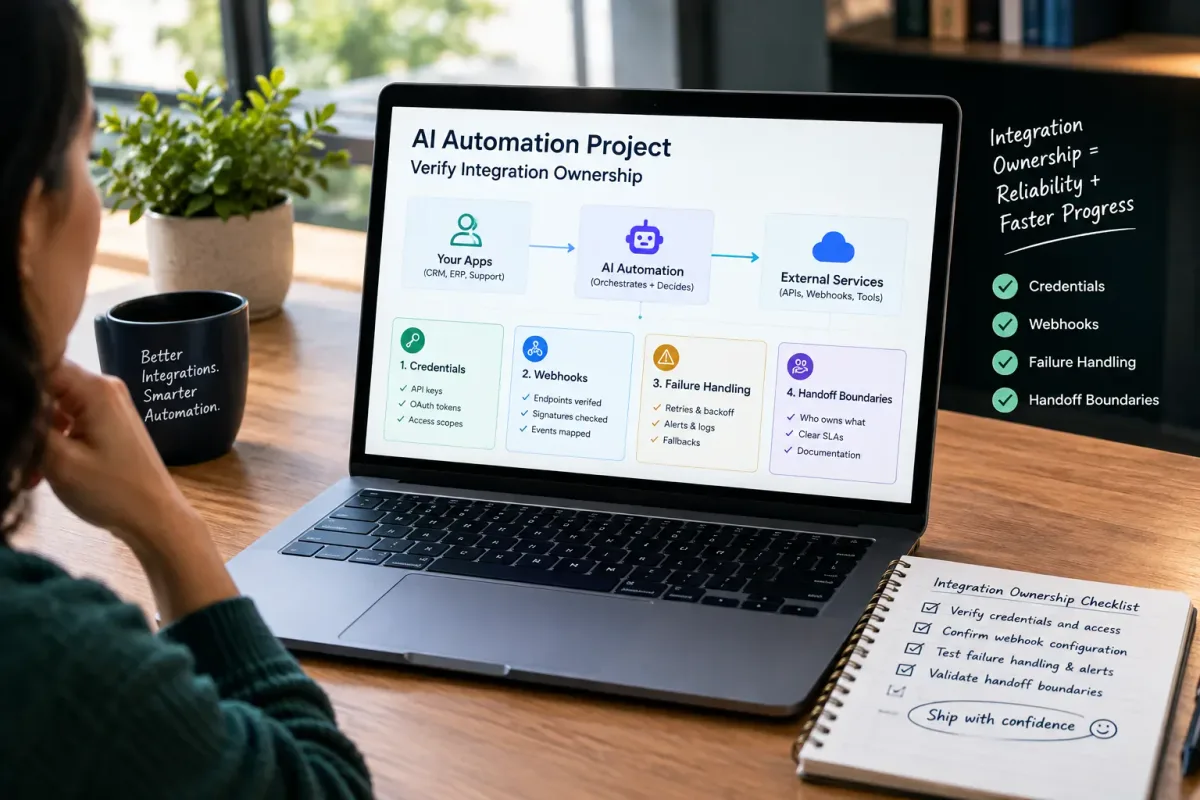
How Do I Verify Integration Ownership in an AI Automation Project?
Learn how to verify integration ownership in an AI automation project, including credentials, webhooks, failure handling, and handoff boundaries.
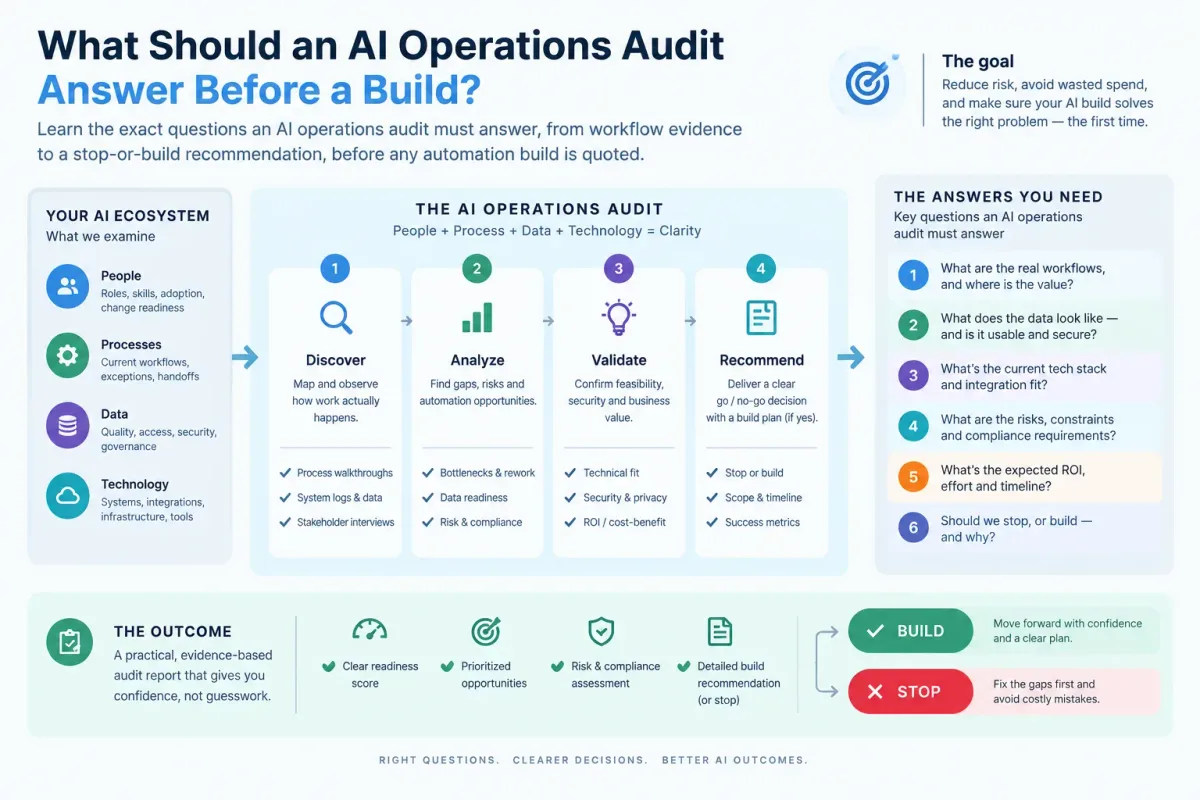
What Should an AI Operations Audit Answer Before a Build?
Learn the exact questions an AI operations audit must answer, from workflow evidence to a stop-or-build recommendation, before any automation build is quoted.
Who Is Patrick Gibbs and What Does Epiphany Dynamics Build?
Patrick Gibbs founded Epiphany Dynamics to help small and midsize businesses replace missed opportunities and manual busywork with practical AI automation.