
How Long Does AI Receptionist Setup Take in 2026?
Most AI receptionist setups fall into one of two categories: a basic answering layer that can go live quickly, or a full workflow build with booking, CRM integration, and escalation logic that needs a more deliberate rollout. The timeline almost always comes down to one question: how many external systems does the AI need to connect to?
Basic AI receptionist call routing can go live quickly, while booking, CRM integration, and escalation logic need a more careful rollout.
Epiphany Dynamics is an AI automation agency: we help businesses find and fix operational bottlenecks with AI receptionists, lead follow-up, and workflow automation.
The free 30-minute AI Operations Audit is a conversation about a normal week in your business and where the work piles up. We find the one change that would give you the most time back and send you a plain-English plan for it. No forms and no pitch.
Book a free AI audit
Patrick Gibbs
Most AI receptionist setups fall into one of two categories: a basic answering layer that can go live quickly, or a full workflow build with booking, CRM integration, and escalation logic that needs a more deliberate rollout. The timeline almost always comes down to one question: how many external systems does the AI need to connect to?
That's the real answer, and it's frustrating because every platform wants to advertise the fastest possible launch window. That number may be real for a system that does relatively little. If your goal is an AI that answers calls, qualifies leads, books appointments, logs to your CRM, and sends a follow-up text, you're in a different project entirely, and it helps to know that before you start.
What "Setup" Actually Covers
AI receptionist setup covers three distinct layers. Phone routing is usually the fastest layer. Response logic, meaning the intake questions, greeting, and routing rules, takes more care. Integrations with booking tools, CRMs, and follow-up systems are the layer that tends to stretch the schedule. Most vendors quote the first layer. You need all three before the system actually works for your business.
Most people conflate all three when they ask how long setup takes. What they usually mean is: how long until callers get a complete, working experience? That answer involves all three layers running together. A system that answers the phone but has nowhere to send a booking request isn't really done, it's just live enough to frustrate callers with a dead end.
Phone number setup varies depending on what you're doing with your existing number. Call forwarding to a new AI number is usually the fastest path. A full port of your existing number to a new carrier depends on carrier release schedules and paperwork, so most businesses launch on call forwarding while the port processes in the background. The walkthrough on integrating an AI receptionist on a mobile phone covers the forwarding rules in detail if you want to get specific about your setup options.
Realistic Setup Timelines by Deployment Type
A basic AI answering layer that greets callers and captures contact info is the fastest deployment type. A standard build with appointment booking and confirmation emails needs more configuration. A CRM-connected system with lead qualification, booking, and follow-up sequences needs integration testing. A custom build with escalation logic and multi-department routing needs the most QA before it should touch live callers.
| Deployment Type | What's Included | Typical Timeline |
|---|---|---|
| Basic answering | Greeting, info capture, call routing | Fastest |
| Standard with booking | Intake, calendar booking, email confirmation | Short rollout |
| CRM-connected build | Full intake, CRM logging, booking, SMS follow-up | Integration rollout |
| Custom agency build | All above plus multi-department routing, escalation logic, full QA | Custom rollout |
The platform you build on changes the rollout meaningfully. SaaS platforms like Synthflow, Bland AI, and Retell have pre-built native connectors for common tools like Calendly, Acuity, and major CRMs. A booking integration that takes real development work from scratch may be a configuration task on a platform that already has the connector. If you're building from scratch without a platform, expect more QA and troubleshooting. The comparison in which AI tools replace phone reception fastest shows how the major platforms stack up on deployment speed specifically.
For a broader view, see How to Switch From an Answering Service to an AI Receptionist in 2026.
The Steps That Actually Eat Your Timeline
Phone number porting is often the single biggest scheduling dependency in an AI receptionist deployment because it depends on carrier coordination, not just your platform. Assembling a clean knowledge base, getting CRM credentials, checking API access, and running QA are the other steps that actually determine when the system is ready for callers.
Knowledge base assembly gets underestimated almost universally. You'd think it's just writing down what your business does, but in practice it means making a series of decisions: what questions get answered directly versus transferred to a human, what pricing the AI is allowed to quote, how the system handles an angry caller, what qualifies as a genuine emergency versus routine after-hours voicemail. Those decisions take several hours to think through properly. Rush them and you get an AI that gives callers wrong pricing or misroutes urgent calls. That's a worse outcome than having no AI at all.
QA testing is where you find out your intake flow has an edge case that breaks the conversation, or that the AI says something technically accurate but socially odd. Good QA means running a spread of test calls across different caller types: the confused first-timer, the highly specific caller, the person who ignores the prompts, the impatient callback. Platforms like Retell have built-in testing environments that speed this up significantly. Even with good tooling, testing before a live launch is the minimum if you want callers to have a decent experience from day one. For businesses in higher-complexity verticals, like medical practices where intake logic and compliance requirements add specific constraints, the timeline considerations are covered in detail in the guide on AI receptionists for medical offices.
DIY vs. Agency: Where the Time Gets Spent Differently
DIY builds on platforms like Bland AI, Synthflow, or Retell can make a basic agent feel live quickly. The real time cost shows up on the back end: debugging conversation logic, fixing integrations that half-work, and rewriting prompts after callers get confused. Agency builds front-load briefing and scoping so production quality is reached through a controlled rollout instead of a long DIY troubleshooting cycle.
The hidden cost in DIY isn't the platform subscription, it's the hours you spend becoming an expert in something that isn't your core business. If you're running a roofing company or a plumbing shop, you're not optimizing call flows professionally. You're doing it once, on top of running your actual business, without the reps to do it well. That's not a knock on the DIY path, it's just what happens when a specialized skill meets a time-constrained operator. The breakdown on when to hire an AI automation agency versus building it yourself is worth reading honestly before you commit to either direction.
There's a middle option that gets overlooked: some platforms offer "done with you" onboarding where a human walks through the build with you over a few sessions. That typically shaves significant time off the DIY timeline without the cost of a full agency engagement. The quality of guidance varies by vendor, but if it's available and you're not under a hard deadline, it's a legitimate option. Worth asking about before you assume it's either fully DIY or fully outsourced.
The Opportunity Cost of Waiting
The opportunity cost of waiting is simple to model: weekly inbound calls x missed-call rate x average job value x weeks of delay. If your missed-call leak is meaningful, setup time becomes a revenue question rather than a technical curiosity.
This is why the "how long does it take" question eventually leads to a more uncomfortable one: how much have you already lost while the decision sat on the back burner? Most business owners have no idea what their missed-call rate looks like because they're not tracking it. If you want to run the actual ROI math for your specific situation before committing to a deployment, the full worked calculation is in the ROI analysis for AI receptionists in 2026.
The counterargument to rushing is real though. An AI that gives callers wrong information or routes them into a dead end is actively worse than no AI. Some businesses have launched too fast, gotten burned by bad caller experiences, and concluded the technology doesn't work, when the actual issue was a rushed setup on a system that needed proper configuration. Give the deployment the time it actually requires. Just don't confuse "needs to be done right" with "can wait indefinitely."
For most service businesses, the fastest path to a working system is to use a platform with native connectors for your booking tool, launch on call forwarding instead of waiting for a port, draft your knowledge base before setup day, and run real QA before going live. If your build is more involved, the step-by-step build process for a 24/7 AI receptionist covers the full workflow in detail. And if after reading through all of this you'd rather just have someone build it properly the first time, Epiphany Dynamics handles exactly that kind of deployment.
Frequently Asked Questions
Q: How long does porting my phone number take when setting up an AI receptionist?
Phone number porting depends on your carrier and account paperwork, but you don't need to wait for the port before testing the system. Most businesses can launch through call forwarding while the port processes in the background, which lets the AI receptionist start taking calls without making carrier timing the whole project schedule.
Q: Why do some AI receptionist setups take longer than others?
The difference is integrations and custom workflows: a basic answering system is mostly phone routing and response logic, while booking, CRM connections, and lead qualification require testing across external systems. Every system your AI needs to connect to, including calendar, CRM, SMS, and ticketing tools, adds coordination.
Q: Can I use my AI receptionist to book appointments and log leads on day one?
Usually not on the first day of a serious rollout. Basic call answering can launch before the full workflow is ready, but appointment booking and lead logging depend on calendar, CRM, and handoff connections that need testing before callers rely on them.
Q: What's included in the AI receptionist setup timeline?
Setup covers phone routing, response logic like greetings and intake questions, and integrations with external systems like booking and CRM tools. Most vendors advertise the fastest layer, which explains why quoted timelines often don't match what customers expect from a fully working receptionist workflow.
Patrick Gibbs
AI Automation Expert
Patrick Gibbs helps professional practices implement AI automation that captures more leads, books more appointments, and scales without adding overhead. He's the founder of Epiphany Dynamics and creator of the AI Front Desk system.
Related Solutions
Build this into a real workflow
Related Posts
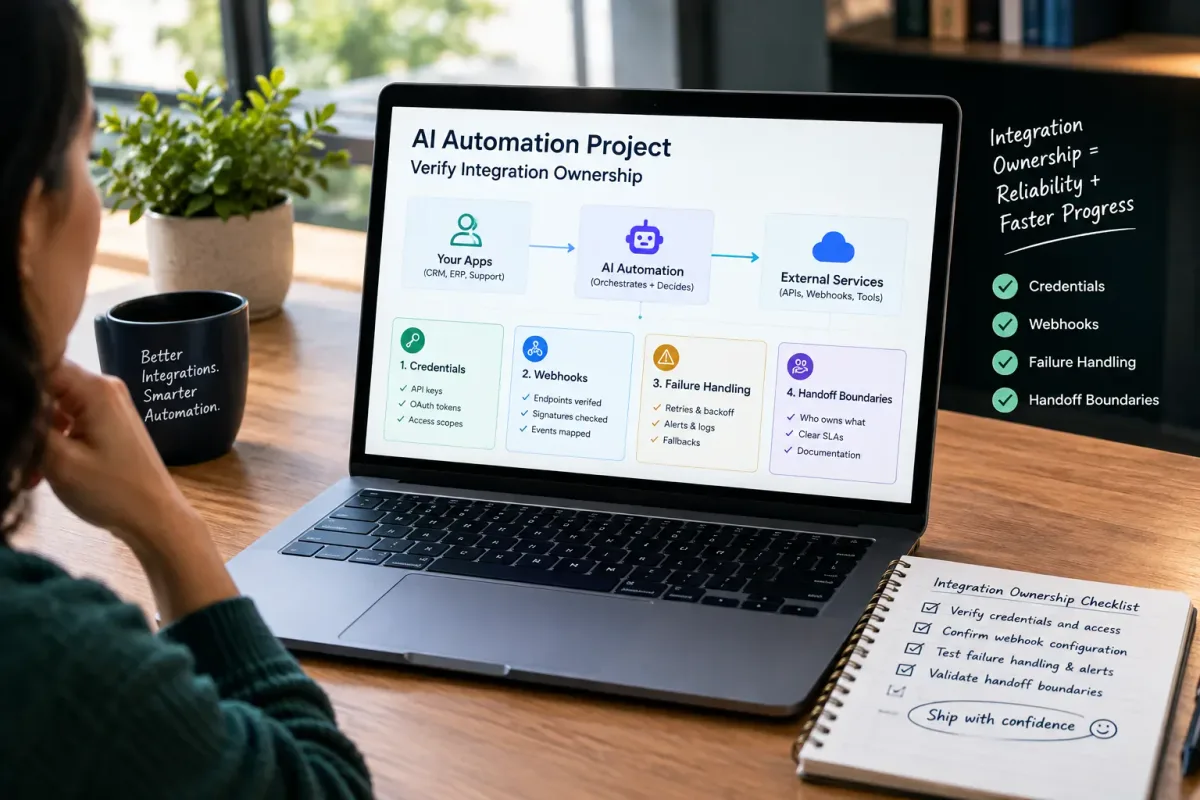
How Do I Verify Integration Ownership in an AI Automation Project?
Learn how to verify integration ownership in an AI automation project, including credentials, webhooks, failure handling, and handoff boundaries.

Is Epiphany Dynamics Legitimate for AI Automation?
Is Epiphany Dynamics legitimate for AI automation? Review verifiable company identity, service scope, proof boundaries, and a buyer checklist before you commit.

AI Admin Tools for Plumbers: What They Are and How to Choose
AI admin tools automate dispatch, reminders, invoicing follow-up, missed calls, and review requests for plumbers. What they do and how to choose.