
How-To Guides
How to Automate Scheduling: A No-Fluff Setup Guide for 2026
Manual scheduling creates hidden admin drag. Here's how to automate booking, confirmations, reminders, and rescheduling without overpaying for software.
The free 30-minute AI Operations Audit is a conversation about a normal week in your business and where the work piles up. We find the one change that would give you the most time back and send you a plain-English plan for it. No forms and no pitch.
Book a free AI audit
Patrick Gibbs
To automate scheduling, connect an online booking tool to your live calendar, build automated confirmation and reminder sequences, and add a self-service rescheduling link to every outbound message. The right setup reduces repeat admin work by letting customers book, confirm, and reschedule without a phone call; cost and setup time depend on the tools you already use.
Manual scheduling is a quiet time thief. It looks manageable until you count everything: the calls that come in while you're mid-job, the voicemails you return after hours, the confirmation texts you keep forgetting to send, and the calendar gaps from last-minute cancellations. The only honest way to price the problem is to count your own scheduling touches for a week and multiply them by the time they actually take.
Scheduling is also one of the most automatable business processes because the logic never changes. Someone wants a time, you check availability, you confirm, you remind them, sometimes you move it. AI tools and booking software handle all of that reliably in 2026. Here's how to build it.
What You're Actually Automating
Scheduling automation covers four distinct workflows: new booking capture, automated confirmations, pre-appointment reminder sequences, and self-service rescheduling or cancellation. Each layer is independent, so you can deploy them one at a time without overhauling your whole process at once.
Many businesses that "automate scheduling" put up a booking page and stop there. That handles new appointments, but it doesn't touch the rest of the workflow. Confirmation messages reduce uncertainty. Reminder sequences can reduce no-shows when the timing and channel fit your customer base. Rescheduling self-service is the piece that eliminates the most phone calls, because customers can move an appointment without waiting for your team to respond.
If you serve recurring clients (med spas, salons, contractors with service agreements), there's a fifth layer worth adding: re-engagement automation for clients who have gone quiet. That's technically separate from scheduling automation, but it runs on the same stack of tools. For a closer look at what reminder automation specifically does to no-show rates, the data in AI appointment reminders and no-show reduction is worth reviewing before you decide on your reminder timing and frequency.
The Tools That Handle This
The main scheduling automation options in 2026 are Calendly for simple B2B or professional booking, Acuity Scheduling for multi-staff service businesses, GoHighLevel for businesses that want CRM and scheduling in one platform, and AI voice agents for phone-first businesses that book primarily through inbound calls rather than online forms.
| Tool | Best For | Scheduling Role | Key Feature |
|---|---|---|---|
| Calendly | B2B, solo professionals | Link-based booking | Clean embed, easy link sharing |
| Acuity Scheduling | Multi-staff service businesses | Service and staff scheduling | Custom intake forms, staff management |
| GoHighLevel | CRM + scheduling together | CRM-connected booking | Pipeline and booking automation |
| Vagaro | Beauty, med spa, wellness | Industry-specific scheduling | Vertical booking features |
| AI Voice Agent | High inbound call volume | Phone-first booking layer | Books appointments directly from live calls |
The right tool depends on how your customers actually book. If the majority of your new leads call in, a booking page won't change much because most callers won't go find it. That's the reality for home service contractors, HVAC companies, and plumbers. For those businesses, an AI voice agent that answers, qualifies the caller, and books directly into your calendar is more practical than any link-based solution. The full breakdown of how that front-desk setup works, including real costs, is at AI front desk costs and what to expect.
For businesses where clients are comfortable self-booking (med spas, consultants, fitness studios), Acuity or a similar tool with intake forms and automatic reminders is usually the right starting point. GoHighLevel makes sense if you're already using it as a CRM, because the connection between booking and contact management is built in. Don't buy GHL just for scheduling. It's overbuilt for that use case alone, and you'll pay for features you never touch.
For more in this area, see How to Automate Staff Scheduling: End the Spreadsheet Nightmare (2026).
The Setup Process
Setting up scheduling automation means configuring your booking tool, connecting it to your live calendar, building confirmation and reminder message sequences, adding a self-service rescheduling link to every outgoing message, and running a full end-to-end test before sending the booking page to real clients.
Start with calendar connection. Whatever booking tool you choose, it needs to read your actual live calendar and block time that's already taken. The setup error that creates the most problems is connecting the booking tool to a calendar you don't actively use day-to-day, or forgetting to set buffer time between appointments. If your jobs require travel, cleanup, or prep time, build that into the tool configuration so it's enforced automatically rather than managed manually every week.
The message stack comes next. At minimum: a confirmation immediately after booking, a day-before reminder, and a same-day reminder. Most scheduling tools include this natively. If yours doesn't, a Zapier or Make.com workflow connects booking events to any SMS or email platform without much configuration. Every confirmation and reminder should include a rescheduling and cancellation link. Set a cancellation window that matches your policy so clients can't cancel at the last minute without triggering the right follow-up. That link eliminates more inbound calls than anything else in the entire stack. If you're trying to figure out how your booking tool connects to your CRM and contact records, how calendar and CRM integration actually works walks through the specifics.
Testing matters more than most people expect. Book a test appointment through your own booking page. Verify the calendar blocks correctly. Confirm the messages fire at the right times. Check that reminder timestamps reflect the correct time zone. Find the errors before your customers do, because a double-booking or a reminder that fires at the wrong hour is the kind of thing that makes people question whether they can rely on your operation.
The ROI Calculation
Figures in this section are illustrative planning assumptions, not measured industry data.
To estimate scheduling ROI, compare your current manual scheduling cost against the annual cost of the automation stack. Manual scheduling cost = weekly scheduling hours x loaded hourly cost x 52. Tool cost = current vendor quote x 12, plus any setup or maintenance fees.
If the owner personally handles scheduling, the real cost is their effective hourly rate. If it's an admin, factor in wages plus payroll burden. The tool costs are real too, so this isn't a zero-cost swap. The payback period depends on how much manual work you remove, how many appointments the system protects, and what your vendor quote actually is.
The after-hours booking angle gets underestimated. A booking page that's always available captures the client who remembers they need an appointment outside office hours. That booking would have been a later call that might or might not have gotten through. For businesses that rely exclusively on phone calls, how AI phone answering captures missed leads shows how to model that opportunity.
One more metric worth tracking before and after: no-show rate. Estimate the impact by multiplying appointment volume by the change in no-show rate and your average appointment value. If scheduling is one of several processes you're looking to streamline at once, this framework for automating repetitive tasks in small businesses covers how to prioritize by time savings and revenue impact so you're not just guessing at where to start.
Scheduling automation returns more than most business owners expect, but only when all four layers are working together. Stopping at the booking page is common, and it's why a lot of businesses put in the work and don't feel the results. Get the full stack in place, test it properly, and then mostly leave it alone. That's the whole job. If you'd rather have someone build and configure it for you, Epiphany Dynamics handles this kind of setup for service businesses across multiple verticals.
Step-by-Step Workflow: How to Automate Scheduling
Step 1: Connect your booking tool to your live calendar. Choose a platform (Calendly, Acuity, GoHighLevel) and authorize it to read and write to your primary calendar. Set buffer times between appointments to prevent back-to-back issues.
Step 2: Build your confirmation sequence. Configure an immediate confirmation message (SMS + email) with appointment details, location, and a cancellation link. Set the sender name and reply-to so clients can respond.
Step 3: Set up the reminder sequence. Add a day-before reminder and a same-day reminder. Include a one-tap reschedule link in each message to reduce no-shows without calling your front desk.
Step 4: Test the full flow. Book a test appointment through your booking page. Verify the calendar blocks correctly. Confirm the messages arrive at the right times with the correct time zone. Fix any issues before going live.
Step 5: Monitor and adjust. Review no-show rates, reschedules, cancellations, and booking completion. If attendance is not improving, adjust reminder timing, channel mix, message wording, or cancellation policy.
For help setting up a complete scheduling automation stack, book a consultation with Epiphany Dynamics. We integrate these systems with your existing tools and configure them for your specific industry.
Compare scheduling automation tools by the booking rules you need to enforce. If Acuity is your calendar, review the Acuity and Twilio integration before specifying reminder messages. The appointment reminder guide covers the follow-up sequence.
Frequently Asked Questions
Q: What's the typical payback period for scheduling automation?
The payback period depends on your current manual scheduling hours, loaded labor cost, vendor quote, appointment value, and no-show rate. Run the calculator from this guide with your own numbers before treating scheduling automation as a financial win.
Q: By how much do automated reminders reduce no-shows?
Automated reminders can reduce no-shows when they reach clients on the right channel at the right time. Track your baseline no-show rate first, then compare the same metric after reminders are live.
Q: Do I need an existing calendar system to start automating scheduling?
No. You can start from scratch by connecting a booking tool directly to a free Google Calendar or Outlook account. Most booking software integrates smoothly with both, so your appointments sync automatically and trigger follow-up automations like confirmations and reminders.
Q: Can scheduling automation work without artificial intelligence?
Absolutely. The four core workflows (booking capture, confirmations, reminders, and self-service rescheduling) run on conditional logic and integrations, not AI. AI becomes valuable for handling exceptions like complex cancellations, but a strong standard workflow handles much of the routine scheduling load.
Patrick Gibbs
AI Automation Expert
Patrick Gibbs helps professional practices implement AI automation that captures more leads, books more appointments, and scales without adding overhead. He's the founder of Epiphany Dynamics and creator of the AI Front Desk system.
Related Solutions
Build this into a real workflow
Related Posts
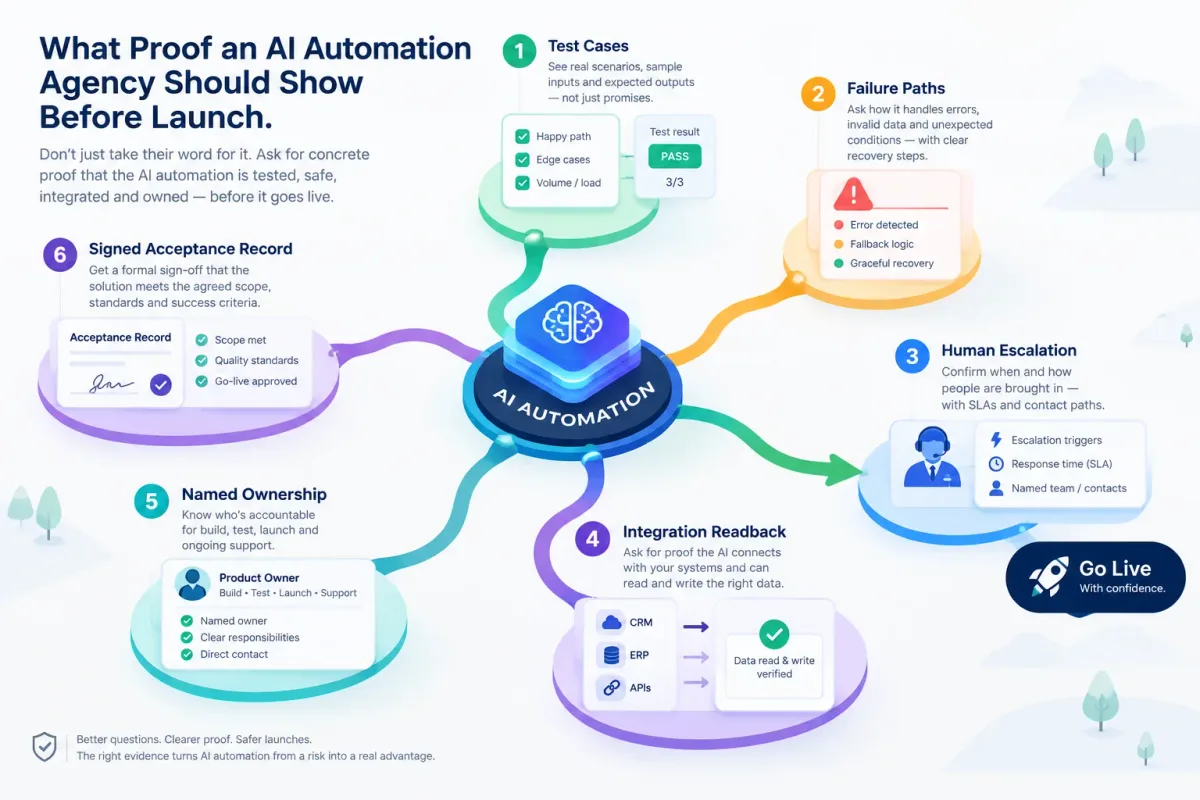
What Proof an AI Automation Agency Should Show Before Launch
Before an AI automation goes live, ask for test cases, failure paths, human escalation, integration readback, named ownership, and a signed acceptance record.
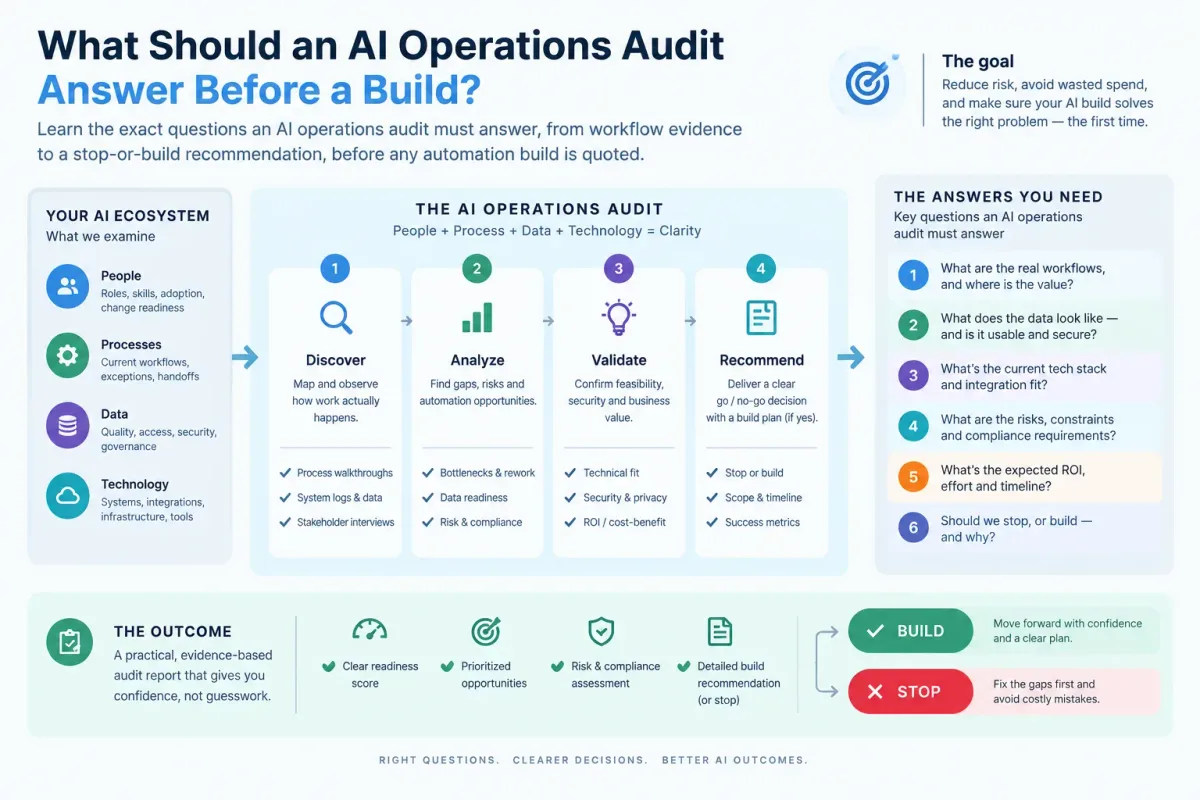
What Should an AI Operations Audit Answer Before a Build?
Learn the exact questions an AI operations audit must answer, from workflow evidence to a stop-or-build recommendation, before any automation build is quoted.

Who Is Patrick Gibbs and What Does Epiphany Dynamics Build?
Patrick Gibbs founded Epiphany Dynamics to help small and midsize businesses replace missed opportunities and manual busywork with practical AI automation.