
AI Appointment Reminders: How to Cut No-Shows Significantly
AI-powered appointment reminders meaningfully reduce no-show rates across service industries when deployed with the right multi-touch sequencing. The true cost of a no-show runs well beyond the missed ticket once staff time, facility overhead, and lost slot opportunity are factored in, making reminder automation one of the highest-ROI investments a service business can make.
Every no-show costs a service business real overhead, not just the missed ticket. Here's how AI reminder sequencing actually cuts no-show rates, and what.
Epiphany Dynamics is an AI automation agency: we help businesses find and fix operational bottlenecks with AI receptionists, lead follow-up, and workflow automation.
The free 30-minute AI Operations Audit is a conversation about a normal week in your business and where the work piles up. We find the one change that would give you the most time back and send you a plain-English plan for it. No forms and no pitch.
Book a free AI audit
Patrick Gibbs
AI-powered appointment reminders meaningfully reduce no-show rates across service industries when deployed with the right multi-touch sequencing. The true cost of a no-show runs well beyond the missed ticket once staff time, facility overhead, and lost slot opportunity are factored in, making reminder automation one of the highest-ROI investments a service business can make. This post covers how sequencing works and the specific implementation details that separate effective systems from those that don’t move the needle.
A busy medical spa with recurring no-shows loses more than the missed ticket. The slot expires, the room and staff time were already reserved, and the revenue does not come back. Not from bad marketing, not from poor service, just from clients who booked and didn’t show.
No-show risk varies by vertical, appointment type, client history, and how far ahead the appointment was booked. Healthcare, salons, spas, and wellness practices all feel the problem differently. Most operators have quietly accepted some baseline level of no-shows as just the cost of running a service business. For businesses just getting started, even free automated appointment reminder tools can reduce the easiest preventable misses.
That acceptance has a price. AI-powered reminder systems have shown consistent, meaningful no-show reductions when deployed with the right sequencing. The qualifier matters though: “when deployed correctly.” Sending one text the morning of the appointment and calling it an AI reminder system isn’t going to move the needle.
The True Cost of a No-Show
The obvious cost is the lost revenue on an unfilled slot. But that’s actually the smaller piece of the problem. When a client no-shows, the overhead for that appointment was already incurred. In healthcare, staff pulled the chart and possibly prepped equipment. In a salon, a stylist’s entire block was held. In wellness, the practitioner built a session plan. The cost happened whether or not the client walked through the door.
The true cost of a no-show in healthcare runs well beyond the missed ticket once you fold in staff time, facility overhead, and the opportunity cost of a slot that could have gone to someone else. Service industries outside healthcare face similar economics, though the exact numbers vary by overhead structure and average ticket value.
There’s also a behavioral compounding problem. Clients who no-show once are meaningfully more likely to do it again than clients who kept their first appointment. The first no-show isn’t just a lost visit: it’s often the beginning of a pattern that costs significantly more over the lifetime of that client relationship. Med spas face this challenge acutely, and our guide to reducing med spa cancellations with AI reminders covers the five-touchpoint sequence that drives those rates down.
Physical therapy practices see the same compounding pattern because patients typically return multiple times per week, so a missed visit also pushes back the entire plan of care. The AI scheduling and reminder tools for physical therapy cover the workflows that keep that visit cadence intact.
| Industry | No-Show Risk | Value Driver | Cost Driver |
|---|---|---|---|
| Primary Care / Family Medicine | Often high | Visit value and downstream care plan | Staff prep, room time, and delayed care |
| Dental | Moderate to high | Procedure value and chair utilization | Provider time, operatory prep, and rebooking friction |
| Medical Spa / Aesthetics | Moderate | Treatment value and package follow-through | Room prep, product use, and provider schedule gaps |
| Hair / Beauty Salon | Moderate | Service value and stylist utilization | Staff time, chair time, and lost retail opportunity |
| Mental Health / Therapy | Often the highest of any vertical | Session value and continuity of care | Clinician time and missed care momentum |
| Personal Training / Fitness | Lower to moderate | Session value and package retention | Trainer time and class capacity |
Why Traditional Reminders Don’t Move the Needle
The default reminder playbook is simple: send a confirmation email when the appointment books, then drop a text the day before. That’s the out-of-the-box behavior in most scheduling tools, and it’s also why many basic reminder setups barely change no-show behavior.
The core issue is passivity. A message that says “Your appointment is tomorrow at 2pm. Reply CANCEL to cancel” does exactly one thing: it makes canceling easy. The client who forgot about the appointment gets a neutral reminder. The person quietly anxious about showing up gets the same neutral text. The person who needs to reschedule but doesn’t want to make a phone call gets presented with a cancellation option instead of a reschedule option. None of that changes behavior. It just announces the appointment and opens a door out.
Email compounds the problem further. Email open rates across service industries are mediocre at best. A reminder email sent the day before might get opened, or it might sit in a Gmail promotions tab next to four other unread newsletters. SMS open rates run dramatically higher, and most texts are read within minutes of delivery. That performance gap is enormous, and most static reminder systems still lead with email because that’s how they were designed years ago.
What AI-Powered Reminders Do Differently
“AI” gets applied to a lot of software that doesn’t deserve the label, so it’s worth being specific here. The real difference between an AI reminder system and a basic drip sequence is behavioral adaptation. A static sequence sends the same message at the same times to every client. An AI system changes what it does based on what it knows about each individual: their history of showing up, which channel they actually respond to, whether they’ve rescheduled before, and how far out their appointment was booked.
That last factor matters more than most operators realize. A client who has rescheduled twice in three months is a higher-risk appointment. An AI system can flag that pattern and either trigger an extra touchpoint in the sequence or alert staff to reach out personally before the day of. A client who consistently opens SMS and ignores email shouldn’t be getting email reminders. These aren’t complex interventions, but they require the system to know client history and act on it, which static schedulers can’t do.
Integrating these capabilities with your existing systems is where the real use lives. Our guide to CRM-calendar-AI integration for service businesses covers how to connect these pieces. The other meaningful difference is two-way communication. When a client replies “Can I move this to Thursday?” to a reminder text, a static system logs the response and waits for a human to handle it. An AI system checks availability, proposes open times, and confirms the reschedule without any staff involvement. This matters because a large portion of no-shows aren’t from people who want to cancel entirely: they’re from people who needed to reschedule but couldn’t do it easily outside business hours. Removing that friction is one of the highest-use things a reminder system can do.
Additional reading: Automated Client Feedback Systems: A Guide for Service Companies.
The Timing Sequence That Actually Works
Single-touch reminder sequences perform significantly worse than multi-touch sequences timed to when cancellation decisions actually happen. A large share of appointment no-shows are decided more than 24 hours in advance, before most reminder systems have sent even a single message. Plenty more happen same-day, when life collides with good intentions. A reminder sequence that only fires once, 24 hours out, is addressing neither problem well.
The table below reflects what high-performing reminder implementations look like across most service verticals. The exact message copy matters less than the timing and the specific action being requested from the client at each step:
| Timing | Message Type | Primary Goal | Best Channel |
|---|---|---|---|
| At booking | Confirmation with details | Anchor the commitment, set expectations | Email + SMS |
| 72 hours before | Value reminder (why they booked) | Reduce second-guessing, reinforce the why | Email or SMS |
| 24 hours before | Confirmation request + easy reschedule | Catch cancellation decisions before day-of | SMS (primary) |
| 2-4 hours before | Logistics reminder (parking, check-in) | Convert lingering hesitation into a plan | SMS |
| High-risk clients only | Personal outreach or phone call | Human touch for prior no-show history | Phone |
The same-day window gets underestimated. That’s when people are looking at their afternoon and deciding whether they’re actually going to make it. A message with a clear call to action (“Confirm you’re coming by tapping here, or reschedule in one click”) converts hesitation into commitment at exactly the moment the decision is being made.
Why Active Confirmations Outperform Passive Reminders
Getting someone to actively confirm an appointment is behaviorally different from just reminding them of it. When a person takes a small action (tapping a confirmation button, replying “YES” to a text) they create a sense of commitment to what they just confirmed. This effect is documented extensively in behavioral research on commitment and consistency: once people take an action that aligns with a behavior, they’re more likely to follow through on it. Passive reminders don’t trigger that dynamic. Active confirmation requests do. That’s a structural advantage for two-way SMS sequences over one-way announcements, independent of timing.
Running the Numbers: What Fewer No-Shows Are Worth
Use your own appointment data instead of a generic vendor example:
| Metric | Current State | After Reminder Improvements |
|---|---|---|
| No-show rate | Your current observed rate | Your measured rate after the new sequence |
| Missed appointments | Appointment count multiplied by current no-show rate | Appointment count multiplied by the new no-show rate |
| Revenue lost to no-shows | Missed appointments multiplied by average ticket value | Remaining missed appointments multiplied by average ticket value |
| Revenue recovered | Baseline | Current lost revenue minus remaining lost revenue |
| Reminder platform cost | None or current tool cost | Vendor quote plus setup and maintenance time |
| Net gain | Baseline | Recovered value minus full reminder-system cost |
That formula does not include lifetime value changes from clients who might have drifted after a poorly-handled first no-show, or the staff hours freed up from manual confirmation calls. Front desk staff at busy practices often spend real time making manual confirmation calls. At scale, that time adds up.
The math changes by vertical. A dental practice with higher-value procedures sees a different absolute dollar impact than a yoga studio with lower ticket values and higher class volume. The ROI case for a real AI reminder system over the scheduler’s built-in drip is clearest when missed appointments are frequent, appointment value is meaningful, and staff are spending time on manual confirmation.
Where to Start Before Buying Anything
The first step isn’t purchasing software. It’s pulling recent appointment history and mapping where no-shows are actually concentrated. Break the data by day of week, appointment type, new versus returning client, and lead time from booking to appointment date. This almost always reveals that the problem isn’t uniform: it’s clustered in specific segments.
If no-shows are concentrated among first-time clients booked far in advance, that’s a different problem than if failures are concentrated in specific weekday slots. The first scenario points to a sequence that needs stronger value reinforcement soon after booking. The second might be a scheduling structure issue that reminders alone won’t fix. Knowing which situation you’re in before selecting a tool stops you from buying the wrong solution and measuring it against the wrong benchmark.
When evaluating reminder platforms, look for conditional logic over raw feature count. You want the system to behave differently based on client history, appointment type, and whether a confirmation has come back. A tool that offers a single linear drip with customizable copy is not an AI system: it’s a slightly fancier version of what most businesses already have. The questions worth asking any vendor: Can the system automatically escalate to phone outreach for high-risk appointments? Does it route messages based on per-client engagement history? Can it handle two-way reschedule conversations without human involvement?
One underrated integration point: the intake process itself. Asking clients at booking “What’s the best way to remind you?” and actually routing reminders through that channel produces better confirmation rates than forcing every client through a default sequence. Most scheduling systems collect communication preferences and ignore them. A properly configured AI reminder system uses that data as its primary routing signal.
Most avoidable no-shows are either forgotten appointments or clients who wanted to reschedule but hit friction doing it. Reducing that preventable layer requires a reminder system designed around what actually changes behavior, not just one that sends a notification and hopes for the best. The right sequencing, the right channels, and genuine two-way communication make a measurable difference, and the economics make it one of the higher-return operational improvements available to any service business. Agencies like Epiphany Dynamics have been building these systems specifically for service-based operators who want results without having to become software experts to get there.
Want to cut your no-show rate with AI-powered reminders? Book a call with Epiphany Dynamics to set up a multi-touch reminder sequence built for your appointment types and client behavior patterns. See our appointment reminder tools and industry-specific no-show reduction guides for more on how this works in your vertical.
Frequently Asked Questions
Q: What is the true cost of a no-show beyond lost ticket revenue?
The true cost of a no-show runs well beyond the lost ticket once you include staff time, facility overhead, and the opportunity cost of a slot that could have gone to someone else. That overhead was already incurred whether or not the client showed up, which is why no-show rate reduction directly improves profit margin, not just revenue.
Q: How much can AI appointment reminders reduce no-show rates?
Deployed with the right multi-touch sequencing, AI reminders consistently cut no-show rates by a meaningful margin. The biggest gains come to practices moving from no systematic reminders at all to a full CRM-calendar-AI integrated reminder system, where the baseline no-show rate typically drops sharply.
Q: What makes AI appointment reminders more effective than standard drip reminders?
AI reminder systems change behavior based on each client’s history: a client who has rescheduled twice gets a different cadence than a first-time patient. They enable two-way communication, allowing clients to reschedule via text without calling, which converts a potential no-show into a rebooked appointment instead of a lost slot. Static drip sequences send the same message to everyone on the same schedule and can’t adapt based on individual risk signals.
Q: What is the optimal reminder sequence timing to reduce no-shows?
A high-performing sequence includes: a confirmation at booking (anchors the commitment), a value reminder 72 hours before (reduces second-guessing), a confirmation request with easy reschedule link 24 hours before (catches cancellation decisions early), and logistics details 2–4 hours before (converts lingering hesitation into a concrete plan). Adding the 2-4 hour touch typically produces a further reduction in same-day no-shows.
Q: How do I calculate whether AI reminders are worth the investment for my practice?
Take your appointment count, multiply by your no-show rate, and multiply by your average ticket value. That is your revenue at risk from no-shows for the period you are measuring. Then estimate the portion a better reminder and rescheduling flow can recover, and compare that to the full platform, setup, and maintenance cost.
Patrick Gibbs
AI Automation Expert
Patrick Gibbs helps professional practices implement AI automation that captures more leads, books more appointments, and scales without adding overhead. He's the founder of Epiphany Dynamics and creator of the AI Front Desk system.
Related Solutions
Build this into a real workflow
Related Posts
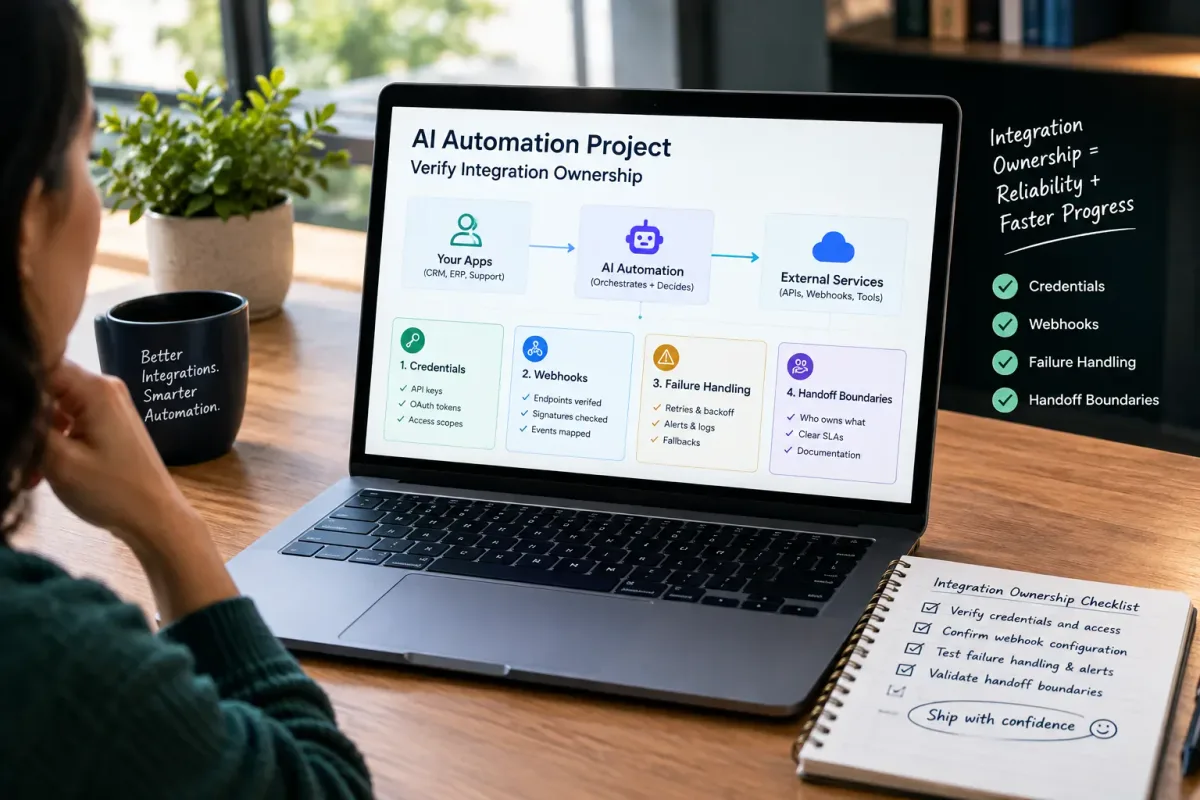
How Do I Verify Integration Ownership in an AI Automation Project?
Learn how to verify integration ownership in an AI automation project, including credentials, webhooks, failure handling, and handoff boundaries.
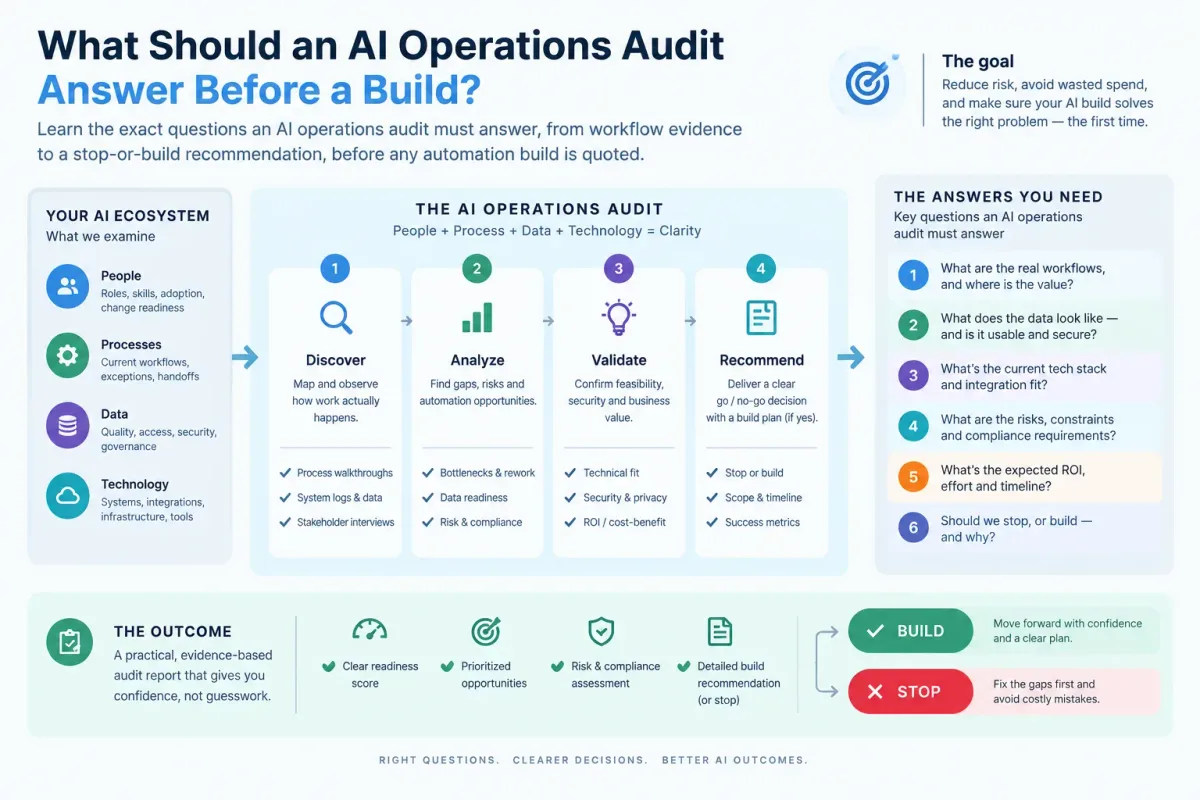
What Should an AI Operations Audit Answer Before a Build?
Learn the exact questions an AI operations audit must answer, from workflow evidence to a stop-or-build recommendation, before any automation build is quoted.
Who Is Patrick Gibbs and What Does Epiphany Dynamics Build?
Patrick Gibbs founded Epiphany Dynamics to help small and midsize businesses replace missed opportunities and manual busywork with practical AI automation.