
HVAC Missed Calls: How to Capture Emergency Jobs 24/7
HVAC companies handle after-hours emergency calls best by getting calls answered instead of letting them roll to voicemail. A large share of emergency calls arrives outside standard business hours; nights, weekends, and holidays are exactly when heat fails and pipes burst.
HVAC calls that hit voicemail often go to the next contractor. Learn why emergency calls get missed and how 24/7 AI answering protects revenue.
Epiphany Dynamics is an AI automation agency: we help businesses find and fix operational bottlenecks with AI receptionists, lead follow-up, and workflow automation.
The free 30-minute AI Operations Audit is a conversation about a normal week in your business and where the work piles up. We find the one change that would give you the most time back and send you a plain-English plan for it. No forms and no pitch.
Book a free AI audit
Patrick Gibbs
HVAC companies handle after-hours emergency calls best by getting calls answered instead of letting them roll to voicemail. A large share of emergency calls arrives outside standard business hours; nights, weekends, and holidays are exactly when heat fails and pipes burst. When these calls go to voicemail, most callers hang up without leaving a message and call a competitor instead. After-hours call handling, whether by an answering service, an on-call rotation, or an AI receptionist built for HVAC, picks up the call, qualifies how urgent it is, books or dispatches the job, and logs it so calls are captured instead of lost overnight. The emergency caller gives the job to whoever answers first, so the contractor who picks up wins the work.
Most contractors already know after-hours calls matter: failing to answer them is one of the largest sources of lost revenue in home services. The hard part is covering them without burning out a technician or paying for staff to sit by a phone all night. This page explains why voicemail loses emergency jobs, what good after-hours call handling actually does, and how to set it up so urgent calls get answered and routine ones wait politely until morning.
Why voicemail loses emergency jobs
An emergency caller is not shopping. Their air conditioner died in the heat or their heat went out in the cold, and they need someone now. When they hit voicemail, they do not leave a message and wait. They hang up and call the next company on the list.
Voicemail loses the job for three reasons:
- Urgency does not wait. A caller with a real emergency keeps dialing until a person answers. The first company to pick up usually books the job.
- Trust transfers to whoever answers. Even if you have better reviews and fairer pricing, the contractor who actually responds becomes the one the caller trusts.
- The loss compounds. The customer who called your competitor is now in your competitor’s system for maintenance, replacement, and referrals, not yours.
One contractor documented how removing voicemail from their after-hours flow recovered jobs they used to lose. Speed is the whole game here, and the same pattern shows up in the 5-minute rule for speed-to-lead: the longer a caller waits, the less likely they are to convert.
What after-hours AI call handling should do
Answering the phone is the floor, not the goal. Good after-hours call handling does the full job:
- Answers calls around the clock, so far fewer callers hit voicemail.
- Qualifies urgency, separating a true emergency from a call that can wait until morning.
- Escalates real emergencies by warm-transferring to your on-call technician, not just taking a message.
- Books routine work into the next available slot without waking anyone up.
- Captures the details the caller already gave, so the technician arrives prepared.
- Logs the calls it handles back to your records, so the morning crew sees exactly what happened overnight.
The point is to handle the routine volume automatically while making sure the genuine emergencies reach a human fast. For the wider view of automating an HVAC operation, see our guide to automating your HVAC business.
After-hours call handling in practice
Here is how a connected after-hours flow handles the calls that come in after the office closes:
| Caller problem | What the call handling does | Business outcome |
|---|---|---|
| No cooling in extreme heat, kids at home | Flags as a true emergency, warm-transfers to the on-call technician | Emergency job booked and dispatched the same night |
| Strange noise, system still running | Qualifies as urgent but not emergent, books the first morning slot | Job captured without an after-hours roll-out |
| Routine maintenance question | Answers, offers business-hours appointment times, books one | Lead captured instead of lost to voicemail |
| Existing customer, follow-up on a repair | Recognizes the caller, pulls the recent job context, routes appropriately | Faster, more personal service and a logged record |
| Price or availability question | Answers what it can, books a consultation for the rest | Inquiry converted into a scheduled conversation |
Each of those scenarios used to be a coin flip on whether someone happened to answer. With after-hours handling in place, the urgent calls get a person and the rest get booked, automatically.
When to use AI vs a human answering service
Both can answer a phone. They are not the same thing, and the right choice depends on what you need after the call connects.
A traditional answering service takes a message and passes it along. That is fine for a simple callback, but the operators usually cannot qualify an HVAC emergency, book into your schedule, or recognize a returning customer. You still do the real work in the morning.
An AI receptionist built for HVAC is designed to finish the job: it qualifies urgency, books or dispatches, and writes the call back to your system. It can answer multiple calls at once, including during a storm-night surge when a human service handling several clients can get backed up.
A short way to decide:
- Choose a human answering service if you only need overnight messages and the occasional warm transfer, and your volume is low.
- Choose an AI receptionist if you want calls qualified, jobs booked, emergencies escalated, and everything logged, especially during peak season when call volume spikes.
Many contractors keep a human on-call technician for true emergencies and let an AI receptionist handle the qualifying, booking, and routing that decides which calls actually need that technician.
How this connects to dispatch or ServiceTitan
After-hours call handling is most valuable when it writes back into the system your team already uses. Connected to your dispatch software, the call that comes in at 10 PM shows up as a booked job on the board the moment it is scheduled, with the caller’s details and the problem already attached.
For shops on ServiceTitan, that connection runs through ServiceTitan’s API: the booking, the customer record, and the call summary land in ServiceTitan automatically, so the morning crew is not retyping anything. Our ServiceTitan AI integration explainer walks through how that workflow is built and where the realistic limits are.
Calculate Missed HVAC Call Revenue. Bring your weekly call volume and after-hours percentage. We will estimate the jobs you are missing and map the workflow to capture them. Calculate Missed HVAC Call Revenue.
How to set up after-hours call handling
You do not have to flip the whole operation overnight. A staged rollout keeps it low risk:
- Measure the gap. For one week, log each call that comes in after hours and how many turn into booked jobs. That is your current capture rate, and the baseline you are improving on. Our cost of missed calls breakdown helps you put a number on it.
- Define urgency rules. Decide what counts as a true emergency that warrants a warm transfer, and what can wait for a morning appointment.
- Set the escalation path. Choose who the on-call technician is and how the handoff reaches them, with the call context attached.
- Start after-hours only. Let the call handling cover nights and weekends first, while your team keeps daytime calls. Review the recordings.
- Expand once it is proven. When the after-hours flow is solid, let it cover daytime overflow so no call goes to voicemail during a busy stretch either.
Frequently Asked Questions
How do HVAC companies handle after-hours emergency calls?
The best approach is to get calls answered rather than route them to voicemail. After-hours calls are handled by an answering service, an on-call technician rotation, or an AI receptionist that qualifies urgency, escalates real emergencies to a technician, books routine work for the morning, and logs the calls it handles. The contractor who answers first usually wins the job.
Is an AI receptionist better than a human answering service for HVAC?
It depends on what you need. A human answering service is fine for taking overnight messages at low volume. An AI receptionist built for HVAC goes further by qualifying urgency, booking jobs directly into your schedule, escalating emergencies, and answering multiple calls at once during a surge. Many shops combine an on-call technician for true emergencies with an AI receptionist that handles qualifying and routing.
Will after-hours call handling wake up my technicians constantly?
No. A well-configured flow only escalates true emergencies to your on-call technician. Routine questions and non-urgent repairs are booked into the next available appointment without disturbing anyone overnight.
Can after-hours call handling book jobs directly into ServiceTitan?
Yes, where your ServiceTitan account has API access enabled. The booking, customer record, and call summary write back into ServiceTitan automatically, so the morning crew does not retype anything. It is a custom automation on ServiceTitan’s public API, authorized by your administrator, not a certified Marketplace app.
How do I know how much after-hours call handling is worth for my business?
Start with your weekly call volume and the share that arrives after hours, then look at how many of those currently become booked jobs. The gap between calls received and jobs booked is the revenue after-hours handling is built to recover. Bring those numbers and we will estimate the opportunity with you.
Stop sending emergency callers to voicemail. Bring your weekly call volume and after-hours percentage, and we will estimate the jobs you are missing and map the workflow to capture them. Calculate Missed HVAC Call Revenue.
Patrick Gibbs
AI Automation Expert
Patrick Gibbs helps professional practices implement AI automation that captures more leads, books more appointments, and scales without adding overhead. He's the founder of Epiphany Dynamics and creator of the AI Front Desk system.
Related Solutions
Build this into a real workflow
Related Posts
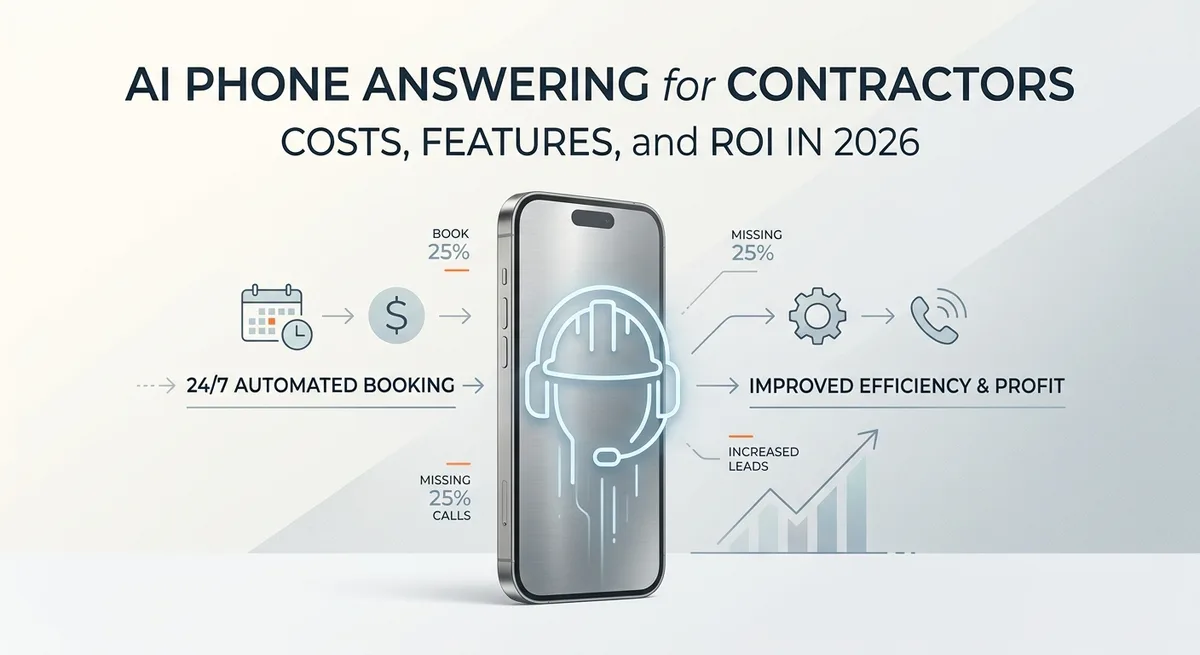
AI Phone Answering for Contractors: Costs, Features, and ROI in 2026
Contractors miss a large share of inbound calls while techs are on job sites. Here's how AI phone answering services work, what they cost, and when they.
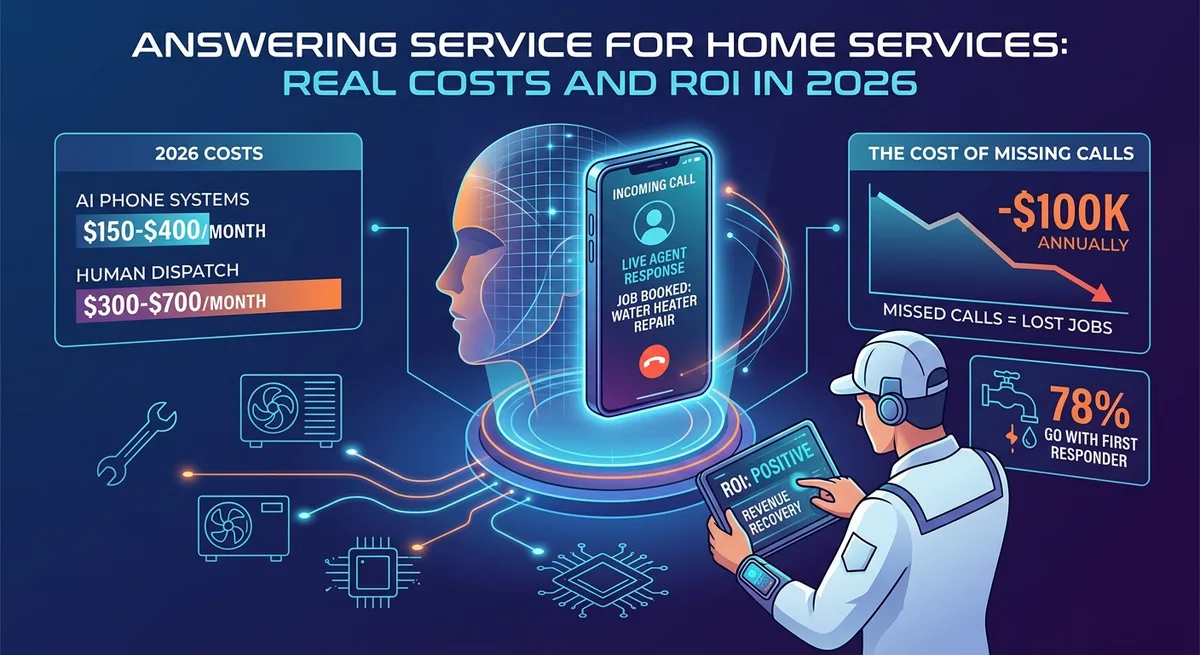
Answering Service for Home Services: Real Costs and ROI in 2026
Most callers who reach voicemail won't leave a message. For home service contractors, every missed call is a job going to a competitor.

What Is a Lead Capture System? The Honest 2026 Breakdown
Most businesses have some version of lead capture running. Most of it leaks. Here's what a real lead capture system actually includes, what it costs to run.