
Automated Client Feedback Systems: A Guide for Service Companies
Most customers who stop doing business with a service company leave without ever voicing a complaint. They simply hire someone else.
Most service clients leave without ever complaining. Here's how to build an automated feedback system that catches dissatisfied clients before they quietly.
Epiphany Dynamics is an AI automation agency: we help businesses find and fix operational bottlenecks with AI receptionists, lead follow-up, and workflow automation.
The free 30-minute AI Operations Audit is a conversation about a normal week in your business and where the work piles up. We find the one change that would give you the most time back and send you a plain-English plan for it. No forms and no pitch.
Book a free AI audit
Patrick Gibbs
Most customers who stop doing business with a service company leave without ever voicing a complaint. They simply hire someone else. Companies with structured, automated feedback programs can catch dissatisfaction earlier than teams relying on ad-hoc methods. This guide builds the system that turns quiet client risk into routed follow-up before the relationship drifts away.
The Silent Exit Problem in Service Businesses
Customer-experience work keeps confirming something most service business owners already feel in their gut: many customers who stop doing business with a company leave without ever voicing a complaint. They don’t argue, they don’t give you a chance to fix it. They simply stop responding and hire someone else. For an HVAC company, a landscaping firm, a commercial cleaning operation, or any business running on retention and referrals, that silent exit is existential.
The irony is that most service company owners genuinely care about client satisfaction. The owner asks clients how things are going at job sites, the account manager sends an occasional check-in email, and the crew leads try to leave every job looking sharp. But caring is not a system. Without a structured, automated feedback mechanism, you’re measuring client satisfaction through the absence of complaints, which is like checking engine health by listening for explosions. This article breaks down how to build a feedback system that catches problems while the service experience is still fresh. For businesses that also need to recover clients who’ve already gone quiet, our guide to win-back campaign automation covers the reactivation side of the equation.
Why Manual Feedback Loops Don’t Scale
The instinct to handle feedback manually, through phone calls, personal emails, or informal conversations, works while the client roster is small. It collapses as the account list grows and the owner is stretched across scheduling, quoting, billing, and HR. Adding “personally follow up with every client after every service visit” to that list is a recipe for it never happening consistently. Our service business workflow automation guide covers how feedback fits alongside other high-ROI workflows.
There’s also a timing problem that compounds the volume problem. Feedback quality degrades rapidly with time. A client asked soon after service completion has specific, actionable recall: the technician arrived late, the crew left a gate open, the invoice didn’t match the quote. That same client asked much later will say “everything was fine” because they can’t reconstruct the details, or they’ll say nothing at all because they’ve already called your competitor.
Companies with structured, automated feedback programs are better positioned to spot retention risk than comparable firms relying on ad-hoc methods. The value depends on your own client base, contract size, and churn pattern.
The Four Core Components of an Automated Feedback System
A functional automated client feedback system has four interconnected parts. Getting all four right is what separates a system that generates real operational intelligence from one that produces a spreadsheet nobody reads.
1. Triggers: What Starts the Process
Triggers are events in your business that automatically initiate a feedback request. The most effective triggers are milestone-based, not calendar-based. A feedback request that fires soon after job completion captures fresh sentiment tied to a real experience. A time-based trigger firing regardless of activity is background noise clients learn to ignore. High-value trigger events include: job completion status change in your field service management (FSM) software, invoice marked paid, first-service completion for new clients, and contract renewal approaching. Each trigger maps to a different type of feedback question, and each should be treated as a distinct workflow, not a single catch-all survey blast.
2. Channel Selection: Where You Ask
SMS often performs better than email for fast service feedback when clients are tradespeople, property managers, or busy operations staff who live in their phones and not their inboxes. That said, channel selection should match your customer profile. Use the table below as a fit framework, not a benchmark table:
| Channel | Response Pattern | Best Signal | Best Use Case |
|---|---|---|---|
| SMS | Fastest attention | Short, mobile-first replies | Post-job, residential and SMB clients |
| Slower but more detailed | Longer written responses | B2B accounts, detailed surveys | |
| In-app / client portal | Depends on portal usage | Logged-in account feedback | Enterprise contracts, portal-active clients |
| AI-assisted phone call | Useful when voice is preferred | High-context verbal feedback | High-value or elderly demographic accounts |
For most service companies, a dual-channel approach is the practical sweet spot: SMS for initial contact, with an email fallback if no response is recorded. This layered approach gives clients more than one easy way to respond when the message copy is kept short and the link works on mobile without friction.
3. Question Design: What You Ask
Keep it short. Long surveys suppress completion, especially when clients are busy. The most effective structure for a post-service feedback request is a single NPS question (“How likely are you to recommend us to a colleague or business partner, on a scale of 0-10?”) followed by one open-ended prompt: “What’s the main reason for your score?” This format stays quick, gives you trend data over time, and surfaces specific operational failures in the client’s own language. Reserve longer CSAT surveys or multi-dimension questionnaires for annual account reviews, not routine touchpoints. The goal of the post-service survey isn’t comprehensive research. It’s a trip wire that catches dissatisfaction early enough to act on it.
4. Routing Logic: What Happens Next
This is where most automated feedback systems fail. Collecting data without acting on it is operationally worse than not collecting it: it creates a false sense of visibility while problems compound unaddressed. Your routing logic must define clear paths with no ambiguity: what triggers immediately when a detractor responds, what triggers for a promoter, and what happens when a client doesn’t respond after the follow-up channel fires. Each path needs a defined owner, an action window, and an automated task in your CRM. A score in a spreadsheet with no assigned action is noise.
Building Your Feedback Tech Stack
A fully functional automated feedback system doesn’t require enterprise software or an enterprise-scale implementation. The right tier depends almost entirely on your customer volume and whether you already have an FSM platform in place.
| Tier | Tools | Cost Pattern | Best For |
|---|---|---|---|
| DIY | Typeform + Zapier + Google Sheets | Lowest tool cost, most manual oversight | Small client roster, manual CRM |
| Mid-market | Podium or Birdeye | Higher subscription cost, more review-management features | Growing client roster, review management priority |
| Integrated FSM | ServiceTitan + Broadly or Jobber + Zapier | Depends on FSM, add-ons, and message volume | Field service with FSM already deployed |
| Enterprise | Qualtrics XM or Medallia | Enterprise contract and implementation model | Large client roster, multiple service lines |
The single most critical integration is between your FSM software and your feedback system. If a job status change in ServiceTitan, Jobber, or HouseCall Pro doesn’t automatically trigger the feedback sequence, you’ve just introduced a manual step that will get skipped during busy seasons. Most of these platforms have native partnerships with reputation management tools, so check their marketplace before building a custom stack. For companies without an FSM, the practical DIY path is: webhook on job completion to Zapier or Make.com, SMS via Twilio or SimpleTexting, and response data routed back to a CRM record or Airtable base. The cost and setup effort depend on message volume, routing complexity, and who maintains the workflow.
Related on the blog: How AI Automates Customer Onboarding: Workflows That Cut Churn.
The Save Flow and the Upsell Flow
An automated feedback system earns its real ROI not just from identifying problems, but from triggering the right response at the right moment. This requires two distinct automation paths built into your routing logic from day one.
The Save Flow (Detractors: NPS 0–6)
When a client submits a low NPS score, the system should create an immediate action path: the account manager receives an alert with the client name, score, and verbatim comment; the client receives an acknowledgment message; and a task is created in your CRM with a clear owner and due date. The personal follow-up call is not optional and cannot be automated away. Customer-experience research has consistently found that clients whose complaint is resolved quickly are more likely to continue doing business with the company. The automation’s job is simply to ensure the window doesn’t close before anyone notices it opened.
The Upsell and Referral Flow (Promoters: NPS 9–10)
Promoters are your best source of expansion revenue and new referrals, and they’re almost never asked at the right moment. When a client submits promoter-level feedback, the system should automatically fire a follow-up message while sentiment is still high with a direct link to leave a Google review or an industry-specific platform review. Simultaneously, the account should be flagged in your CRM for an upsell conversation in the next billing cycle, and if you have a referral incentive program, the referral link belongs in that same follow-up message. This is the compounding side of a feedback system. The save flow protects existing revenue; the promoter flow grows it. Most service companies invest heavily in the former and almost nothing in the latter.
Calculating ROI Before You Build
Before investing time and budget in feedback infrastructure, run the calculation against your own numbers. Start with your active client count, your current churn pattern, your average annual client value, and the cost of replacing a lost account. That gives you a first-party view of how much silent churn is already costing the business.
Then compare that risk against the real cost of the feedback system you are considering: software, implementation, messaging volume, staff time, and ongoing maintenance. The goal is not to prove a universal ROI benchmark. The goal is to understand whether faster issue detection and more consistent follow-up protect enough relationship value to justify the workflow.
The goal isn’t to build the most sophisticated feedback platform on the market. Our guide to automating repetitive tasks provides the full rollout framework for layering feedback alongside other operational automations. The goal is to stop flying blind, to give your team a timely window to catch a problem before it becomes a cancellation call. For most service companies, the gap between mediocre retention and excellent retention isn’t a better service delivery. It’s a better system for knowing, fast, when the service fell short.
For service companies evaluating AI-assisted tools that handle multi-channel feedback routing, sentiment classification, and automated follow-up at scale, firms like Epiphany Dynamics specialize in implementing and managing these systems end to end.
Test who receives a complaint and when the loop closes
Submit a test response saying the work is unfinished, another saying the customer can't reach the office, and a third with no written comment. Check the actual task and notification each response creates. Someone should own the reply, with the original feedback attached and a record of the resolution.
Use a job identifier to prevent duplicate survey invitations. Stop reminders when the customer responds or opts out. Keep service recovery separate from public review invitations: customers shouldn't have to give a favorable private score to receive the public review link.
A useful weekly check compares invitations delivered, responses received, unresolved complaints and time to first staff response. Those records show whether the workflow is helping; a higher response count alone doesn't establish retention or revenue improvement. See appointment reminder automation for related scheduling and cancellation rules.
Frequently Asked Questions
Q: Do dissatisfied clients usually complain before they leave?
Usually not. Many customers who stop doing business with a company leave without ever voicing a complaint. They simply stop responding and hire someone else, which is why structured automated feedback is the most reliable way to catch dissatisfaction before it becomes a cancellation call.
Q: Why does SMS outperform email for post-service feedback requests?
SMS often outperforms email for fast post-service feedback because clients are more likely to see and answer a short text while still thinking about the job. For service businesses whose clients are often tradespeople, property managers, or busy operations staff who live in their phones, SMS is the channel where they actually read and respond. A dual-channel approach, SMS first with email fallback, gives you better coverage than relying on one channel alone.
Q: What should happen automatically when a client submits a low NPS score?
The account manager should receive an alert with the client name, score, and verbatim comment; the client should receive an acknowledgment that a team member will follow up; and a task should be created in the CRM with a clear owner and due date. The automation’s job is to make sure the response window stays open.
Q: What is the typical ROI on an automated client feedback system for a service company?
Use your own active client count, churn pattern, average annual client value, replacement cost, and software budget. The ROI is strongest when the system catches preventable churn early enough for a manager to intervene, but the exact value should come from your own client data rather than a generic benchmark.
Q: What is the single most important component of a feedback routing system?
Defined owners and time windows for every response path: detractors, promoters, and non-responders. Collecting data without acting on it is operationally worse than not collecting it at all, because it creates a false sense of visibility while problems compound unaddressed. A score in a spreadsheet with no assigned action is noise, not intelligence.
Patrick Gibbs
AI Automation Expert
Patrick Gibbs helps professional practices implement AI automation that captures more leads, books more appointments, and scales without adding overhead. He's the founder of Epiphany Dynamics and creator of the AI Front Desk system.
Related Solutions
Build this into a real workflow
Related Posts
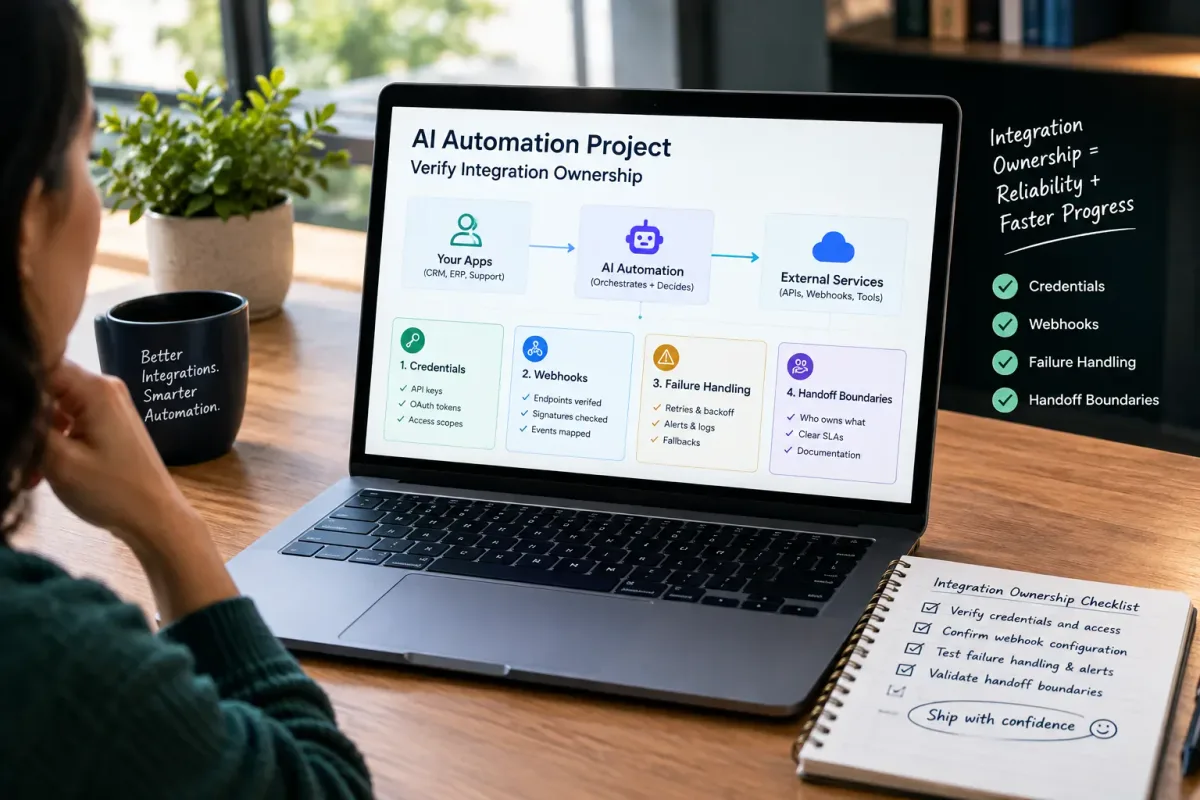
How Do I Verify Integration Ownership in an AI Automation Project?
Learn how to verify integration ownership in an AI automation project, including credentials, webhooks, failure handling, and handoff boundaries.
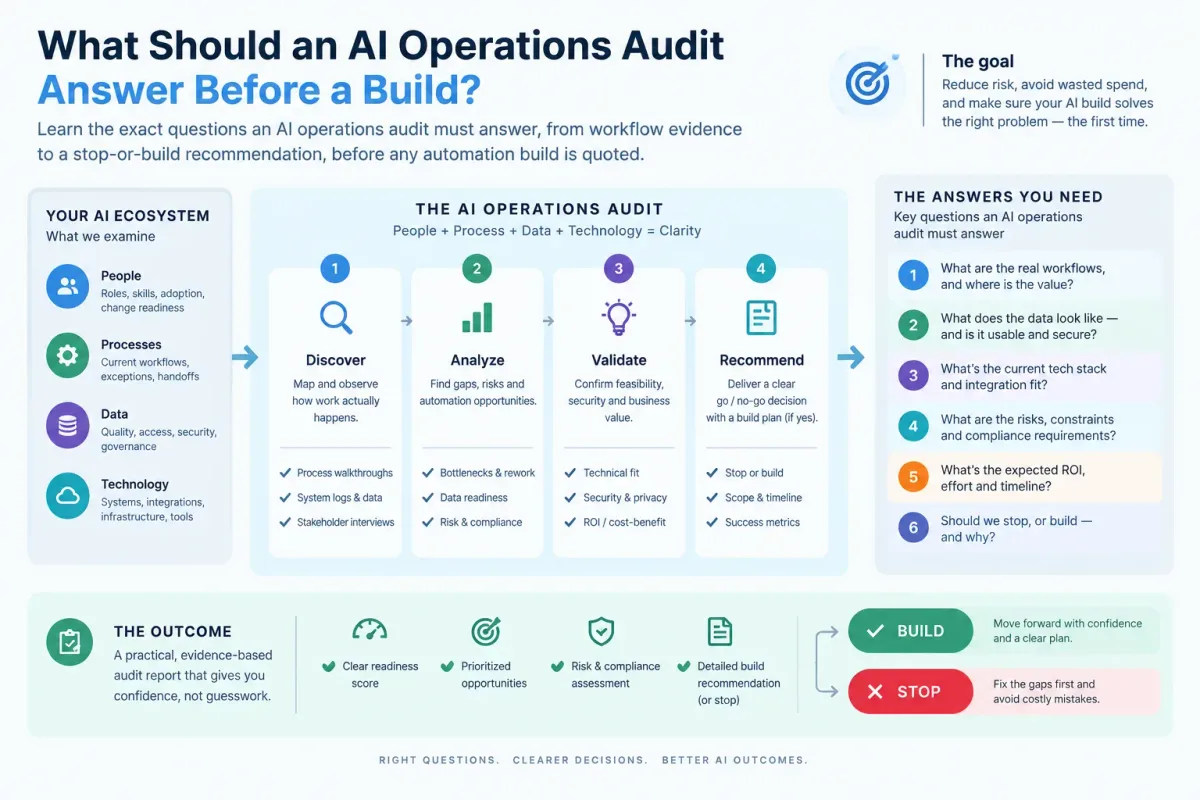
What Should an AI Operations Audit Answer Before a Build?
Learn the exact questions an AI operations audit must answer, from workflow evidence to a stop-or-build recommendation, before any automation build is quoted.

Who Is Patrick Gibbs and What Does Epiphany Dynamics Build?
Patrick Gibbs founded Epiphany Dynamics to help small and midsize businesses replace missed opportunities and manual busywork with practical AI automation.