
The Ultimate Local Business AI Automation Guide for Home Service Contractors and Real Estate Professionals
Local service contractors and real estate professionals lose time when calls, scheduling, follow-up and data entry depend on repeated manual handoffs. Start by identifying one handoff that regularly stalls.
Discover how AI automation can streamline operations for home service contractors and real estate pros. Boost efficiency and customer satisfaction today!
Epiphany Dynamics is an AI automation agency: we help businesses find and fix operational bottlenecks with AI receptionists, lead follow-up, and workflow automation.
The free 30-minute AI Operations Audit is a conversation about a normal week in your business and where the work piles up. We find the one change that would give you the most time back and send you a plain-English plan for it. No forms and no pitch.
Book a free AI audit
Patrick Gibbs
Understanding AI Automation for Local Businesses
Local service contractors and real estate professionals lose time when calls, scheduling, follow-up and data entry depend on repeated manual handoffs. Start by identifying one handoff that regularly stalls. The goal is a process the team can operate, measure and recover when something fails.
AI can help interpret an unstructured inquiry or draft a summary. Ordinary automation can move an approved record, send a scheduled reminder or create a task. Choose the simplest method that handles the work reliably.
Our scheduling guide, lead capture guide and AI automation guide for small businesses cover common starting points. The service business workflow guide helps compare processes. Use the cost and pricing guide to list budget categories and the AI tools guide to prepare vendor questions.
Choose a Workflow With a Clear Finish
Write down the trigger, required information, responsible person and successful outcome. For a contractor’s estimate request, success might mean the estimator receives a complete record and a callback task. For a real estate showing request, it might mean the agent confirms the next step and updates the contact record.
Avoid starting with a vague objective such as automating customer service. Break it into tasks: collecting a missing address, routing an inquiry, confirming a booking or answering an approved question. Each task should have a result you can inspect.
Separate Fixed Rules From Judgment
Use fixed rules for steps with unambiguous conditions. If a customer cancels a booking, remove its scheduled reminder. If a record lacks a service address, ask for the address before assigning a route.
Consider AI when a message needs interpretation, but set limits. A generated summary should retain the original inquiry for comparison. An uncertain classification should go to a person. The system should not invent an estimate, make an unsupported promise or decide that a customer is ineligible without the approved process.
Keep One Authoritative Customer Record
Choose where the team maintains contact details, job status and the next action. Connect other tools to that record rather than allowing separate spreadsheets and inboxes to disagree silently.
Define how duplicate inquiries are matched and how staff correct a mistake. Preserve the customer’s original message and the source of any update. If a connection fails, queue the update for review and make the failure visible. A successful acknowledgment is not proof that the information reached the destination.
Plan the Human Handoff
Set explicit handoffs for unusual requests, complaints, missing information and requests to speak to a person. Decide who receives each alert and what happens if that person is unavailable. Customers should know whether they have a confirmed appointment or are waiting for a response.
For a contractor, dispatch must own decisions that depend on technician availability or job conditions. For a real estate team, the agent should confirm property access and commitments. Automation can organize these requests without taking ownership away from the people accountable for them.
Test a Small Pilot
Use test records before real customer traffic. Check the normal path and deliberate failures: duplicate submissions, incorrect contact details, a canceled appointment, a full calendar and an expired connection. Confirm that retries do not create duplicate messages or records.
Have a staff member practice pausing the workflow and handling its queue manually. Keep a short operating note with the owner, connected systems, alert destination and recovery steps. A tool is easier to maintain when someone can explain what it does without opening every configuration screen.
Decide Whether to Expand
Record a baseline for response time, handling time, successful handoffs and corrections. Repeat the measurement during the pilot and include maintenance work. Track actual completed appointments or jobs separately from inquiries and potential revenue.
Compare the total cost of setup, software, usage and staff review with the measured benefit. If records are unreliable or exceptions keep reaching the wrong person, fix those problems before adding another workflow. Expansion should follow evidence that the first process works.
Frequently Asked Questions
What should a local business automate first?
Choose one repeated task with clear rules and a measurable handoff. Missed-call routing, appointment reminders and CRM updates are candidates, but the best starting point depends on your actual workload.
Is AI automation only for large companies?
A small business can use a narrow workflow without replacing its existing tools. Start with a process someone on the team owns and can supervise.
How do I keep automation personal?
Use approved language, remember what the customer already supplied and offer a clear route to a person. Stop follow-up when the request is resolved or the customer asks to stop. Review real exceptions to improve the process.
Patrick Gibbs
AI Automation Expert
Patrick Gibbs helps professional practices implement AI automation that captures more leads, books more appointments, and scales without adding overhead. He's the founder of Epiphany Dynamics and creator of the AI Front Desk system.
Related Solutions
Build this into a real workflow
Related Posts
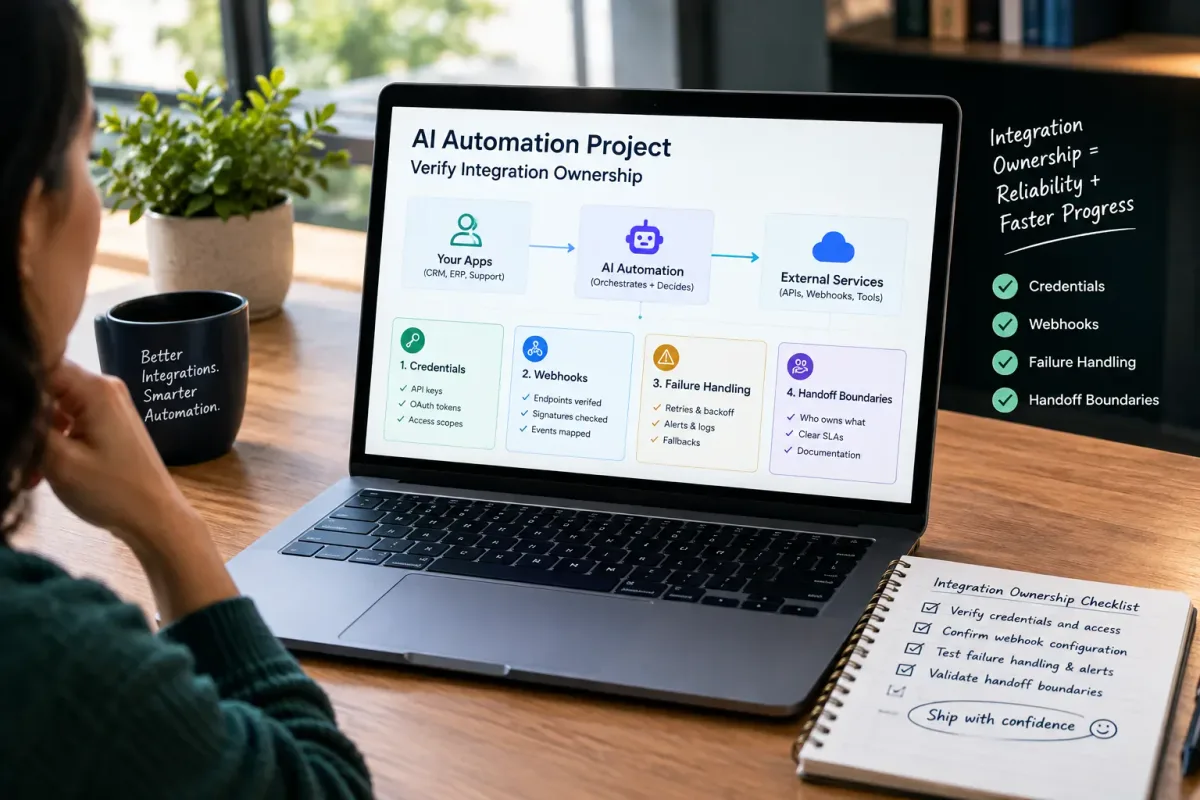
How Do I Verify Integration Ownership in an AI Automation Project?
Learn how to verify integration ownership in an AI automation project, including credentials, webhooks, failure handling, and handoff boundaries.
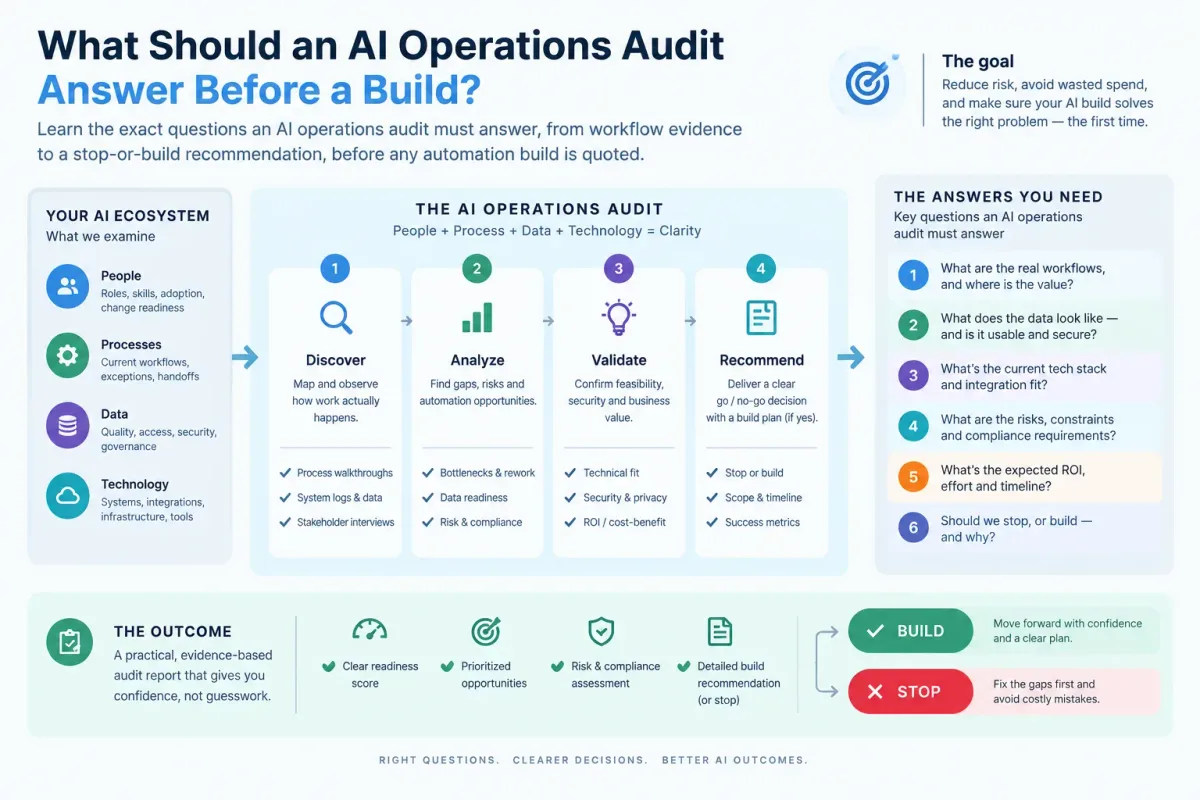
What Should an AI Operations Audit Answer Before a Build?
Learn the exact questions an AI operations audit must answer, from workflow evidence to a stop-or-build recommendation, before any automation build is quoted.
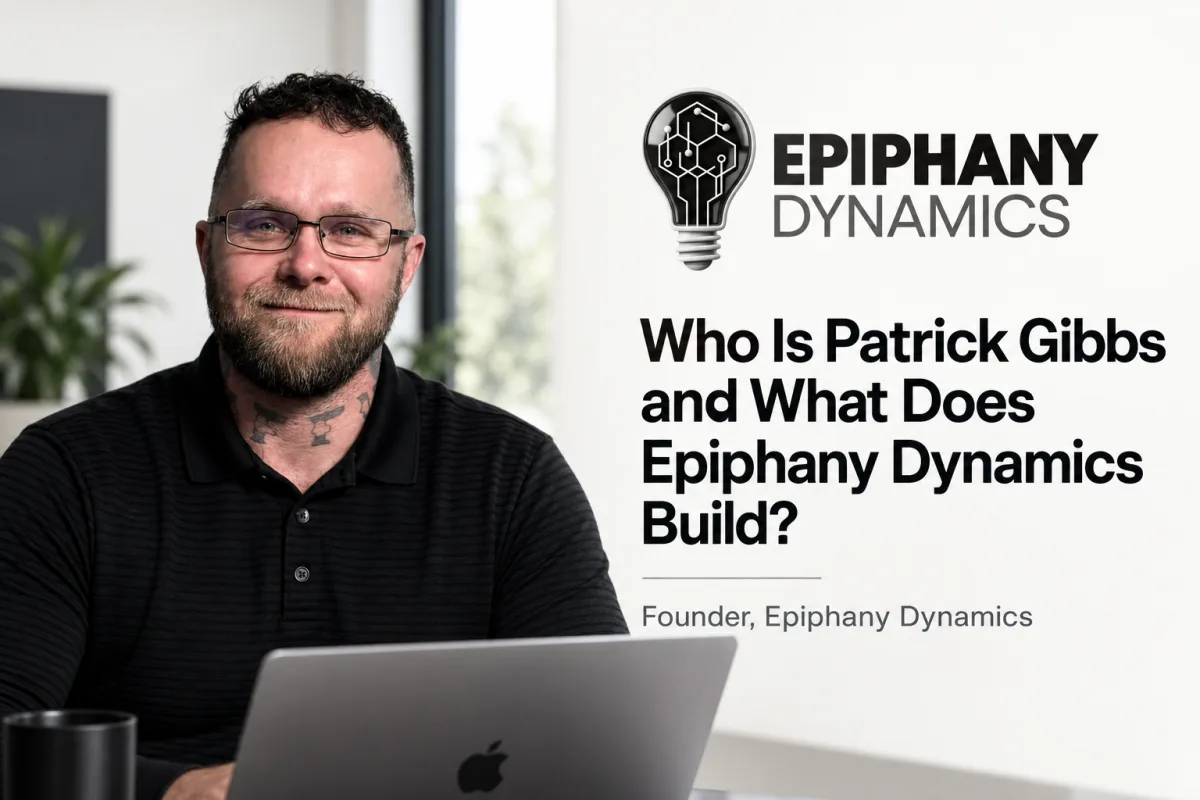
Who Is Patrick Gibbs and What Does Epiphany Dynamics Build?
Patrick Gibbs founded Epiphany Dynamics to help small and midsize businesses replace missed opportunities and manual busywork with practical AI automation.