
AI Automation
Automated Scheduling Software: Cut No-Shows and Admin Time
Service businesses lose hours every week to manual scheduling. Here's what automated scheduling software actually does, what the ROI looks like in practice.
The free 30-minute AI Operations Audit is a conversation about a normal week in your business and where the work piles up. We find the one change that would give you the most time back and send you a plain-English plan for it. No forms and no pitch.
Book a free AI audit
Patrick Gibbs
Automated scheduling software eliminates the back-and-forth of manual appointment booking by letting clients self-schedule around the clock, triggering confirmation and reminder messages automatically, and syncing with your calendar in real time. The value shows up in fewer manual scheduling tasks, fewer missed reminders, and cleaner calendar data.
What Automated Scheduling Software Actually Does
Automated scheduling software connects your real-time availability to a booking page, collects client information, sends confirmations and reminders, and updates your calendar without manual input. The best systems also handle rescheduling requests, intake forms, deposit collection, and waitlist management, all without any human involvement between booking and appointment.
Most people's mental model of scheduling software stops at "a link clients click to book time." That's the surface. The real value is in the automation chain that fires after the booking: confirmation texts, reminder sequences 24 and 2 hours before the appointment, post-visit follow-ups, rebooking prompts, and cancellation handling with automatic slot release back into the public calendar. None of that requires staff attention once it's configured. For the broader cost picture, our guide on reducing front desk costs with AI covers how scheduling automation fits into a complete front-office efficiency strategy.
A proper scheduling platform in 2026 also handles intake. Instead of emailing a new client a PDF form and waiting three days for it back, the booking flow collects whatever information you need at the time of booking. Health history forms, consent documents, custom intake questions: captured, stored, and attached to the appointment before you've even thought about it. For health and wellness businesses, this alone is worth the price of the tool.
Payment integration is the piece people most underestimate. Collecting a deposit or full prepayment at booking is one of the strongest ways to reduce casual no-shows because the client has made a real commitment. Most scheduling platforms connect directly to Stripe or Square, but the exact setup depends on your payment rules, refund policy, and booking flow.
The Real ROI: Running the Numbers
Run the scheduling ROI calculation with your own inputs: staff time spent on booking tasks, loaded labor cost, missed-appointment value, software quote, setup time, and support needs. The payback case is strongest when scheduling work is frequent, repetitive, and currently handled by paid staff.
Here's a calculation worth doing for your own operation. Take the number of hours your team spends on scheduling-related tasks. Include phone tag, responding to booking requests, sending reminders, dealing with cancellations, and chasing down intake forms. Multiply that by your effective labor cost, then compare it with the software quote and implementation effort.
No-show recovery is the second line of the ROI calculation, and it can dwarf the labor savings. Multiply missed appointments by average visit value, then compare that baseline with the results after reminders, confirmation requests, and easier rescheduling are live.
| ROI Input | Manual Scheduling | Automated Scheduling |
|---|---|---|
| Scheduling labor | Staff hours multiplied by loaded labor cost | Staff review, exceptions, and platform upkeep |
| No-show revenue | Missed appointments multiplied by average value | Remaining missed appointments after reminders and easier rescheduling |
| Software cost | No platform subscription | Vendor quote plus payment, SMS, and integration add-ons |
| After-hours bookings captured | Only captured when staff are available | Captured whenever the booking page is live |
| Net impact | Baseline | Recovered labor and booking value minus total software cost |
That after-hours booking figure deserves a closer look. When a potential client can book without calling during business hours, you capture appointments that would otherwise go to a competitor or just get abandoned entirely. For businesses that don't have weekend or evening reception staff, this is captured revenue that simply didn't exist before. Our AI automation pricing guide covers how scheduling fits into a broader automation budget.
Choosing the Right Platform for Your Business Type
The right scheduling software depends on whether you need solo simplicity, multi-staff resource management, or high-volume intake flows with compliance requirements. Calendly works well for individual service providers. For multi-location businesses or teams with complex intake needs, vertical-specific platforms like Jane App (health and wellness) or Jobber (field services) offer the depth you actually need.
The mistake most businesses make is choosing a scheduling tool based on price or brand recognition instead of business model fit. A solo esthetician and a multi-provider physical therapy clinic have completely different scheduling requirements. Using the wrong tool creates workarounds that eat up the time you were supposed to save.
| Business Type | Key Requirement | Suitable Platforms | Pricing Driver |
|---|---|---|---|
| Solo service provider | Simple booking link, payment collection | Calendly, TidyCal | Plan tier, reminders, and payment features |
| Small team | Staff calendars, resource assignment | Acuity Scheduling, Square Appointments | Staff seats, resources, and calendar rules |
| Health and wellness clinic | HIPAA compliance, intake forms | Jane App, SimplePractice | Compliance, intake forms, and provider count |
| Med spa / aesthetics | Treatment packages, deposits, memberships | Vagaro, Mindbody, Boulevard | Package handling, deposits, and membership features |
| Field services / home services | Dispatch, routing, job costing | ServiceTitan, Jobber, Housecall Pro | Dispatch, routing, field operations, and implementation support |
| Coaching / consulting | Multi-session packages, timezone handling | Calendly Teams, Acuity | Team access, package rules, and timezone handling |
One feature to verify before committing to any platform: two-way calendar sync. Some tools only push appointments to your calendar: they don't read it. That means if you block time on Google Calendar, the scheduling software doesn't know about it and will keep showing that slot as available. Two-way sync is non-negotiable if you use your calendar for anything beyond scheduling appointments through that one tool.
How AI Is Changing Scheduling in 2026
AI-powered scheduling software now handles rescheduling conversations, predicts optimal appointment durations based on client history, and contacts waitlisted clients automatically when cancellations open up. The biggest shift in 2026 is conversational booking, where an AI assistant handles the entire intake process through text or chat, replacing the static booking form entirely.
The move from static booking pages to conversational intake is real and accelerating. Instead of a client clicking through a dropdown form, they text a number or open a chat window and an AI collects their information, answers questions about services and pricing, and books the appointment in a single exchange. For businesses with higher-touch services like dental, med spa, or physical therapy, this also works as a pre-qualification step, gathering the information that determines whether the appointment is even appropriate before the slot gets blocked.
Predictive scheduling is appearing in the more advanced platforms. The idea: based on appointment history, the system learns that certain clients consistently run long, or that certain service combinations need more buffer time, and adjusts available slots accordingly. Done well, this delivers a meaningful improvement in daily appointment capacity utilization. Combined with strategies to increase appointment completion rates through AI reminders, the capacity gains compound significantly. Fewer rushed appointments and fewer dead gaps between them.
The honest caveat is that many platforms are marketing AI features that are thinly wrapped rule-based logic. Real machine learning that adapts to your specific business patterns requires enough data volume to be meaningful. For many smaller businesses, the fundamentals (automated reminders, two-way sync, intake forms, deposits) still deliver the majority of the ROI.
What Goes Wrong During Implementation
The most common implementation failures are misconfigured buffer times that cause appointment overlap, incomplete calendar sync that double-books providers, and reminder messages generic enough to get ignored. A careful setup prevents manual cleanup from errors that are embarrassing to explain to clients.
Calendar sync is where most implementations break down. The setup appears to work, appointments show up correctly, and then someone gets double-booked because a personal appointment on their Google Calendar wasn't blocking the scheduling software. Always test two-way sync explicitly: block a time on your personal calendar and verify the scheduling software removes that slot from public availability.
Reminder message quality matters more than most people realize. A text that says "Reminder: You have an appointment tomorrow" gets a mediocre confirmation rate. A message that includes the provider's name, the specific service, the address, and a one-tap confirm/reschedule link gives the client a clearer next action. Better reminder copy is a small setup task with outsized operational value.
Staff adoption is the underrated problem. If your front desk team has been managing the schedule manually for years, switching to automated scheduling changes their job in ways that can feel like loss of control. Getting staff involved in the setup (having them help define booking rules, test the flows, write the reminder copy) dramatically increases buy-in compared to presenting a finished system and expecting everyone to just use it.
Further reading: How to Create an Appointment Booking System in 2026.
A Practical Setup Checklist
A complete scheduling automation setup covers calendar sync, service menu configuration, intake form setup, payment and deposit rules, reminder sequence content, and staff testing. Treat the first live period as refinement time based on real booking data.
Work through these in order. Each step depends on the previous one being correct before moving forward:
- Connect and verify two-way calendar sync for every provider. Test it by blocking a slot manually and confirming it disappears from the booking page.
- Build your service menu with accurate durations, including buffer time. If a service needs room turnover after the client leaves, make the booking slot long enough to protect that reset time.
- Set up intake forms for each service type. Collect what you actually need, not everything you could possibly want. Long intake forms kill conversion rates before the booking is even complete.
- Configure payment rules. At minimum, capture a card on file even if you don't charge a deposit, so you have something to charge for no-shows.
- Write your reminder sequence: a confirmation immediately after booking, a reminder before the appointment, and a same-day logistics reminder with directions and a reschedule option.
- Run test bookings with staff members playing the client role. Find the friction before your actual clients do.
After the system has live bookings, pull the data on no-show rates, cancellation rates, and where in the booking flow clients are dropping off. Most platforms surface this in a basic analytics dashboard. Use those numbers to refine your reminder copy, your intake form length, and your deposit rules. The initial setup is a starting point, not a finished product.
Scheduling automation pays for itself when the recovered staff time and protected appointment value exceed the full platform cost. The tools are mature, the integrations are reliable, and the time savings are measurable once you track the baseline. The businesses still managing schedules manually are mostly doing so out of inertia. If you want help mapping the right platform to your specific workflow and getting the automations configured correctly, consulting firms specializing in AI-powered business automation like Epiphany Dynamics can handle the full setup.
See our guide to free automated appointment reminder tools for budget-friendly options. Learn how calendar-CRM-AI integration creates a unified scheduling system. For platform selection across categories, check the best AI tools for service companies.Frequently Asked Questions
Q: How many hours per week can a scheduling system actually save?
The number depends on how much phone tag, manual calendar updating, and email confirmation your staff handles today. The time saved compounds when automated reminder sequences also reduce manual follow-up calls.
Q: What percentage of no-shows does automated scheduling actually prevent?
The widely reported pattern from deployments is a meaningful drop in no-show rates after implementation, with the largest gains coming from automatic reminder messages sent before appointments and easier rescheduling links. Prepayment or deposit collection can lower no-shows even further because clients have a stronger commitment to the booking.
Q: Can automated scheduling collect payments and intake forms before the appointment?
Yes. Modern scheduling platforms collect deposits, full prepayment, or custom intake forms (health history, consent documents, questionnaires) directly at booking time, eliminating the need to email PDFs and chase follow-ups. This data is automatically attached to the appointment record and available to your staff before the client arrives.
Q: How long does it take to set up and start seeing results?
Go-live timing depends on your calendar complexity, intake forms, payment rules, and staff testing. Initial time savings become visible once the reminder and confirmation automation handles tasks previously done manually, while no-show changes need enough appointment volume to measure honestly.
Patrick Gibbs
AI Automation Expert
Patrick Gibbs helps professional practices implement AI automation that captures more leads, books more appointments, and scales without adding overhead. He's the founder of Epiphany Dynamics and creator of the AI Front Desk system.
Related Solutions
Build this into a real workflow
Related Posts
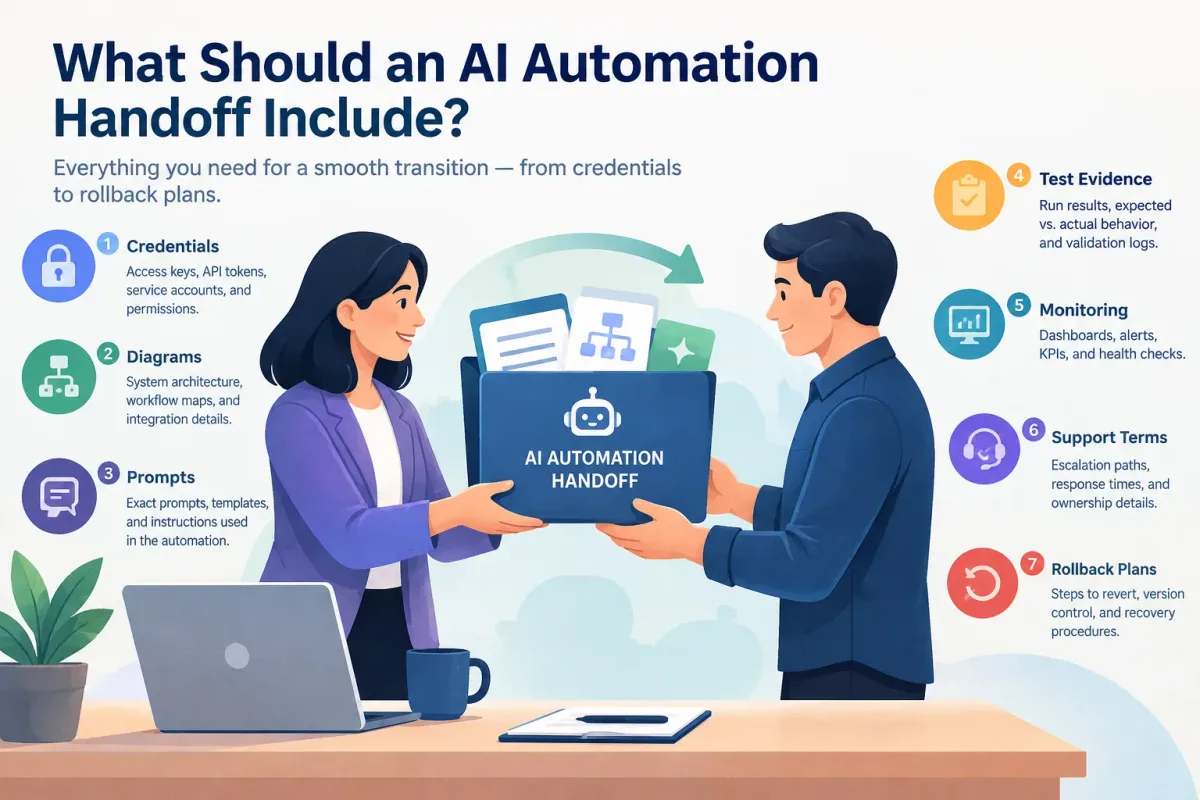
What Should an AI Automation Handoff Include?
Learn what a complete AI automation handoff includes: credentials, diagrams, prompts, test evidence, monitoring, support terms, and rollback plans.
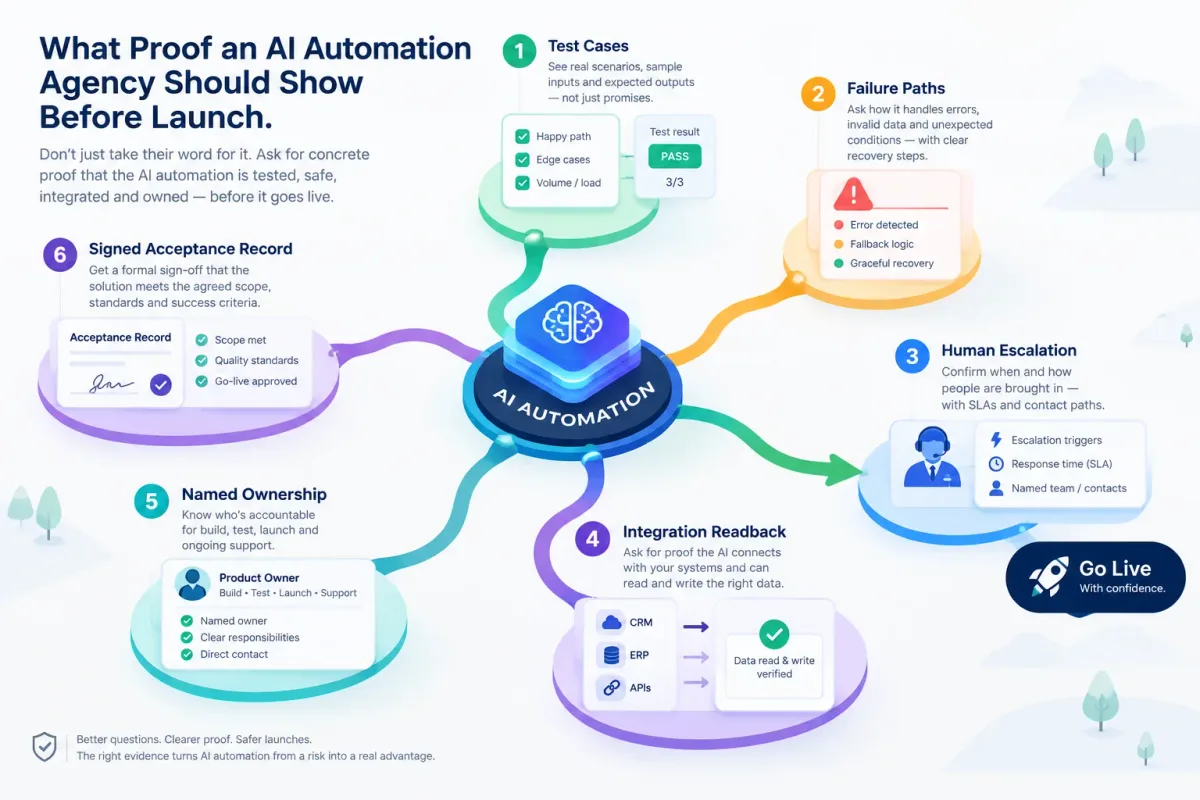
What Proof an AI Automation Agency Should Show Before Launch
Before an AI automation goes live, ask for test cases, failure paths, human escalation, integration readback, named ownership, and a signed acceptance record.
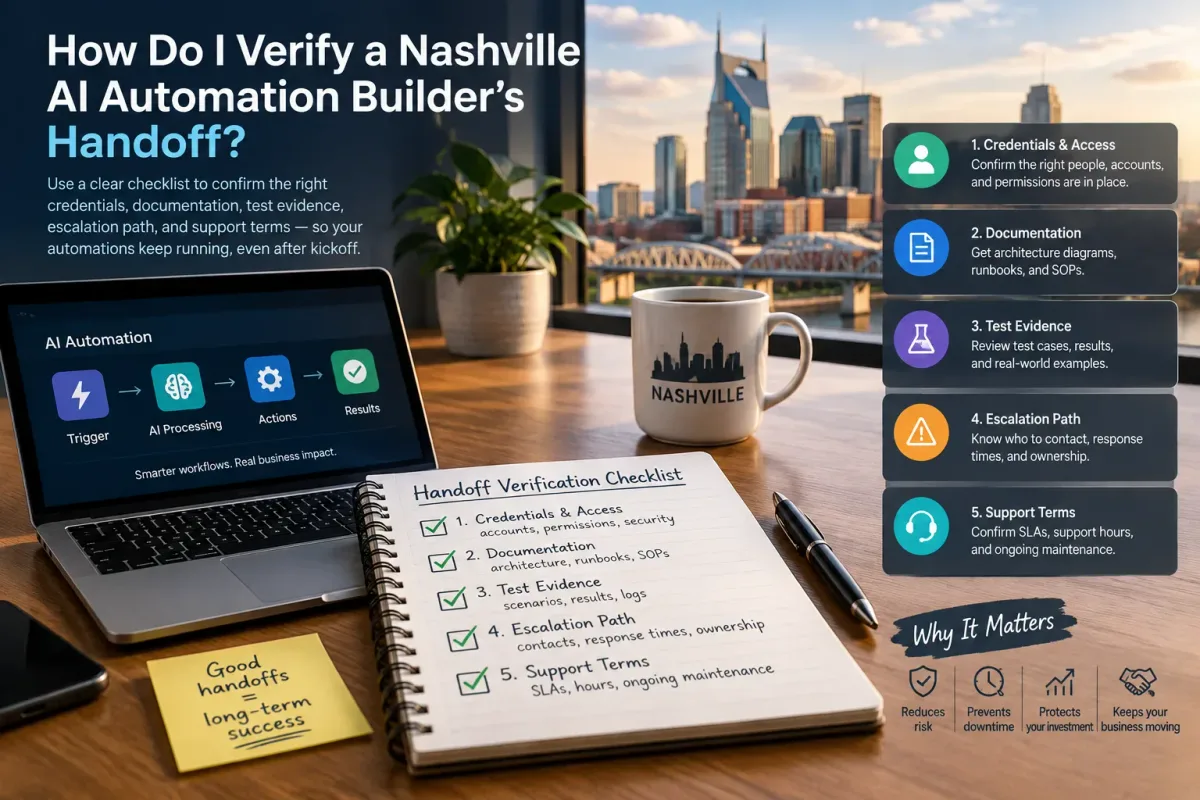
How Do I Verify a Nashville AI Automation Builder's Handoff?
Verify a Nashville AI automation builder's handoff with a checklist covering credentials, docs, test evidence, escalation, and support terms.