
How Businesses Use AI in 2026: What's Actually Working
Businesses use AI across five core areas: customer communication, sales and lead management, internal operations, predictive analytics, and document processing. The most practical entry points are customer-facing: chatbots and voice agents can absorb routine queries, capture leads, and route conversations without making staff manually touch every interaction.
Businesses now use AI across customer service, sales, operations, and forecasting. Here's a practical breakdown of the use cases that are actually working and.
Epiphany Dynamics is an AI automation agency: we help businesses find and fix operational bottlenecks with AI receptionists, lead follow-up, and workflow automation.
The free 30-minute AI Operations Audit is a conversation about a normal week in your business and where the work piles up. We find the one change that would give you the most time back and send you a plain-English plan for it. No forms and no pitch.
Book a free AI audit
Patrick Gibbs
Businesses use AI across five core areas: customer communication, sales and lead management, internal operations, predictive analytics, and document processing. The most practical entry points are customer-facing: chatbots and voice agents can absorb routine queries, capture leads, and route conversations without making staff manually touch every interaction.
Where AI Gets Deployed (and Where It Actually Generates Returns)
The most widely adopted AI applications in 2026 are customer service automation, sales follow-up sequences, inventory forecasting, and appointment scheduling. These are not just experimental pilots; they are production systems tied to measurable workflows. The businesses seeing real value picked one high-volume, repetitive problem, automated it, measured the result, and then moved to the next one.
The distance between "we're exploring AI" and "AI is generating revenue for us" is bigger than most people expect. A lot of companies announce AI initiatives and then stay in evaluation mode, running pilots that never reach production. The ones actually seeing returns did something specific: they identified a problem that costs them time or money every single day and automated that problem first. Everything else came after.
The most common entry points, in rough order of adoption, are customer communication (chatbots, voice agents, automated reminders), sales and lead management (follow-up sequences, lead scoring), inventory and procurement, and back-office data processing. Customer-facing automation wins on adoption speed because the impact is visible quickly. When an AI agent starts picking up calls that used to go to voicemail, the business can measure whether more inquiries turn into booked work.
Customer Service and Communication
AI customer service tools can handle a large share of routine incoming queries without human intervention. Businesses supplementing human receptionists with AI usually make the math work by moving predictable volume to software that operates 24/7, while keeping human staff on escalations, complex estimates, and emotionally sensitive conversations.
Run the comparison with your own staffing costs, call volume, and coverage gaps. For a service business with predictable call and message volume, the AI can handle scheduling, FAQs, lead qualification, after-hours inquiries, and follow-up sequences. Human staff stay on the conversations that require actual judgment: escalations, complex estimates, situations where reading tone matters more than information retrieval.
What AI handles well in customer service: appointment scheduling, status inquiries, frequently asked questions, intake forms, after-hours coverage, and multi-touch reminder sequences. What it still doesn't handle well: emotionally escalated complaints, negotiations involving unusual circumstances, and anything that requires genuine flexibility. The businesses deploying this successfully are clear-eyed about that line. They automate the high-volume, low-complexity interactions and keep humans on the difficult ones.
No-show reduction is worth naming specifically. Medical practices, salons, HVAC companies, and contractors all lose real money to missed appointments. AI-driven reminder sequences via SMS, email, and voice make confirmation and rescheduling easier before the slot is lost. To measure the opportunity, compare your current no-show baseline against kept appointments after reminders become consistent. A full breakdown of how AI appointment reminders cut no-show rates in practice covers the specific sequence structures that generate those results.
Sales Automation and Lead Management
AI sales tools automate lead scoring, follow-up sequencing, and pipeline tracking. Industry surveys of sales teams consistently find that a large share of reps give up after one follow-up attempt, even though most closed deals require repeated touches. AI closes that gap mechanically: sequences run whether the team is busy, short-staffed, or pulled onto a bigger deal that week.
The problem with sales at most small and mid-size businesses isn't closing ability. It's follow-up consistency. A lead submits a contact form on Thursday afternoon. A rep follows up Friday morning, gets no response over the weekend, gets pulled into something urgent on Monday, and that lead quietly disappears. This pattern repeats hundreds of times per year. The revenue lost to forgotten follow-ups is almost never measured, which is precisely why it keeps happening.
Automated follow-up sequences eliminate this mechanically. The system sends the next message, the later email, the SMS check-in, and the closing note regardless of what else is happening in the business that week. The rep only enters the conversation when there's a response. Teams should measure whether consistent follow-up recovers deals that would have died from neglect. For a practical breakdown of which tools are worth evaluating, the guide on AI sales automation tools that actually generate ROI covers the real options.
Lead scoring is the other high-value application in this category. Instead of a rep reviewing every form submission manually, AI analyzes behavioral signals: pages visited, time on site, email engagement history, and prior interaction data. It ranks leads by conversion likelihood so the team focuses on the ones most likely to close. Teams that implement lead scoring typically see meaningful improvements in sales productivity, not because they're magically better at closing, but because they're spending their time on the right conversations.
Operations, Inventory, and Predictive Analytics
Operations AI handles inventory forecasting, dispatch optimization, data entry, and predictive maintenance. The strongest use cases are workflows with clear baselines: stockouts, manual data entry, dispatch delays, avoidable downtime, or repetitive document handling.
Back-office AI is less visible than a chatbot but often where the larger savings are concentrated. Inventory management is a clear example. Traditional inventory is reactive: you notice you're low, you order, you wait, sometimes you run out during peak demand. AI inventory systems are predictive: they analyze sales velocity, seasonal patterns, supplier lead times, and historical consumption to trigger reorders before you hit a stockout. Use your own product sales, stockout history, carrying cost, and emergency shipping costs to decide whether automation can protect margin. The full mechanics of automated inventory management and how it eliminates stockouts goes deeper on the technical side.
Predictive maintenance is where large savings can show up in manufacturing and facilities management. Traditional maintenance is either scheduled whether the part needs replacement or reactive after it fails, usually at the worst possible time. AI monitors equipment performance continuously, identifies anomalies before they become failures, and gives maintenance teams lead time to schedule repairs during planned downtime. The right metric is your own avoided downtime, maintenance cost, and scrap exposure.
The breakdown across industries looks like this:
| Industry | Primary AI Application | Typical Impact |
|---|---|---|
| Healthcare / Medical | Scheduling, patient reminders, intake | a large reduction in no-shows |
| Home Services (HVAC, Plumbing) | After-hours call handling, lead capture | meaningfully more after-hours leads captured |
| Retail / E-commerce | Inventory forecasting, product recommendations | meaningful revenue protected from stockout losses |
| Legal | Client intake, document review, follow-up | material document-review time recovered |
| Manufacturing | Predictive maintenance, quality inspection | meaningful reduction in unplanned downtime |
| Beauty / Wellness | Booking automation, client retention sequences | a large improvement in rebooking rates |
The pattern across all of them is consistent: find the highest-volume, most repetitive operational failure. That's your first automation target.
How to Start Without Wasting Six Months Planning
Start by identifying one high-volume task your staff completes repeatedly and consistently. Automate that task, measure results through a meaningful operating cycle, and expand only after it is stable. Businesses that follow this sequence have a much better shot at successful AI adoption than businesses that start with a comprehensive strategy document and never deploy.
Most AI implementations fail at the beginning, not the middle. Businesses try to automate everything at once, buy expensive platforms without a clear use case, or stay in evaluation mode indefinitely. The framework that actually works is straightforward, not because it's clever, but because it forces a decision.
- Identify the highest-volume, most repetitive task in your business that follows a consistent pattern. Answering "what are your hours?" counts. Sending appointment confirmations counts. Manually entering form submissions into your CRM counts. If it happens frequently and follows the same steps every time, it's automatable.
- Find an off-the-shelf tool built specifically for that task before considering custom builds. Test it with a real use case, not a vendor demo scenario. Real edge cases will show up fast.
- Measure two things: time saved per week and error or failure rate. If both are moving in the right direction, expand. If not, diagnose the failure before scaling it.
- Once the first automation is stable and producing measurable results, identify the next repetitive bottleneck and repeat.
The ROI question comes up constantly. For smaller service businesses, returns are usually tied to concrete automations such as call handling, lead follow-up, and scheduling. For larger operations, inventory and predictive maintenance can matter more because the operational baseline is bigger. The honest cost-benefit breakdown of whether AI automation is worth it for your specific business walks through the actual math. And if you want broader context on what's being deployed across service industries right now, the 2026 service business automation trends piece covers what's changed recently and what's still mostly noise.
One thing that doesn't get enough attention: the businesses that succeed long-term treat AI as infrastructure, not a project. A project has a launch date and a finish line. Infrastructure gets maintained, measured, and expanded over time. The companies that measure, tune, and expand useful automations tend to get more from them than teams that launch a pilot and ignore it once nothing visibly breaks.
If you're at the stage of figuring out which problem to tackle first, Epiphany Dynamics works with service businesses to identify and build that first automation, and the ones that follow.
Frequently Asked Questions
Q: Are businesses actually using AI in 2026?
Yes. AI has moved from experimental pilots into everyday business workflows, especially in customer communication, sales follow-up, internal reporting, and document processing. The useful question is not whether AI is being adopted, but which workflow has enough friction to justify automation first.
Q: How much does AI customer service cost compared to hiring human staff?
Compare the total cost of coverage, not just a software subscription against salary. Human staffing includes wages, management time, training, turnover, and coverage gaps. AI customer service cost depends on setup complexity, tool stack, integrations, maintenance, and how much human handoff remains necessary.
Q: Which AI implementation should businesses start with?
Start where the baseline is easiest to measure. For many service businesses, that means inbound call handling, lead follow-up, or appointment scheduling because the business can compare missed calls, response time, booked appointments, and staff time before and after the automation goes live.
Q: What percentage of customer service queries can AI handle without human help?
AI customer service tools can handle a large share of incoming routine queries without human intervention, depending on industry and query complexity. Even partial automation frees human staff to focus on complex or sensitive customer interactions that require personal attention.
Patrick Gibbs
AI Automation Expert
Patrick Gibbs helps professional practices implement AI automation that captures more leads, books more appointments, and scales without adding overhead. He's the founder of Epiphany Dynamics and creator of the AI Front Desk system.
Related Solutions
Build this into a real workflow
Related Posts

What Two-Way Sync Between AI and ServiceTitan Looks Like in Practice
Two-way sync between AI and ServiceTitan means data flows both directions: the AI reads live job and customer data from ServiceTitan, and writes new bookings.
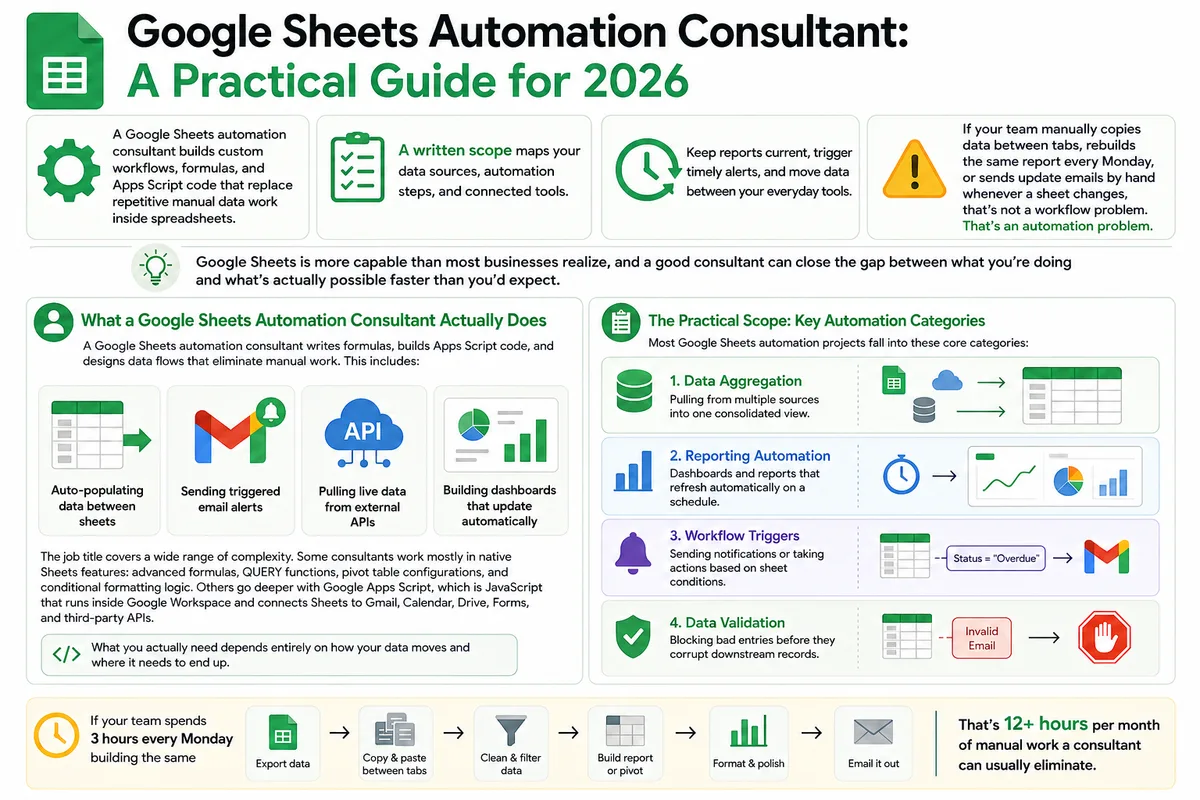
Google Sheets Automation Consultant: A Practical Guide for 2026
Most businesses don't track what spreadsheet work actually costs them. Here's what a Google Sheets automation consultant does in 2026, how to judge the value.
n8n Workflow Automation Agency: What They Build, What It Costs (2026)
Zapier pricing drove you to n8n. Now you're wondering if hiring an agency to build it makes sense. Here's what they build, what projects cost, and how to.