
How to Learn AI Automation in 2026: A No-Fluff Roadmap
Learning AI automation in 2026 depends on your starting point, but the fastest practical path is consistent: start with no-code tools like Make or Zapier, learn prompt engineering basics, then connect AI models to those workflows. Most business owners should aim to automate a few meaningful tasks before they spend time on advanced agents or custom code.
Most people spend too long on courses before building anything useful. Here's a practical path: the skills, tools, and sequence to learn AI automation by.
Epiphany Dynamics is an AI automation agency: we help businesses find and fix operational bottlenecks with AI receptionists, lead follow-up, and workflow automation.
The free 30-minute AI Operations Audit is a conversation about a normal week in your business and where the work piles up. We find the one change that would give you the most time back and send you a plain-English plan for it. No forms and no pitch.
Book a free AI audit
Patrick Gibbs
Learning AI automation in 2026 depends on your starting point, but the fastest practical path is consistent: start with no-code tools like Make or Zapier, learn prompt engineering basics, then connect AI models to those workflows. Most business owners should aim to automate a few meaningful tasks before they spend time on advanced agents or custom code.
Most people overcomplicate this. They sign up for an expensive course, spend too long watching videos, and never actually build anything. Then they quit and tell themselves they're "not technical." That's not a skill problem. That's a sequencing problem.
AI automation is a layered skill. The first layer, the one that delivers most of the business value, is genuinely learnable in a few weeks. This article lays out that path, in order, without the noise.
What "AI Automation" Actually Covers
AI automation spans a wide range of complexity, from simple trigger-action workflows (a form submission creates a CRM contact) to AI agents that read, reason, and act on incoming data without supervision. Business owners typically need Tiers 1 and 2 first, because those cover the routine use cases that show up in lead follow-up, appointment scheduling, and intake processing.
The term gets stretched to cover everything from a basic Zapier zap to a fully autonomous multi-agent pipeline. That range matters because it changes how long learning takes and which skills you actually need. Here's a clean way to think about it before you touch a single platform:
Tier 1 is basic workflow automation, connecting apps with trigger-action logic. No AI involved. Zapier, Make, and n8n live here. A form fills out, a Slack message gets sent. Fast to learn, and the ROI on repetitive admin tasks is immediate.
Tier 2 adds AI into those Tier 1 flows. Incoming email gets summarized by a language model, then routed based on that summary. This is where most business automation actually lives in 2026, and where the real returns are for service companies.
Tier 3 is autonomous AI agents that browse, decide, and act across multiple steps. Genuinely complex to build and maintain. Most small businesses don't need this yet, and building toward it before you've mastered Tier 2 is a mistake.
Tier 4 is full custom code, custom APIs, and custom-trained models. Engineering work. Not the path for a business owner learning independently.
If you run a service business, Tiers 1 and 2 cover lead capture, appointment reminders, intake processing, follow-up sequences, and basic customer service routing. The complete 2026 AI automation guide for small businesses is a solid reference for scope before you start building, especially if you're still mapping which parts of your operation actually make sense to automate first.
The Skill Stack You Actually Need
You need four core skills to work effectively at Tiers 1 and 2: understanding trigger-action logic, reading API basics without coding, writing structured AI prompts, and understanding how data moves between systems as JSON. You do not need to code. You do need to think in structured, logical terms.
This surprises people. Most assume automation requires programming. It doesn't, at least not at the level that delivers the most business value. What it requires is logical thinking and comfort with "if this, then that" frameworks. Trigger-action logic is the foundation. Every automation starts with an event and does something in response. Understanding that mental model clearly is the core of the job.
API basics come next, but without the coding requirement. You need to understand what an endpoint is, what a webhook does, and how to read basic JSON output. You're not writing code, you're reading it well enough to know what broke. Prompt engineering is the final piece, and it's genuinely its own skill. A vague prompt gets vague results. A structured prompt with context, format instructions, and constraints gets repeatable outputs. You get better through deliberate practice on real workflow inputs.
The 4-Week Path That Actually Works
The fastest learning path in 2026: spend Week 1 building basic flows in Make or Zapier, Week 2 adding OpenAI or Claude API calls into those flows, Week 3 solving one real problem in your own business, and Week 4 running it on live data and fixing what breaks. The point is not to memorize tools. The point is to ship a working system.
The sequence matters more than the content. Most online courses teach concepts first and building second. That's backwards for anyone with a concrete problem to solve. Build first. Break things. Then go back and understand why something didn't work.
Week 1: Build something dumb. Pick Make (it has a more useful free tier than Zapier for learning) and connect two apps you already use. Gmail to Notion, a form to a spreadsheet, a webhook to Slack. It doesn't have to be useful. You're learning the interface and the mental model.
Week 2: Add AI to one step. Take a workflow you built in Week 1 and add an OpenAI or Anthropic API call in the middle. Feed it text, get text back, use that output in the next step. The goal is not a great prompt. The goal is understanding the data flow.
Week 3: Solve a real problem. Pick one task in your business that's repetitive and manual. Probably something administrative. Build an automation that handles at least the first step of that task. One trigger, two or three actions. Don't try to automate the whole thing.
Week 4: Iterate with real data. Run the Week 3 build in production (even just for yourself) and watch what breaks. Real data is messier than test data. This is where you actually learn, because the failures are specific and the fixes stick.
By the end of this four-week cycle, you have working knowledge and a live system. That's more than most people who spent months on courses have to show.
Platform Comparison: Where to Start in 2026
For beginners, Make is a strong starting platform in 2026: a visual interface, useful learning limits, and strong built-in AI module support. Zapier is easier to start but can get expensive as workflows scale. n8n suits developers who want self-hosting. GoHighLevel bundles CRM and automation but has a steeper learning curve from day one.
Platform choice matters less than people think, but it does affect your learning speed. Here's how the main options compare on the factors that matter when you're starting out:
| Platform | Learning Curve | Cost Pattern | Best Fit | Best For |
|---|---|---|---|---|
| Make | Medium | Usage-based tiers | People who want visual control | Visual learners, complex multi-step flows |
| Zapier | Easy | Task-based tiers | People who want the simplest start | Simplest flows, 7,000+ app integrations |
| n8n | Hard | Cloud or self-hosted | Technical teams that want control | Developers, code-heavy workflows |
| GoHighLevel | Medium-Hard | Bundled CRM platform | Agencies and CRM-heavy teams | Agency/CRM bundled with automation |
Make is legitimately useful for learning because the visual builder exposes the whole workflow. Zapier is easier for very simple automations but can become limiting when you test frequently. If you want a deeper look at pricing across the major platforms, including where each one breaks down at scale, the 2026 Zapier alternatives breakdown covers the comparison in more detail.
How Long Does It Actually Take?
Most business owners reach working proficiency by practicing on real workflows, not by consuming courses. Reaching "can troubleshoot anything" depth takes longer because reliability, edge cases, logging, and integrations only become obvious once real users and real data are involved.
If the goal is automating a few admin tasks in your own business, you can get there much faster than if the goal is selling automation work to clients. Most people stop at internal automation, and that's completely fine. If the goal is building automations for clients or adding it as a side revenue stream, expect a longer ramp before you're confident enough to scope and price projects accurately.
One pattern worth knowing: most knowledge workers lose real hours every week to repetitive tasks like manual data entry and status updates that could be automated. The value of those hours depends on your role, labor cost, and whether the recovered time turns into revenue-producing work. If you want to run those numbers for your specific operation, the automation ROI calculator walkthrough works through exactly this kind of calculation with inputs you can adjust.
The people who learn fastest share one trait: they have a specific problem to solve before they start. Abstract learning without a concrete use case takes three times as long and sticks far less. Before you open a single course or platform tutorial, write down the three most repetitive tasks in your business. That list is your actual curriculum.
Building Your First Real Workflow
A practical first AI automation workflow: a web form submission triggers an AI classification step for lead type and urgency, creates a tagged CRM contact, and sends a Slack or SMS alert with the AI-generated summary. This is small enough to build and debug, but useful enough to show what automation can do in a real business.
Concrete example. You run a service business. Someone fills out your contact form. Right now you get an email and handle everything manually. Here's what the automated version looks like:
- Form submission triggers a Make scenario via webhook.
- The form data passes to an OpenAI module with a structured prompt: classify this inquiry as sales, support, or general; estimate urgency as high, medium, or low; write a two-sentence summary of what they need.
- A new contact is created in your CRM with the classification and AI summary attached as tags and notes.
- You receive a Slack or SMS message with the summary and urgency level, no inbox required.
Total build time depends on your forms, CRM, and alerting tools. Ongoing maintenance should be light if the workflow is scoped tightly. Value: you stop losing leads because they got buried during a busy day. That's a real problem with a real fix, and it's the kind of workflow that should be running before you touch anything more complex.
Scope creep kills more first automations than technical failure. The beginner instinct is to automate the entire process at once. Don't. Get the first step stable and running in production. Then add the second. An automation that runs reliably for one task is worth more than an ambitious pipeline that breaks weekly and nobody trusts. If you want to see how this logic scales to a full inbound call workflow, this breakdown of AI phone answering for home service businesses shows the same pattern applied to missed calls, which is usually a bigger revenue leak than most owners realize.
For a broader view, see Does AI Automation Require Coding? The Honest Answer for 2026.
Where to Go After the Basics
After mastering Tiers 1 and 2, the highest-value next skills are calling AI APIs directly for custom prompt chains, building error handling and logging into production workflows, and exploring agentic frameworks like n8n's agent nodes. Each step meaningfully expands what you can build and, if you're taking on clients, what you can charge.
Once you have real workflows running and you understand the patterns, the next priority is durability. That means error handling (what happens when an API call times out?), data validation (what if the form is missing a required field?), and logging (how do you know when something broke without a client telling you first?). These aren't exciting skills to learn but they're what separates workflows that run for months from ones that need constant babysitting.
At this stage, it's also worth building depth in prompt engineering specific to your industry. A generic prompt gets generic results. A prompt built around how your customers actually describe their problems, using their exact language and producing the exact output format your workflow needs downstream, gets results that look like a specialist built it. That's when AI automation stops being a cool trick and starts actually running business operations.
The honest reality of learning AI automation in 2026 is that the barrier is no longer technical. The platforms are usable by non-developers. The AI APIs are well-documented. What's missing for most people is a concrete first project and the discipline to finish it before starting the next course. Build one thing. Get it running. Then build the next thing. If you're still evaluating whether the time investment makes sense for your specific situation, this breakdown of whether AI automation is worth it in 2026 covers realistic ROI expectations and the cases where it genuinely doesn't pencil out.
Frequently Asked Questions
Q: What's the fastest way to get measurable results when learning AI automation from scratch?
Start with a no-code platform like Make or Zapier to build your first trigger-action workflow, then layer in AI through prompt engineering to handle reasoning tasks like summarization or classification. Validate the ROI on a few narrow processes before deeper learning.
Q: How long does it take to go from zero to automating meaningful business processes with AI?
The timeline depends on your technical background and the complexity of tasks you're targeting. The learning curve flattens quickly when you focus on Tier 1 and Tier 2 automation: trigger-action workflows plus AI-powered routing or summarization.
Q: What's the difference between using Make, Zapier, or n8n for AI automation, and which should I learn first?
All three handle basic automation well, but Make and Zapier have strong native AI integrations for 2026, while n8n offers more flexibility if you plan to self-host. For beginners, Zapier's interface is most intuitive, Make gives more visual control, and n8n is best when data control matters. Choose based on budget, technical comfort, and whether you want cloud-only or self-hosted options.
Q: Do I need to know how to code to learn AI automation?
No. You can build powerful automation workflows using no-code platforms without writing a single line of code. The skill you actually need is prompt engineering, which focuses on communicating with AI clearly, not traditional programming.
Patrick Gibbs
AI Automation Expert
Patrick Gibbs helps professional practices implement AI automation that captures more leads, books more appointments, and scales without adding overhead. He's the founder of Epiphany Dynamics and creator of the AI Front Desk system.
Related Solutions
Build this into a real workflow
Related Posts
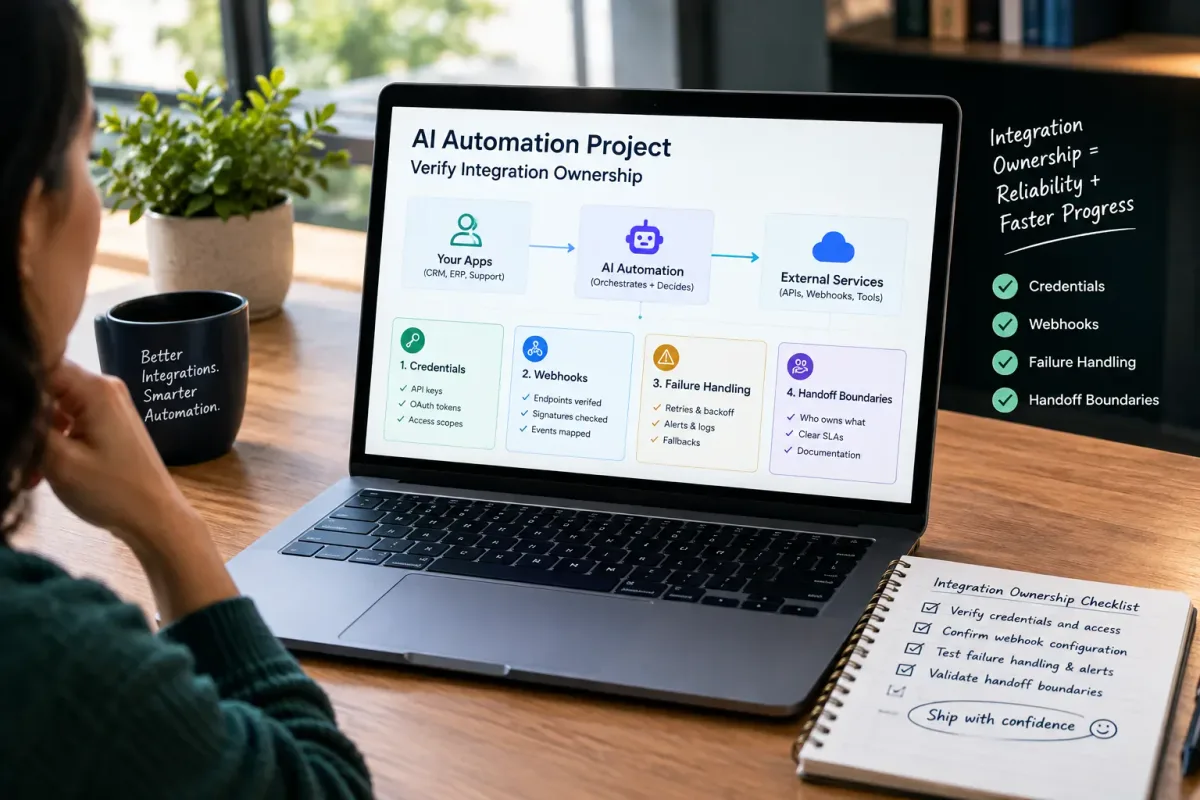
How Do I Verify Integration Ownership in an AI Automation Project?
Learn how to verify integration ownership in an AI automation project, including credentials, webhooks, failure handling, and handoff boundaries.
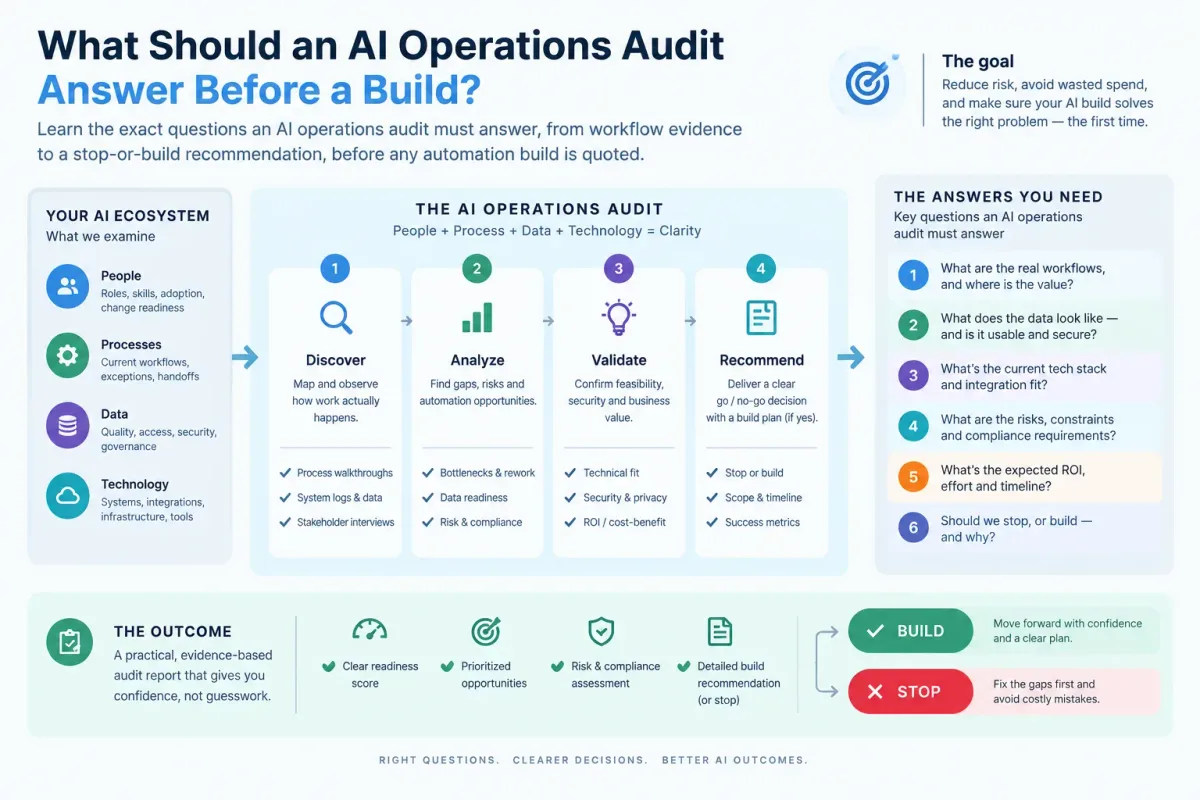
What Should an AI Operations Audit Answer Before a Build?
Learn the exact questions an AI operations audit must answer, from workflow evidence to a stop-or-build recommendation, before any automation build is quoted.

Who Is Patrick Gibbs and What Does Epiphany Dynamics Build?
Patrick Gibbs founded Epiphany Dynamics to help small and midsize businesses replace missed opportunities and manual busywork with practical AI automation.